Tagged 'script'

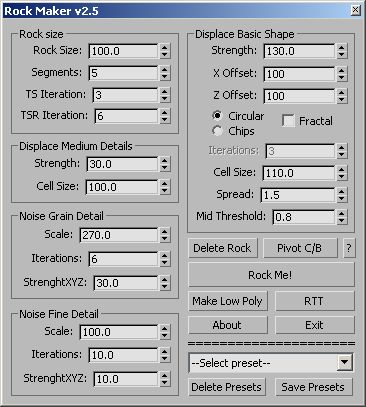
Rock Maker v2.5 & Rock My World v1.6!

109 votes

This is a script I wrote while learning Maxscript.

--------------------------------------------------------------------------------------------

Create a high poly Rock and adjust to suit your needs

Click Make Low Poly and you'll get a low poly rock based on the high

poly rock that is unwrapped ready for Render to Texture.

You can save your shapes to presets and adjust the pivot with one click.

The original and the best: :)

Load Multiple Bips

0 votes

I created this script to speed up my daily work with crowd animation. If you have a lot of character studios rigged bipeds and need to load the same animation (walk loops, conversation...) on all of then, so this script might help you.

It's a .mzp file that you can just drag and drop into 3ds Max or run through the MAXscript menu. After that you will find the script at: Customize > Customize User Interface > Toolbars tab > Category: MMScripts > Load Multiples Bips".

To use the script you just need to:

Labyrinth Maker

12 votes


Patchy Shape

2 votes

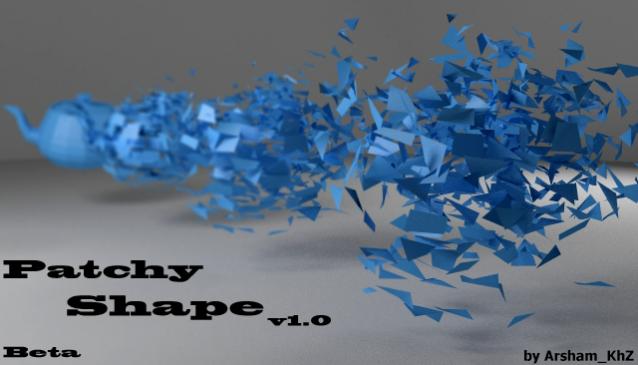
A simple way to make your model exciting both in single frame and animation form and view!

Scriptbag

4 votes

DESCRIPTION

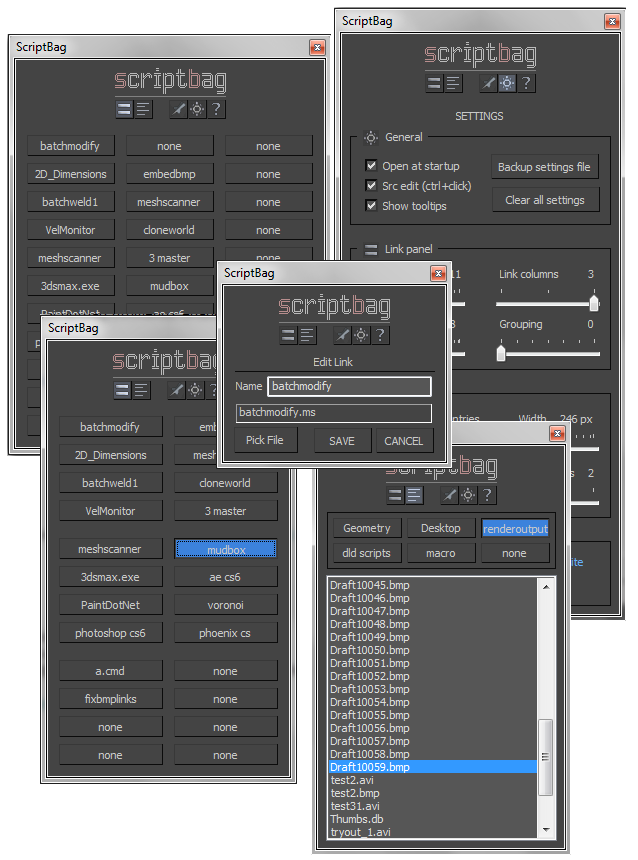
Scriptbag is a configurable quicklink tool serving as a faster and more convenient alternative to Max's cumbersome user panel/toolbar system.


KEY FEATURES

- Link panel: up to 60 configurable link buttons
- List panel: up to 9 per-folder link file listings
- Adjustable button / window sizes
- All settings and link data are saved .db file
- Run scripts, open files with lmb
- Edit links and link names with rmb
- Hold control key to open scripts in editor
- Run at Max startup option

EmbedBMP

4 votes

GENERAL INFO

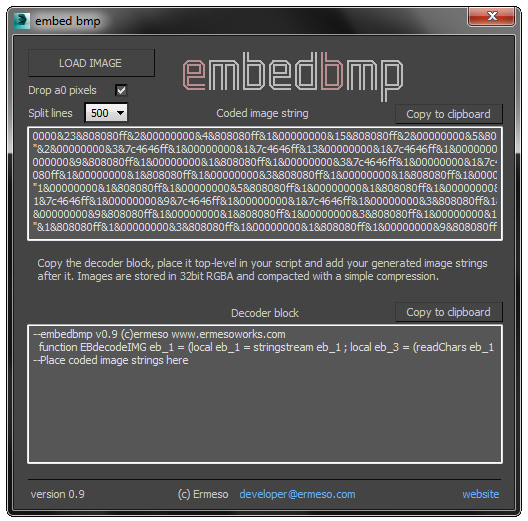
EmbedBMP is a scripting utility that translates bitmap data from an image file to string data, which can be added to Maxscript source and loaded as bitmaps by the provided decoder function block.

Some basic compression is applied to decrease the data size. The embedbmp logo for instance is imbedded as a 5kb string, from a 44kb bitmap. The maximum practical image size strongly depends on the compressibility and omittability of the image content.

Stairs Extruder

0 votes

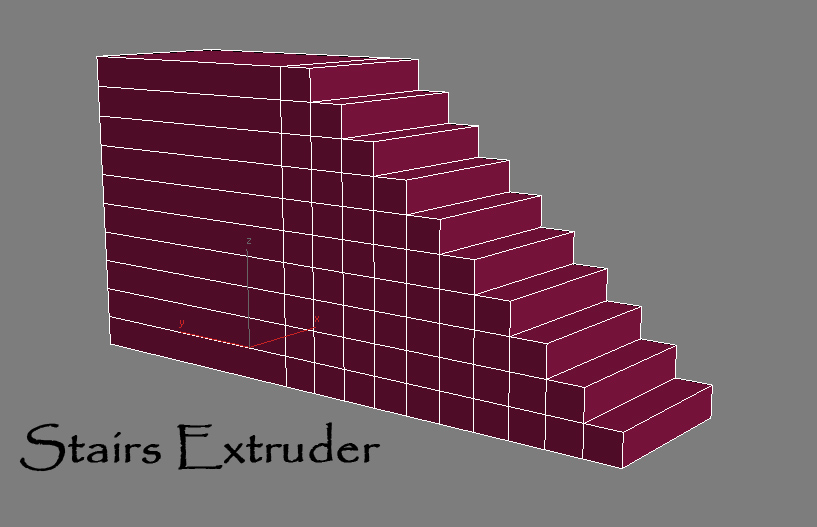
Simple Script that do incremental face extrusion (useful to create stairs for example)

# Installation:

1-extract files

2-copy Stair Extruder.mse to 3dsmax\script folder

3-copy StairExtruderMacro.ms to 3dsmax\script\startup folder

4-restart 3ds max or run StairExtruderMacro.ms from script menu run.

5-add it to ur desired UI (menu,quad,toolbar...)

Grow

0 votes

with this script you can create a stem and put as much as you will various of leaf or flower or any other object that you want on it and it will grow.
Very useful and powerful for creating ads.

Create Vray Camera from Perspective View

6 votes

This is a script that will allow you to create a Max Standard Target Camera (Ctrl+C) at the click of a button. More importantly it will allow you to create a VRay Phycical Camera from prespect view at the touch of a button. No more having to align your Vray-camera with the standard Max Camera. You can also choose which camera to display in the selected viewport from a drop-down list


Lattice

7 votes

Uses selected object to creates lattice/blob like objects.

Updated!

--V2.0--

Syndicate content