Tagged 'maxscript'

3DS Max - Copy Paste Objects Between Scenes

7 votes

This is a script I created to help the user in copying and pasting
objects between multiple opened 3DS Max scenes.
Under the hood, it's a quick merge operation that is done without
Any prompt. If there is a name conflict, the coming object will be renamed. Also if there is a material's name conflict, the coming object
will preserve its own material but the material will be renamed.

ProjectPath - 3dsMax

0 votes

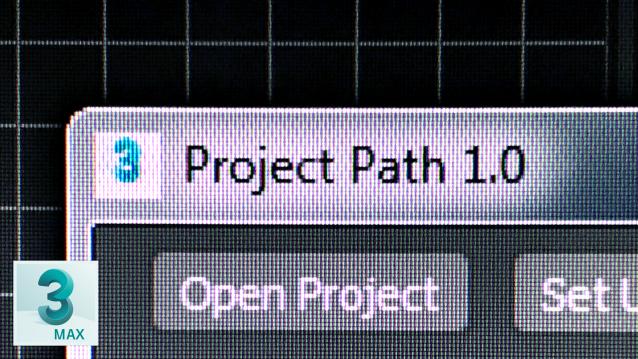
This script is used for switch between projects quickly

PolySmoother

8 votes

PolySmoother is a professional tool to efficiently work with Smoothing Groups.

It allows you to visualize and manage the Smoothing Groups in a quick and easy way. You can set Hard and Soft edges, select edges by convexity, copy, paste, modify and optimize Smoothing Groups, as well as convert them from and to UV mapping, among many other features.

Dynamic Text

4 votes

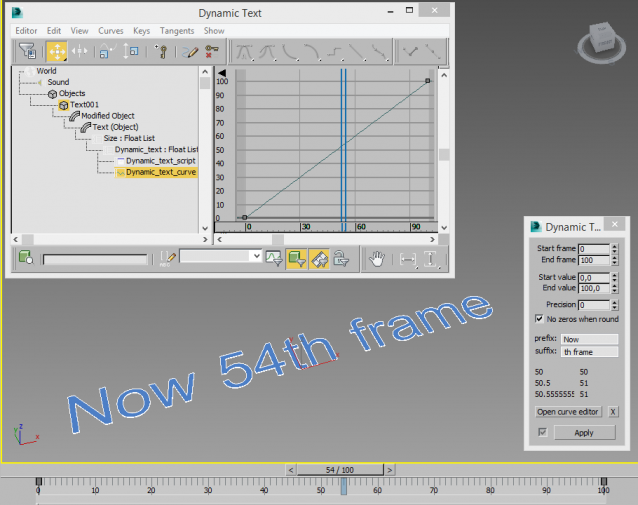
Creates a animatable text that changes depending on time. You can use curve editor for changing dependence.

Useful for creating animated infographic labels and tags.

OutFiler file browser

8 votes

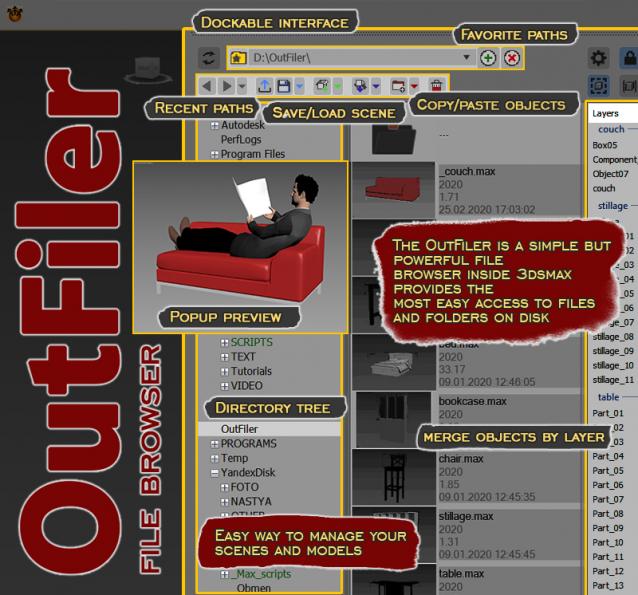
The OutFiler is a simple but powerful file browser inside 3dsmax that completely replaces standard save/load/save selected/merge/import/export dialogs. I believe folder tree much more comfortable and transparent.

The OutFilers provides the ability to quickly find the necessary folders, save the history of movements along them with back/next buttons and recent list and the favorite paths for quick access to working scenes.

Interactive Rollout Builder

13 votes

The visual maxscript editor has issues... doesn't make nice code and is generally useless.  So instead I made this...

Visit my facebook page for more info

Run the mcr file and find it in your customise user interface windows under 'DW Tools'

Version 1_0 - Release
Version 1_1 - Bug fixed which could allow nested groups, which maxscript doesn't like and would therefore crash.
Version 1_2 - Released unencrypted so that it works in 3dsmax 2017 and well... because who doesn't like to learn (judge) from other people's code....

Mesh Insert

5 votes

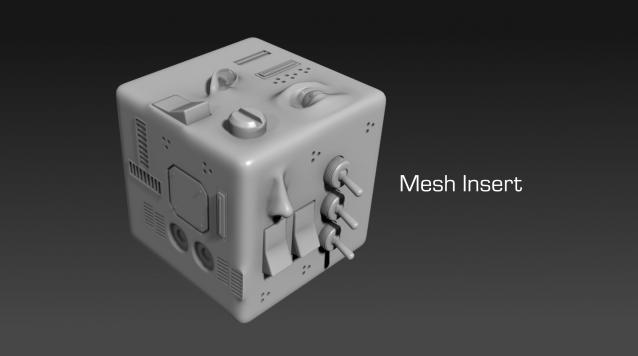
Mesh Insert is a new 3dsmax plugin inspired from Polystein for Modo ( http://pushingpoints.com/v2/the-pushing-points-polystein-kit-for-modo/ ). It speeds up your modeling process by replacing face selections by an asset from your library.

Features :

Encrypt Script Utility

1 vote

Scripted Utility to quickly encrypt a maxscript using the following method:

Delete UnRemovable Layer

2 votes

You might encounter a situation where you want to remove an empty layer that you created earlier, but the delete option is grayed out in the layer manager. and you are unable to remove that layer. After all you have to remember that 3Ds Max never allows you to delete a layer while it contains nodes or the default layer called “0”. But in some rare situations, even an empty layer that you created and then finished with, may not be deletable in 3Ds Max. This happens because of some unclassified nodes that come with your imported models from other programs. These nodes are not visible in the viewport or the layer manager. The only way to eliminate them is to select those nodes using MaxScript and delete them manually, so the layer’s delete option becomes available again.

Easy Spring Controller Tool

1 vote

I made this script last year , but Now i made it more usable for everyone as (Spring Controller Tool)
features:
1) Add Spring Controller to hierarchy of bones,Objects or etc...
2) Add Spring To Selection Objects (its Require The Object Hierarchy Links)
3) Add A Modifier Controller For Each Spring Controller
4) Change The Spring Values One By One
5) Change Spring Values Of Massive Group Of Objects In Hierarchy At Once , Using Offset
6) 2 Default Presets To Change Spring Values Quikly
7) Run Timeline After Every Change To Spring Value (For Catch Spring And Play Fast After)