3ds Max | MCG

Quad Mirror

1 vote

This is a mirroring tool across X and Y axis for 3ds Max 2016 using MCG. It works fine with tris and quads but creates an edge visibility problem to faces larger than quads. I also attach the flipNormals compound that I use for further research. I 'll keep updating but if someone finds a solution before I do please note.

--0.2 update: weld vertices across mirroring
--0.3 update: code optimisation and solve welding problem

MCG Venetian Blind

6 votes


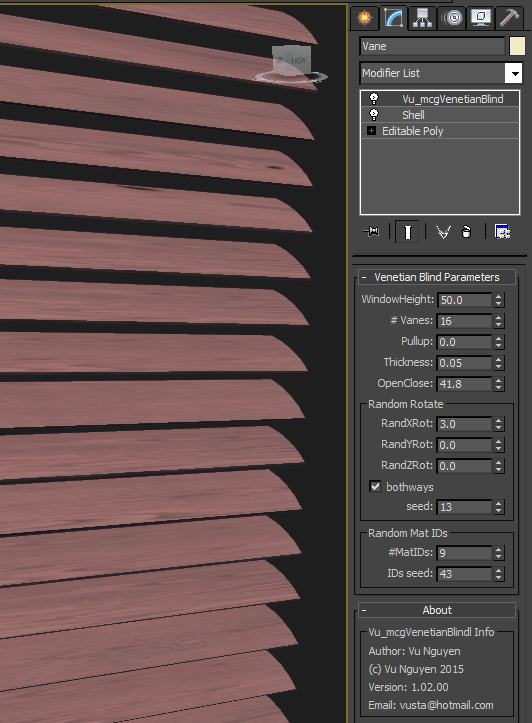
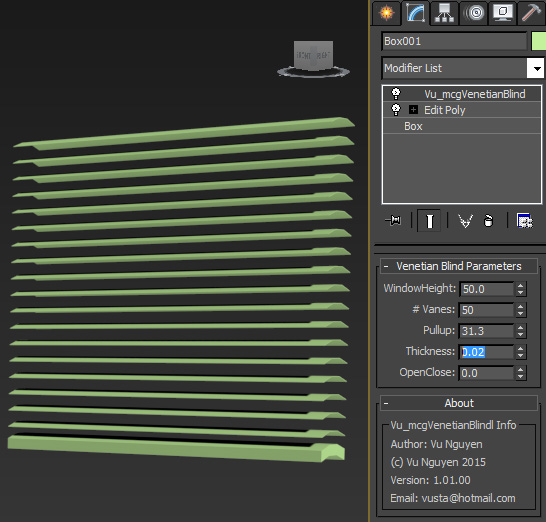
This MCG takes one vane, clone them evenly up to your window height. As you pullup the blind, the vanes move accordingly and naturally you can rotate the vanes to Open/Close positions. Too lazy to get around to doing a video...I think you get the idea.

MCG MultiSlicerRot

2 votes

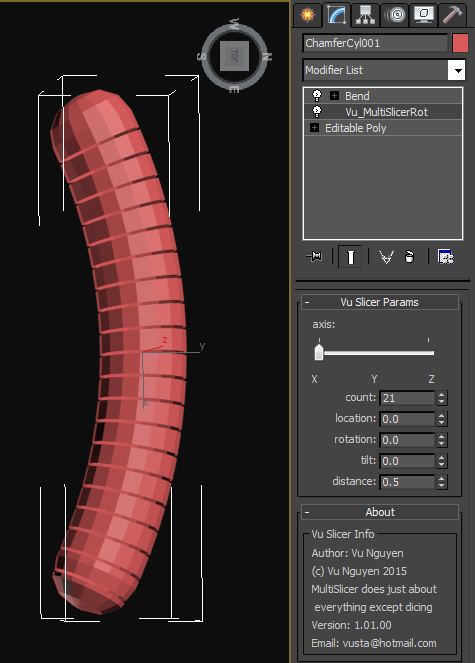
MultiSlicer to slice your object into....multi slices !!!

Installing the mcg should install compound SliceRotTilt as well but if not I've included it in the zip anyway.

Too tired to put in comments...promise I will when I can but if you've been reading my comments on FB you should be able to understand the warped logic.

MCG – InVolume

2 votes

So, ever wanted to write your own Volume Select modifier. Well, we are sharing a set of compounds with a sample modifier for that purpose :).

So we have taken two approaches to the problem: a “dummy” approach, and a mathematical correct one.

MCG BlastSphereMe

1 vote

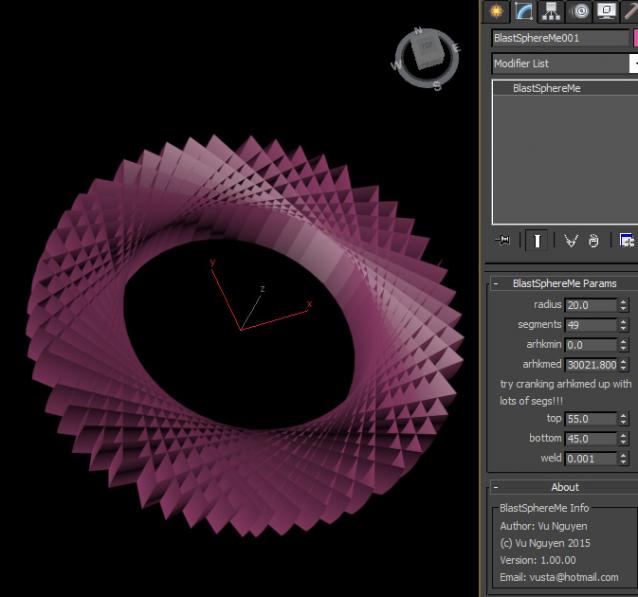
These are a few mods to the building blocks of MCG Sample Pack for noobs learning, poking around.

I made these mods because the supplied utils create lots of unwelded geometries and if you use these as the building blocks for bigger and better things...well you'd want them done right in the first place (please, I'm not trying to piss anyone at AD off...just learning/poking and helping out).

MCG - stackMesh

7 votes

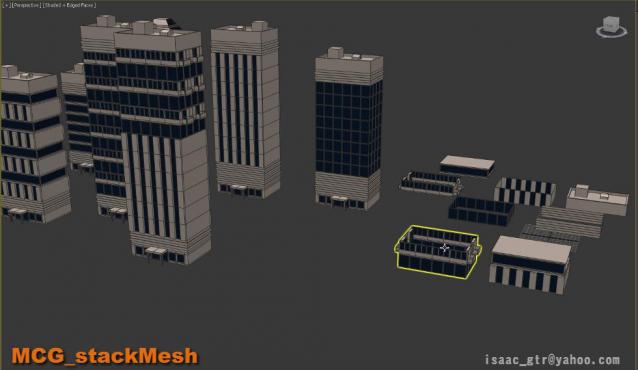
stackMesh will add another mesh on top of current mesh by keep watching the height from bounding box. it can be use for anything but for this example you can see the idea for mix and match the building just buy stacking one onto another. as result we can create model in non destructive way. also the great thing in max modifier is it so simple to arrange the order .

Vert2Vert - Modifier to Soft Select verts based on proximity to verts on a target mesh.

3 votes

Vert2Vert is a MCG modifier that measures the distance from every vert in the modifier mesh to every vert in the target mesh, it then pipes the shortest distances into an affect region and then outputs soft selection. It works a bit like volume select, except it does not check is a vert is within a target volume - it just measures vert to vert and then soft selects accordingly. It's super fast too! Special thanks to Daniel Santana for helping out.

MCG R Clone JC

5 votes

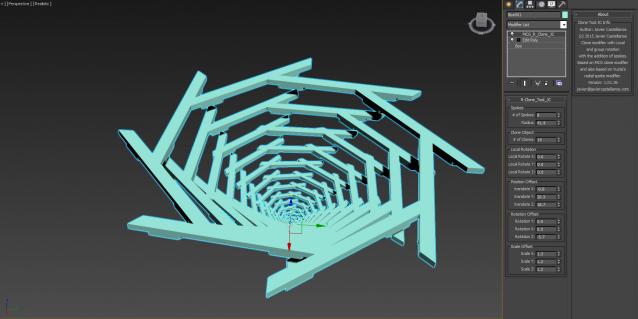
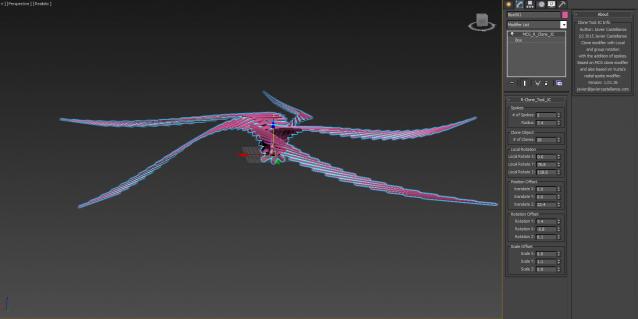
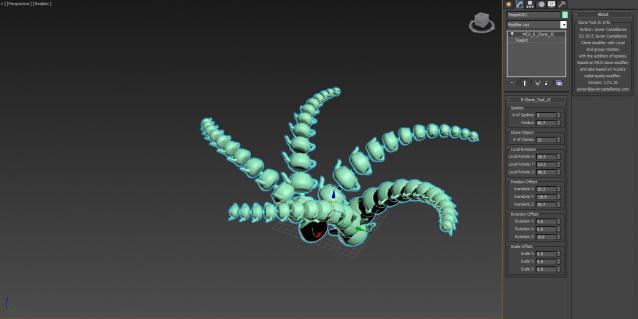
This is a clone I created based in the one I uploaded yesterday but I added a Radial Clone parameter to it based on Vusta's MCG Clone Radial. He deserves the credit for the Radial clone part of the modifier!!!!!

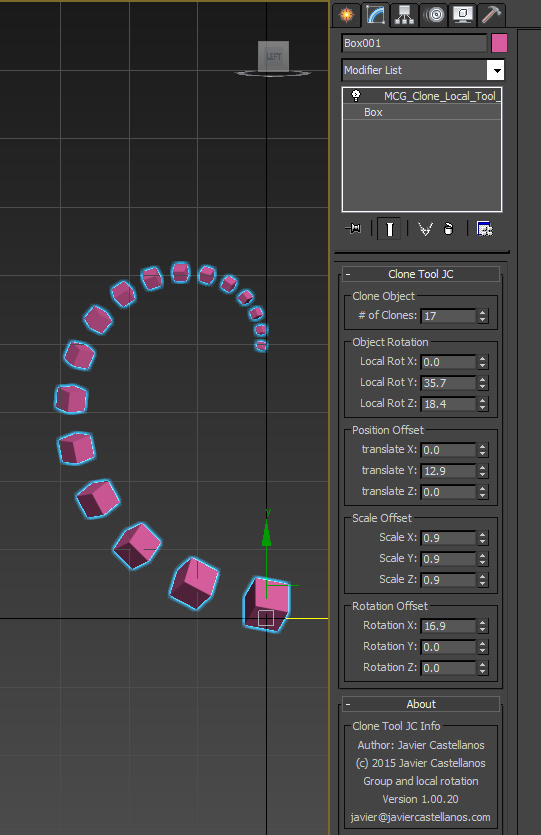
MCG_Clone-Local_Tool

2 votes

MCG CloneRotLocal

3 votes

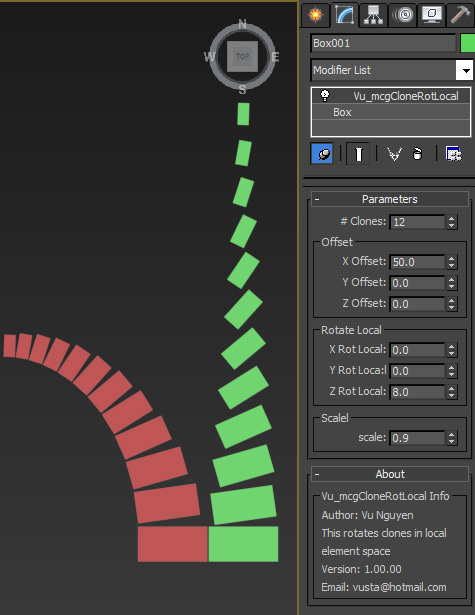
This modifier again is from the orig ACloneModifer, except it rotates the elements in local mode. The red clones is using ACloneModifier and it rotates the whole arm while the green clones arm remains straight with the elements rotated in local space. I must admit I'm still a bit hazy as to how I got this to work...if some guru could show me how to combine the 'local' mode with the original modifier that would be much appreciated.

Vu.

Syndicate content