3ds Max | All

Subobjects Converter

9 votes


v3.07
Fixed Shift+1 Shift+2

v3.01
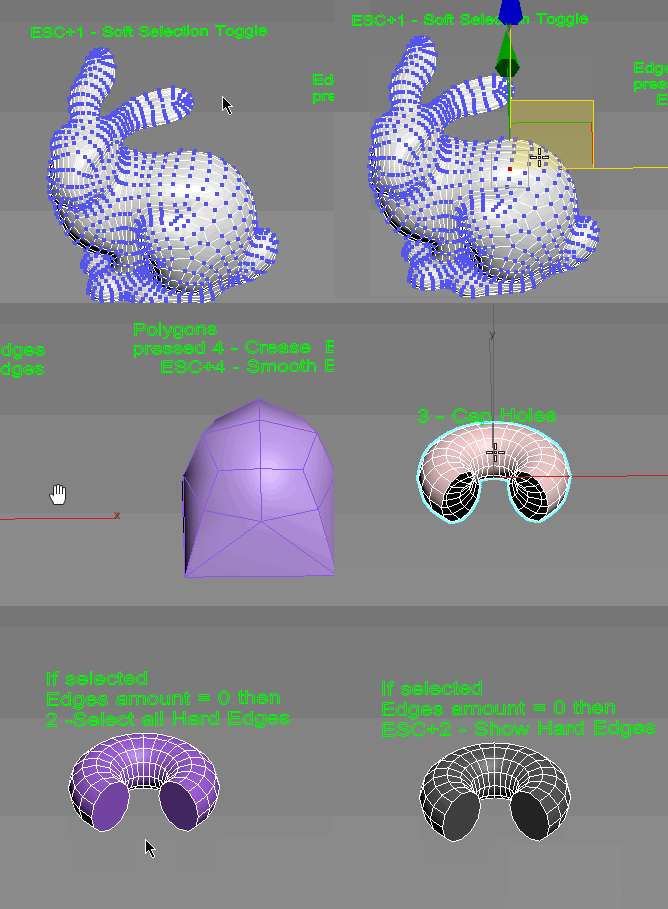
If Esc+Key of script keyboard pressed and current subobjectlevel is 4 or 5 (Face or Element) and selected all faces then will run Smoothing Groups floater (a separate special window)
Если нажата Esc+кнопка скрипта и текущий подобъект 4 или 5 (Грани или Элементы) и все грани выделены, то будет запущен Smoothing Groups floater (отдельным специальным окошком)

Fixed bug of switch from subobject 5 to 4
Added Extended Subobjects:

All for UE5

3 votes

Description:
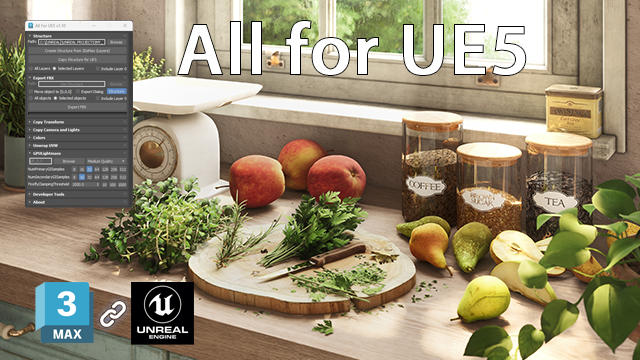
This MaxScript is designed to save time working with Unreal Engine 5.
For UE5.4 and newer, use the console command: Interchange.FeatureFlags.Import.FBX 0
For UE5.0–5.3, no console command is needed.

AllForUE5

Features:
- Create folder structures based on the layer names;
- Export objects from 3ds Max to Unreal Engine;
- Copy the Position/Rotation/Scale;

miauu's Script Pack vol.2

18 votes


dwHideUnderSkin

0 votes

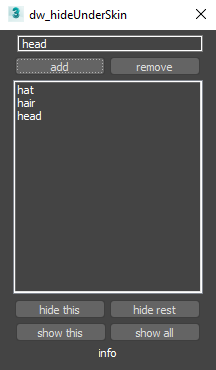
UI screenshot

Allows you to hide/show elements while working with skin for example.

First you need to create poly groups by selecting them and pressing Add (switch to Editable_Poly in stack).
Then you will be able to hide/show those groups.

You can also use fast way to control visibility:
Double-Click : hide group
Double-Click + Alt : hide everything else
Right-Click : show all
Only downside is that you can't work with multi-selection like that.

3D R.n.D |MCG | Easy Escalator

2 votes

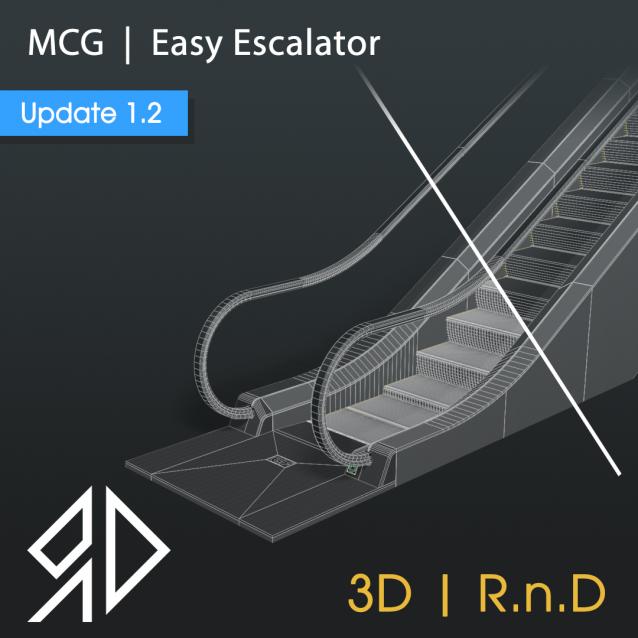
This MCG Tool will procedurally Generates an Escalator based on some inputs by the user.

Supported with 3dsmax 2016 - 2026

 Update v1.2:

Added a Low-Poly feature.

theOnion

41 votes

The Onion is Layer System that sits on top of the max layering system.

Features

  • Layer Groups
  • Merging
  • Alternate Material
  • Alternate Property
  • Import of REZN8 LayerManager Information

IMPORTANT Notes

Unwrap Pro

13 votes

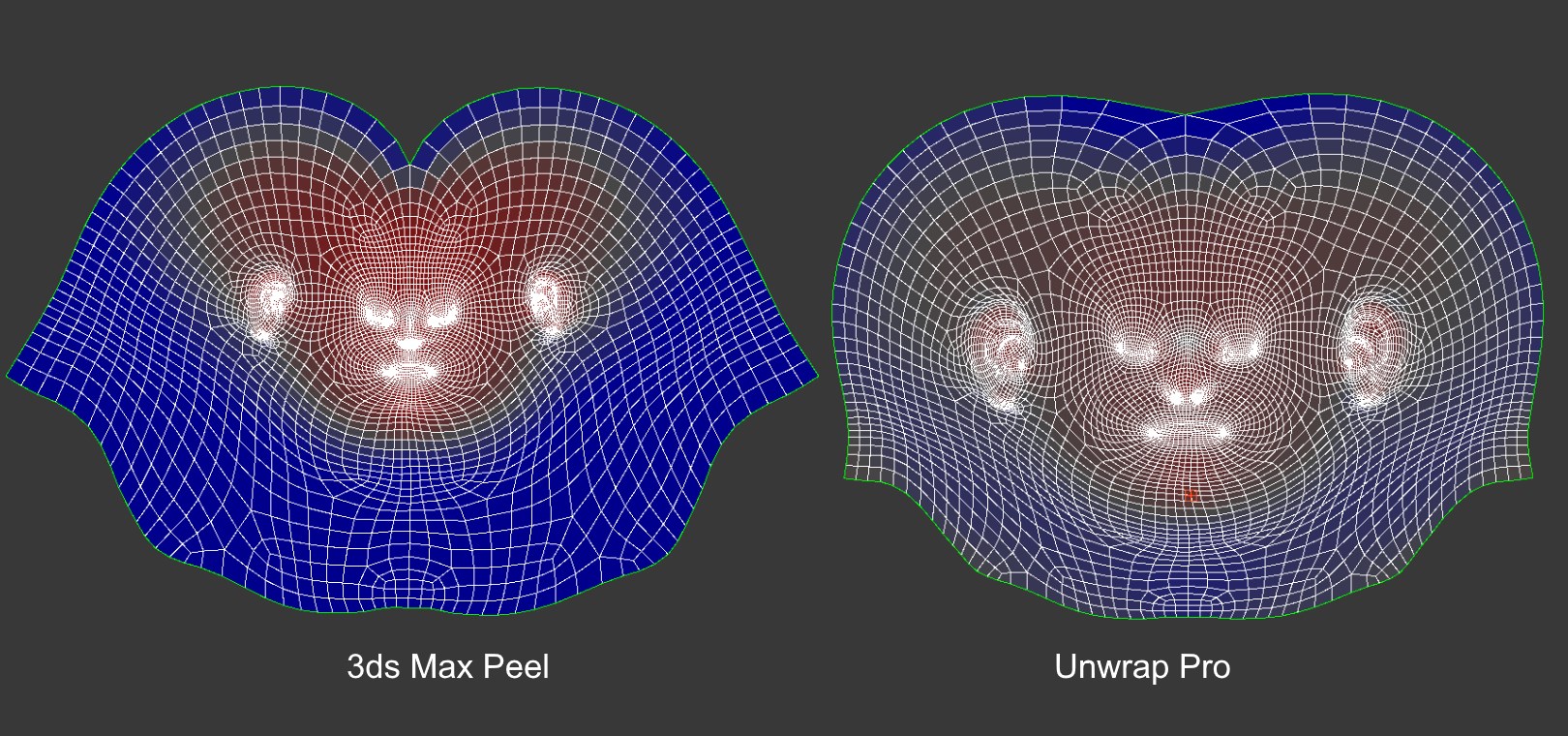
Unwrap Pro is a 3ds Max plugin which unwraps meshes while producing low distortion, overlap free, weighted density UVs unlike the 3ds Max Peel command which produces overlapping uvs with high area distortion. Get it from https://mariussilaghi.com/products/unwrap-pro

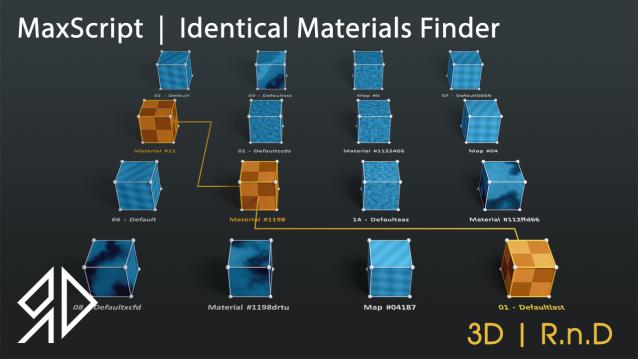
3D R.n.D | MaxScript | Identical Materials Finder

5 votes

Update Notes Version 3.18:

included slate material compatibility

automatically opens material editor when pressing "Put similar to the material editor" button


Update Notes Version 3.21:

included option to instance all scene material

included option to search within selected objects

 Update Notes Version 3.31:

Bug Fixes For Newer Versions of 3dsmax


Update Notes Version 3.36:

Improved code and much faster resaults

fixed unmatched materials issue

Bug Fixes For Newer Versions of 3dsmax

Update Notes Version 3.37:

added abilty to cancel search

clear the ram of arrays after closing the script dialog


Installation : Run script or drag and drop to 3ds max, then go to customize user interface and assign "Identical Material Finder" as keyboard short-cut or quad menu under  "3D_RnD"  Category

miauu's Tab Panel

1 vote


miauu's Tab Panel allows you to organize all of your toolbars into tabs.

What you can do:

Altimeter and Speedometer

4 votes

There are two tools in the max scene - Altimeter and Speedometer. Altimeter shows Z coordinate of the selected object. Speedometer shows speed of the selected object. Both tools are 3dsmax text objects with custom attributes. Custom attributes let you select display units or pick the new object to measure. There are also two slider objects to display altitude and speed in viewport. These sliders might be deleted if there is no need in them.
Script is written in 3ds Max 2016. It will work in all later versions and probably some of the early versions of 3ds Max.

Syndicate content