3ds Max | All

miauu's Manage Links

8 votes


FloorGen Tools

8 votes

Script requires installed FloorGenerator

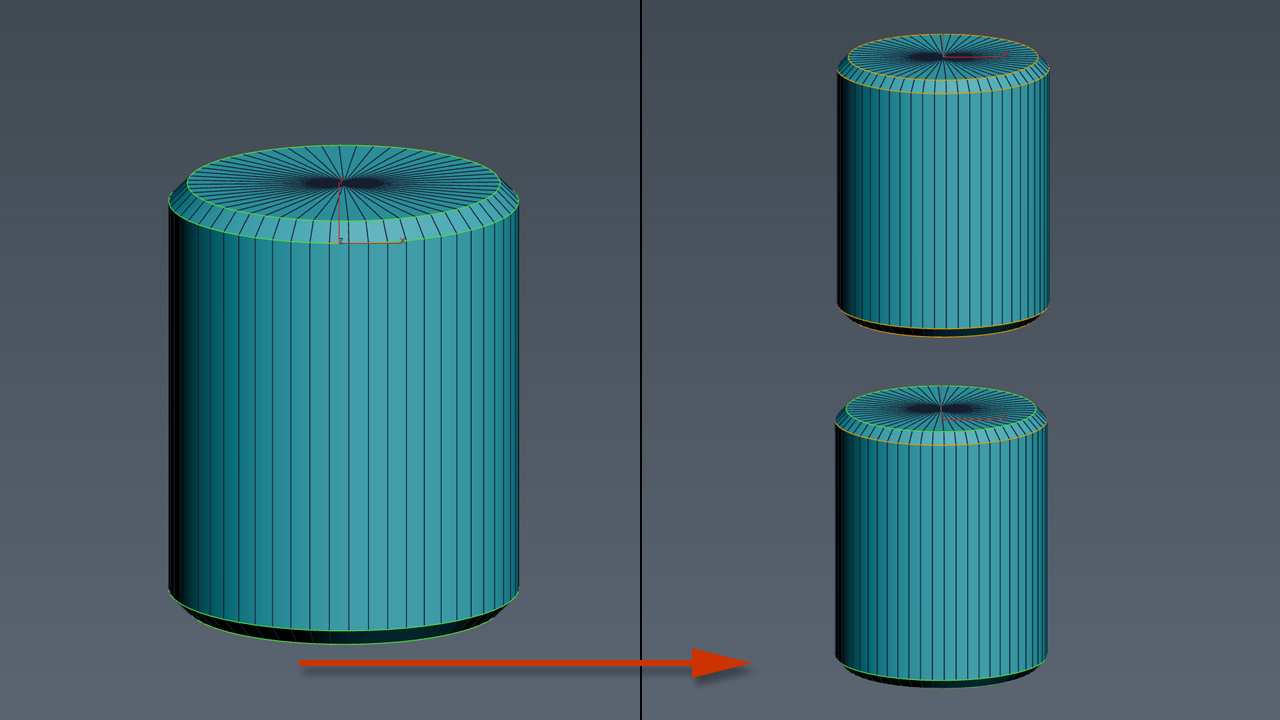
miauu's Scalpel

8 votes

Trapezoid

0 votes

I needed a trapezoid shape primitive and couldn't find one, so here it is.

BOA Asset Browser

146 votes

HCG Asset Browser is now BOA Asset Browser

Rewritten in Qt to work with current versions of 3ds Max -> Still free.

Polyline Pro

19 votes

Select Objects By Sub-Material

2 votes

Select Objects By Sub-Material (SOBSM) is a simple free script that allows you to quickly select all objects in your scene that use a selected sub-material from a Multi/Sub-Object material.

Unlike the native "Select Objects By Material" tool, which only selects objects by exact main (parent) material match, this script analyzes material IDs assigned to faces/polygons. This allows you to select objects by a specific sub-material, even when a Multi/Sub-Object material is assigned to the entire object and the desired sub-material is only used on a portion of its faces.

The script works with both material editors in 3ds Max - the Compact Material Editor (Medit) and the Slate Material Editor (SME). Select a sub-material in any editor, run the script, and all objects that use this sub-material (on faces with the corresponding ID) will be selected.           

Hard Edges Selection (maxscript pack)

2 votes


Hard Edges Selection maxscript pack is couple of maxscript which allows select Hard Edges in Editable Poly object or in Edit Poly modifier in 3ds Max. This allows us to significantly speed up the work of modeling objects. 

Script pack contains scripts:

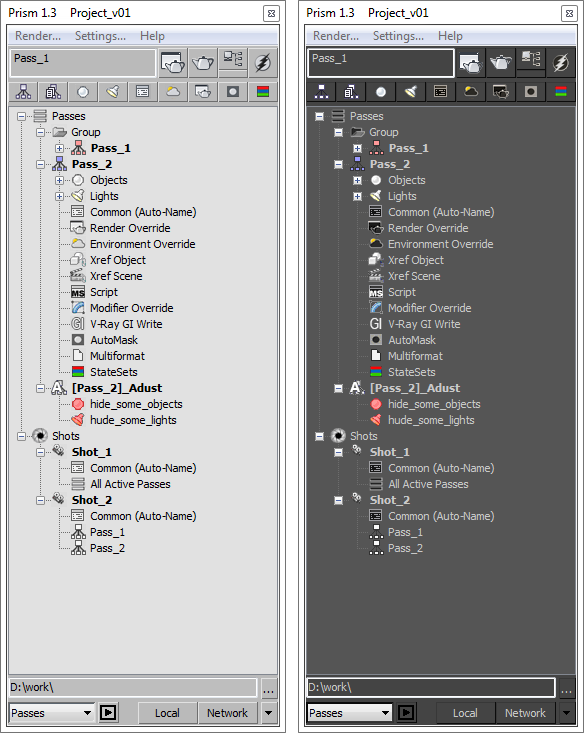
Prism

10 votes

Bitmap Tracking / Resizing

70 votes

++ Works with All Assets ++

New: column and filter "In Scene" - to show if bitmap is used in scene or only in material editor
New: columns Channels and Memory - to show bitmap channels and estimated memory load for each bitmap

.
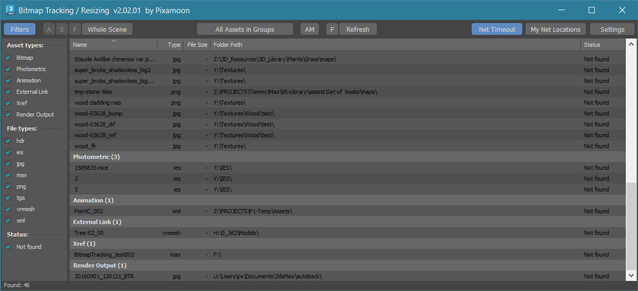
 

Bitmap Tracking / Resizing... is tool similar to Asset Tracking. But it gives more possibility to work with bitmaps:

- Support for All Assets
- Sort files by name, image width, height, file size, path, gamma, texture name, status (Found - network, Found -  local, Not found)
- Resize to JPG selected bitmaps to specified size or to Nearest Power of 2
    - can be used to resize and repath selected bitmaps (by size) before sending to external renderfarm,
    - resize bitmaps in large animation sceens to reduce memory ussage,
- Convert... see below
- Change / Rename paths (with paths history and rename path prefix eg. change only server/drive letter)
      * Choose path from history or scene paths
      * Pick new path
      * Rename paths beginng ( drive letter or paths C:\sample\abc\ and rename them to Z:\3d\sample\abc\ )
      * Find and Replace part of paths - supports Regular Extension
- Multi-threaded Auto-Relink with progress dialog
- And More...


Syndicate content