Tagged 'max'

3DS Max Multi/Sub-Object Material Browser Script

2 votes

When dealing with various bitmaps to be applied on multiple objects (i.e large video walls), this script comes really handy. The purpose is to scroll through the Multi/Sub-Object Material diffuse bitmaps and apply on one or several objects.

Change Log:
v0.9b :

  • Bug Fix.
  • Added icons and macroscript.
  • v0.9a :

  • SubObject Support.
  • Preview before applying.
  • Improved Code and functionality.
  • New features added.
  • Easy Spring Controller Tool

    1 vote

    I made this script last year , but Now i made it more usable for everyone as (Spring Controller Tool)
    features:
    1) Add Spring Controller to hierarchy of bones,Objects or etc...
    2) Add Spring To Selection Objects (its Require The Object Hierarchy Links)
    3) Add A Modifier Controller For Each Spring Controller
    4) Change The Spring Values One By One
    5) Change Spring Values Of Massive Group Of Objects In Hierarchy At Once , Using Offset
    6) 2 Default Presets To Change Spring Values Quikly
    7) Run Timeline After Every Change To Spring Value (For Catch Spring And Play Fast After)

    Maxscript basics #3 - building a scripted GUI

    19 votes

    Quick tutorial demonstrating how to build a GUI in maxscript

    TurboTriSmooth

    4 votes

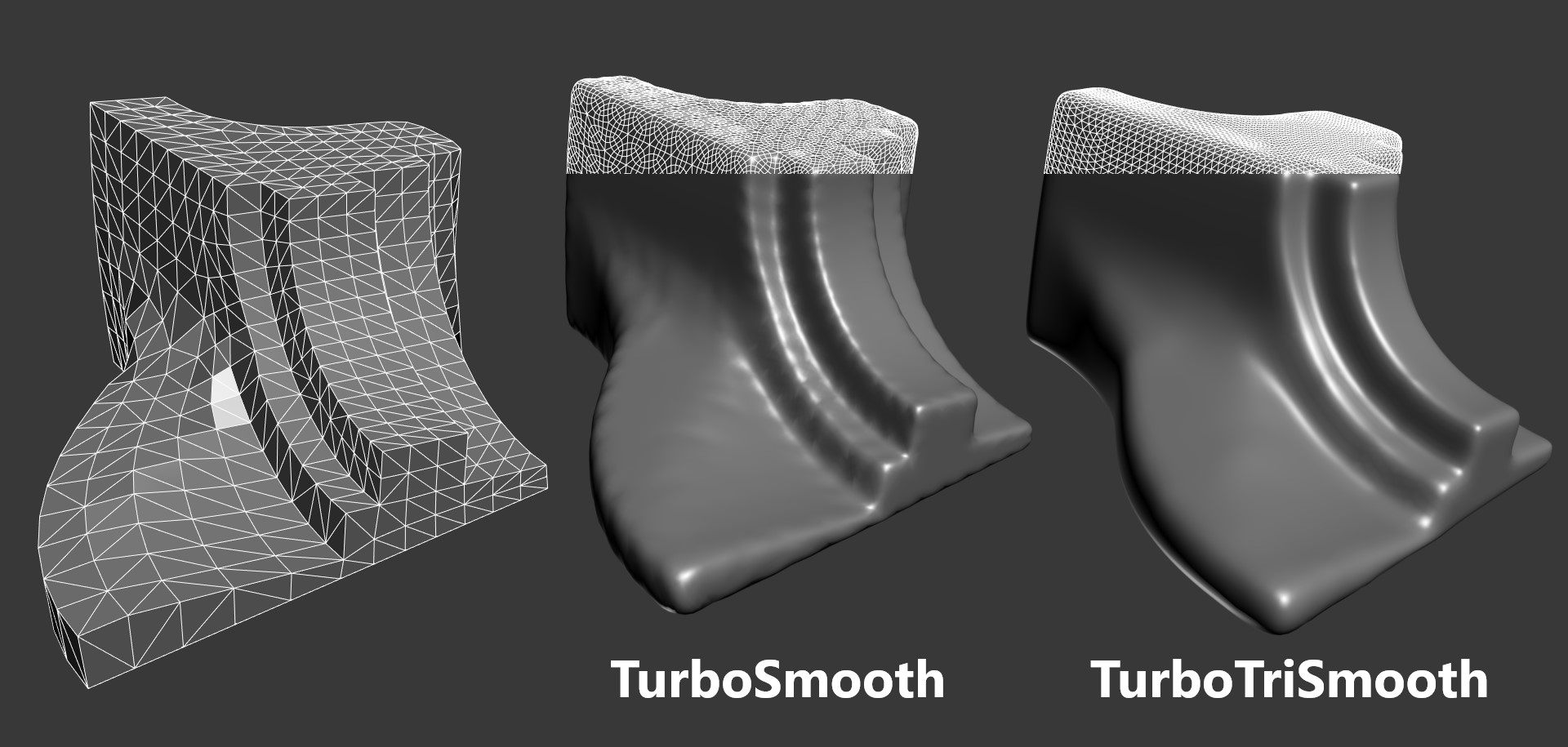
    TurboTriSmooth is a modifier for 3ds Max that subdivides triangle meshes while producing smoother results and nicer topology than the standard TurboSmooth. It can be used on triangulated models, cloth, scans, decimated meshes, fluid simulations, terrain or on any triangle mesh. Get it from https://mariussilaghi.com/products/turbotrismooth

    Maxfiles Browser

    2 votes

    A multi-method browser used to quickly find and display maxfiles using one of four methods from which you can Open or Merge from.

    # HISTORY method: Displays maxfiles most recently accessed, as well as a dropdown list of recently accessed paths. Dynamically updates as files are opened to reflect the most recent history file and paths order.

    paint cloner

    16 votes

    the purpose of this script is to place objects by painting with mouse. like advanced painter, but advanced painter uses max's paint interface which is somewhat slow on complex models. my script paints objects over the active grid. after you place objects, you can put them down to ground, apply random transforms, apply random materials (all these things with other scripts). so you can quickly make landscapes.

    Content Browser

    2 votes

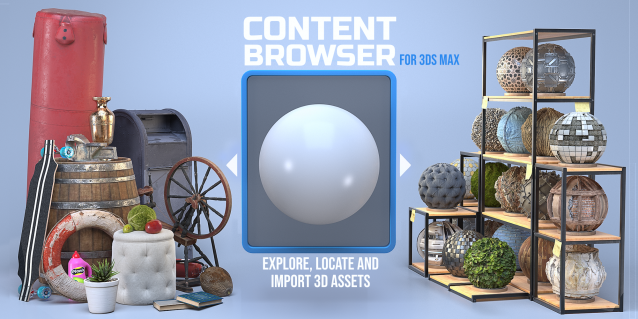
    The Content Browser helps you quickly browse and import 3D assets on your computer.

    Load any folder accessible on your machine and the Content Browser will find any materials, hdri’s, models, and max files. It will group, organize and display these files as assets, recognizing previews, LODs, mapping channels, resolutions and other important information automatically. 

    It simplifies the importing and merging process for 3d models, max files, material creation and hdri environment maps by allowing you to directly browse, filter and drag all of your 3D assets from sources like MegaScans, PolyHaven, gameTextures, Poliigon, Arroway into 3ds max viewport or material editor. 

    Main Features

    • Load any folder and find 3D models, max files, materials and hdri’s.
    • Show grouped files as assets, group matching assets and find preview images.
    • Drag and Drop asset into the 3ds max viewport or the Slate Material Editor
    • Import assets to Slate and Compact Material Editors
    • Default Merge and Import 3d files and max scenes, with automatic relinking filepaths
    • Choose LODs/resolution/variations and Import multiple assets at once
    • Folder hierarchy, File list and Preview Gallery

    Scene Light Multiplier By POPA_3D

    2 votes

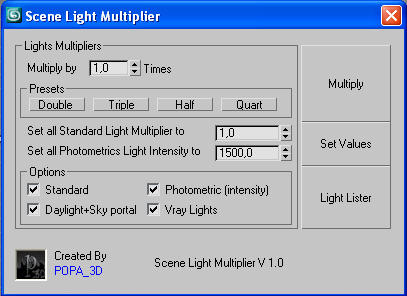
    Scene Light multiplier let you manage all your scene lights by multiplying their multiplier by a defined value or set all light multiplier to a defined value...

    you can chose which lights will be taken in consideration

    #Standard will affect:

     target Spot 

    free Spot 

    Target Directional ight 

    free Directional light

    Omni light 

    Skylight 

    mr area omni

    DeltaMushToSkin

    3 votes

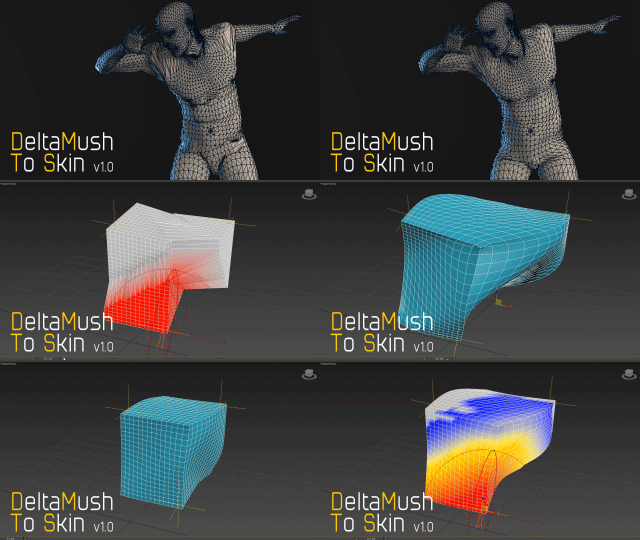
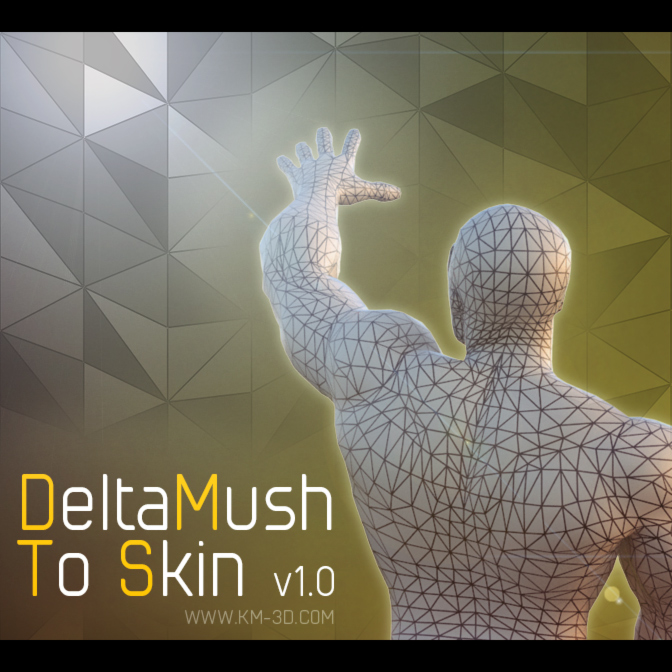
    DeltaMush to Skin is a c++ 3ds Max modifier which smooths deformations while preserving details with "converting" to Skin feature - the plugin solves Skin weights matched as close as possible to the DeltaMush result. It enables the user to export such rigg to the game engine like Unity, Unreal etc. The whole process is incredibly fast thanks to multithreaded optimization.


    Camera Studio

    1 vote

    poster1

    Camera Studio allows you to animate cameras much faster! You can create an orbit or spiral motion around selected objects with just 1 click and easily manipulate it. There is a number of other motion presets. Add shake to selected cameras when you need.
    The motion path function allows you to create a seamless motion between several reference cameras (watch the video).