ScriptSpot is a diverse online community of artists and developers who come together to find and share scripts that empower their creativity with 3ds Max. Our users come from all parts of the world and work in everything from visual effects to gaming, architecture, students or hobbyists.
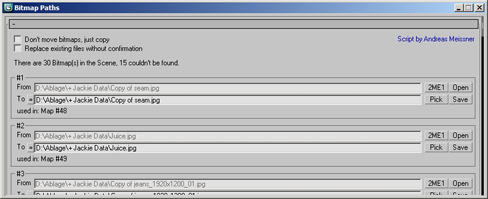
This MAXScript collects all of the bitmaps in your scene, converts them to mental ray .map files, places them into
a directory of your choice, and replaces all bitmap textures with a 'mib_texture_lookup2' shader containing the new
.map files.
Submitted by DhruvaInteractive on Thu, 2015-03-05 01:29
14
votes
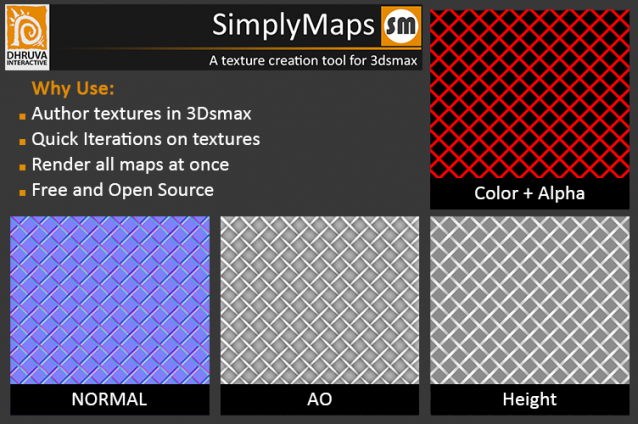
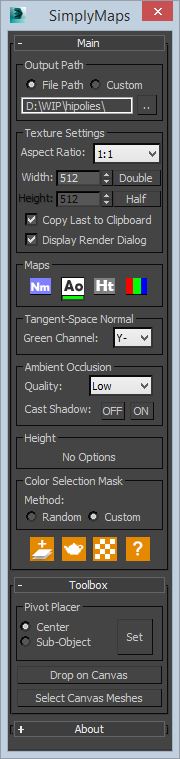
Overview: A simple tool to render out top down maps from 3dsmax. An ideal way utilizing the tool would be in creating tilable textures. Besides tilable textures, this will help in overlaying additional small scale details on already made in-game meshes in a much more straight forward fashion.
hi, this simple script converts PSD maps to JPG and saves them in the same path of original one and replaces old path with jpg one..
I hope it be useful
The vrayColorTool will insert vraycolormaps into every available textureslot in the diffusechannel of a material. The new vraycolormap will hold the appropriate colorvalue. This wil enable artists to convert materials to a gamma-oriented workflow. The script will also remove the vraycolormaps if needed.
A simple script to remove the raytrace maps (Actually - replace them with empty bitmaps) from the scene's material library. This is for people using Vray/Mental ray as raytrace maps may (and will) slow down rendering times considerably
Just for fun - create gradient ramp which goes from thin lines to thick so that it can be mapped for example to a falloff map (Shadow/Light falloff pictured).