Tagged 'Poly'

Quad enhance

32 votes

These few scripts adds some new functions to your quad menu like hiding,selecting and isolating by objects layer or material.

Quick Isolate Object

66 votes

With this useful and funny script, you can isolate in a ListBox, the category object in Geometry, Shape, Light, Helper, Camera and Space Warp in the viewport.  We can select, rename and count the items in the scene.  Useful in many work situation.

qio

Rapid Edit

8 votes

Automaticly selects the first editpoly/editspline modifier in the list. If no editpoly/editspline modifier can be found it asks you if you want to add one. Also works with groups, if activated it will either open the instanced editpoly/editspline modifier of the group or add one automaticly.

selectionHighlighter

9 votes

This script simulates the Selection Highlighting mode from Silo in max. The idea is if you hover over an object, the object is selected, if you hover over a vertex, it selects the vertex, if you hover over an edge, the edge is selected, etc. No need for extra mouseclicks. Autodesk has half added this feature, this script goes all the way to adding full silo style selection highlighting. Note: This only works in max 2008.

Skip Every N-th

61 votes

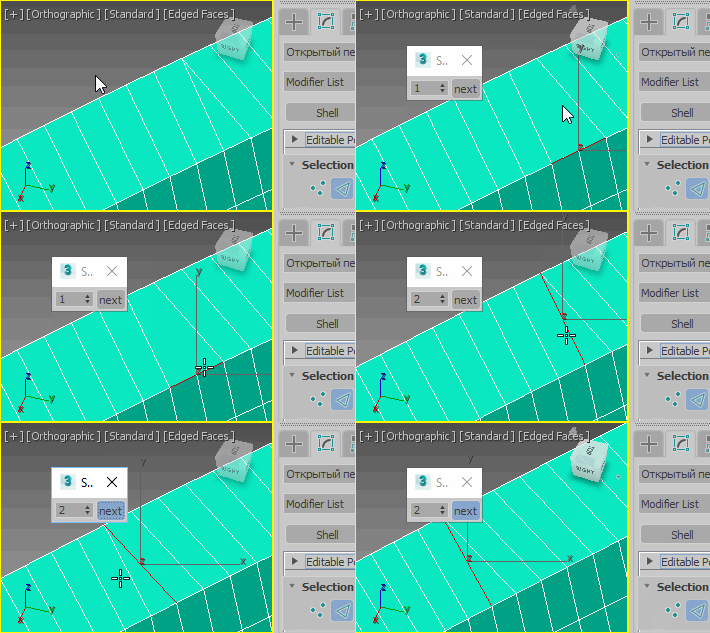
Skip every vert/edge/face. In Loop mode, you can skip edges and polygons. In Ring mode you can skip vertices,edges and polygons. To make poly loop select 3 faces(the middle one is starting face), check PolyLoop checkbox, set "Skip V-E-P" spinner to value greater then 2 and start skiping. You can't skip one face, only 2 or more. Ring mode does not have this limitation. "For Steps" spinner works only with edges. If you want to skip every 2 edges five times, set "Skip" spinner to 2 and "For Steps" spinner to 5. Instalation: Drag-n-drop SkipEveryNthVEPRingLoop.mzp to 3ds max.

Slice by VerticalHorizontal View

9 votes

v1.2 Fixed bug if shifted Pivot point

"More Video - Ещё видео"

Slicemodeller-Script V1.0

4 votes

Take a look at our little script, which we gave birth to recently. The whole idea came up when we had to model some 100% planar-cut bodies, which is a task 3ds-Max is actually not too good at. Our tool should be quite useful for various technical stuff, crystalline objects or freeform-concrete-shapes (for our architectural friends out there).

scripted in Max 2011, should work on previous versions as well

SmartQuads

3 votes

SmartQuads

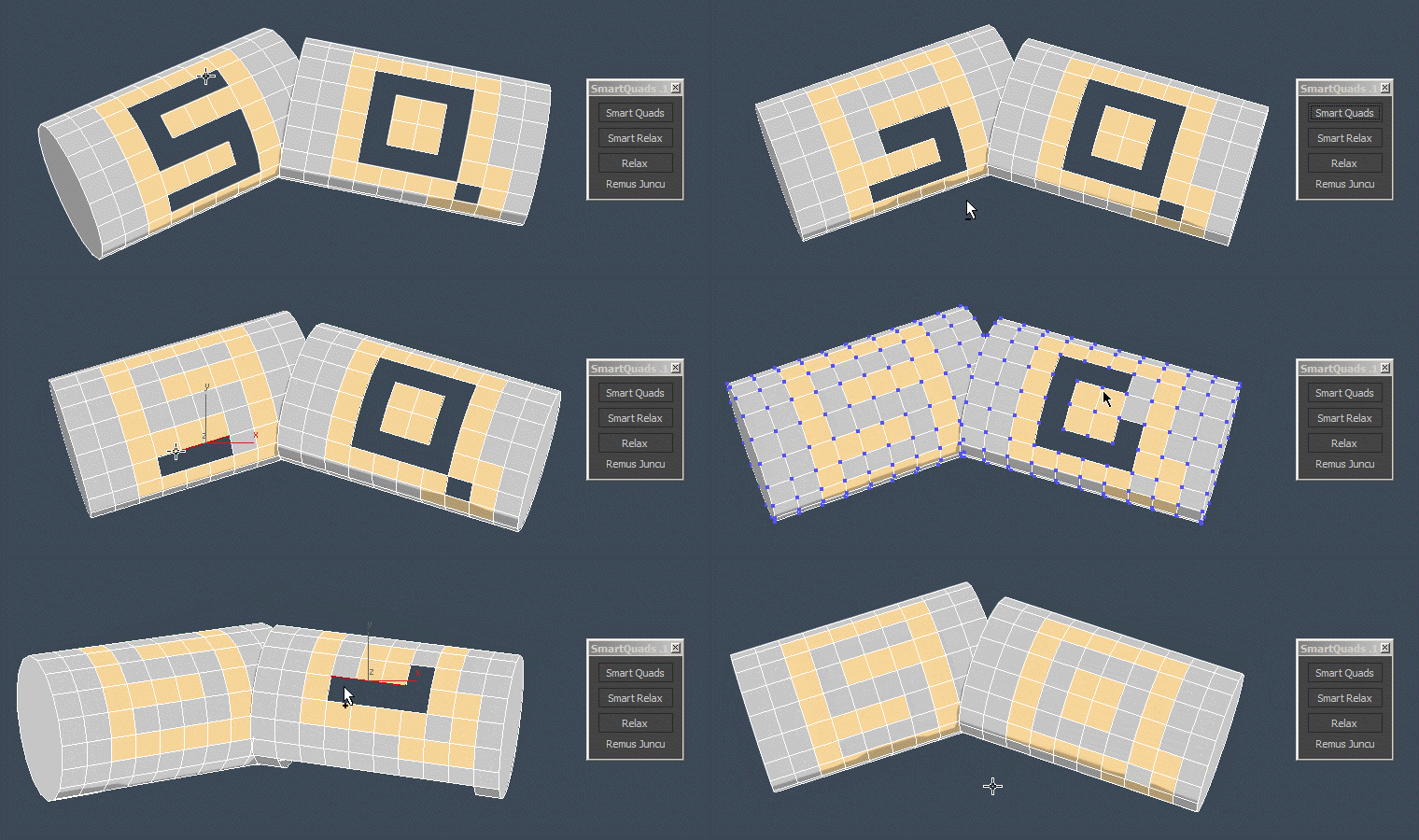
Smart Quads will help you on your everyday modeling task by making it more enjoyable.

Here are some of the benefits you get:

SpinEdgeSpiner

0 votes

Straighten Edge

69 votes

Straighten Edge (maxscript) allows projecting and placing selected vertices/edges on the given straight line on the Editable Poly object, Edit Poly modifier, and Editable Spline & Line objects.

When the SHIFT key is pressed, vertices/edges will be straightened with axis constraints

Syndicate content