Tagged 'Poly'

subdivision manager - open beta

14 votes

Hello everyone,

first i want to apologize for my English on behalf of google translate!

As I have often problems with lack of RAM, I wrote this script to optimize subdivision iterations for editable poly objects. This is the first beta of the script and I want to see if there is interest.

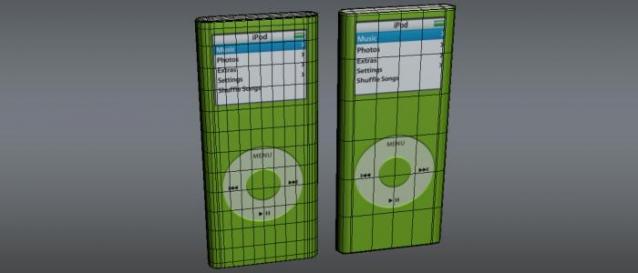
Script analyze the scene and earning statistics for all editabple poly objects that have included nurms subdivision, the number of iterations, the number of polygons and their percent ratio in the scene. Allows for quick change of iterations, switch on and off nurms subdivision.

Subdivision Reversion

106 votes

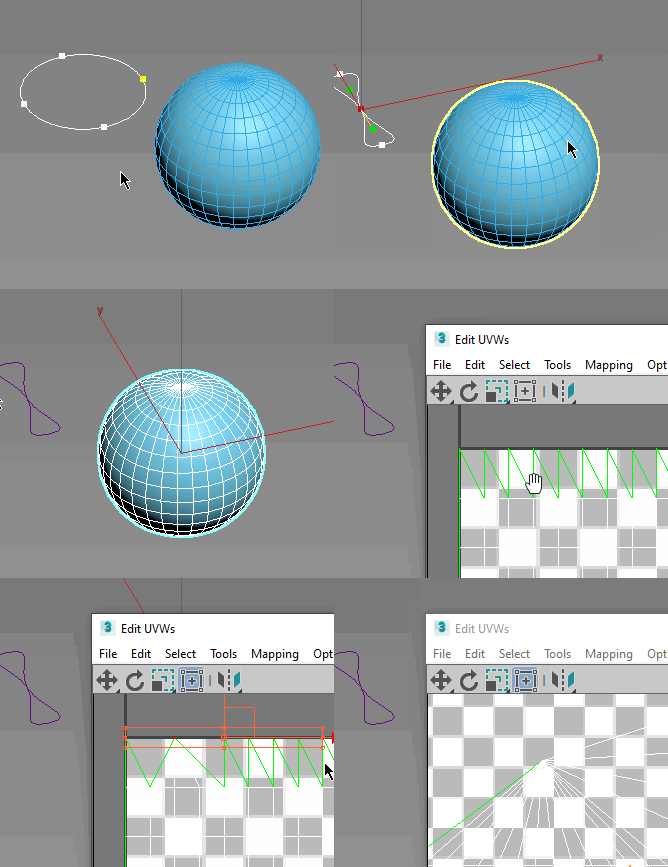
Subdivision Reversion will recreate the subdivision levels of an already subdivided mesh with 100% precision maintaining the UVs.
It's wide variety of subdision algoritms help artist get the right look and feel on their models.

subdivisionAutomator

7 votes

Quickly assigns a subdiv modifier (meshsmooth or turbosmooth) to all scene or selected objects. This is good if say you want to have all objects in your scene converted into subdivs at rendertime without the need to constantly select objects, find the right modifier, assign the modifier, etc.

Subobjects Converter

9 votes


v3.07
Fixed Shift+1 Shift+2

v3.01
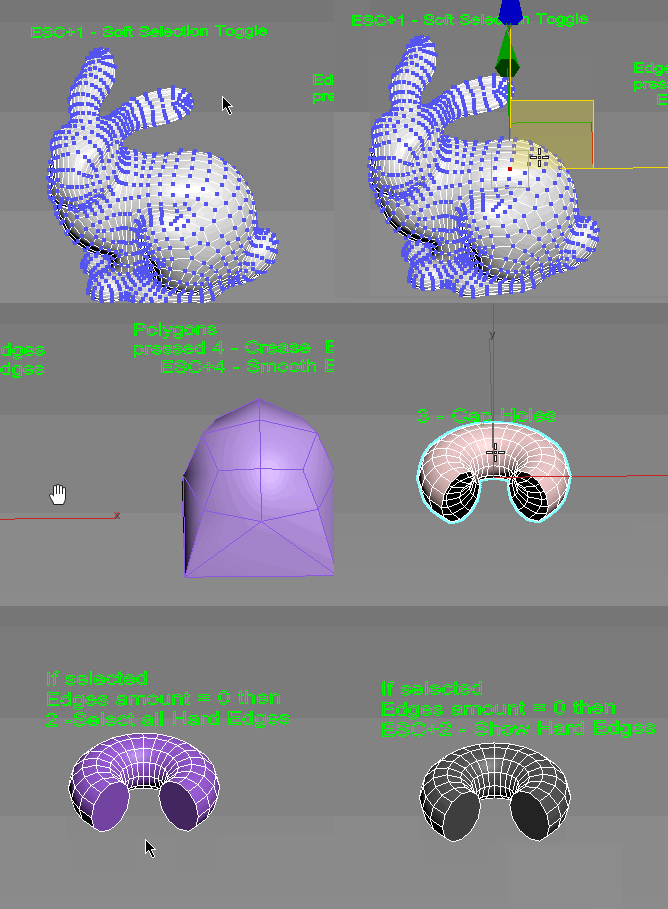
If Esc+Key of script keyboard pressed and current subobjectlevel is 4 or 5 (Face or Element) and selected all faces then will run Smoothing Groups floater (a separate special window)
Если нажата Esc+кнопка скрипта и текущий подобъект 4 или 5 (Грани или Элементы) и все грани выделены, то будет запущен Smoothing Groups floater (отдельным специальным окошком)

Fixed bug of switch from subobject 5 to 4
Added Extended Subobjects:

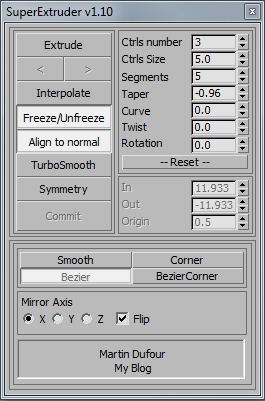
SuperExtruder

43 votes

Svoe_KickHotBox_Modelling

1 vote

QUICK ACCESS TO MODELLING

Menus with changing buttons depending on the selected objects and subobjects.
Works with Edit poly, Editable polygons, Edit spline and some modifiers.

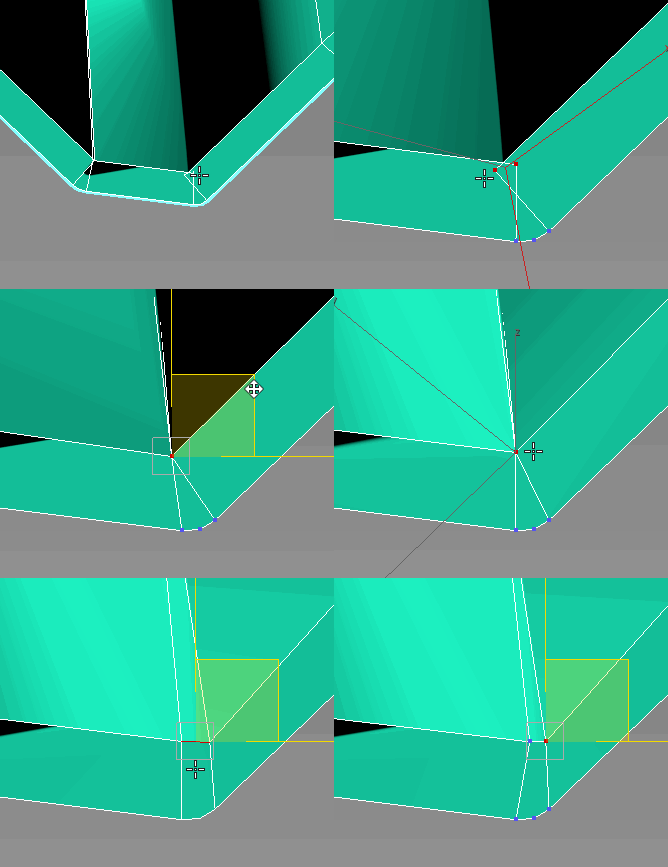
Uni-Chamfer

6 votes

Using single one hotkey of Chamfer, works with:
Используя единственную горячую кнопку для Chamfer, работает с:
Edit_Poly: [Vertices, Edges, Faces(inset)] 
Editable_poly: [Vertices, Edges, Faces(inset)] 
Edit_mesh: [Vertices, Edges] 
Editable_mesh: [Vertices, Edges] 
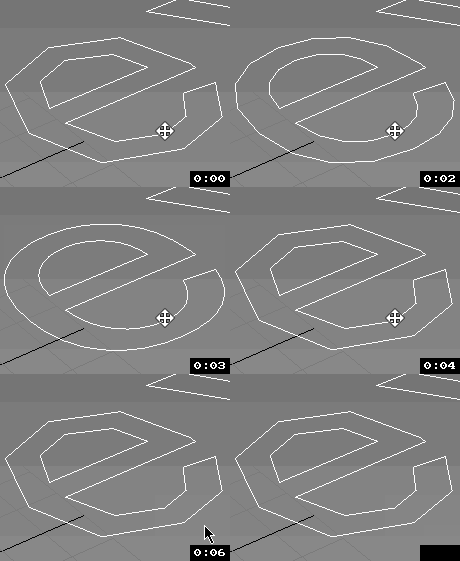
Edit_Spline: [knots (Fillet), 
Spline sub-obj (Outline)] 
SplineShape: [knots (Fillet), Spline sub-obj (Outline)] 
line: [knots (Fillet), 
Spline sub-obj (Outline)] 

Uni-Grow-Shrink

8 votes

2.7.3 Fixed Decrease steps in splines
2.7.2
Fixed bug of grow subobjects and conflicts of functions
add

2.7
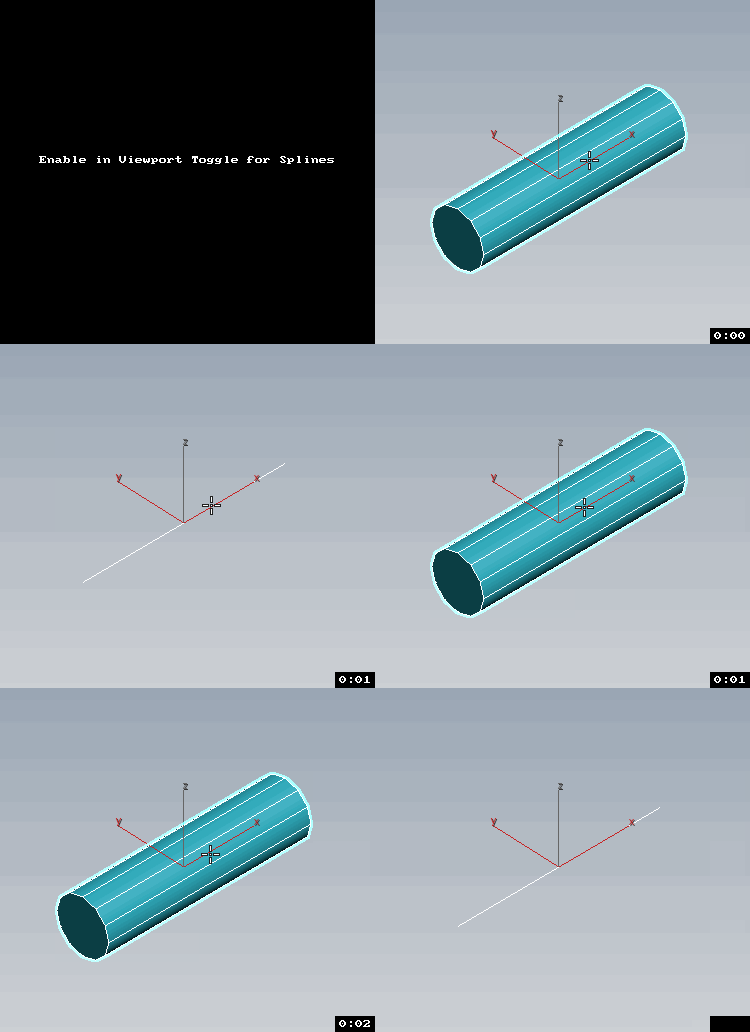
Esc+Grow = Splines as mesh with Thickness Toggle

v2.6
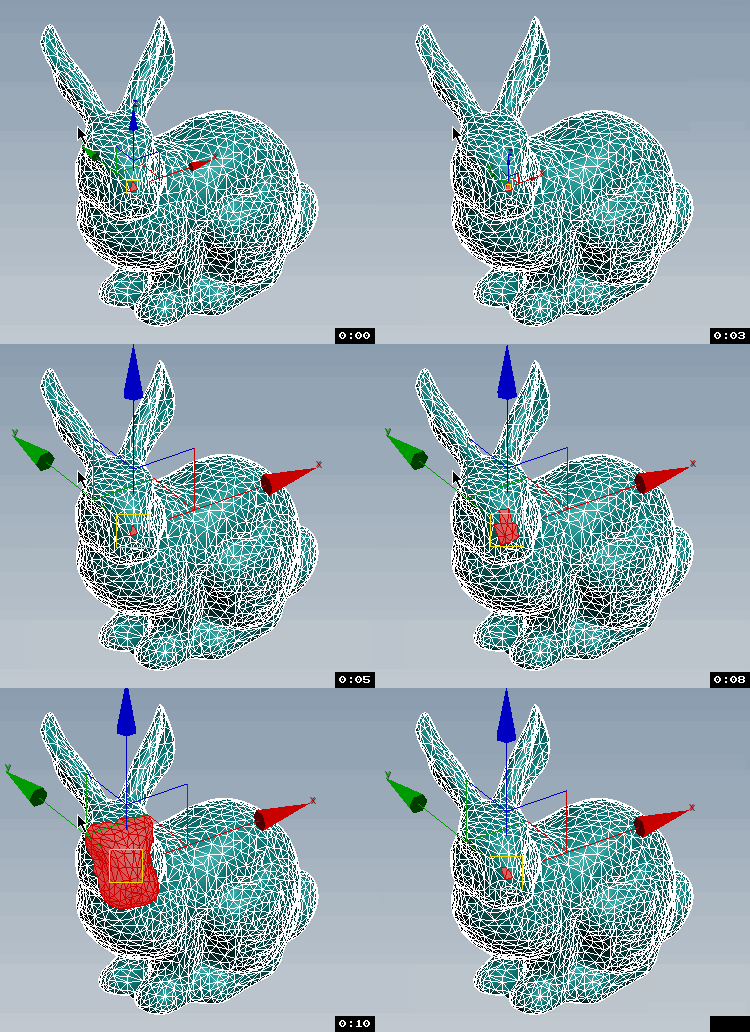
Transform Gizmo Size Up/Down If Esc + Any Button of Script pressed.

UniAttach-Detacher

21 votes

v3.07 Added fix for detached detach geometry if the source object had incorrect mesh issues.
Добавлено исправление отсоединённой detach-геометрии, если в исходном объекте были проблемы некорректной сетки.

Using single hotkey for Attach/Detach
Используя единственную горячую кнопку для Attach/Detach

UniCollapse

12 votes


ESC+KEY SCRIPT

v2.6: Collapse on Edit_Poly modifier using Scale Transform Type-In

And all this works by single button

Syndicate content