Tagged 'Poly'

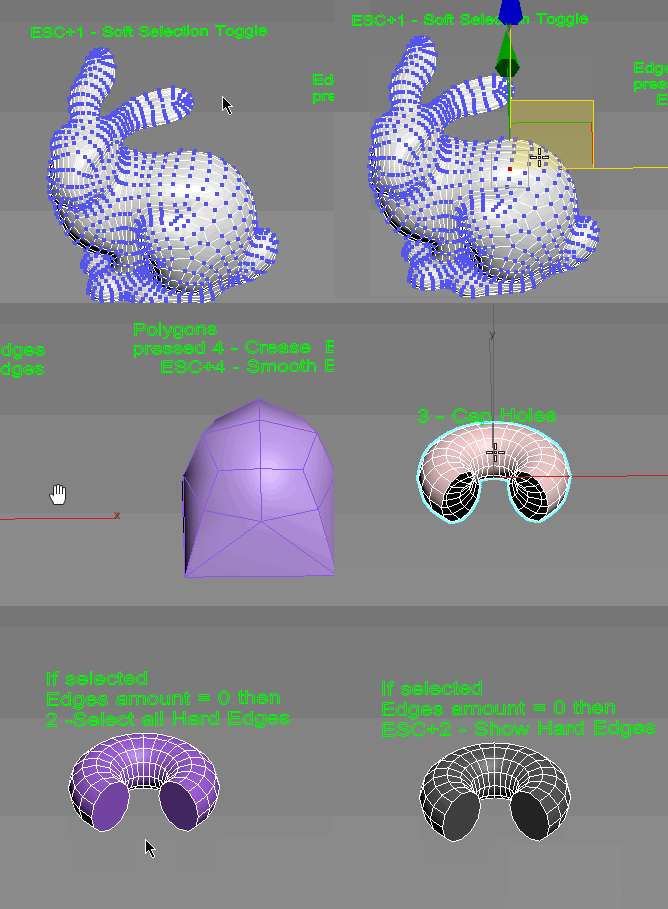
Subobjects Converter

9 votes


v3.07
Fixed Shift+1 Shift+2

v3.01
If Esc+Key of script keyboard pressed and current subobjectlevel is 4 or 5 (Face or Element) and selected all faces then will run Smoothing Groups floater (a separate special window)
Если нажата Esc+кнопка скрипта и текущий подобъект 4 или 5 (Грани или Элементы) и все грани выделены, то будет запущен Smoothing Groups floater (отдельным специальным окошком)

Fixed bug of switch from subobject 5 to 4
Added Extended Subobjects:

Mouse Loop-Ring

26 votes

The script for selection PolyLoop with mouse double click.
For selection PolyRing hold down the shift key.

The second click should be done with a small delay.

*Notes

Now supported with Edit_Poly_Modifier.

miauu's Scalpel

8 votes

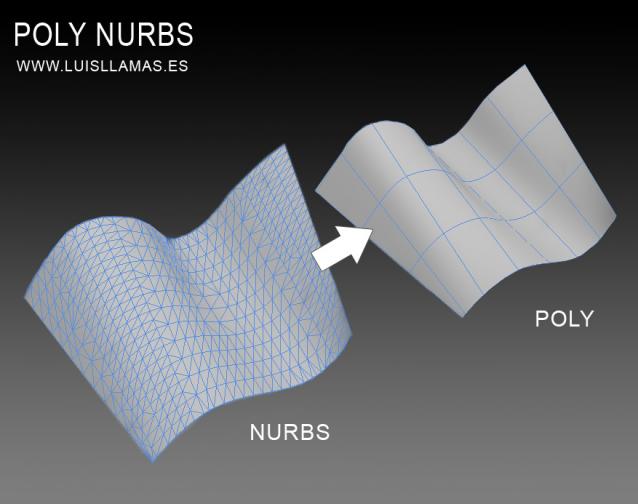
PolyNurbs 1.0 - Released

20 votes

PolyNurbs is a tool to convert nurbs objects to quad poly.

Polynurbs

A lot of us want to use nurbs or spline to make our quad meshes. I have tried a lot of solutions, scripts, surface modifier, turn to poly and detriangulate... but no one works as we want.

With PolyNurbs you can:

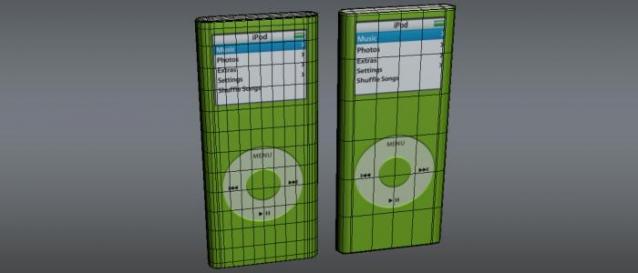
Subdivision Reversion

106 votes

Subdivision Reversion will recreate the subdivision levels of an already subdivided mesh with 100% precision maintaining the UVs.
It's wide variety of subdision algoritms help artist get the right look and feel on their models.

One-click Mass Booleans

3 votes

Poster for v5

A Must-have plug-in for fast modeling! Now with ProBoolean.

Fast 1-click boolean operations with multiple objects:
-Attach selected objects to the first selected object. (Matches material IDs)
-Union selected objects.
-Subtract selected objects from the first selected object.
-Subtract the last selected object from the other selected objects.
-[ProBoolean] Union selected objects.
-[ProBoolean] Subtract selected objects from the first selected object.

LSCMUnwrap

49 votes

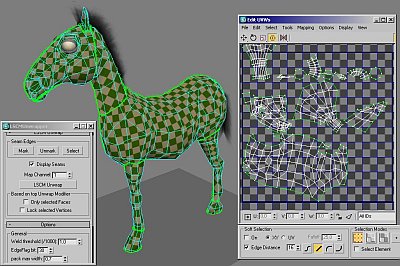
lscm unwrap integrated for max5.1 and up

After seeing the max8 peltmapping vids - and doing a bit research on
the topic - I found that wings3d and blender already have nice
automatic unwrappers - using the same technique called LSCM. This
maxscript/plugin combo implements the technique based on blender3d. It
allows the user to mark edges as uv seams and run the automatic unwrap.

Clone & Align On Faces

12 votes


This simple tool will helps when you need to distribute any "source" object on "target" object selected faces.
Requested on this thread by ice-boy.

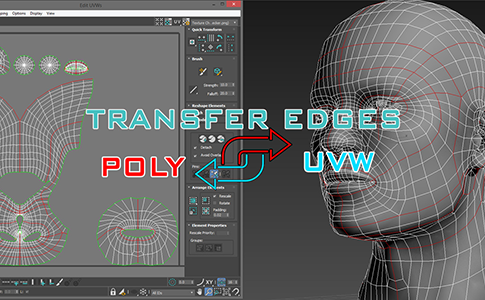
miauu's Transfer Edges: Poly <-> UVW

3 votes

Uni-Chamfer

6 votes

Using single one hotkey of Chamfer, works with:
Используя единственную горячую кнопку для Chamfer, работает с:
Edit_Poly: [Vertices, Edges, Faces(inset)] 
Editable_poly: [Vertices, Edges, Faces(inset)] 
Edit_mesh: [Vertices, Edges] 
Editable_mesh: [Vertices, Edges] 
Edit_Spline: [knots (Fillet), 
Spline sub-obj (Outline)] 
SplineShape: [knots (Fillet), Spline sub-obj (Outline)] 
line: [knots (Fillet), 
Spline sub-obj (Outline)]