Tagged 'Unwrap'

Render to Texture Selected

0 votes

poster

Batch render to texture script ready for game engines. Bakes all selected objects or groups with one click, saves baked UV textures into a directory, and replaces materials on the objects! If you select a group, it attaches all group members together and bakes it as a single object. Each selected object will have its own texture as well as a group. Output standard material will have a white diffuse color (necessary for some game engines such as Unity3D).

==== CHANGELOG ====
v2.0
-Fixed an issue with V-Ray

AutoFloor UVs

0 votes


AutoFloor UVs it's the perfect tool when you're dealing with a single seamless Texture and you need to map a Floor-Generator object.

Description:

Polygon Tools

4 votes

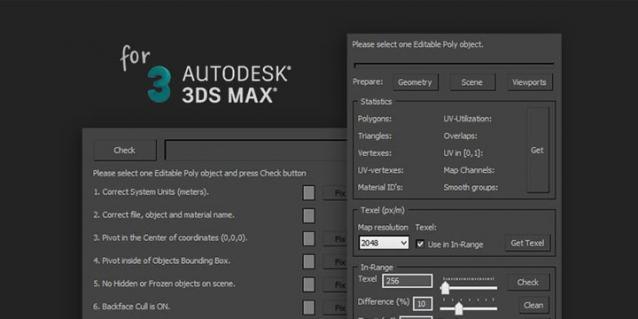
Polygon Tools are scripts pack for checking 3D-model during modeling and UV-mapping process in 3ds max.

Target audience: enthusiasts, beginning 3D-modelers, outsource managers, Art QA, art-managers and etc.

Polygon Tools was created to facilitate common problems search in 3D-models and speed up the work by reducing the amount of routine work.


Short Features List:

UV Strip Straightener

64 votes

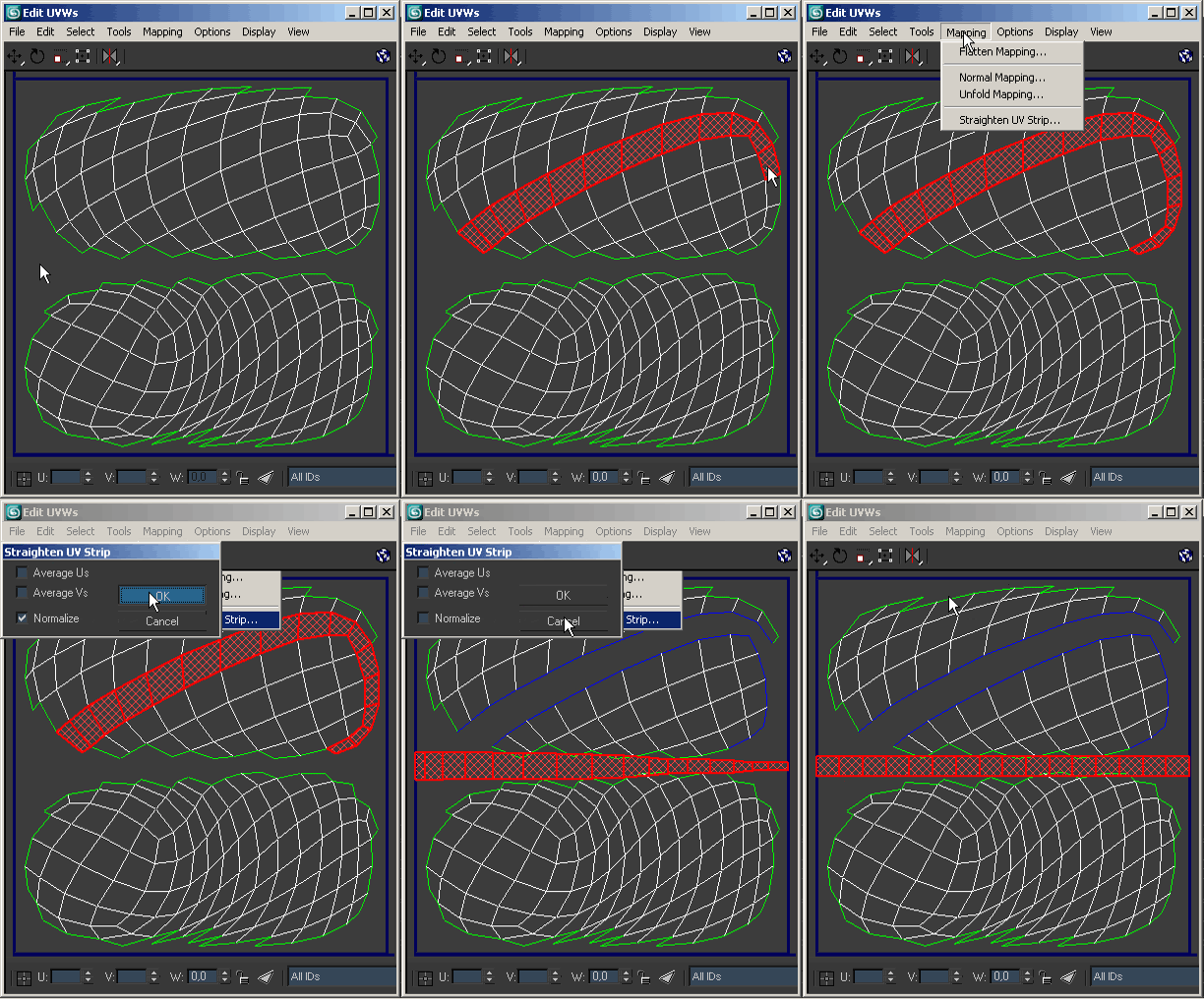
Mapping tool that straightens a single strip of faces.

SteamRoller

14 votes

Steamroller unwraps every objects in a selection using Max's built-in flatten function based on the specified parameters. Steamroller is mainly intended as a quick and dirty method of quickly unwrapping lightmap UVs on large sets of objects, similar to the automatic unwrap in Render to Texture.

UVSetscale

3 votes

"Preview"

Unwrella UV-Helper: Blue Edge Selection To Green Seams

15 votes

This script converts (blue) pelt edge-selections into normal (green) texture seams.
It is used to skip the tedious manual parting process and it creates instantly separated UV parts.

http://youtu.be/FKdrColmPPk

Mainly for use with Unwrella 2.

There's an extra button for clearing all seams from the mesh.

Last Update: max 2013 compatibility, detailed tutorial video added

UV Cage Rendrer

0 votes

#

This script is now a part of CheckMate tools by POPA_3D

 please checkout 

http://www.scriptspot.com/3ds-max/scripts/checkmate-tools-by-popa-3d-tur...

[ 3dsMax <> UVLayout ] UVPipe mod by miauu

11 votes

This script will allow you to send the selected objects to UVLayout and get them back.

This is useful when you wants to have more than one object in the same UV square.

All editable poly objects from the selection(selected objects or groups) will be sent to UVlayout.

Override -Selection Mode- & -Convert Selection- in EditablePoly/UnwrapUVW

19 votes

This script override selection mode in EditablePoly/UnwrapUVW AND allow to Convert subobject selection to an another in EditablePoly and Unwrap

Hit 1 or 2/3/4/5 ==> go in vertex/edge/..() mode
Re-hit 1 or 2/3/4/5 ==> go in object mode and you can select another object!
I have added a line, with "Max modify mode", like this, if your are not in "modify panel" when you select an object and hit 1 to set vertex mode, the script go automatically in the panel "modify"

Install:
Go in Customize User Interface, Group "Main UI", Category "zOffTy Tools" and set
1 for epoly_vertex

Syndicate content