Tagged 'VRay'

FS Scene Converter (FStorm)

6 votes

FS Converter is a scene convertor to come back from FStorm renderer or to only convert some objects.

This converter allow to convert all the Fstorm renderer feature to Vray or Corona and Redshift.

It's not a simplicity converter, it's keep all the compatible settings...
Compatible: Fstorm Camera, Fstorm materials, Fstorm proxie, Fstorm Lights (including SunLight), Fstorm Displacement...

Convert all the scene or only selected Object... See how many instance it's necessary to convert...

Real time informations for the convertion state.

InstancesToVRayProxy

6 votes

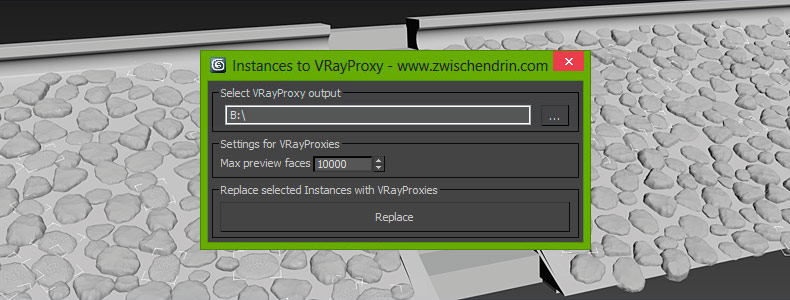
Select as many objects as you like and let InstancesToVRayProxy find any instanced objects and convert those instances to VRayProxies. InstancesToVRayProxy automatically outputs VRayProxy meshs (*.vrmesh files) to a given folder, creates VRayProxy objects and replaces the selected instances with instances of those VRayProxies. This may sound difficult but InstancesToVRayProxy will optimize your scene to do faster renderings and all you have to do is pick an output path and hit a button! Instanced VRayProxies only need to be loaded once per proxy mesh. This will cut down the setup time of your renderings.
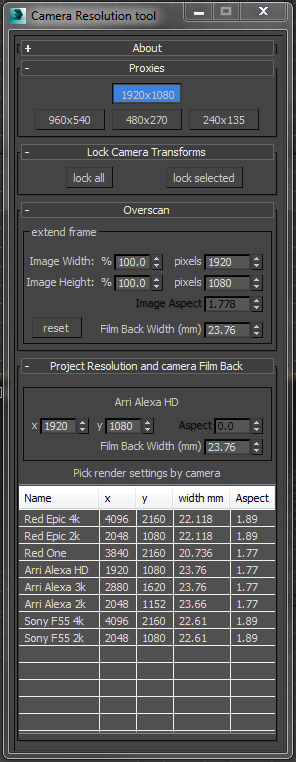
Camera resolution tool

6 votes

Frankly the default 3dsMax render settings bug me. They don't deal with modern cameras. The proxy settings are hard coded and can't be changed. There's no easy way to create over-scanned frame without a calculator. So I've written my own tool to fix these problems.

Tweak Camera Dialog

There several rollouts in this tool, each dealing with a separate task.

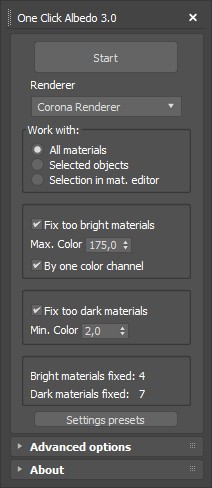
One Click Albedo for Corona render and V-ray

6 votes

Script Description:

This script is made to automatically adjust the albedo of materials in the scene. Too high albedo may slow rendering process down and make the materials look unrealistic. Especially when an object with a high albedo occupies the most part of frame area. Corona Render developers recommend to keep albedo of your materials under RGB 180 (For diffuse color or texture).

Create Vray Camera from Perspective View

6 votes

This is a script that will allow you to create a Max Standard Target Camera (Ctrl+C) at the click of a button. More importantly it will allow you to create a VRay Phycical Camera from prespect view at the touch of a button. No more having to align your Vray-camera with the standard Max Camera. You can also choose which camera to display in the selected viewport from a drop-down list


Object Properties 2.0

6 votes

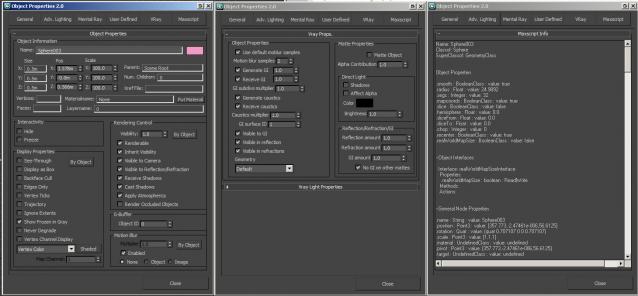
A non-modal Object Properties window, very simliar to the original one in 3dsmax but this allows you to change selection with the dialog open!  It also has the VRayProperties window included so you don't have to switch dialogs when setting up passes. (Needs updating for VRay 3.0+) There is also a MaxScript tab which shows you loads of information about the object you have select and this is really powerful for learning to script!

VRay OceanMtl

6 votes

New VRay OceanMtl is now available with Swift-Switch for FREE!!!

Here is a screenshot:

Ocean Test

Visit my blog for more info and screenshots

Pictor ver 2.0.0

6 votes

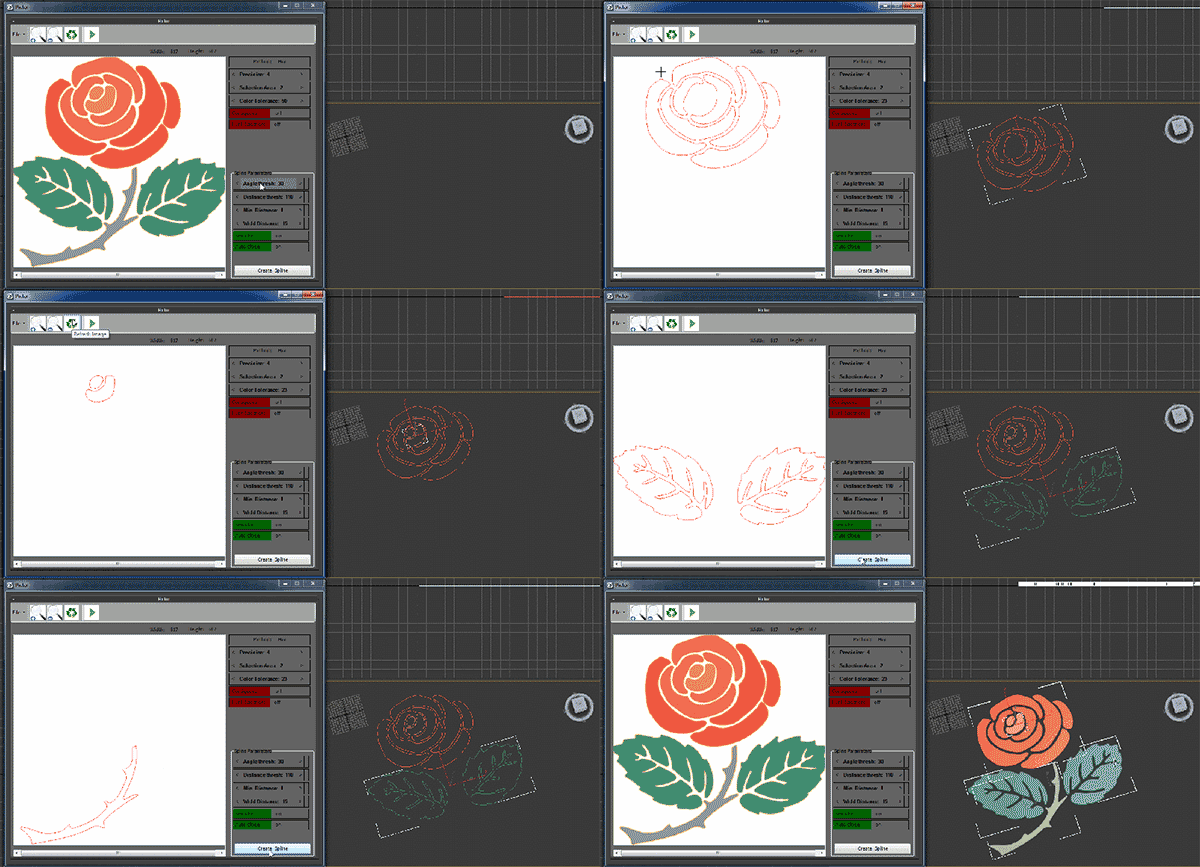
Pictor plugin is creating three-dimensional objects from two dimensional images. This plug-in works with Max and has the ability to read and convert images to three-dimensional files. General features of the software are as follows

Vray ToolBox

6 votes

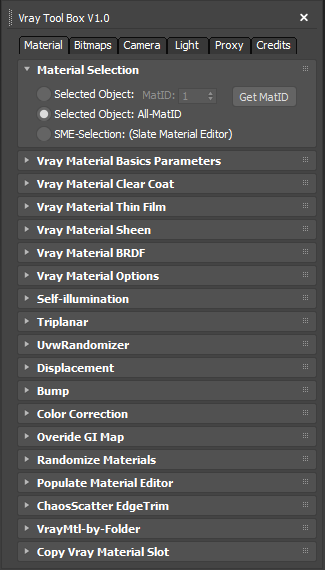
It is a Vray version of my script "Corona Automator" It has a lot of features for materials, bitmaps ,cameras, lights and proxies.

Its main goal is to automate property tweaking, and save time on repetitive tasks.

for now the material part is focused on Vray Materials , it won't work on other kind of materials like fastSSS or other materials.

Materializer

5 votes

poster

Materializer (materials equalizer) is the fastest way to create materials mixing different templates. It works like a sound equalizer but for materials!
Example: To make glossy wood press the 'Wood' button and then add a little bit of plastic.

Every time you hit 'Set' selected material will be updated without removing of maps.

Plugin works both with Compact and Slate material editors.

Syndicate content