3ds Max | MCG

MCG Morph To Spline

9 votes

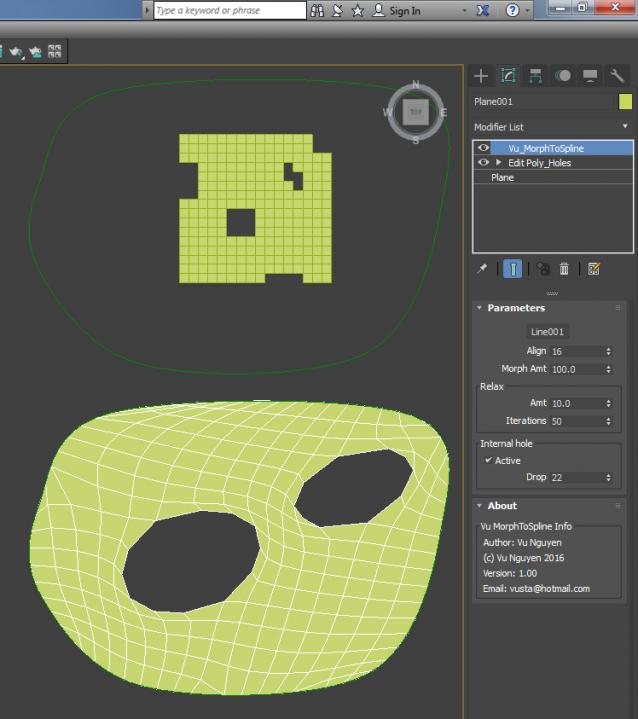
Latest version 1.04 has support loop but tradeoff is if you morph to less than 100%, the outside edge remains fixed. If you need your orig geo to morph back to itself, please use ver 1.03

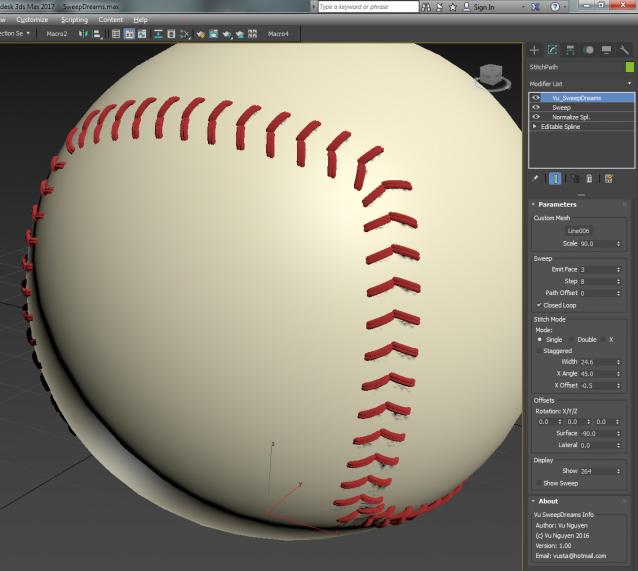
MCG SweepDreams

5 votes

In your dreams, I give this to you for free...

Reality check, $5USD...

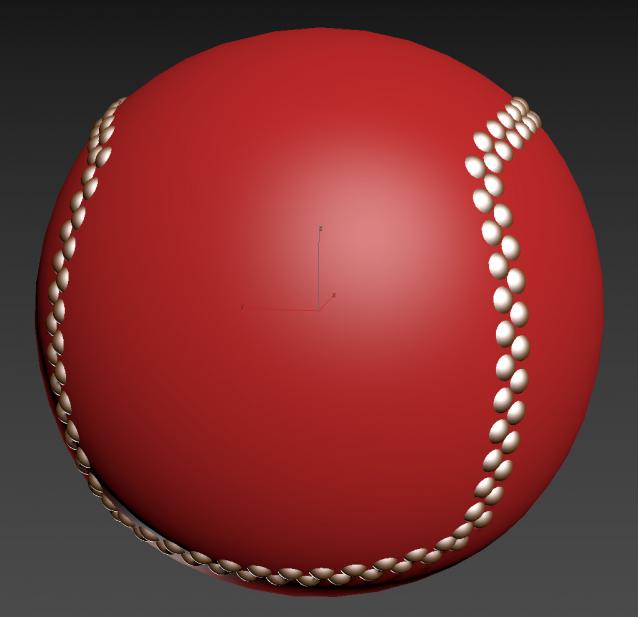
Here you can see I've gone in and deliberately deleted some segments so there's a mix of closed and opened curves in a spline....it will still work...

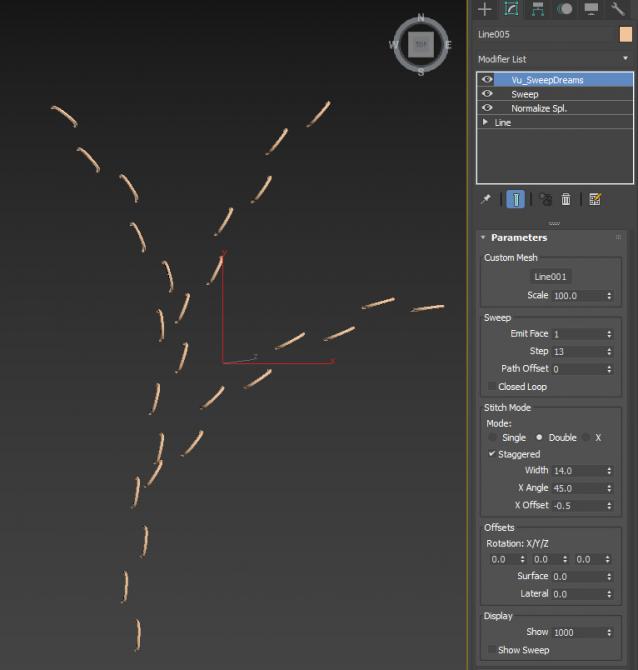
MCG Silly String

1 vote

Video should explain it......

MCG Flatpack Fold/Spline

1 vote

So Mythbusters proved you can't physically fold anything on itself more than 7 times...well you can use this MCG and fold stuff however many times you want...as long as you've got enough verts !!!

A picture won't do jack...as what does a flatpack look like.....? a flat box....so you'll have to watch the video to see the effect.

Iterations is how many times you've folded it. Why is it not an integer ?...so you could animate 'fraction' of a fold, that's why.

Installation:

MCG Wire Fence

5 votes

Installation: Scripting>Install Max Creation Graph...

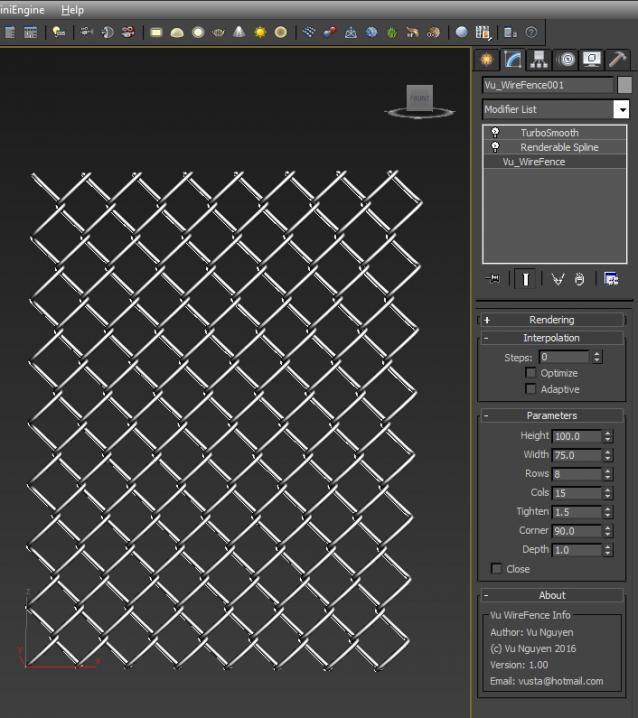
Creates a simple wire fence with splines

If you want to bend so top meets bottom, bend it to 359, then enable Close...I can't be stuffed finetuning

the last bit to drop the last verts...sorry there's no video as I'd like to save some juice for doing a step by step tutorial for this...but it's pretty easy to use...

Wavy pattern

3 votes

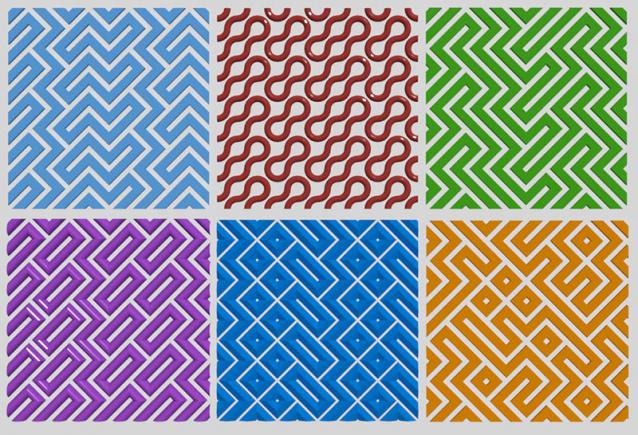
Tool for creating patterned grids
Wavy pattern

MCG Pipes

4 votes


Installation: Scripting, Install Max Creation Graph...

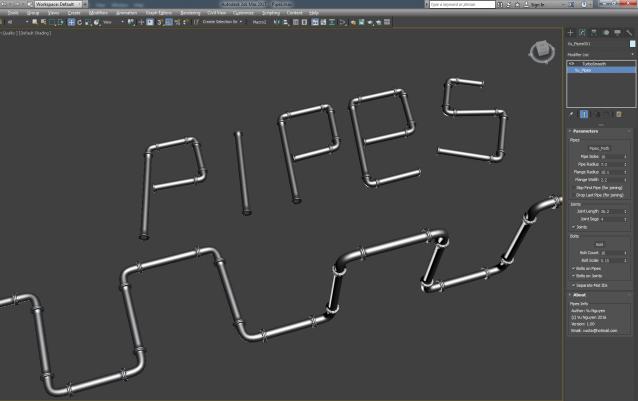
Creates industrial pipes on a spline path. $5 USD, you know the drill, email me, [email protected]

Works with multi-curves.

MCG BSh

1 vote

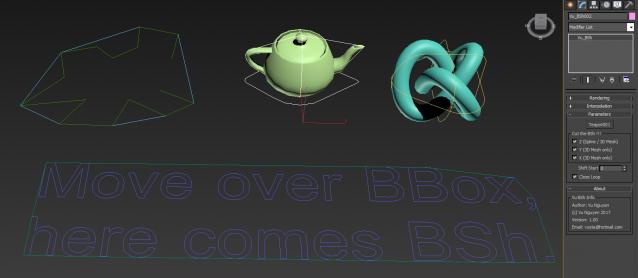
This MCG creates a bounding shape around your Spline. It was originally designed for splines...but you may use it for Mesh as well. This has the advantage over BBox as BBox cannot conform to the contours of your objects.

Installation: Scripting>Install Max Creation Graph...

Then can be found in Create>Shapes>Vu

Use it to obtain a 'footprint' of the object...or feed that footprint to Utility>Measure and get the length of the Bounding Shape.

MCG Select Open Edges Verts

2 votes

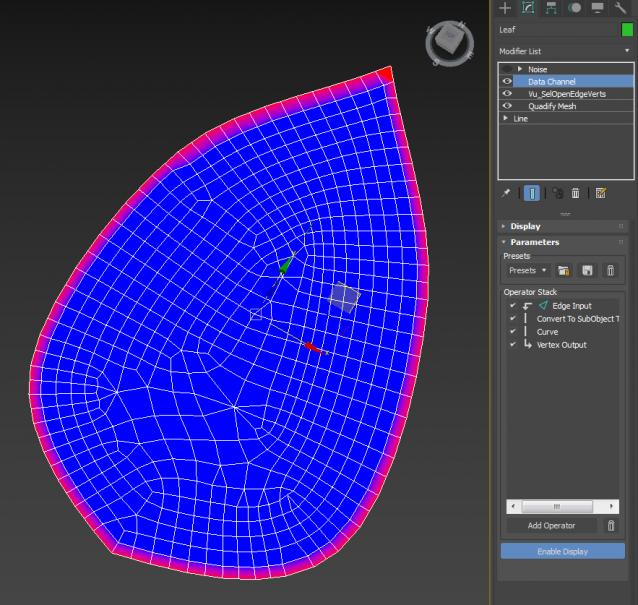
MCG to select Open Edges or Verts, then you can use the selection to do something in the DCM...like putting some noise on the edges of a leaf..or produce a map that affects only outside edges like transparency.

Video is a little tute on DCM, I didn't include a DCP coz it's way too simple...just do it yourself instead...

MCG Looper

1 vote

Requirements: Max 2016 + Ext1/2 + SP3. Max 2017/18

This MCG will blend the last few frames of your (vertex) animated mesh so that it will create a seamless loop. Works directly on your mesh as a modifier, no need for 'cloning' around. You can also adjust Start/End of animation easily.

Installation:

https://knowledge.autodesk.com/support/3ds-max/learn-explore/caas/CloudH...

Then can be found in modifier dropdown list.

Syndicate content