3ds Max | MCG

MCG Line

4 votes

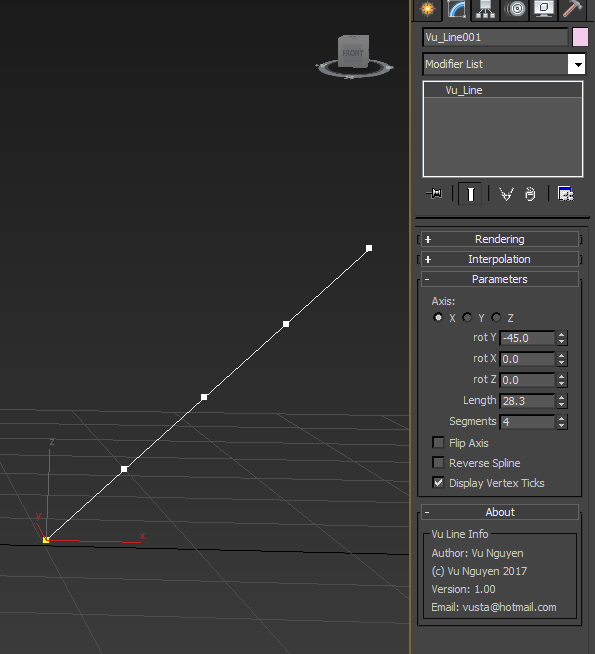
Simple straight line....well it was for a simple request so no need to flame me.

Installation:

https://knowledge.autodesk.com/support/3ds-max/learn-explore/caas/CloudH...

Then can be found in Create>Shapes>Vu

https://youtu.be/0W59gOdPfHM

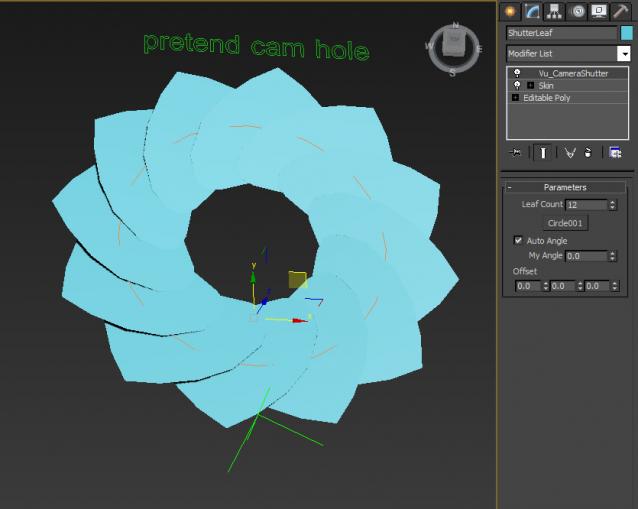
MCG Camera Shutter Rig Cloner

1 vote

just helping out someone with another simple request...

http://forums.cgsociety.org/showthread.php?p=8330272#post8330272

Rig is extremely basic for illustration purposes.

Installation:

https://knowledge.autodesk.com/support/3ds-max/learn-explore/caas/CloudH...

Then can be found in modifier dropdown list.

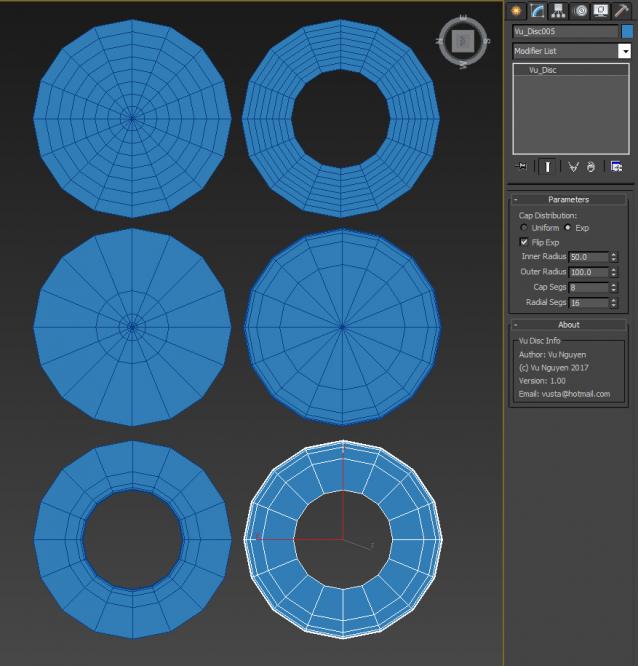
MCG Disc

4 votes

don't ask...Dave Wortley requested it...

(no more fiddling with deleting faces off of a cylinder...just drag out this flat disc)

Installation:

https://knowledge.autodesk.com/support/3ds-max/learn-explore/caas/CloudH...

Then can found in Create>Geometry>Vu


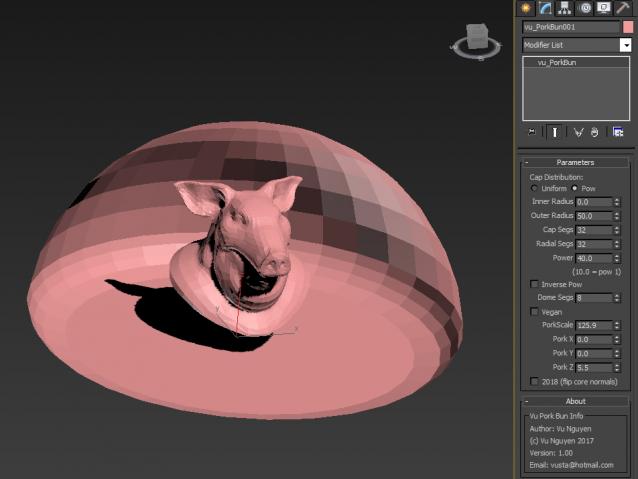
MCG Pork Bun

0 votes

ok, so this is what Dave Wortley really wanted out of the MCG Disc..a hemisphere for lighting purposes

Installation:

https://knowledge.autodesk.com/support/3ds-max/learn-explore/caas/CloudH...

Then can be found in Create>Geometry>Vu

https://youtu.be/nNwFOAYTLPw

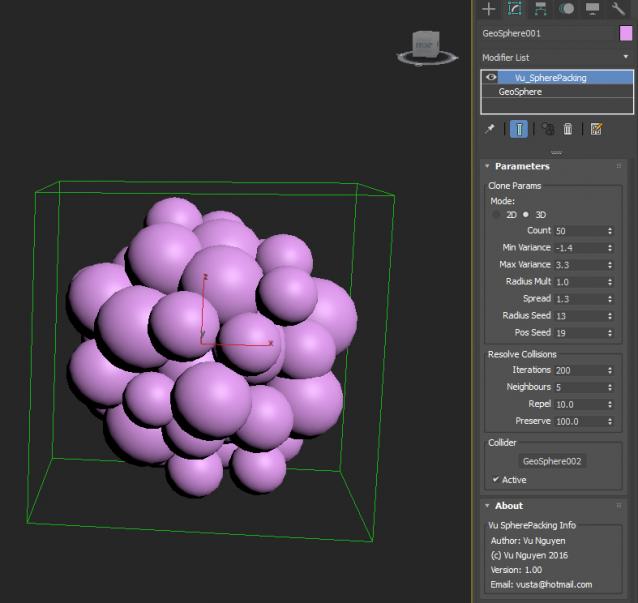
MCG Sphere Packing

0 votes

 Installation:

https://knowledge.autodesk.com/support/3ds-max/learn-explore/caas/CloudH...

Then can be found in Modifier Dropdown List

ver 1.02: Self Contract option (see Circle Packing)

MCG Parse Spline

0 votes

This MCG will parse your spline by segment or element.

Requirements: Max 2016 + Extension1/2 + SP3, Max 2017, Max 2018

I will stress this on a separate line: Max 2016 requires Extension1/2 + SP3

MCG Pixelize Bitmap

0 votes

This would most likely be completely useless...but do I care about what you think....not really. It was an exercise in how to process 2D array (the bitmap) in 'clusters'...so you can learn the technique from here if you can be bothered.

Installation:

https://knowledge.autodesk.com/support/3ds-max/learn-explore/caas/CloudH...

(2018 can be drag & drop mcg into viewport)

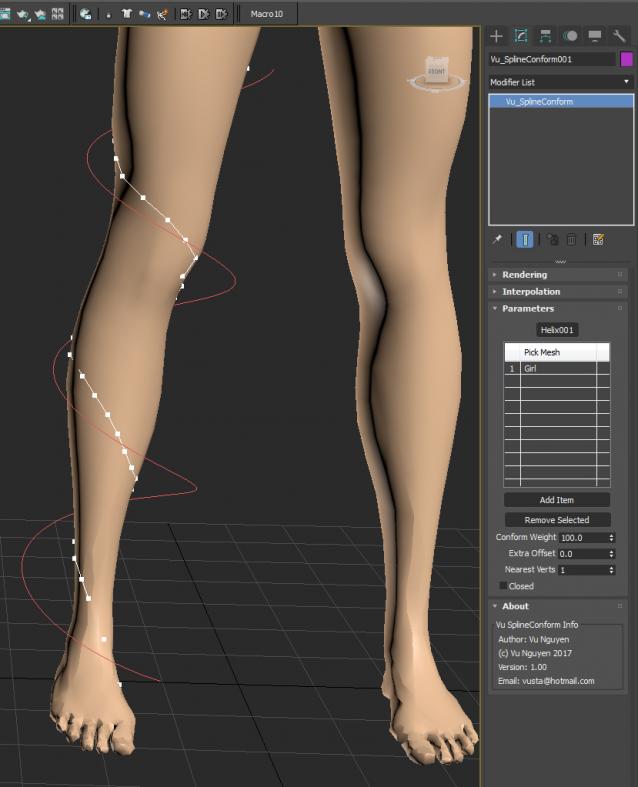
MCG Spline Conform

9 votes

Get your spline to wrap onto a mesh or multi-meshes... Yes it is a bit rough around the edges, so it is what it is...

ver 1.01: bit more stable when tumbling around...

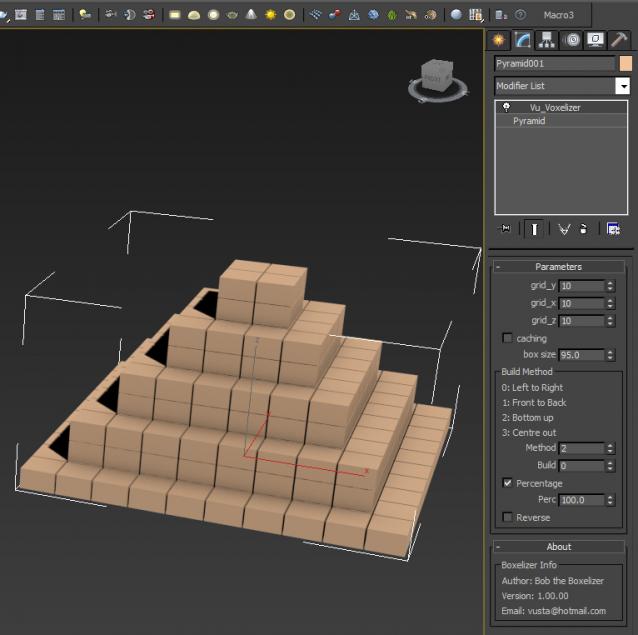
MCG Voxelizer

8 votes


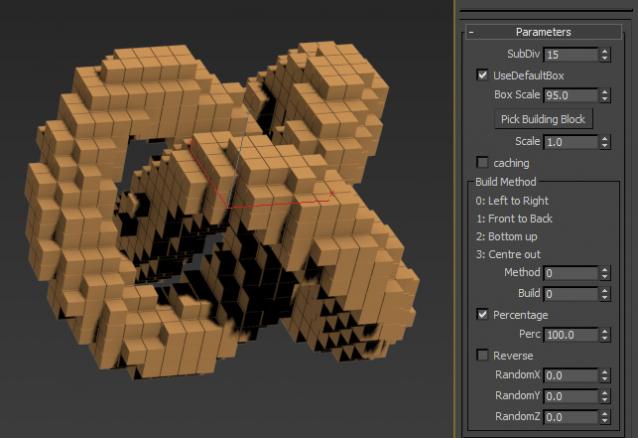
Bob the Boxelizer added some bells and whistles to Christopher Diggins' Voxelizer in the Sample Pack. Probably more useful to mographers....or use Bottom up method to illustrate 3D printing..

Video here: http://1drv.ms/1Itid08

Ver 1.01.00: the voxels are now 'cubic', ie. uniform in all dimensions, not oblong if your orig geo was oblong. Also added option to pick building block instead of default 'box'.

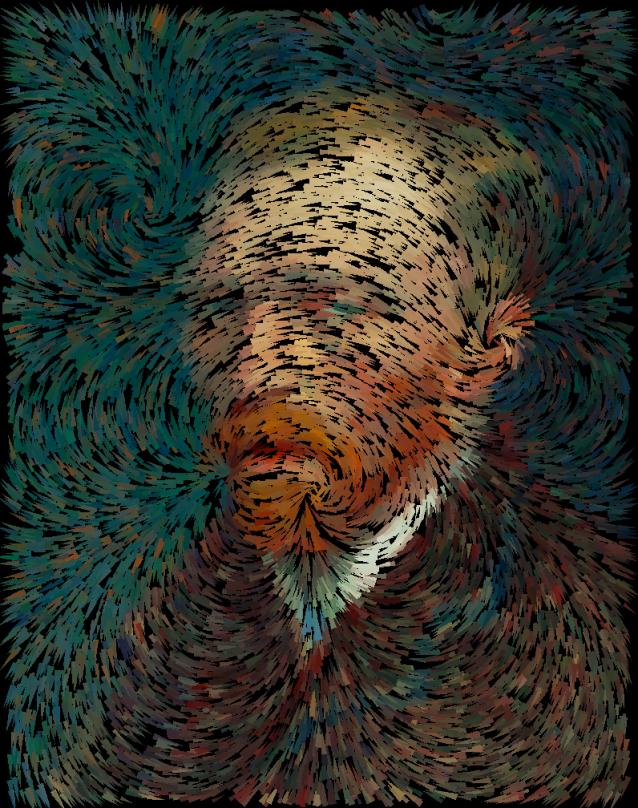
MCG Magnetic Filaments + DCP Van Gogh

6 votes

Extract DCP to: C:\Users\xxx\AppData\Local\Autodesk\3dsMax\2017 - 64bit\ENU\en-US\plugcfg\DataChannelPreset

After MCG installation, Filaments can be found in Create>Geo>Vu
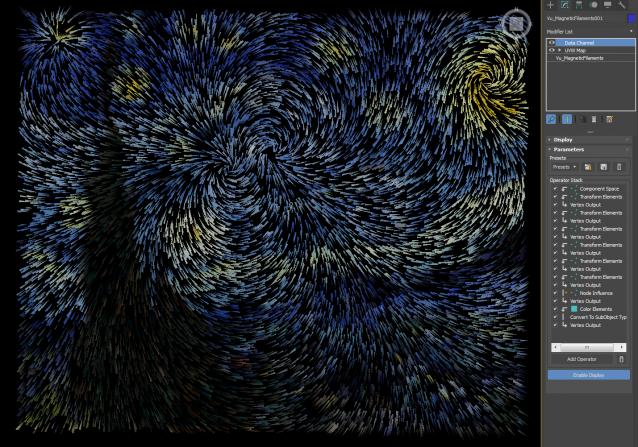
Added MCG Magnets Advanced: going where DCM couldn't...(if you got my zip file from OneDrive previously, please get latest from here now...it now has Offset so you can get the Swirl effect)

Syndicate content