3ds Max | All

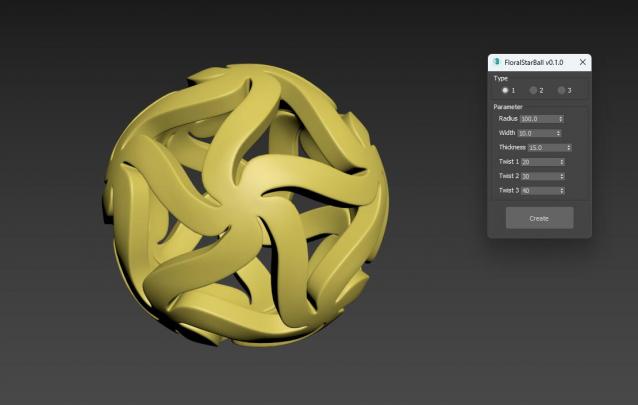
FloralStarBall

0 votes

Floral Star Ball for 3ds Max plugin, A beautiful variation of the classic star shaped sphere. The star shaped pattern is arranged in a floral style, giving objects a unique visual aesthetic. It will be an excellent addition to any Math Art collection, desktop exhibit, or even stress reliever for flexible plastic printing. One click generation surprisingly effortless!

Helper Manager

7 votes

A support panel containing many methods for adding point or dummy helpers to the scene, as well as options for baking, constraining, linking, orienting, selecting, manipulating, duplicating existing hierarchies using helpers, or replacing them with a Bones System.

Edge Loop Regularizer EditPoly

15 votes

Edge loop regularizer for Edit Poly. This script is an extended version of the well known edge loop regularizer script. This version has a ported part of the original script that can handle edit poly objects. The only drawback is that it can be slower when you are planning to use it on an edit poly object, because how max is handling edit poly modifiers. If you are planning to use it on an edit poly modifier, it might better to detach the part you want to regularize, and than attach it back when you finished the modification.

Add Unreal Socket

2 votes

Adds a point helper with a transform that matches an existing Unreal skeleton or mesh socket for aligning and linking props.

Features:

Distribute Selection

6 votes

Distributes the selected objects evenly along x,y, and/or Z axis.

Maxscript interacts with WPF

0 votes

I used WPF to write an interface that implements the function of buttons to switch between different pages, and usercontrol for subpages. When calling this wpf-written interface library in MaxScript, the events are written in MaxScript. Events are useful when the widgets on my main page are bound in MaxScript. But the controls I defined in the subpage have no effect. But when I define Form1.MainContent.Content = Form2 -- set the subpage as the main content

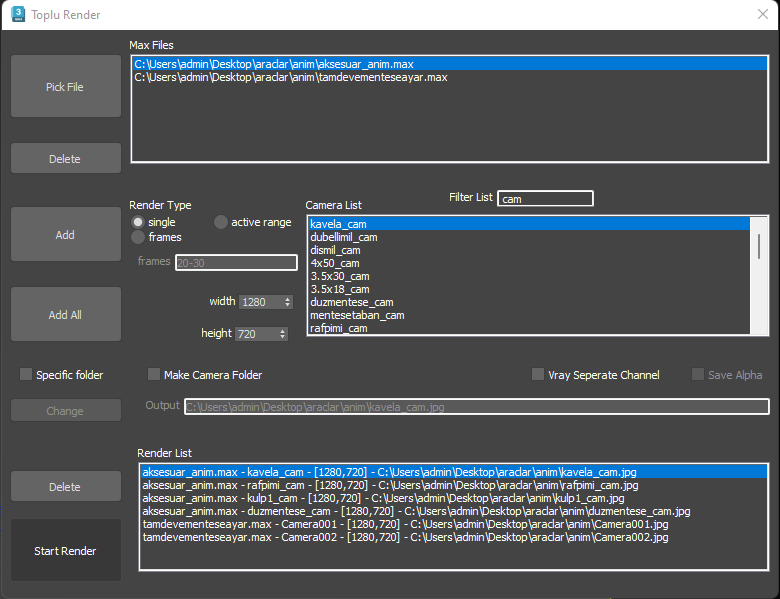
Toplu Render (Batch Render Script)

2 votes


Briefly render the cameras you took in without opening the scene. There is a separate folder creation feature for each camera.

This script has been created for personal use.

Vray supported.

---

Sahneyi açmadan içindeki kameraları seçip sırasıyla render alabilirsiniz. Her kamera için ayrı klasör oluşturma özelliği de mevcuttur.

Bu script kişisel kullanım amacıyla oluşturulmuştur.

Vray desteklidir.

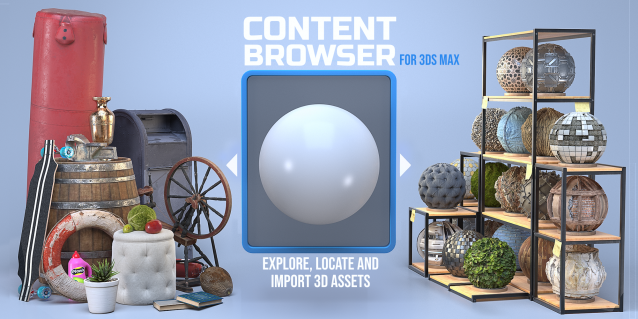
Content Browser

2 votes

The Content Browser helps you quickly browse and import 3D assets on your computer.

Load any folder accessible on your machine and the Content Browser will find any materials, hdri’s, models, and max files. It will group, organize and display these files as assets, recognizing previews, LODs, mapping channels, resolutions and other important information automatically. 

It simplifies the importing and merging process for 3d models, max files, material creation and hdri environment maps by allowing you to directly browse, filter and drag all of your 3D assets from sources like MegaScans, PolyHaven, gameTextures, Poliigon, Arroway into 3ds max viewport or material editor. 

Main Features

  • Load any folder and find 3D models, max files, materials and hdri’s.
  • Show grouped files as assets, group matching assets and find preview images.
  • Drag and Drop asset into the 3ds max viewport or the Slate Material Editor
  • Import assets to Slate and Compact Material Editors
  • Default Merge and Import 3d files and max scenes, with automatic relinking filepaths
  • Choose LODs/resolution/variations and Import multiple assets at once
  • Folder hierarchy, File list and Preview Gallery

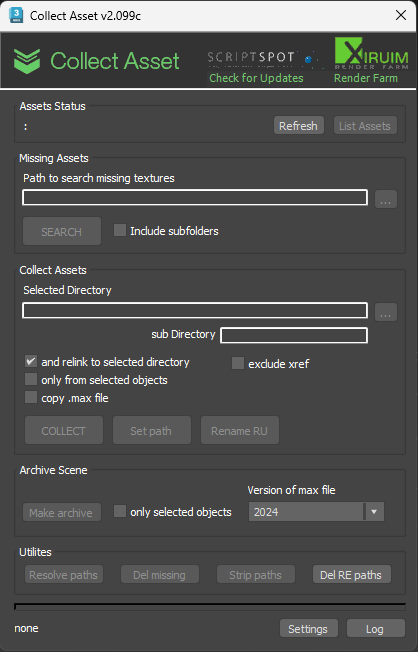
Collect Asset

44 votes

This script collects textures and other files used in the scene in one folder. Check for the same file names.
It is free script.

3DS Max - Attribute Holder modifier

0 votes

In this tutorial, we will learn about using the Attribute Holder modifier. This modifier serves as a container, and we will use it to instance some of the parameters that belong to some of the modifiers in the stack so that we can change them in one place. This is useful because it can save us a lot of time. With many modifiers in the stack, it's time-consuming to go down and enter the modifier to change the values. Sometimes we might even forget in which modifier the parameter that we are looking for.
In addition, we will learn about the Animate option in the Edit Poly modifier.

Syndicate content