Mindflow Macrotize

101 votes

----------------------------------------------------------------------------------------------------------------------------------------------------------------

V-MOTION - Mindflow Macrotize // Automatic Macro File Generator

----------------------------------------------------------------------------------------------------------------------------------------------------------------

Developed by Ian Clemmer http://www.ianclemmer.com

Programmed by Panayot Karabakalov a.k.a. Anubis http://www.scriptspot.com/users/anubis

Rendering Revolution Competition

83 votes

Rendering Revolution Competition - Submissions Are Now being Accepted Until October 31!

Here’s your chance to show off your best architectural work through high-quality renderings AND win great prizes! Sponsored by Autodesk®, CGarchitect, and NVIDIA, the Rendering Revolution contest is a global still image architectural visualization competition in celebration of the Autodesk® 3ds Max® 20th Anniversary and advancements in GPU-accelerated rendering solutions.

Ant Traffic Simulator - automated vehicle rigging & traffic setup

107 votes

Ant Traffic Simulator

* UPDATED TO WORK WITH 3DS MAX 2014

Ant Traffic Simulator script allows you to rig and animate vehicles to your scene with just a few mouse clicks and it will drastically reduce the time necessary for vehicle animation in visualization scenes.

removeMissingPlugins

105 votes

This is a small script for completely removing all references to missing plugins from your 3ds Max scene. For more details when running the tool, make sure to also read the info printed to the MAXScript listener.

Use with care (!) and do not save the results under the same file name!

The script will replace any missing plugin object with the first usable alternative object of the same class (e.g. a missing render effect will be replaced by the first available render effect). I cannot give any guarantees this will not mess up your data, your machine or your live.

Project Manager

597 votes
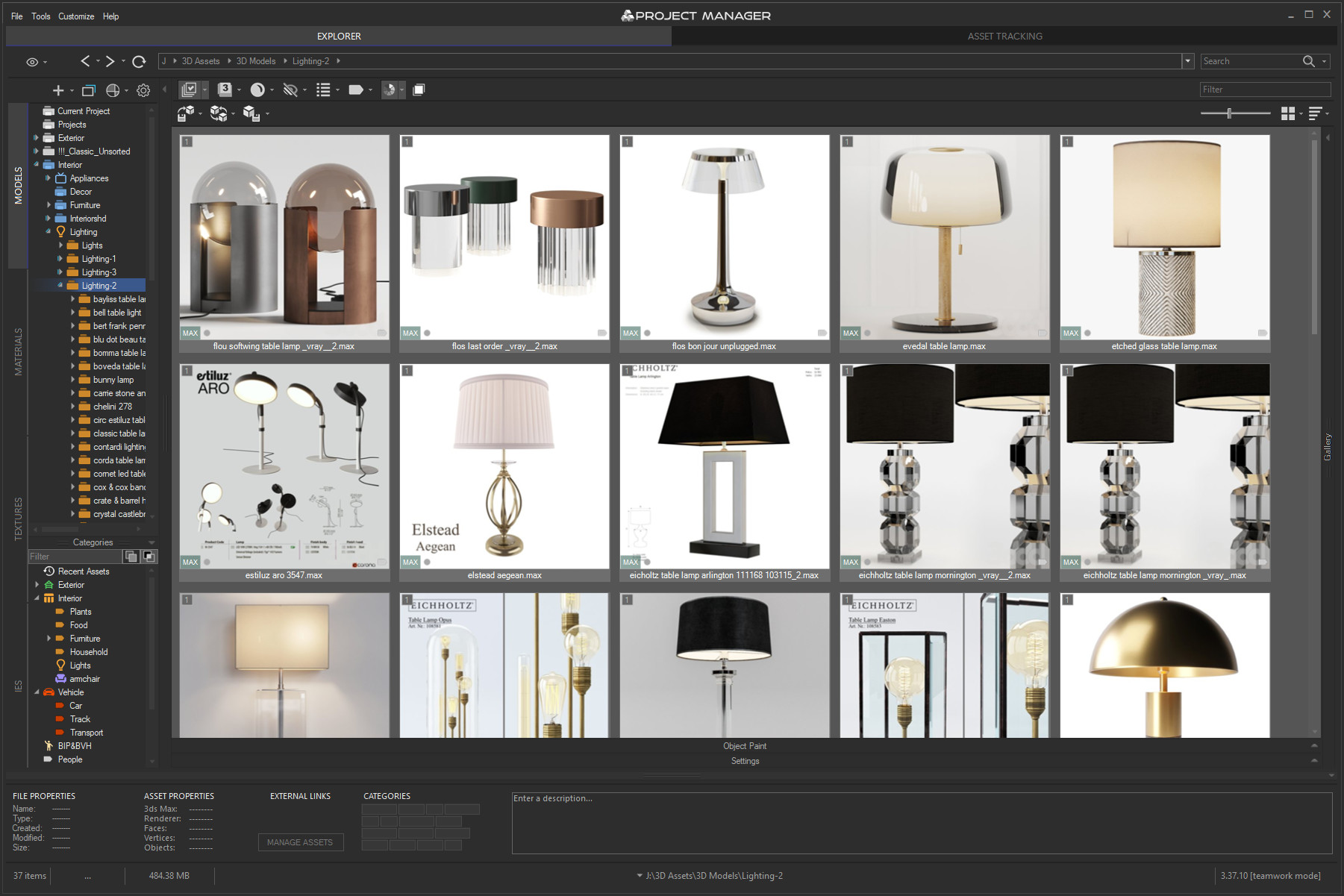
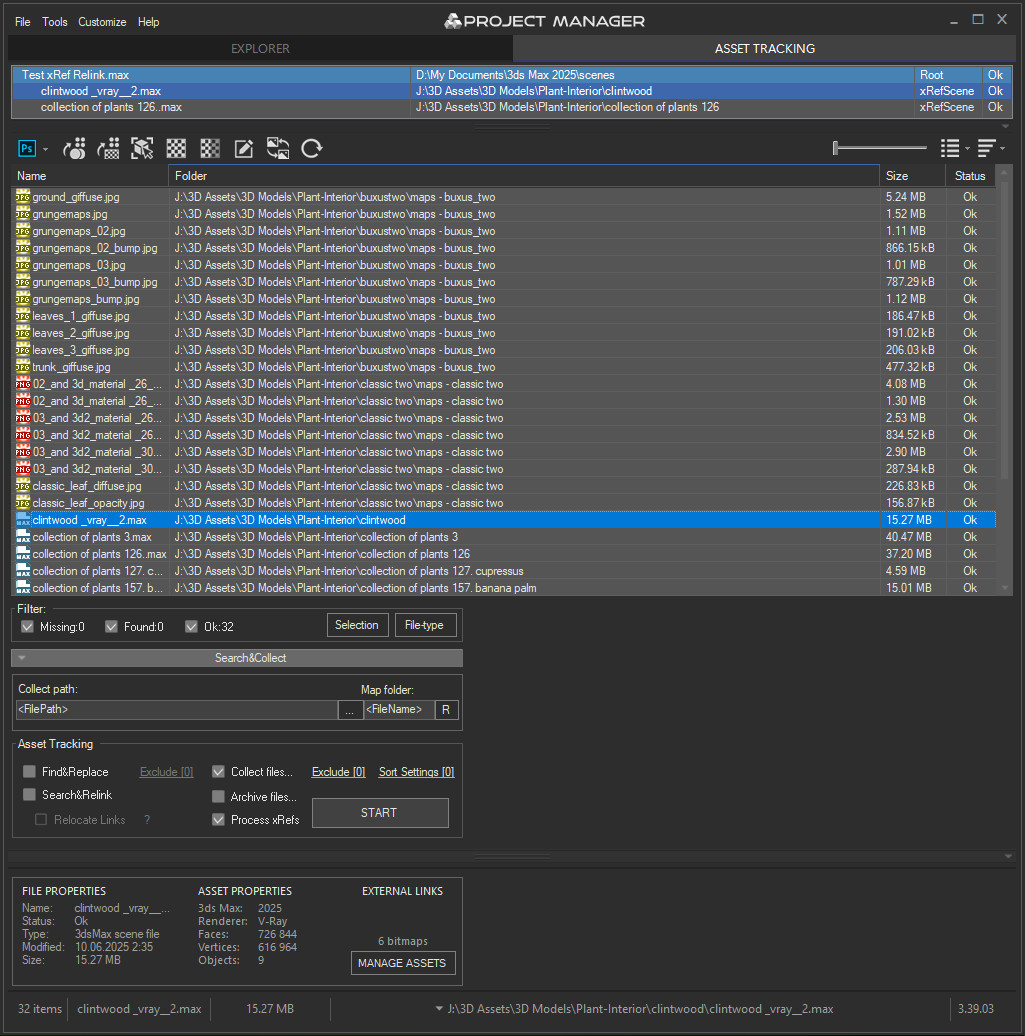
3rd version of Project Manager gains a lot of new features to manage 3D Assets. 
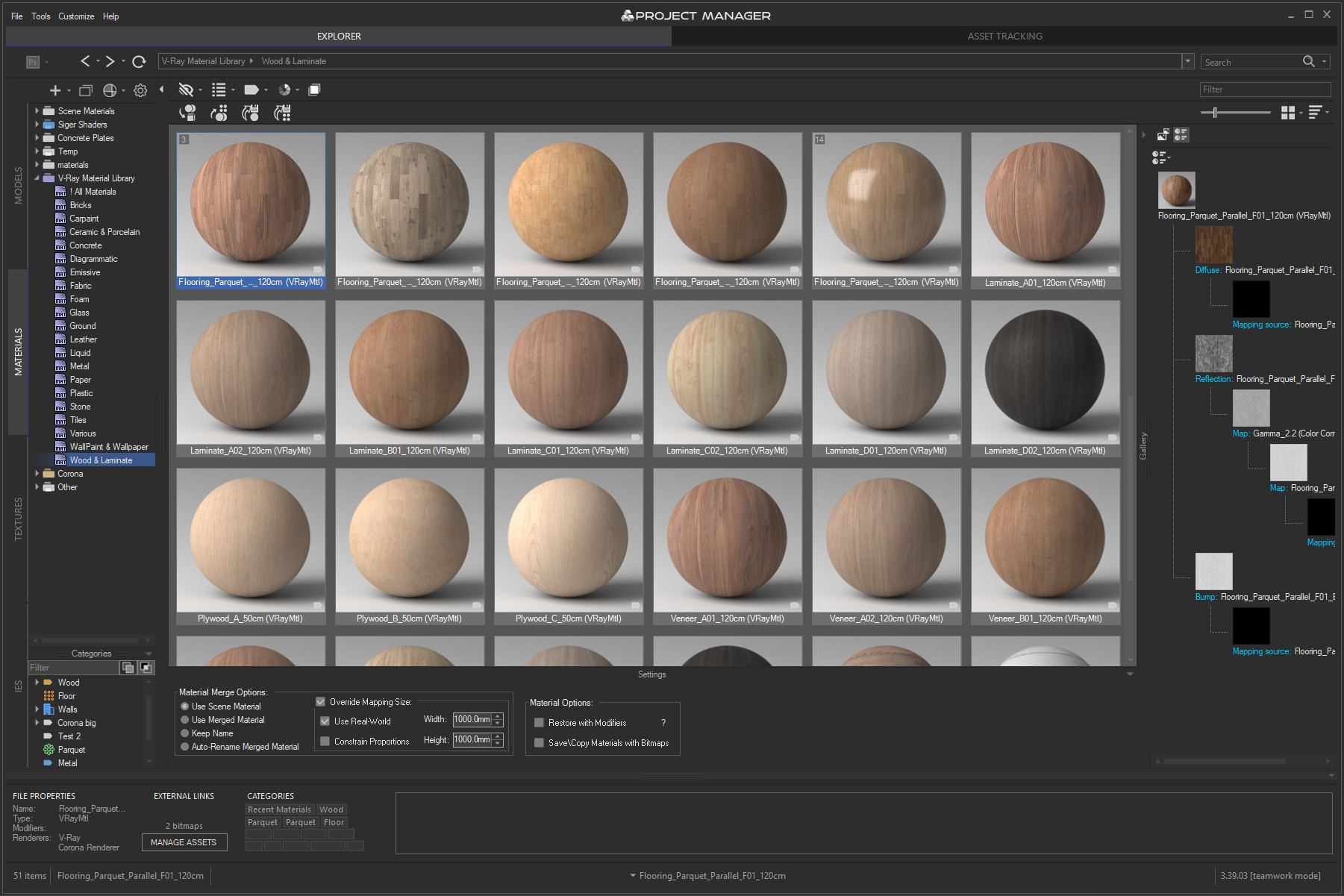
What is most unique to the new features – is the ability to assign custom previews to materials, associate files with materials, and create a gallery of files associated with any type of assets including materials. 
You can also write a description for materials and, of course, assign categories to materials.

Project Manager version 3.41.00

 Online Licenses – new activation system, one key for all computers, easy dashboard management.

 Import from Archives – use assets directly from .zip/.rar/.7z without unpacking.

 Custom Folder Colors & Color Labels – personalize your library with your own palettes.

 Category Filtering – filter assets by one or multiple categories in the current view.

 PBR Materials – added support for translucency maps and templates.

 Batch Import – merge multiple selected models into the scene at once.

 Other Improvements & Fixes – Redshift renderer support, new Extract command, 12 new folder icon sets, bug fixes and optimizations.


Project Manager version 3.40.00

What's new:
Instant interactive search across the entire database
Advanced filters with include/exclude options for filenames, descriptions, and categories
✔ Filter by complete folder path for precise asset selection
Color Labels: assign and filter assets by color for quick organization
✔ Isolate Selection filter for focused browsing
Significantly improved asset display speed for large file sets
✔ Smoother navigation and thumbnail caching — no more interface freezes
✔ Hide folders by relative path for fine-tuned library control
✔ Redesigned, collapsible bottom panel for more workspace
Batch Rename Tool: now with diacritic replacement, Cyrillic transliteration, and flexible numbering
✔ Custom exclude expressions for merging in 3ds Max
✔ High-DPI support, improved stability, and numerous bug fixes

More about new features ->  Project Manager version 3.40.00


Update History for all versions.

Models 3D Models Browser
Materials Materials Browser
 
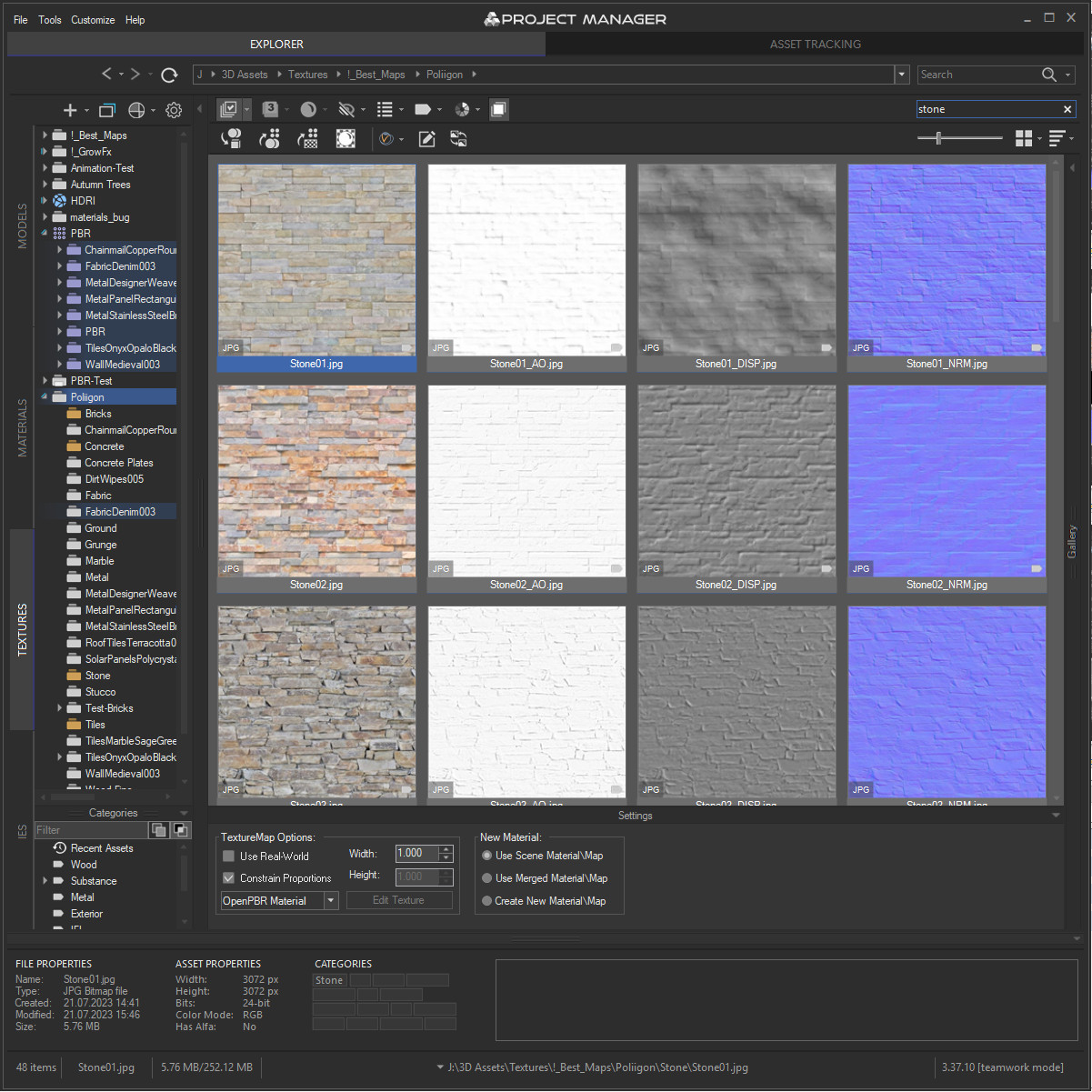
Textures Textures Browser
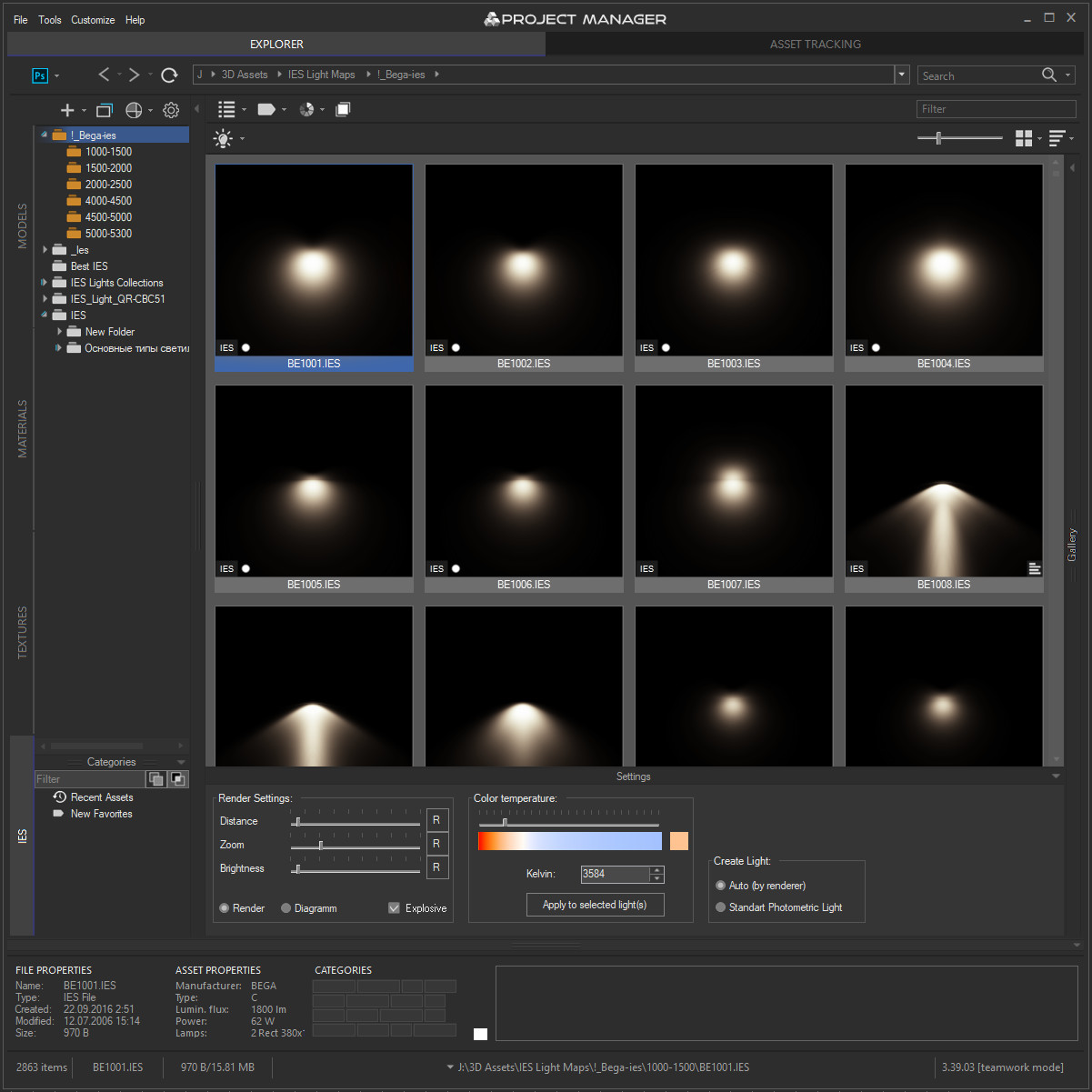
IES IES Photometric Browser
Asset Files Asset Tracking

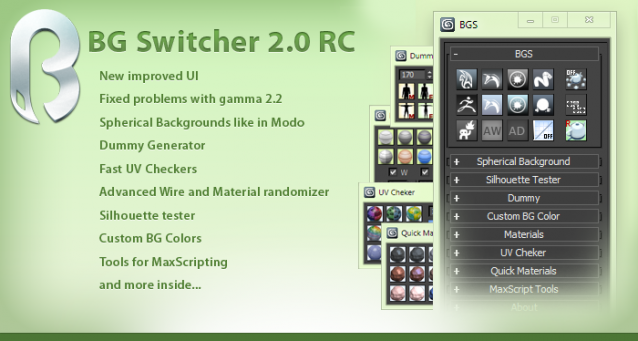
BG Switcher

153 votes

3DS Max Hot Box

201 votes

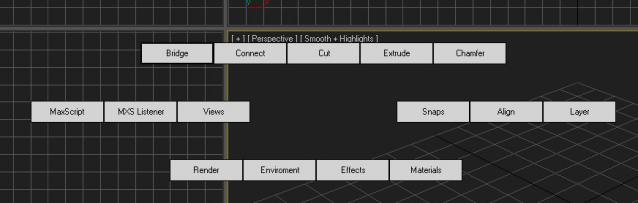
After being inspired by the video I saw of a Max hot box here on Script Spot I decided to work on my own. So here is the first version, its only a beta so some bugs or problems are to be expected. I am giving it out early as I want to get as much feedback as possible  I am currently debating whether to follow the Maya route or do something a bit different. 

Frowser

132 votes


Alpha Stage over, Commercial and Time-Trial will come shortly

Ceiling Grid Generator

99 votes

Ceiling Grid Generator is a free MaxScript that will quickly create 'metal' ceiling grids commonly seen in commercial interior spaces where acoustical tile ceiling exists.

This script allows you to set custom sizing for the tile openings, the width of the grid, the height of the grid, and also creates the strips along the border for a nice finished look. You can also shift the grid side to side or up and down as well as rotate the grid. You can then preview the final grid, or go back and make more changes before committing to a grid that fits your space perfectly.

Displacement Roof Surfaces

119 votes

See "Additional Info" for the latest version history.

Displacement Roof Surfaces is a Free MaxScript that will take your existing roof geometry and properly apply UV Mapping coordinates to each roof plane and then apply convincing materials and displacement modifiers to the geometry.

Our goal is to eliminate the need for filling your 3d scenes with millions of polygons of roof tile geometry, thus keeping your viewports moving quickly and saving you hours of tedious work.

Syndicate content