Tagged '3dsmax'

Wirecolor to Material

0 votes

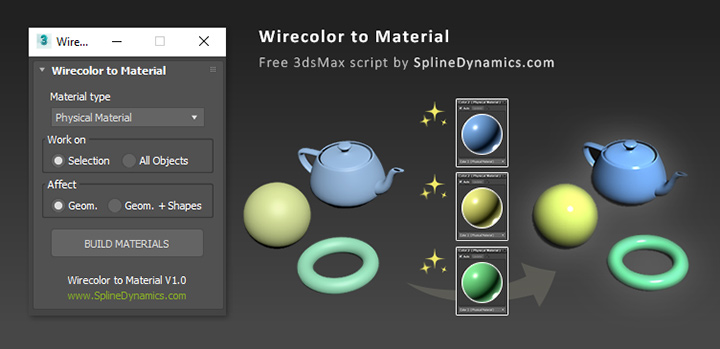
Wirecolor to Material

Description

Automatically create and assign materials from objects’ wirecolor.

Model Packer

3 votes

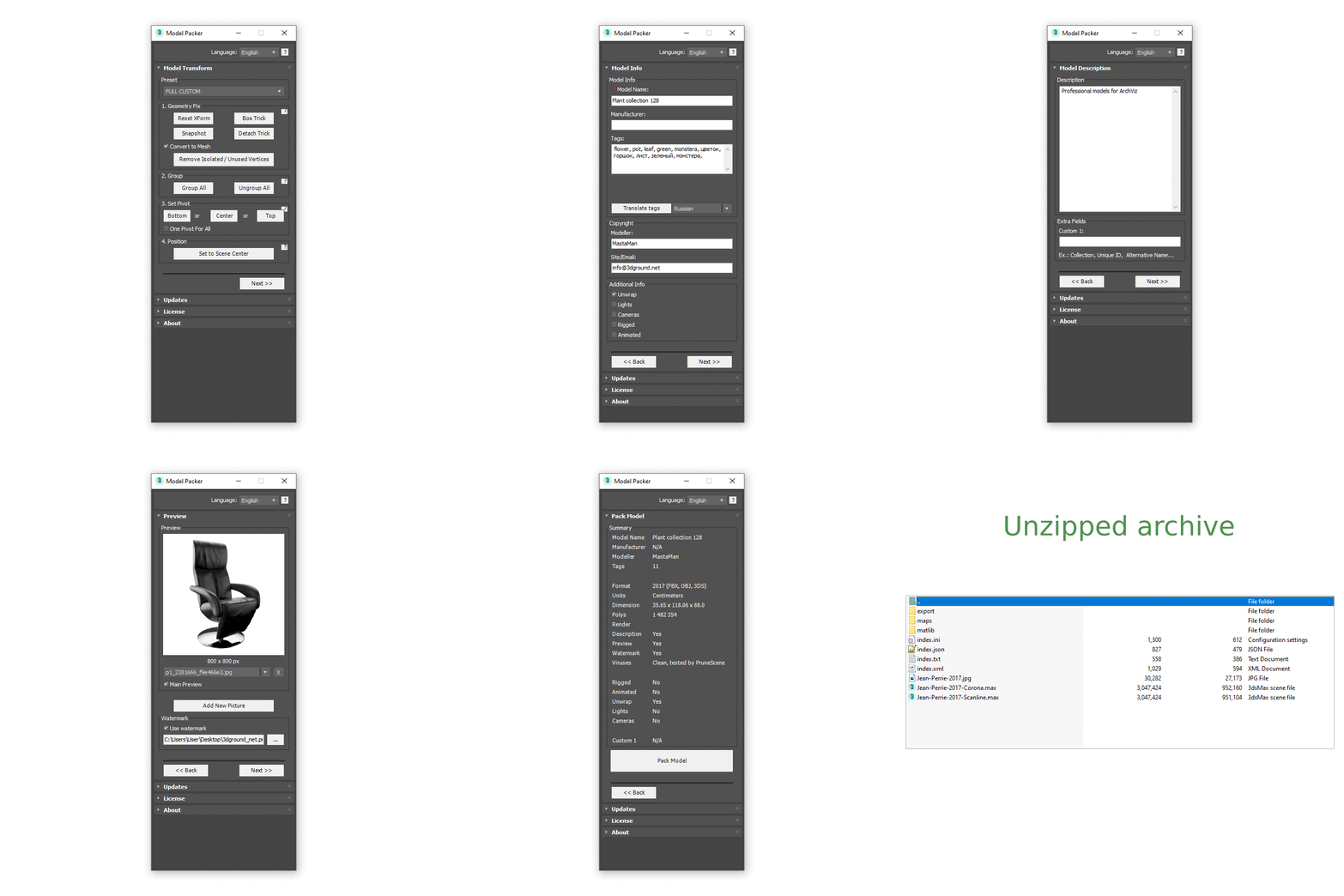
With the Model Packer, you can prepare your 3D models for uploading to 3D stocks or Asset Libraries.

Just a couple of clicks and you will create an archive with your model or scene.

Paste RefImage

8 votes

Window Placer

4 votes

SubSpline

1 vote

SubSpline 3dsmax script - banner

Total Control of Spline Subobjects


Description

SubSpline is an Advanced Subobject Selector & Material IDs Editor for spline shapes in Autodesk 3dsMax.

Easily expose on screen the vertex numbers and material IDs for all your selected shapes, with a simple toggle button.

ColorsForCGArtists

1 vote

Tertium Organum CollectoREX

25 votes

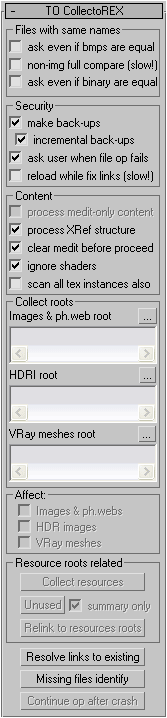
TOCollectoREX is utility replacing and supplementing standard Resource Collector.

**IMPORTANT**
After more than 10 years I've finally decided to turn collectorex from internal utility to a public open source project. In the beginning it was paid utility, now it's completely free and not binded to hardware. Please feel free to edit code and commit here, use it as you like, distribute it freely, I just don't allow to sell my software as your own. That's it.

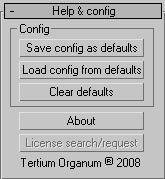
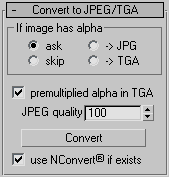
It allows gather all scene resources together, put them in specified place, find where all missing files are used (exactly in which objects). It can find which files in specified place are no longer used by scene. It also allows convert bitmaps to jpg, etc.
Utility supports XRefs of all types and processes all scenes linked to current.
Unlike all other such scripts, it really finds all resources (images, HDR-images, Vray meshes, IES-files, shaders), not only some bitmaps (Relink Bitmaps, Resource Collector). Below there is full description.
Interface:
3DS Max - Unhide By Pick - Plugin

5 votes

This new script I created will allow the user to unhide objects using the mouse button, by temporarily hiding the current scene and unhiding all hidden objects so you can pick the objects you like to unhide. After picking the objects you can right-click and your original scene is back again plus the objects you've picked.

Quick Batch Render

0 votes

A simple and powerful script to quickly render multiple ready '.max' files successively on a single computer.

Options: set a percentage of the file’s render resolution (width/height); ignore/suppress warning dialogs; render First frame only (to test render files with animated sequences).

3DS Max - Convert Unique Objects To Instances - Plugin

8 votes

In this video, I will present you with a new plugin I created that converts unique object/objects into instances of a selected source object.

Syndicate content