Tagged 'copy'

NukeOps

39 votes

A set of functions wrapped into a minimalist single-click button to help 3ds Max and Nuke artists to bring the 3ds Max 3d scene assets into Nuke's powerful 3d compositing scene.

This tool allows:

1) Copy cameras and any other objects (as points) and their animation into clipboard for an easy Copy+Paste action inside Nuke.

2) Generate .chan files from selected cameras and any other objects (as points) and save them either many at once or one at a time to selected destination.

Copy Paste - Objects/Materials/Modifiers

3 votes

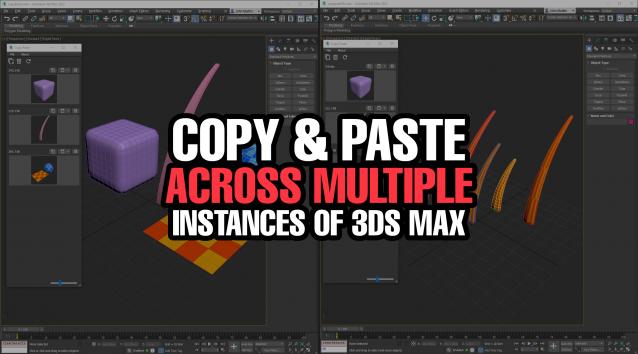
Copy Paste is a 3ds Max tool that allows teams or individuals to copy and paste objects, materials, or modifiers across multiple instances of 3ds Max. It supports sharing these copy/paste buffers in shared locations on the network or local on your computer. The tool helps to keep everyone up to date with real time updates anytime a new copy is created or modified.


Copy and Paste Object Properties

3 votes

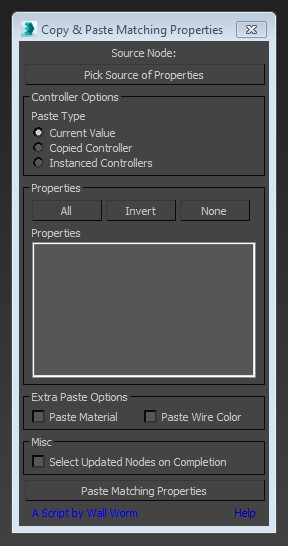
This little script will help you transfer arbitrary properties from one object to another. All properties that you selected that have matching names and types in the destination nodes will get the property values of the source node. You also have the option of instancing the source value's controller across the updated properties.

copy and paste maxscript

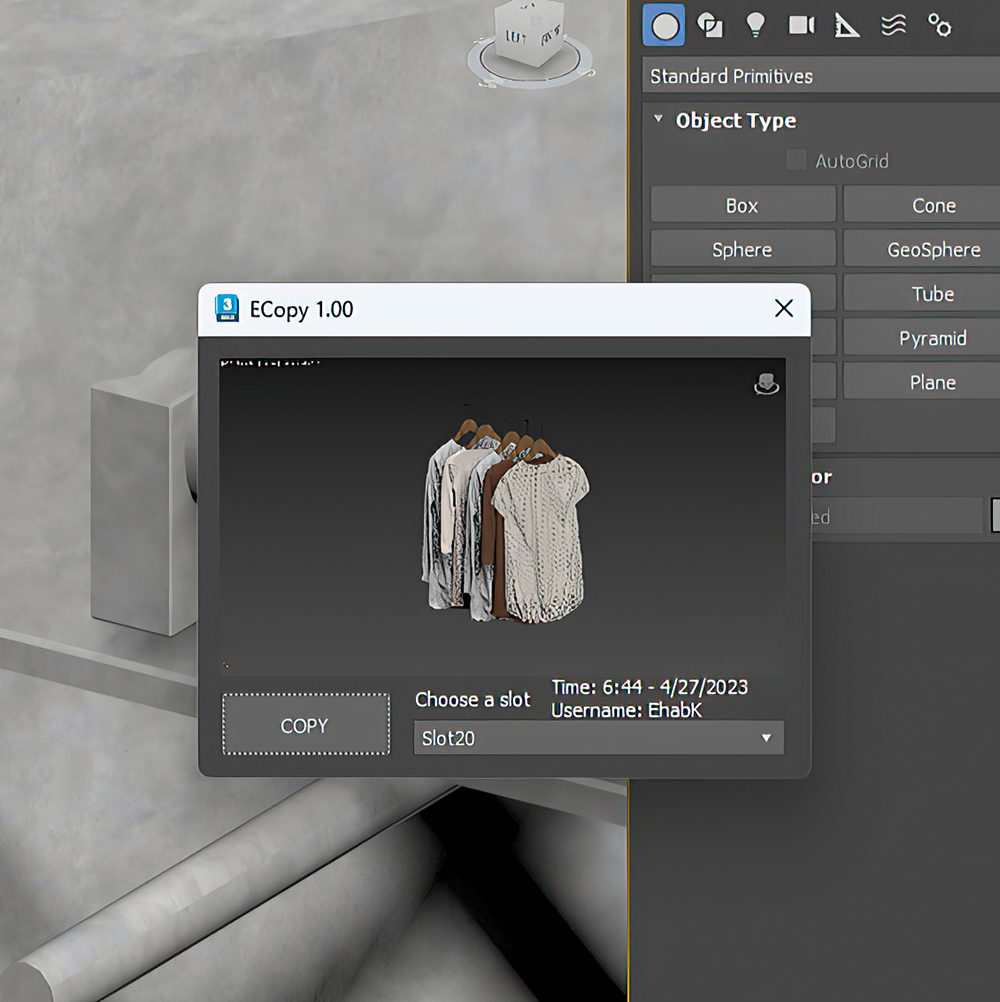
ECopy

2 votes

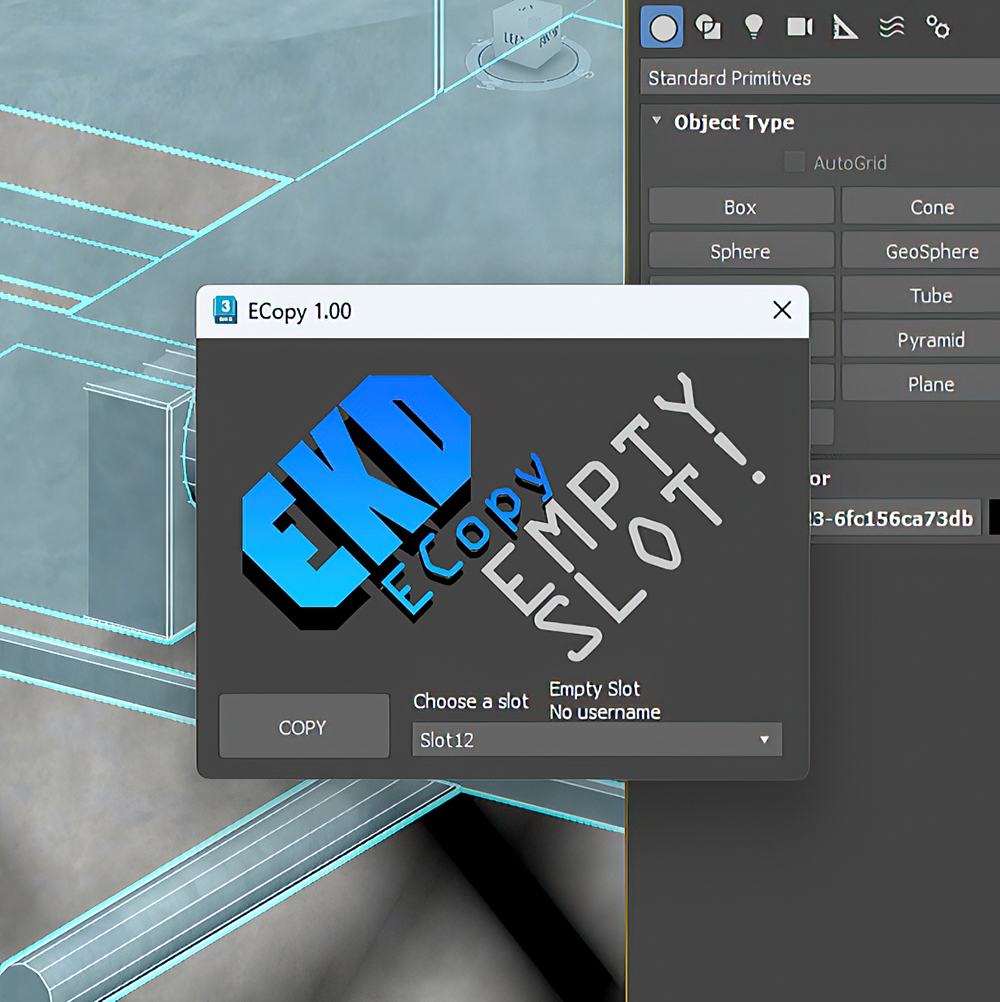
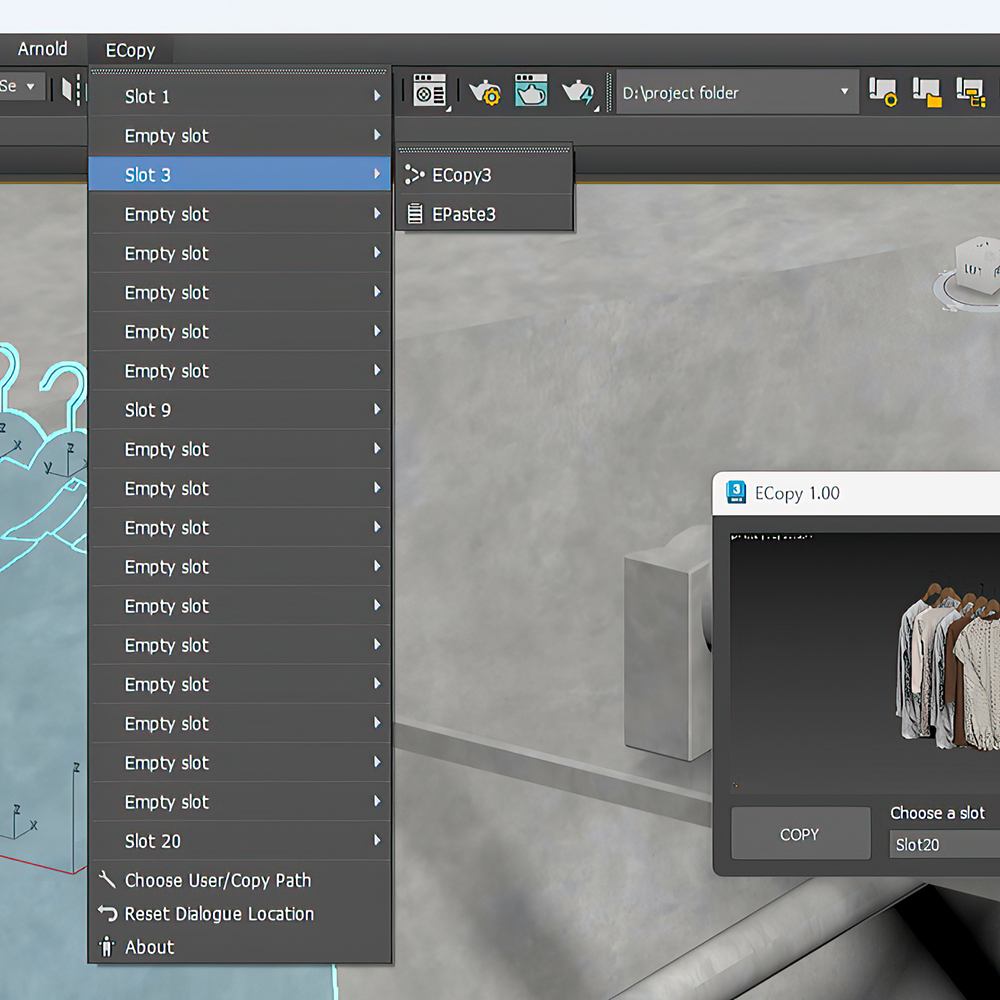
ECopy is a 3DsMax script by EKDtools.
Poster Image
Poster Image
Poster Image

Macro Snippets

26 votes

Show Vert Nums
Quick Z Direction
Distance to Clipboard
Angle to Clipboard

Editable Poly to ADD Edit Poly (vertex transformer)

8 votes

(vertex) to ADD as Modifier (vertex position) for clone Object

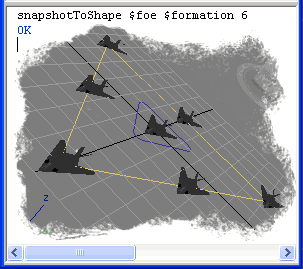
Snapshot To Shape

23 votes

Clone object by equal distances on the shape length.

Snapshot To Shape

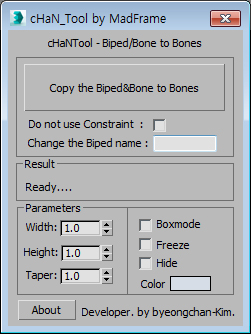
Copy the Biped&Bone to Bones

2 votes


1.Select Target(Biped or Bone)

2.[Copy the Biped&Bone to Bones] pressed button

3.The target name is automatically changed to Hep001.(If you want to enter directly  Change the Biped name)

Transfer Materials

1 vote

Transfer materials, object properties (standard and Vray) and modifiers between objects based on names, vertex count or transfom. Can work between multiple Max instances. Handy for transfering materials from lookdev to lighting scenes with caches.

Installation:

just drag&drop to max and the you can find the script inside ProgressiveFX category

Changelog:

v1.2

- bugfixes

- possibility to remove string from object name before copy

Copy_Paste_Selected_Properties

8 votes

get a node's properties, select some of them, an apply them to other objects.

Syndicate content