Tagged 'modifier'

Turn On Generate Mapping Coordiantes for added modifiers

1 vote

This script will turn On the Generate Mapping Coords. checkbox when a certain modifier is applyed to the object. Supported modifiers are:

- Bevel, Bevel Profile, Extrude, Lathe, Sweep, Renderable Spline

Installation - paste the script in maxRoot/scripts/startup folder and restart 3ds Max.

This script was requested here.

Multi Slicer Pro

19 votes

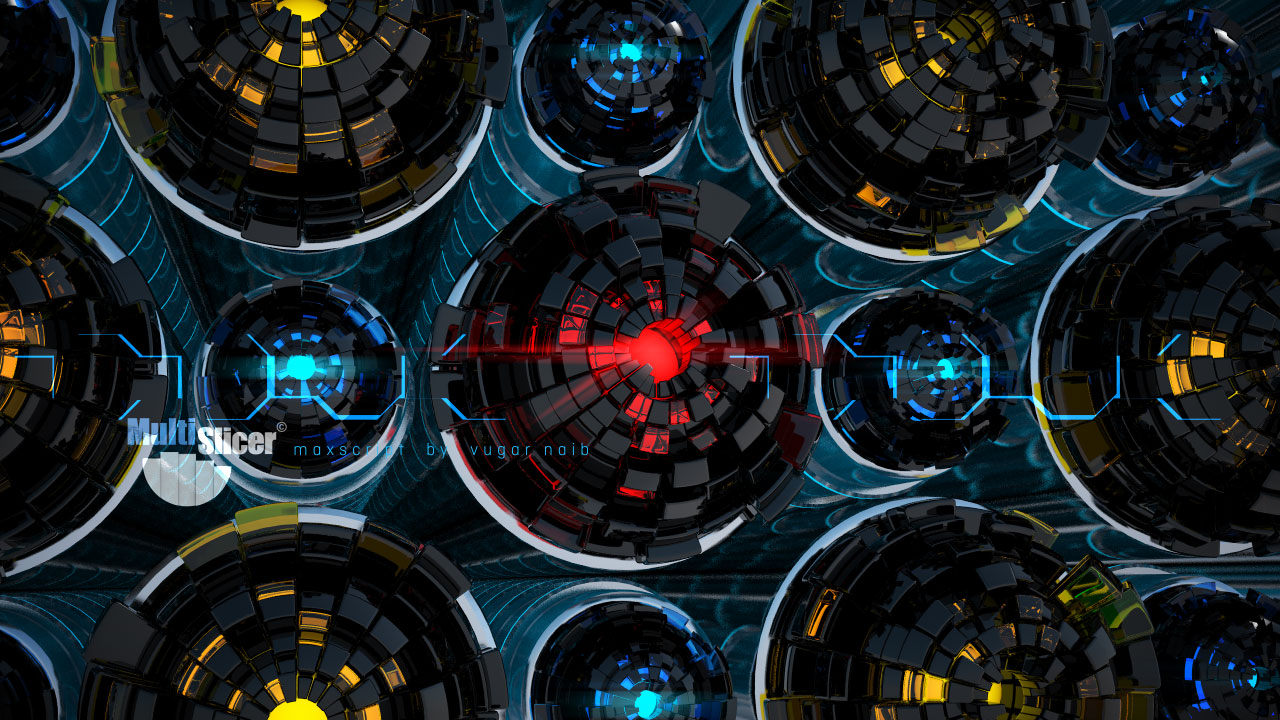
Multi Slicer Pro is a maxscript file that cuts your object with slicer modifier on any number of slicers, retaining at the same time the modifiers stack and providing you with an interface to control the parameters of the modifiers added to an object. As a result you have a setup that allows creating complex and unexpected animations of your object. Have free version.

UnwrapUVW Editor AutOOpen

4 votes


v.2.3 Now, when you run Unwrap UVW_Editor_AutOOpen on an object where Unwrap already exists anywhere on the stack, it will become active in the editor. A new modifier will only be added if there is no modifier at all.

Теперь при запуске UnwrapUVW_Editor_AutOOpen на объекте, где в любом месте стека уже есть Unwrap, именно он станет активным в редакторе. Новый будет добавляться только если модификатор отсутствует вовсе.

Script makes. Скрипт делает
1) Assigns unwrap UVW. Назначается unwrap UVW

Modifier Manager

4 votes

With this maxscript tool, you can manage your modifiers
1: you can align gizmo and change gizmo properties on multiple objects
2: you can attach gizmo to an object, so one object can control multiple gizmo on multiple objects with move, scale and rotate
3: you can control all the modifiers options on your object selection.

BCS_Projector (Boxify-Cylindrify-Spherify)

2 votes

With this modifier, you can project your object into either a box, a cylinder or a sphere.

In box mode, you will have ability to modify the width, length and height.

In cylinder mode, you can change the radius, the height and the direction.

In Sphere mode, you can only change the radius.

There is also a global parameter in percentage that control the overall deformation effect.

Push 2

6 votes

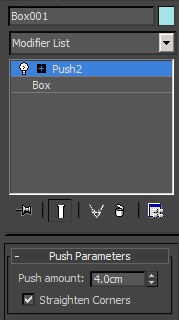
This scripted plug-in was wanted in the forum. It is like the original push modifier but with the option "Straighten Corners" of the shell modifier. You can "push in" and "push out".   -- Update V1.4a --


Modifiers Clipboard

5 votes

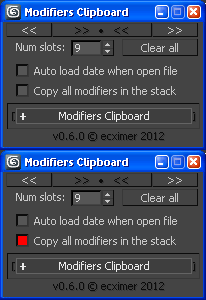
Clipboard for modifiers.

!!! UPDATE !!!

Delete Modifier Utility

6 votes

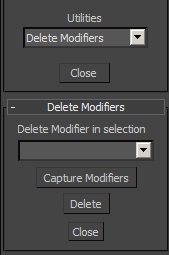
This small utility allows to delete any modifier in a selection. First, it captures the modifiers in the selection. The group of selected objects can be of different types (geometry, shape...). Then select which modifier you want to delete and click on "delete".

Notes modifier

6 votes

A modifier that does nothing to the object but just holds a piece of text with it.
Think 'post-it notes'.

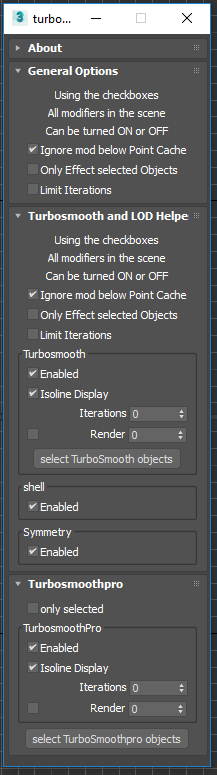
Toggle Turbosmooth , shell , and Symmetry

2 votes

Turbosmooth helper dialog

This is a simple script allows you to quickly toggle ( on or off ) all: turbosmooth , shell , and Symmetry modifers in the scene. I use it to control detail levels while I'm building up a scene. To use: