Tagged 'modifier'

Blend Mesh

7 votes

BlendMesh

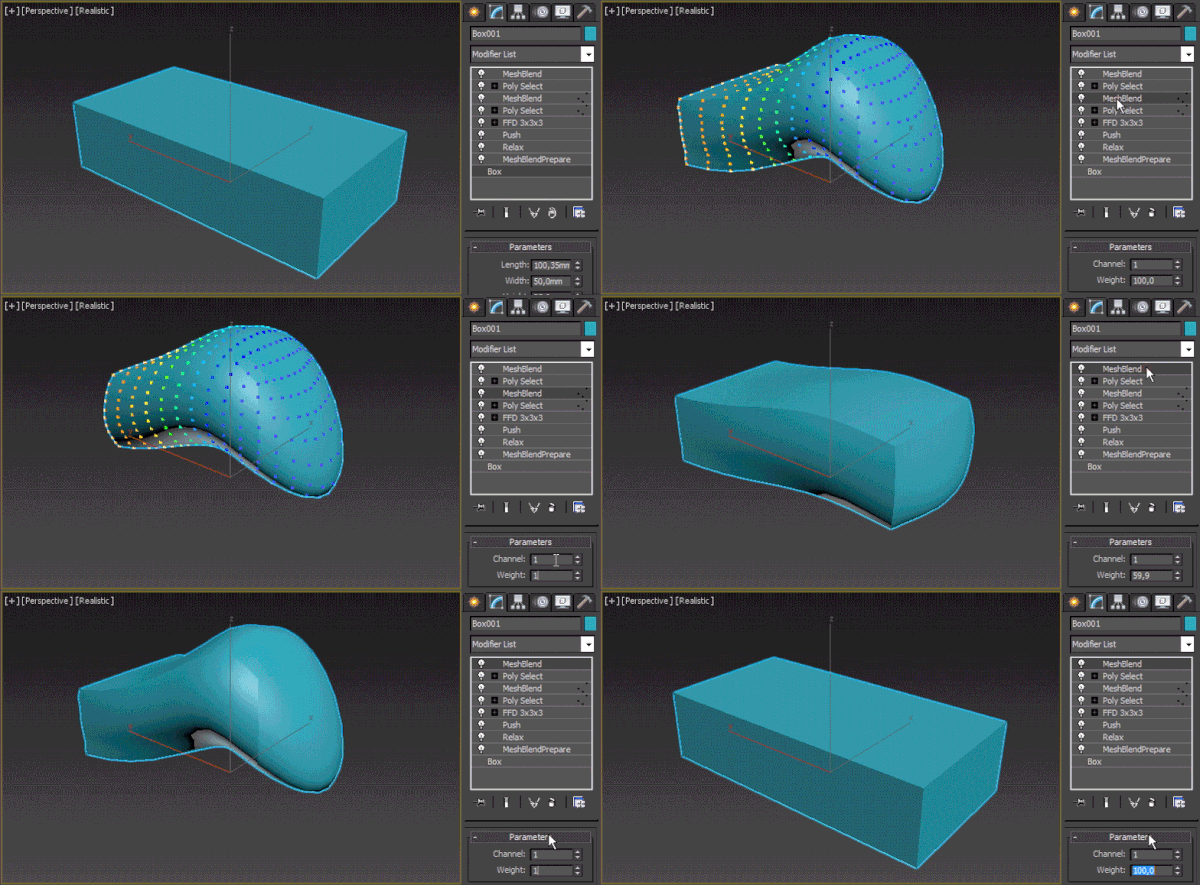
Instead of morphing between two nodes, this modifier allows you to morph between a state of the model before adding one or multiple modifiers and after that (provided that they don't change the object's topology). It works with soft selection – you can select just a part of the mesh to be changed. Up to 30 states in the stack can be saved on a single node, there are 30 data channels to choose from

Warp Control

16 votes

An updated version of Warp Toggle. Turns off Space Warp bindings to speed up viewport work (a lot!). Turn them on or off with one click. Works on All objects or Selected objects. Also has a button to (permanently) remove Space Warp bindings from objects.

Tyre Tire

13 votes

NOTE: Requires VRay (Uses VRay Displacement modifier).

This is intended as a 'head start' when creating Tyres (Tires), for vehicle wheels.
Still experimental and very much open to suggestions.

Create Quick Wall

7 votes

This script allows us to quickly create a wall using the shape (linee, text, circle ecc..)


----- Features

GTVFX-SEL_selectByModifierClass

0 votes


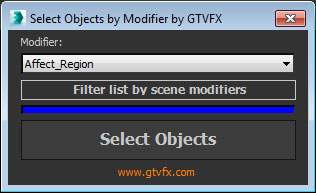
Selects objects that have the chosen modifier in their stack

At startup the list populates with all available modifiers in your session of Max. Use the button below the list to filter it down to only the modifiers currently present in your scene. This can take a few seconds for large scenes.


GTVFX-SCA_addSmoothModifierToBaseObj

1 vote


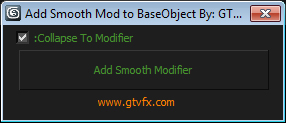
Assigns a Smooth Modifier to the bottom level of the Modifier Stack with an option to collapse to the modifier once

applied.

Usefule for quickly changing the Smoothing for an entire mesh while preserving the modifier stack.


GTVFX-SCA_addMaterialModifierToBaseObj

1 vote


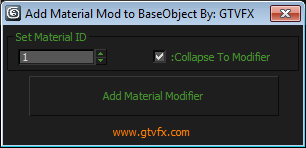
Assigns a Material Modifier to the bottom level of the Modifier Stack with an option to collapse to the modifier once

applied.

Usefule for quickly changing the MatID for an entire mesh while preserving the modifier stack.


Rapid Edit

8 votes

Automaticly selects the first editpoly/editspline modifier in the list. If no editpoly/editspline modifier can be found it asks you if you want to add one. Also works with groups, if activated it will either open the instanced editpoly/editspline modifier of the group or add one automaticly.

Vertex Normals Stitcher

8 votes

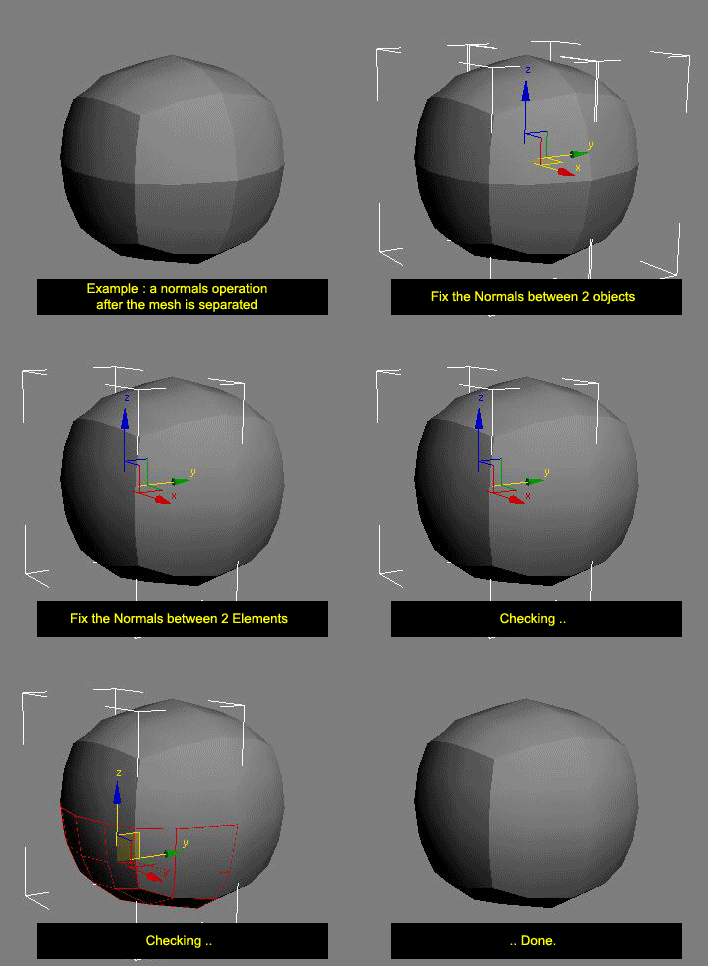
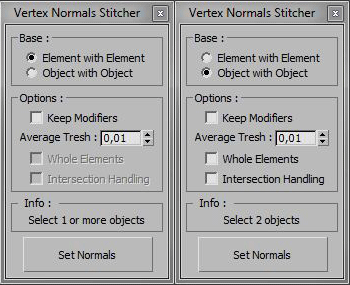
This script averages vertex normals at the borders (Open Edges).

It allows you to smooth a surfaces after separating vertexs / edges / faces.
(example: after detaching faces or splitting edges).
It still keeping a hard Edges if the object have multiple Smoothing Group ID

Images shown are not a welding operation

New UI :

Turn On Generate Mapping Coordiantes for added modifiers

1 vote

This script will turn On the Generate Mapping Coords. checkbox when a certain modifier is applyed to the object. Supported modifiers are:

- Bevel, Bevel Profile, Extrude, Lathe, Sweep, Renderable Spline

Installation - paste the script in maxRoot/scripts/startup folder and restart 3ds Max.

This script was requested here.

Syndicate content