Tagged 'maxscript'

Local Pivot Align

2 votes

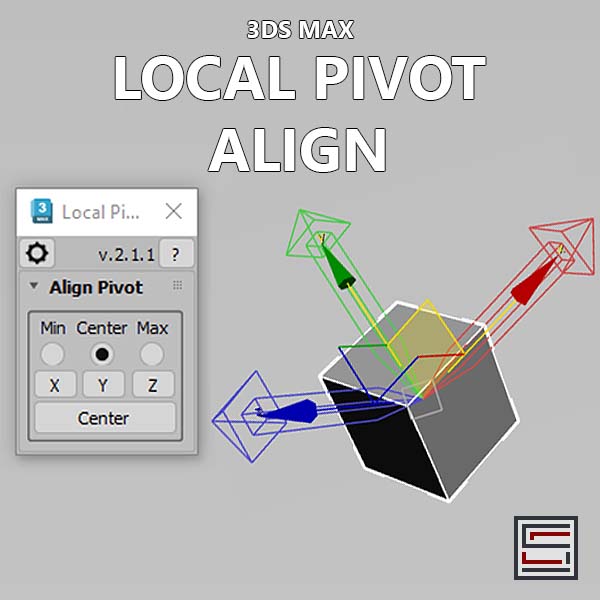
Description: This script aligns the local pivot using an object's bounding box min/max extremes. 

duberPython

0 votes

A first public release of duberPython, a dotNET plugin that bridges MAXScript and Python scripting, is finally available.

A battle tested plugin used by such as Pixomondo or Orbit Studio, can be yours!

The main purpose for this plugin is the ability to communicate with Python APIs, such as Shotgun (for which there is also a wrapper that I wrote, available on request) or Tactic, or your Python tools of choice!

The plugin takes care of all the necessary data type conversions so that strings in MAXScript are strings in Python, booleans in MAXScript are booleans in Python etc...

Helix

4 votes

功能介绍:

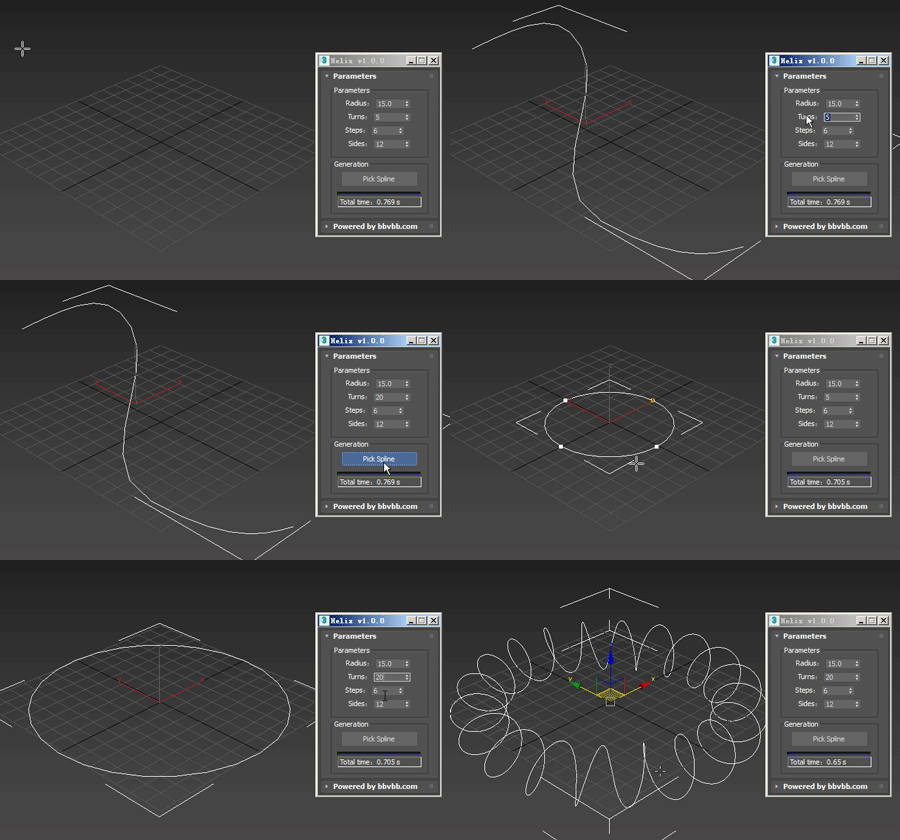
Helix for 3dsMax,是一款由#沐风课堂#用MAXScript脚本语言开发的3dsMax建模小工具,可以将任意弯曲形状的样条线一键转化为延该样条线路径上的螺旋样条线。

MAXScript for build helix spline.

Usage method: 

1 run Helix-1.0.0-en_US.mse.

2 create a spline in the Max view.

3 Click the "Pick Spline" button, and then pick the Spline. 

Connect Edges

1 vote

Just a simple modifier to connect edges selected with the previous "edit poly" "editable poly" or "poly select" modifier. Currently I tested my script on 3dsmax 2020, I will try to test it on older version of 3ds max and update this page if I can. If you have any question or any requirement, don't hesitate to ask me or to contact me. I will be happy to answer you.

Selection Manager (speed up you work in scene)

1 vote

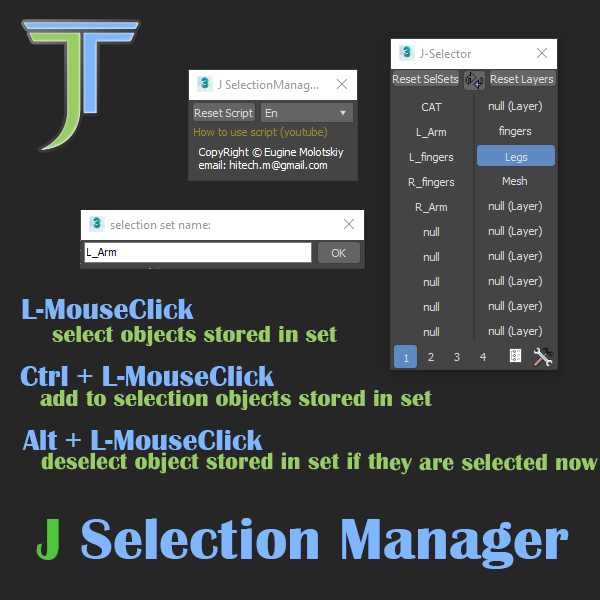
J Selection Manager

designed for speed up your work by optimizing the selection of objects and hiding/showing groups of objects

Sub Object Constraints Improved

2 votes

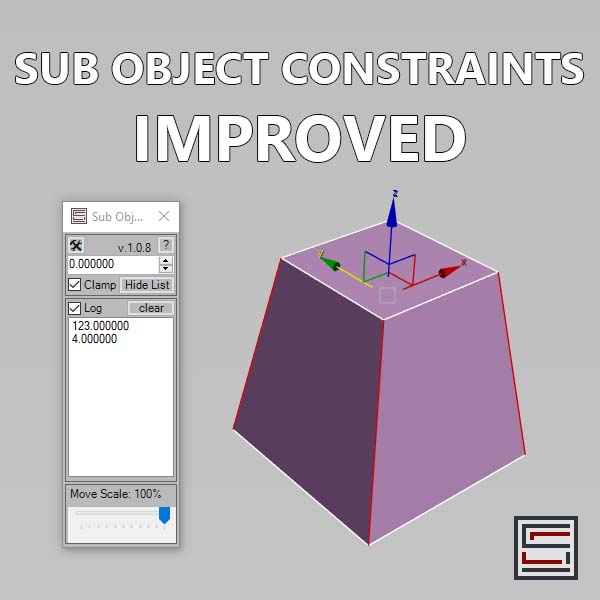
Description: Slide verts & faces along edge paths. Similar to the standard constraints, but works in both directions.

Pipelicious

-10 votes

2Dextruder

1 vote

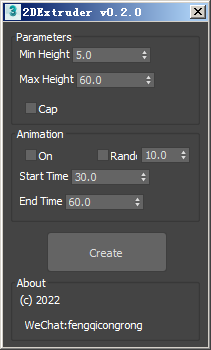
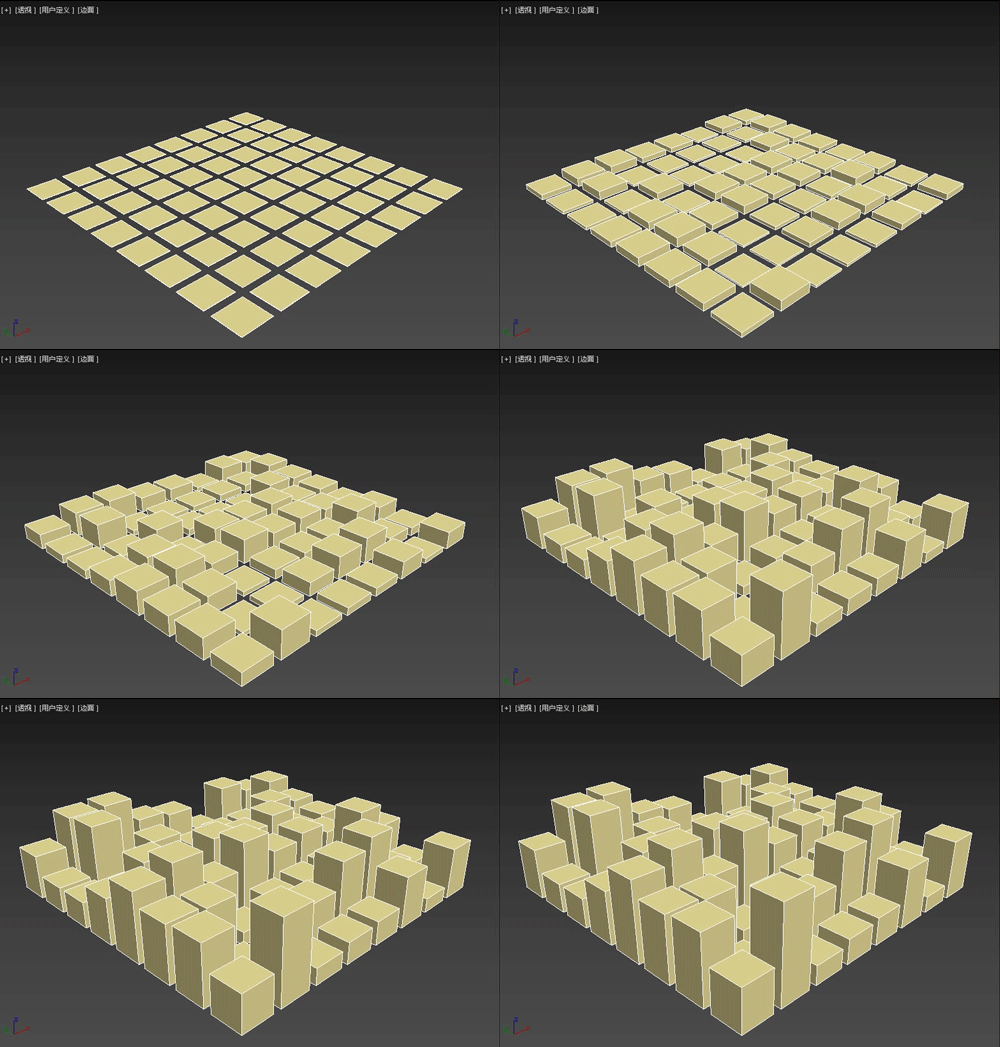
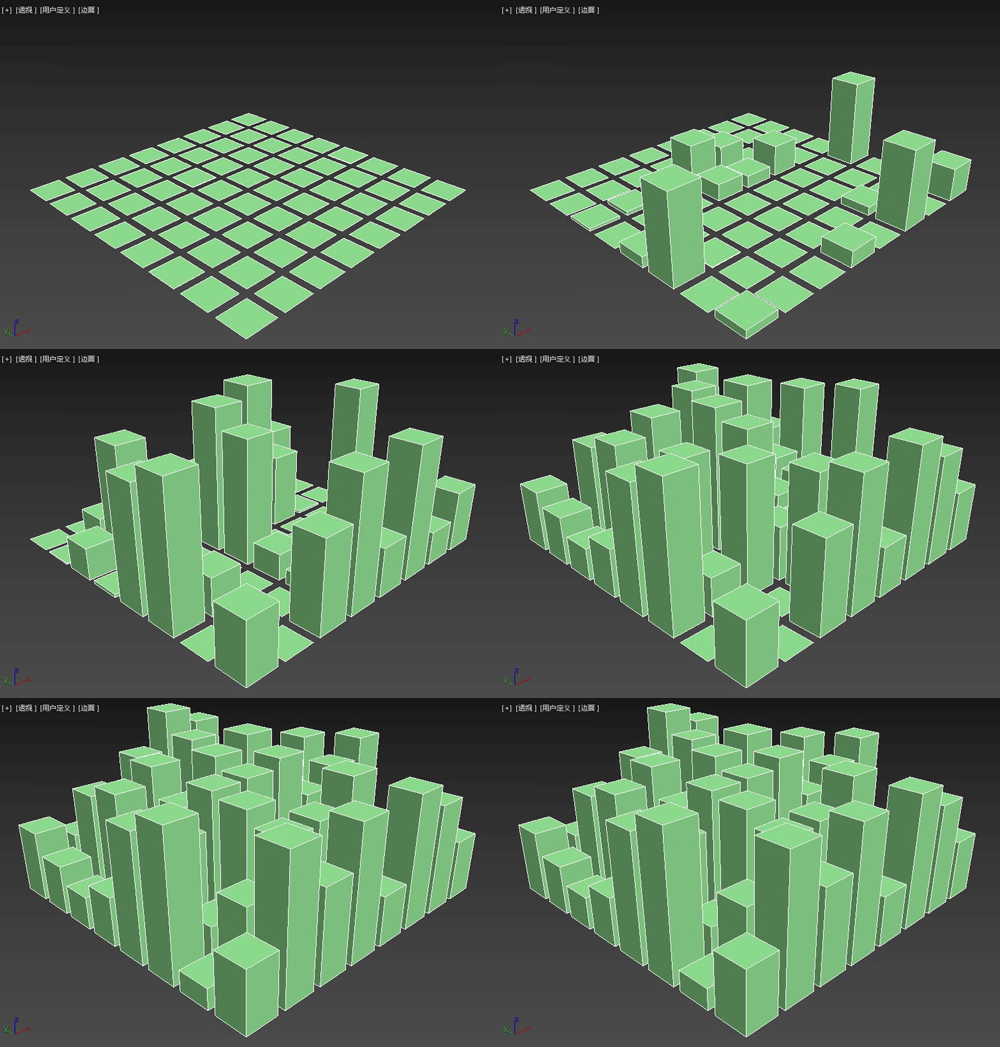
The 2DExtruder random extrusion plug-in is a MAXScript script that can randomly extrude the thickness of multiple selected spline shapes, and also set simple growth animation.

Main features

Move Points

1 vote

This tool moves points to a source very quickly. It uses the 3ds MAX SDK for heavy-duty tasks like moving mesh points. The destination source can be points or SpLines. When the source is SpLines, you can move points along a direction (perpendicular to the selected point) or can move by edges.

Delete UnRemovable Layer

2 votes

You might encounter a situation where you want to remove an empty layer that you created earlier, but the delete option is grayed out in the layer manager. and you are unable to remove that layer. After all you have to remember that 3Ds Max never allows you to delete a layer while it contains nodes or the default layer called “0”. But in some rare situations, even an empty layer that you created and then finished with, may not be deletable in 3Ds Max. This happens because of some unclassified nodes that come with your imported models from other programs. These nodes are not visible in the viewport or the layer manager. The only way to eliminate them is to select those nodes using MaxScript and delete them manually, so the layer’s delete option becomes available again.