Tagged 'vertex'

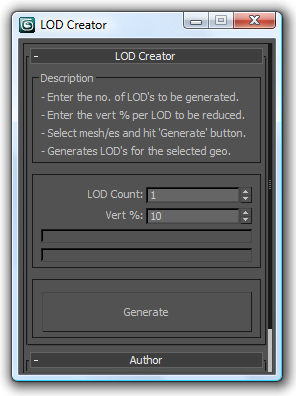
LOD Creator

64 votes

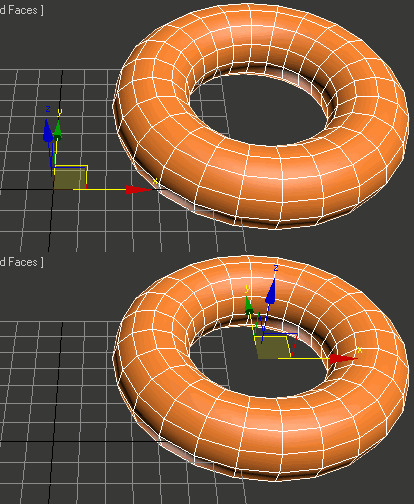
Here's my version of LOD creation script, it uses multiRes modifier. It works on multiple geometry and retains the geo type. It retains the skin modifier too, so you can run on a skinned character as well. Feel free to use this script and lemme know if you want me to add any feature to it or if it has any bugs.

DeformByProjecting Utility

7 votes

DeformByProjecting is a scripted utility for 3dsmax that allows deform one or more objects by projecting mesh verticies on the surface of another object (preform). The basic idea is similar to Conform (Compound Object), but functionality DeformByProjecting utility has differences and features:

Zero-Center Pivot Unimover

3 votes

v2.17 Fixed bug of pivot point to knot of shape when command panel pull out of 3dsmax

Editable_Poly,
Edit_Poly,
Editable_Mesh,
Edit_Mesh,
Splines


"More Video - Ещё видео"

VertexSymmetry

12 votes

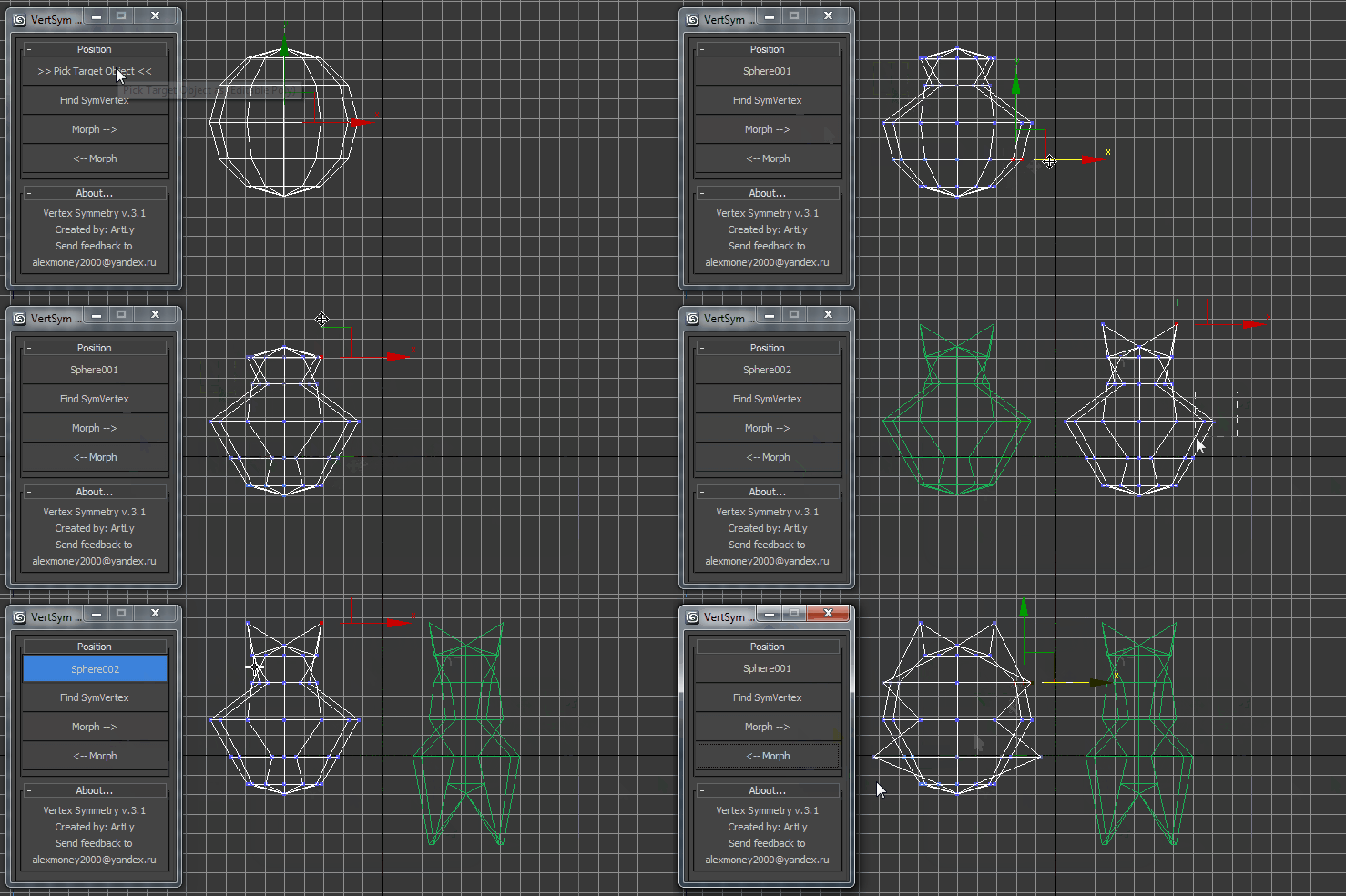
This script use for morpher symmetry + video Tutorial Transform move (Left to Right) (Right to Left) 

Box From Vertices

1 vote

Simple Script to Create Box from Selected Vertices (You can use it as snap reference)
The Box Rotation Depends on the Current Coordinate System :
- local , Parent , Node.Transform .
- other than that it'll use the view system .
- it works with (Poly,Mesh) Objects or Modifiers , and shapes (will be Converted to editable Spline) .
The Created Box Name will be "Box_Helper" placed in Layer Called "Snap_Helpers" .

ChannelCleaner

4 votes

Hello, it's a simple script which make life easier for game-dev 3d artists.
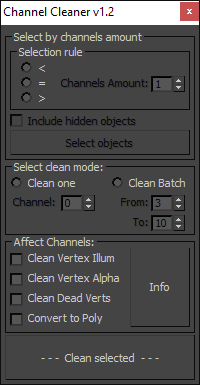
Channel Cleaner 1.2

Channel Cleaner:

-Clean selected UV channel

-Clean several UV  channels "From: N-channel To: N-channel"

-Clean Vertex Color/Illumination/Alpha channels

-Works with editable poly and mesh

-Works with one and multiple objects

Thats all.

UPDATED to version 1.2:

EditVertexDirect

5 votes

This is the replacement script of the standard script triggered from the "1" key. Yes, is goes to the vertex level for editing vertices. But makes this in more smart way. If you have a lot of modifiers above your base object typically after pressing the 1 key you get into editing the first sub-object level of the modifier. But we need editing vertices. Along with base objects it also picks the upper edit_poly or similar modifier. Version 0.4 seems to be polished enough.

Snap Verts

8 votes

Snaps selected vertices to the closest vertices of the target object.
Works on Editable_Poly and Edit_Poly, at any level in any modifier stack.
Also works inside the same mesh (if you pick the same object as target object)

This is based on this script: http://visionlore.com/lab/snapverttovert.php

Macro Snippets

26 votes

Show Vert Nums
Quick Z Direction
Distance to Clipboard
Angle to Clipboard

Line Per Vertex

30 votes

Creates lines out of an object's vertices.