Tagged 'modeling'

Voronoi cells

27 votes

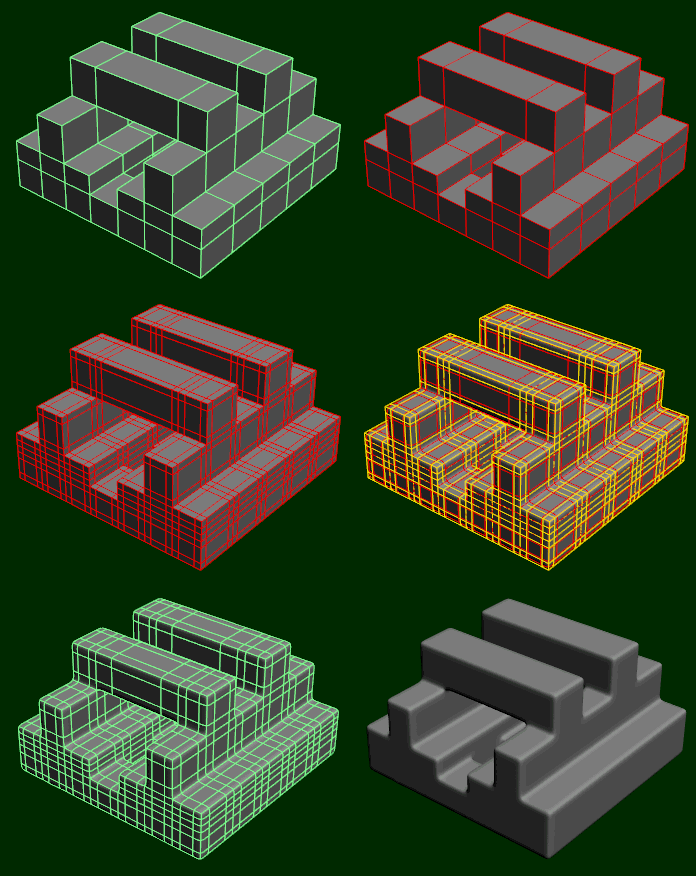
This script allow you to create Voronoi cells based on any object vertex cloud or any particle system.

This script based on FRACTURE VORONOI script by GARP 

FaceGrabO v1.5

11 votes

Handy to create twin faces from face selection of sublevel editablepoly to becoming new object for raw model or maybe final model.

Connect Always

14 votes

By default, Max has two separate commands for Connecting Edges and Connecting Vertices. You had to have two menus for both of them.With Connect Always, you just have to select the vertices/edges and hit "Connect Always"

Here is the code if you dont want to download:-

macroscript Connect_always
Category: "Butt tools" buttonText: "Connect Always"
(
$.EditablePoly.ConnectVertices ()
$.EditablePoly.ConnectEdges ()
)

The category and buttontext is needed if you want to put it in a menu or quad.

[CREDIT}

Advanced Painter

258 votes

Advanced Painter is a modular brush-based distribution tool derrived from the Nature Painter script. This tool comes with 7 inks:

  • Grass: to create grasses; Grass: to create simple grasses
  • Hair [new]: used to create simple hair/fur (or as guide hair for Shag:Hair
  • Randomizer [new]: a variation of Scatterer used to randomly distribute a selection of objects.
  • Stone: to create simple stones and peebles.
  • Spaghetti: spaghetties, noodles, wires and other long things maker.

attachSelectedObjects

11 votes

Takes your current selection and attaches the objects together. Works on geometry and splines.

Make parallel edges

29 votes


This macro will produce parallel edges along selected edges, may be useful for subdivision modeling.

To set distance print plDist = <number> in MAXscript listener.

DO NOT expect to much, it's still in development but may be helpful.

DO NOT ask me how to install it, read here, http://www.scriptspot.com/script-installation-in-3ds-max

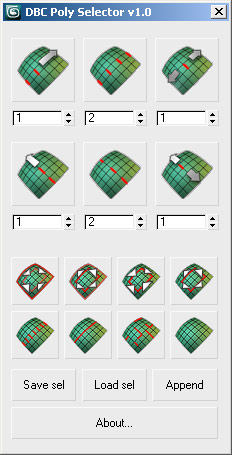
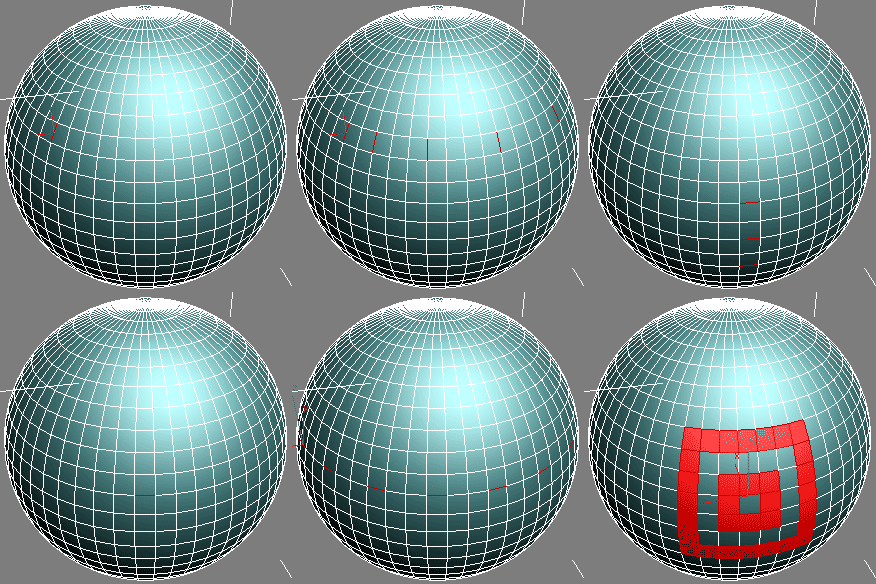
DBC PolySelector V1.0 (RC1)

14 votes

DBC PolySelector V1.0 (RC1)

Screenshot Demo

Simple Window Maker

16 votes

Simple Window Maker v1.1.ms 

Simple Window Maker allows the user to
generate simple windows on mass across
the facade of a building, rather having to
model each one, or duplicate from elsewhere....

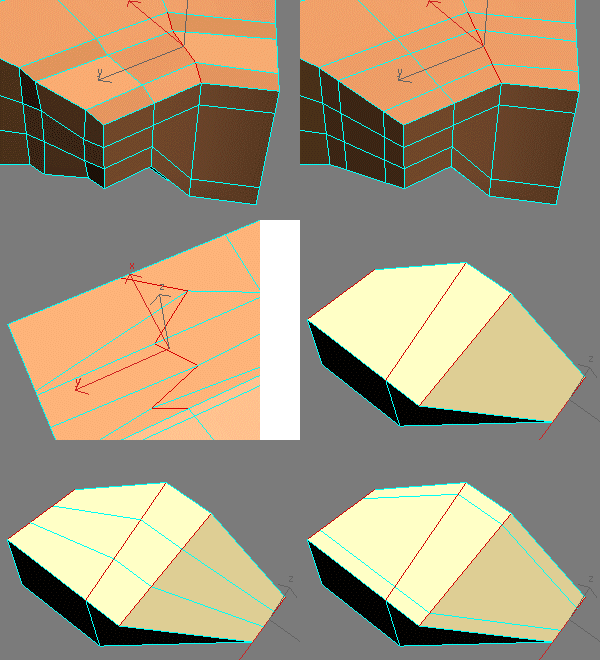
EdgeStraighten

24 votes

selectionHighlighter

9 votes

This script simulates the Selection Highlighting mode from Silo in max. The idea is if you hover over an object, the object is selected, if you hover over a vertex, it selects the vertex, if you hover over an edge, the edge is selected, etc. No need for extra mouseclicks. Autodesk has half added this feature, this script goes all the way to adding full silo style selection highlighting. Note: This only works in max 2008.

Syndicate content