3ds Max | MCG

VA Mesh Conform

12 votes

VA mesh conform

Well mesh conform is not someting new to 3dsmax but what if it was much more faster and responsive compared to the legacy one with straight forward parameters and options to tweak.

I created this modifier using MCG, it has all sort of options you might want such as:

- Projection direction: world axis or source object normals.

Voluminance MCG

14 votes

Voluminance calculates the amount of light each vertex receives taking into account the distance traveled inside a mesh. A longer distance traveled inside means more of the light got absorbed resulting in a darker vertex color.

To view the result in the viewport enable the 'VertexColor channel display" in the object's properties dialog. For rendering you can you use the vertexcolor-map to drive material parameters.

MCG AnimHandle

0 votes

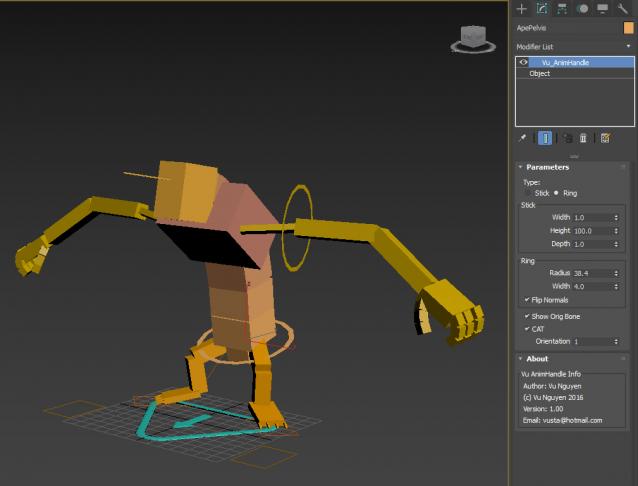
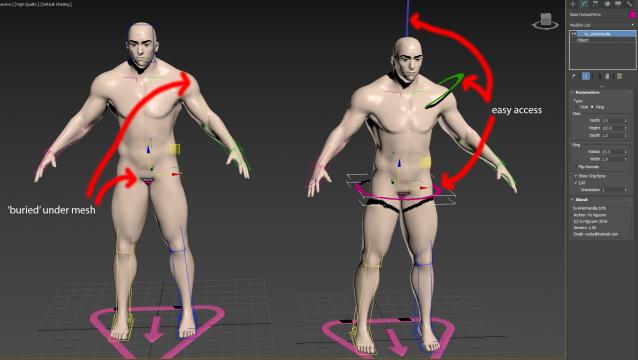
Use for easy access to bones that are 'buried' inside your mesh...

Naturally, do NOT use on Skinwrap objects as the vert count is altered.

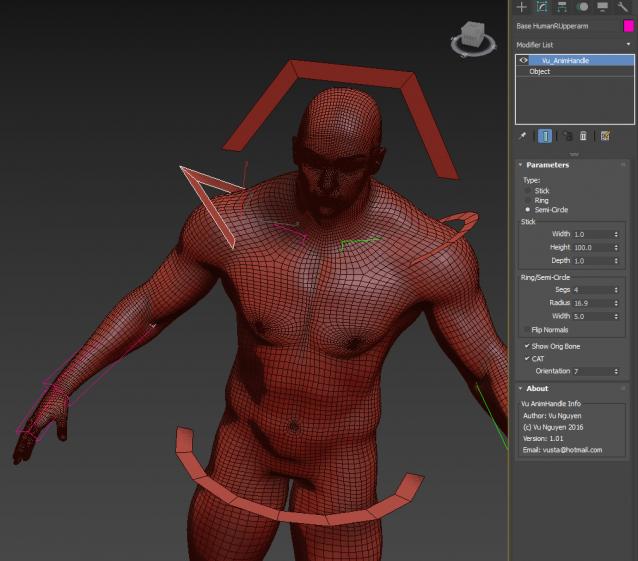
ver 1.01: Semi-circle option, can get further different shapes by reducing the Segs of a Ring/Semi-Circle

MCG ClonedPhysics Exposed

0 votes

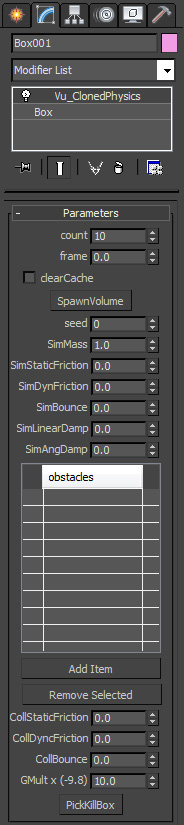
The supplied ClonedPhysics MCG didn't allow you to get at any of the physical properties...so how are you going to play with it....well I'll expose them myself...This version exposes all the parameters. It also has a KillBox like KillVol in Realflow or KillPlane in Bifrost...Now you can really play with it...

MCG CloneSplines

5 votes


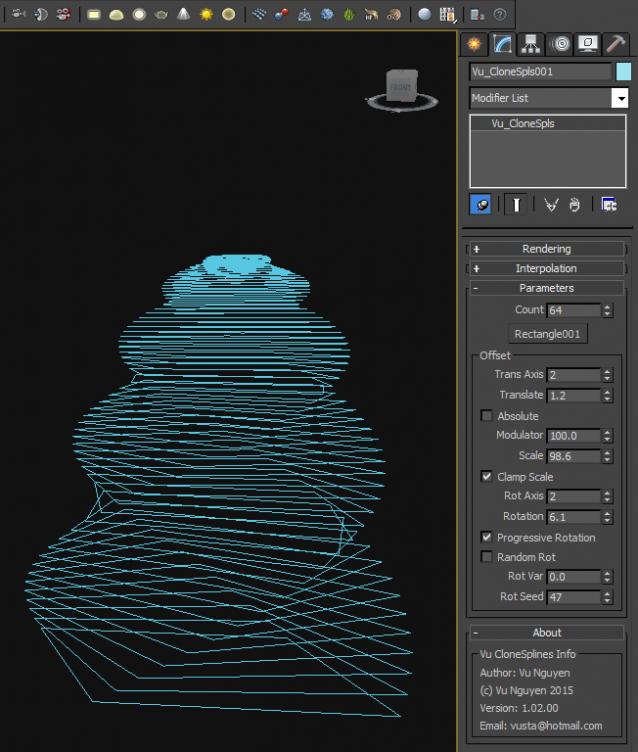
This MCG allows you to clone splines, open or closed. There's various offsets like scale and translation.

Tool can be found in Shapes Creation Panel>Max Creation Graph>Vu_CloneSpls
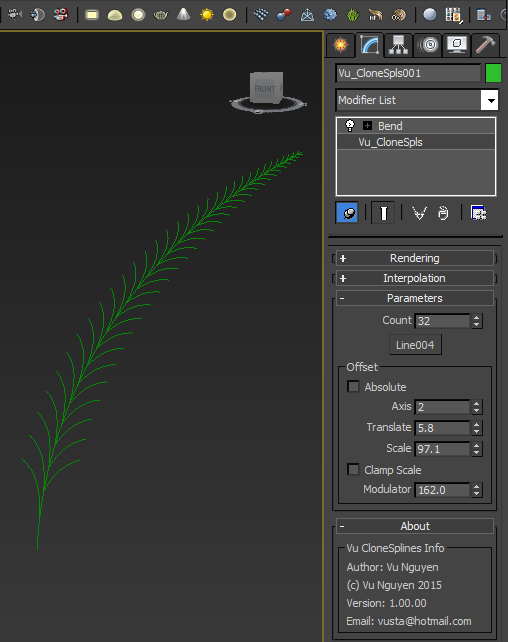
Ver 1.01: fixed noob error, Div by 0. Modulator minimum now is 0.001

Ver 1.02: added Progressive/Random Rotation
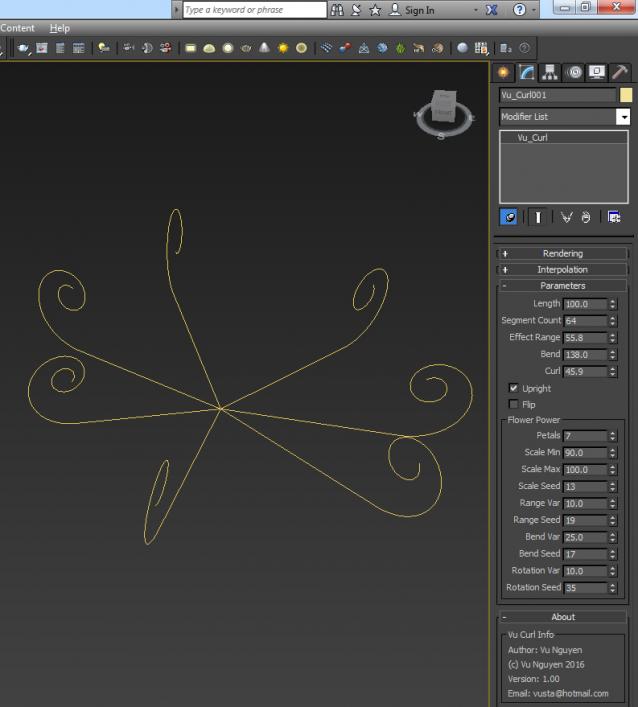
MCG Curl

6 votes

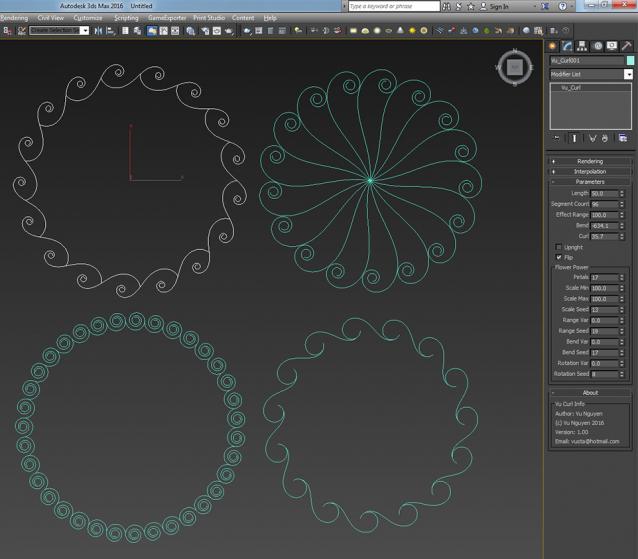
This MCG will curl a spline, then you can skin it to a mesh and do a carpet roll effect. Can also do flower petals effect

MCG Path Finder

1 vote

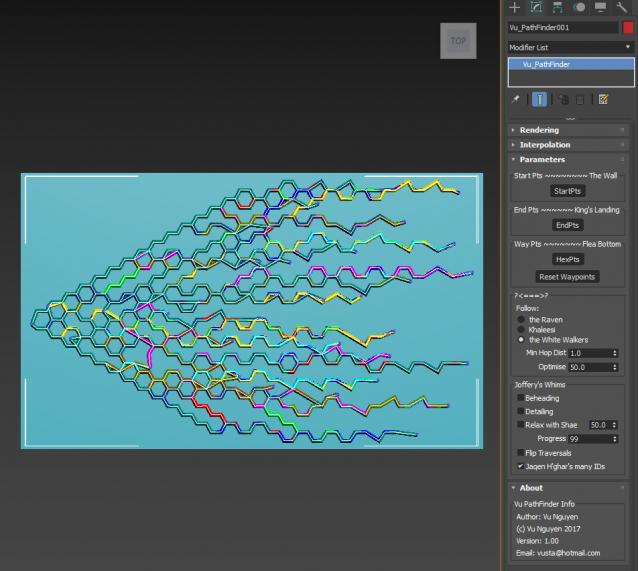
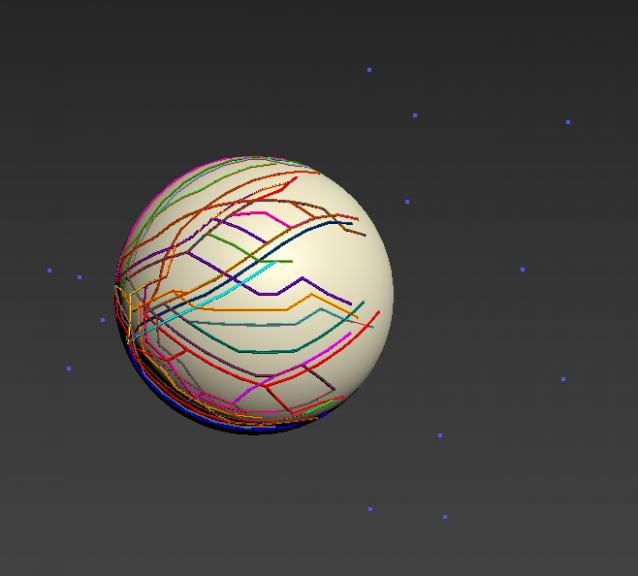
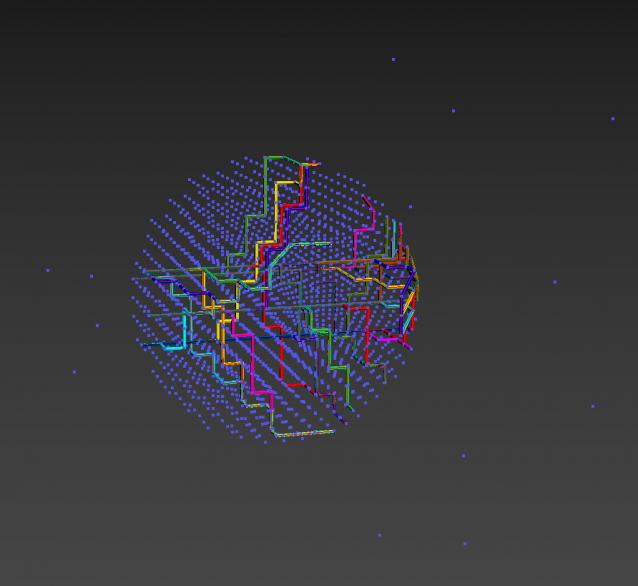
This MCG finds Paths between Starting Points and End Points using Waypoints.

Installation:

https://knowledge.autodesk.com/support/3ds-max/learn-explore/caas/CloudH...

Then can be found in Create>Shape>Vu

MCG Push with Axis Controls

2 votes

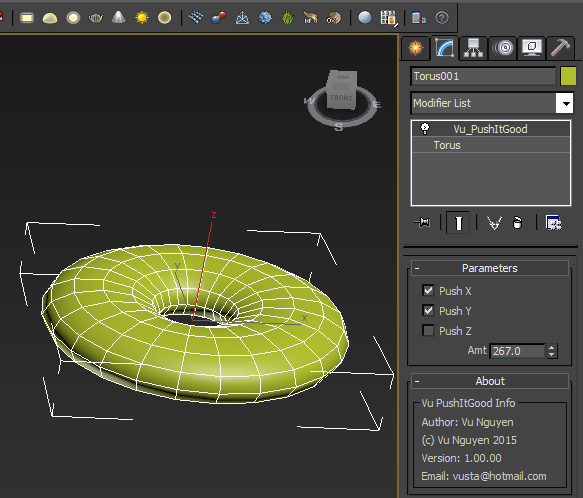
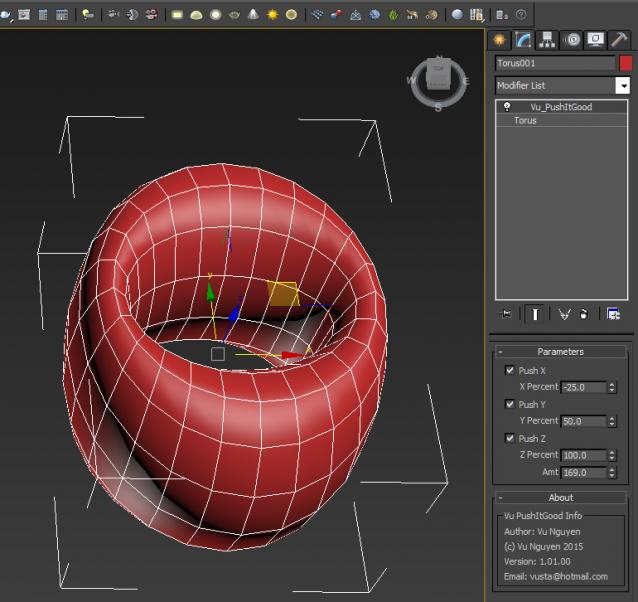
This MCG Push gives you axis controls so you can restrict which axis to push rather than a uniform push. I didn't implement a Relax in there as I found the default Relax modifier is better than the MCG Relax.

Ver 1.01.00: For ultimate control, I've added the ability to push AND pull at the same time with different axis. You can also vary different amount of influence for each axis.

MCG RPMSpin

1 vote

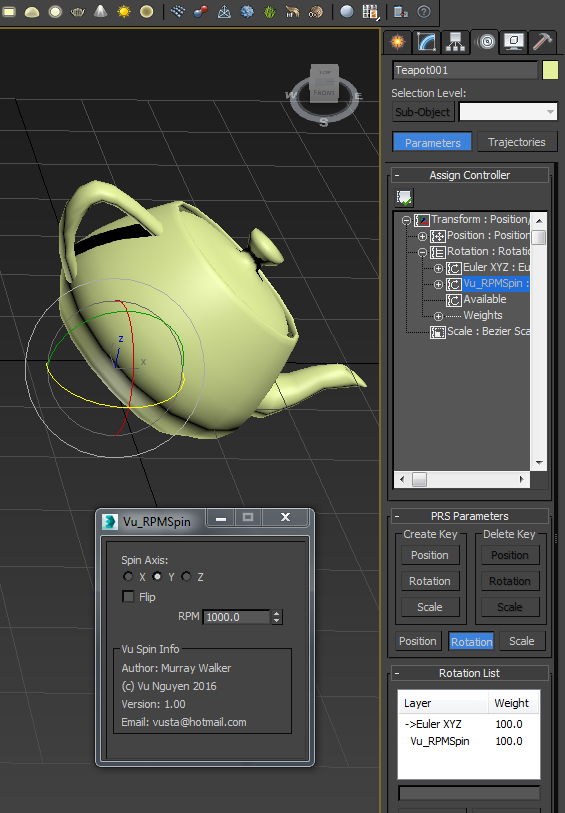
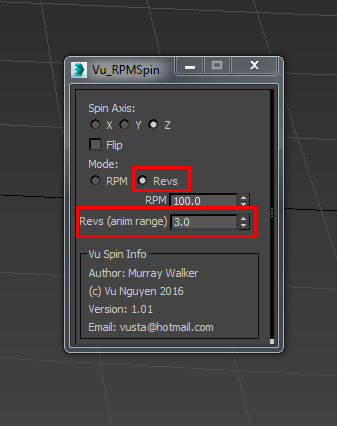
A user requested this...so here it is...simple RPM controller.

Note: it works in Rev Per Minute, so it does not matter if you work in NTSC, PAL or whatever...


Ver 1.01: added Revs mode for the Revheads. This will spin your object N times for whatever the animation range is...Start time does not have to be at 0...

MCG SymmetryRadial

7 votes


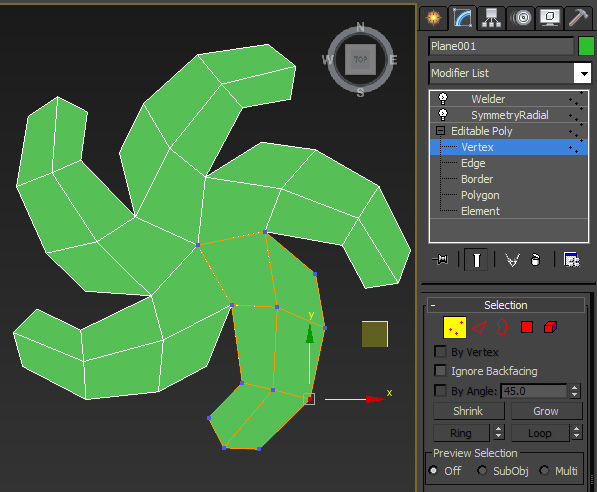
This modifier is to enable you to model with Radial Sym on like in Zbrush.

Syndicate content