Tagged 'selection'

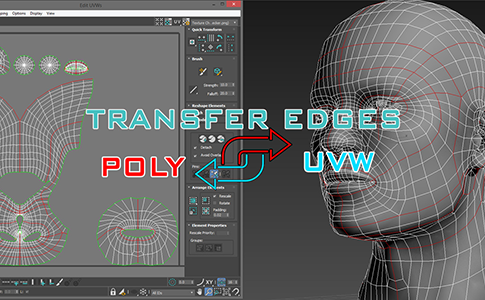
miauu's Transfer Edges: Poly <-> UVW

3 votes

RappaTools

60 votes

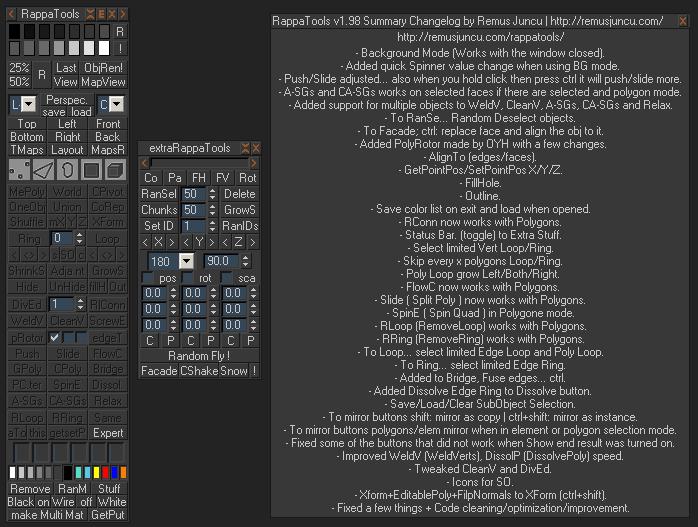
RappaTools is an modeling toolset for 3ds Max (9 Sp1 +), that offers a wide range of tools for creating various types of subobject selections as well as a set of modeling tools which will make any tasks in everyday modeling a lot easier and faster. It also has a lot of other options like 50%/25% Render, Quick Light/Cam select, Toggle maps display in viewport, Random Material/Wirecolor, Make multi material from textures in a folder, and many more...

ProSelect

148 votes

A better way to select object in 3dsMax's viewport.

The current problem with Max's default selection method is that is cycles trough all the object underneath the mouse pointer, resulting in endless clicks to get the right object. you'll get it in the end but it's not pretty.

So what does this script do?

The existing selecting mechanism is not altered, this just adds a few things.

When you now click on a stack of objects, and keep holding the mouse button down, you can move your mouse up/down to select objects further or closer to the viewpoint.

Attach Mesh by Material

26 votes

Easy way to make single mesh from array of objects with the same material.

Set Selection filter

40 votes

Script for quick set the Selection Filter.
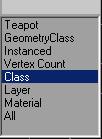
Allows you to create custom filters
for Classes (for example-Box),
for Superclasses (for example-Geometry),
by objects Layers,
Modifiers, Materials, Vertex count or Instanced objects.

v. 0.22
Adds ability to set filter by layers of selected objects.

v. 0.23
Adds ability to set filter by classes of selected objects.

Select Active Camera

30 votes

Simply selects the active camera from the current viewport (even if cameras / layer is hidden). If you've ever been frustrated because you're working full screen looking through the camera lens then need to change something about your camera, this script is for you. In that case you just run the script and bam you're able to edit camera properties in the stack or adjust keys in the time slider all with a single keystroke instead of having to hunt around in the select by name dialog...

Usage:

Set and Select ObjectID

0 votes

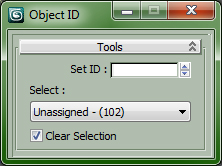
All is in the Title...

Drag in Viewport to install ObjectID Macro, Drag again to Uninstall.


Customize > Customize User Interface...

Category : "CopScripts"

Quick Collapse

34 votes

QuickCollapse is a maxscript Struct with a few functions to speed up collapsing large numbers of objects, it provides feedback in the listener window so you can see progress as it goes.

Run script will trigger ‘CollapseSelected’ on your current selection. there isn’t much Error Checking involved, so filter your selection for meshes, and remeber that it SHUTS UNDO OFF for the collapse so that we dont have RAM overruns on large objectsets, so save/hold first eh?

Slice by VerticalHorizontal View

9 votes

v1.2 Fixed bug if shifted Pivot point

"More Video - Ещё видео"

Z Manager

2 votes

SORRY, BUT THIS SCRIPT IS CURRENTLY NOT AVAILABLE.

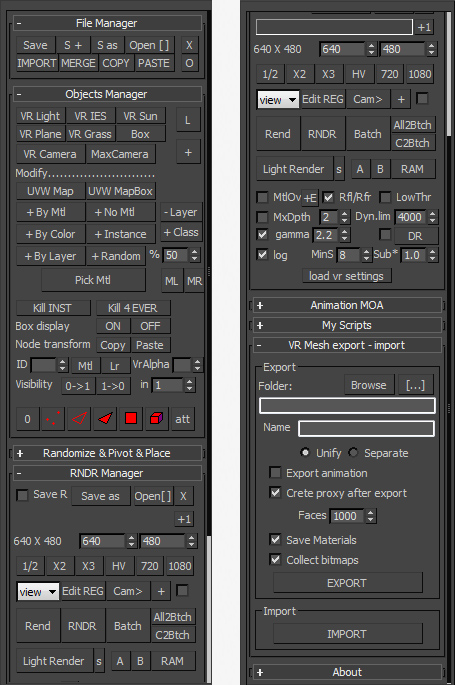
This is a 3dsMax manager tool, preferably for Vray users, very useful for editing architectural models created with other software (eg. ArchiCAD) and fast scene setup. Very useful tools for Selection, Rendering, Incremental Rendering, Copy/Paste objects from other scenes, Material Replacer, Animation with Moving Objects, Exporting/Importing Vray Proxy with material and so on...