Tagged 'Animation'

Add Inbetween

16 votes

Adds an inbetween key at the time-slider time. The value of the new key is a mix of the previous and next keys' values. The mix percentage can be controlled with the "Change In-Between Percentage" tool.


This tool is a macroscript (see this article on macroscripts and how to install them). After you run the script file, the 2 macroscripts will be available in max's customize window under "Os Tools" category.


Delete All Keys

4 votes

Deletes all the position - rotation - scale and custom attribute keys on all objects in the scene.

Export FBX to Unreal

3 votes

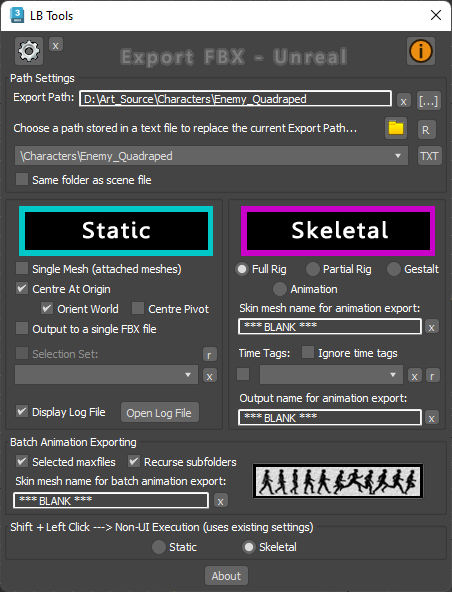
Designed specifically for Unreal workflow, this script provides a quick way to export scene data with minimal interaction with scene objects.

The script will quickly export static meshes and their existing collisions, skeletal meshes or skeletal animations using the FBX format.


See online guide in links section. 


Latest Updates:

Version 2.4;

Sculpt Fixing

3 votes

Sculpt fixing is a tool for 3ds Max that lets you sculpt any object that uses a Point Cache modifier. The Point Cache modifier allows you to store modifier and sub-object animation to a disk file that records changes in vertex positions. If you are using an imported Point Cache modifier on a model to play back the animation and you need to sculpt it, Sculpt Fixing is an intuitive and easy-to-use tool that will save you time.

Noise Manager

2 votes

A tool used for setting noise controller values on a selection of objects containing position and/or rotation noise animation tracks.


General Notes:

- Noise controllers must be added either directly to the main Position or Rotation tracks or setup as a list controller with a single noise in any available list track.

- Does not support multiple noise controllers on a single object. Does not support nested list controllers. Does not support noise float tracks on XYZ controllers.

santa Trajectory Limiter

4 votes

Sometime when we are working with complex animation scene we want to view a part of portion of trajectory for an animated object (as because the total trajectory line is showing us so much complex view) there we can use this script. Here we can mention the starting limit and the end limit of trajectory display. Then the script will show you only the trajectory of range given by you. You also can interactively enable or disable and control the trajectory line. If you face any problem for trajectory structure or position you can refresh it anytime.

SOX Dynamics

3 votes

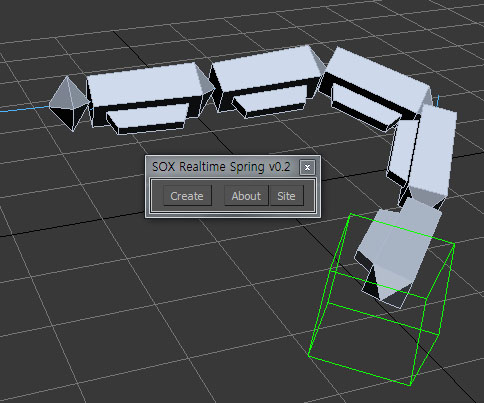
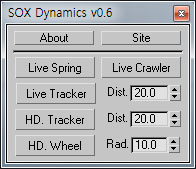
Sorry, The management of the tool will stop temporarily.


LH | Auto-skin

4 votes

Complete assistance to skin any 3ds Max rig !

LH | Auto-Skin will automate all the heavy skinning, leaving only finition to make manuelly, or even, in somes cases, skinning will not need editing! To make this operation, the tool will generate a "sliced" character/object, animators will be able to use this low character/object to animate more faster!

VizRobot

0 votes

AttachPreserveAnimation

8 votes

"Allows you to attach editable meshes together while preserving any vertex animation within the editable meshes.
In order to create an editable mesh with vertex animation - either directly animate the vertices or use John Burnett's 'bake' script"