Tagged 'VRay'

V-Ray Studio Setup Pro

255 votes

V-Ray Studio Setup Pro is a plugin for automating studio lighting setups for use with the V-Ray rendering engine and 3ds Max.

FEATURES

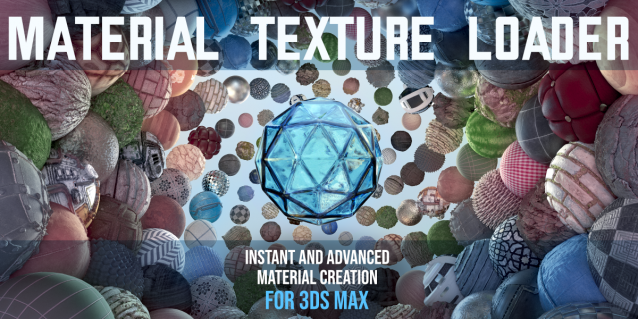
Material Texture Loader

7 votes

Description
  The Material Texture Loader loads in textures and instantly creates advanced materials.
  Use pre-defined or customized map and material settings to build re-usable material setups.
  Fully supports Vray, Corona, Redshift, Arnold, FStorm, Physical, Octane, and Standard map and materials.
 
Main Features

  • Automatic texture channel recognition 
  • Parameter linking for all texture mappings
  • Predefined Color-spaces: ACEScg - sRGB - linear-sRGB - Raw - Gamma - Auto
  • Mapping: Tiling - Real-world - Tri-Planar -  Random Rotation - Spherical
  • Live edit settings and disable channels
  • 2-Sided materials
  • MaxScript commands
  • UDIM map loading
  • Drag and Drop
  • Presets

Get it on Gumroad
Latest version: 1.830

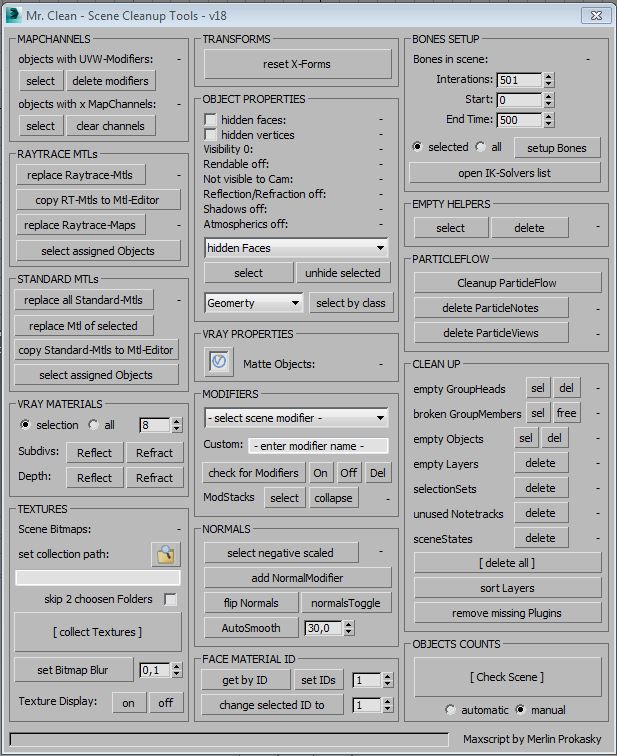
Mr. Clean - Scene Cleanup Tools for Max and VRay

7 votes

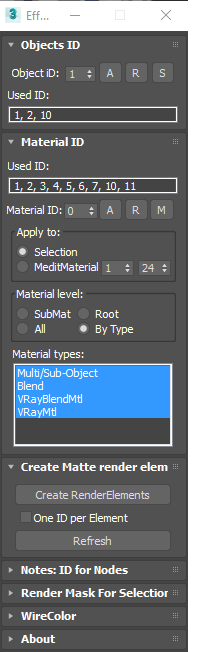
EffectsChannelSet

79 votes

  • Management the Material ID and Objects ID.
  • Assigning a wirecolor for objects.
  • Automated creation MultiMatteElement for V-Ray renderer.
  • Automated creation MatteRenderElement for Mental Ray renderer.
  • Automate the creation of CMasking_Mask for Corona Renderer.


EffectsChannel 1.67.4

  • Some fixes and speed improvements

EffectsChannel v1.64

  • Fixes an issue with assigning ID to sub-materials in the version 1.62

EffectsChannel v1.62

  • This version speed-up opening on complex scenes. The time of opening on a very big scene decreased from 16 sec to 0.094sec.

EffectsChannel v1.60

  • Adds support to Corona Renderer: Automate creation of CMasking_Mask.

Render 3D

211 votes

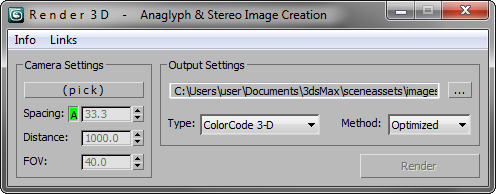
Simple script for rendering in 3D (Anaglyph / Polarized / Stereo Pair)

• Supports ColorCode 3-D (Amber/Blue), Red/Cyan, Green/Magenta, Polarized, Stereo Pair, and separate Left / Right

NEW Choose from various Anaglyph Methods (Color, Half Color, Optimized, and Gray)

NEW Super fast compositing process

Autodesk Material Converter - obsolete

5 votes

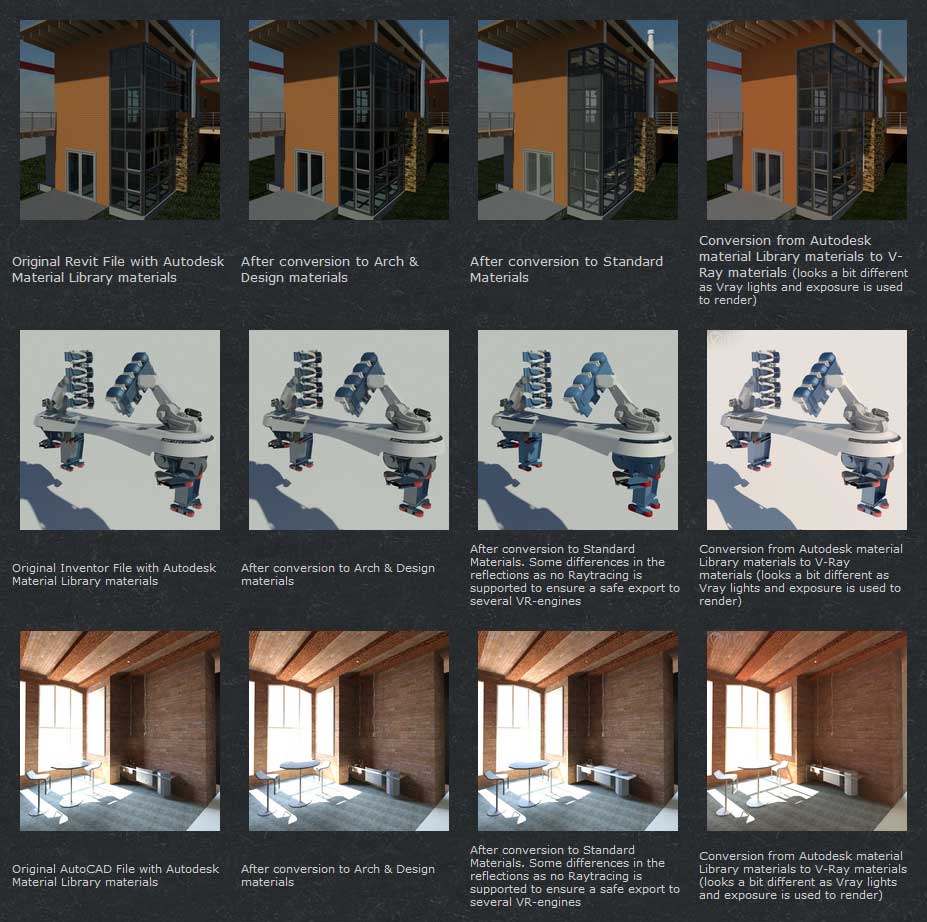
The Autodesk Material Converter is a commercial script for all 3ds Max and 3ds Max Design users starting from release 2011 and up who need optimized materials for mental ray, V-Ray or VR applications. With one click all Autodesk Material Library materials are converted into Arch & Design or V-Ray materials. Conversion to Standard materials takes only two clicks

The major adavantage will be an increase in rendering speed (on average 35%) plus it will give you the flexibility you need for your material fine tuning. and of course you don't want to manually convert materials which are coming in from AutoCAD, Revit and Inventor into 3ds Max (Design)

Most VR applications need Standard materials to work with. The conversion to Standard works from Arch & Design or Vray materials

In addition to material conversion the script checks if there are double materials inside the scene. If they are there, they will be changed into instances, keeping the number of materials as low as can be.

New features in v2.5!

  • conversion from Arch&Design to V-Ray and back...it's there!
  • conversion of all Autodesk maps
  • conversion of some V-Ray specific maps or MentalRay specific maps
VRay Batch Render

67 votes

VRay Batch Render is a fully automated batch rendering tool for V-Ray(3dsmax,architectural rendering).

Random Wire Color Tools

37 votes

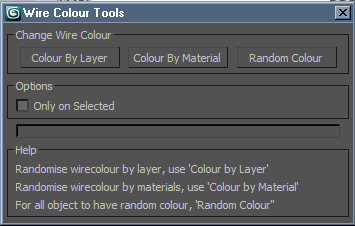
Wire Colour Tools is a simple script for setting random wire colours to all of the objects in the scene. Anyone who does allot of post work either in PS or a compositing package should find this script useful. Being able to adjust any element or of your project in post by the object enables you to get the most of your image, rendering Wire Colour passes is very simple and inexpensive from render time point of view.

VRay Light Lister

76 votes

This script replaces the built-in light lister with one that incorporates support for VRay Lights and VRay Suns.

Vray ambient occlusion

49 votes

This script renders an ambient occlusion pass with VRay from any scene - without changing anything. There is no need to prepare the scene in any way either.

VRay 1.5 or higher is required for the script to run!
If you are using VRay 1.46, there is an older version available, without dirtmap features.


Syndicate content