Tagged 'modeling'

Blueprint Manager - create reference image planes for modeling in 3ds Max

120 votes

Blueprint Manager script allows you to automatically set up and manage
reference image planes from a set of blueprints.

Blueprint Manager is a MAXScript which automatically creates a set of mapped planes from a series of blueprint images, sets their object properties to non renderable, backface culling on, and show frozen in gray off, and places them in proper position.

Quad Cap

35 votes

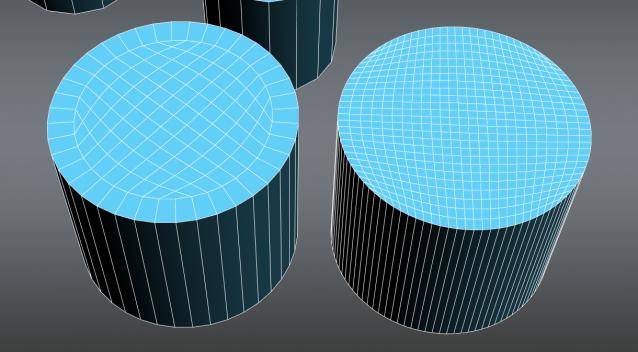
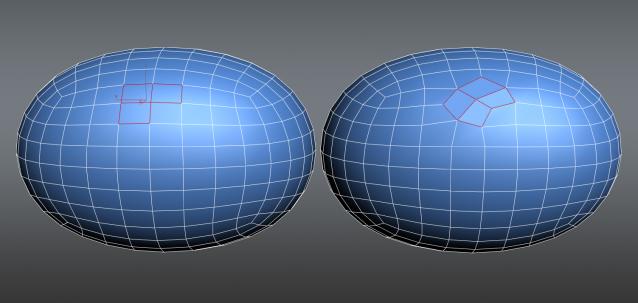
Quad Cap is a 3Ds Max script that is designed to produce fast quad caps for even sided polygons saving you time and energy. Why do it manually if you can do it automatically?

Here are some of the benefits you get:
• Save time and energy to model what’s really important
• Perfect quad topology for you cylinders and spheres
• Subdivides perfectly
• Improves hard surfaces modeling and even organic modeling • Plus many more I can’t think of know

maxUnChamfer

7 votes

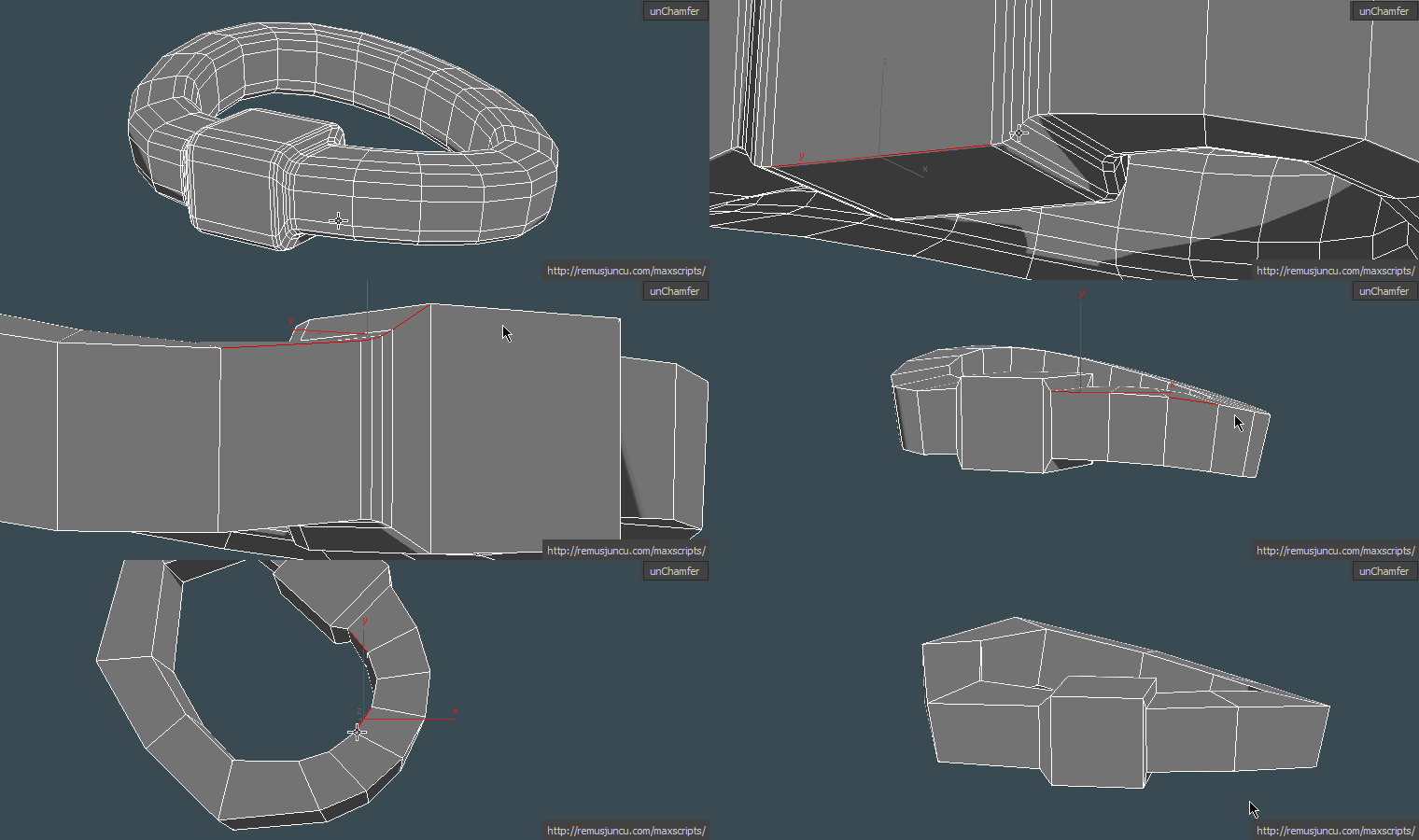
maxUnChamfer will help you produce low poly objects in less time with less amount of effort .

Here are some of the benefits you get:

G.M.A.D. Tools

3 votes

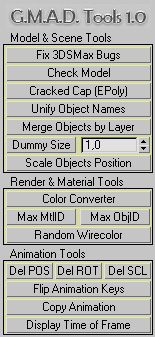
Here is a maxscript utility pack called "G-Model-Animation-Design Tools" (or G.M.A.D.)

Key features:


  • - Merge objects by layer name
  • - Scale objects positions without rescaling the objects themselves
  • - Color converter (int-float-hex-colorpicker)
  • - Flip animation "sign" (up-down-up -> down-up-down)
  • - Copy animation from one object to another
  • - Display float time of current frame in seconds

SmartQuads

3 votes

SmartQuads

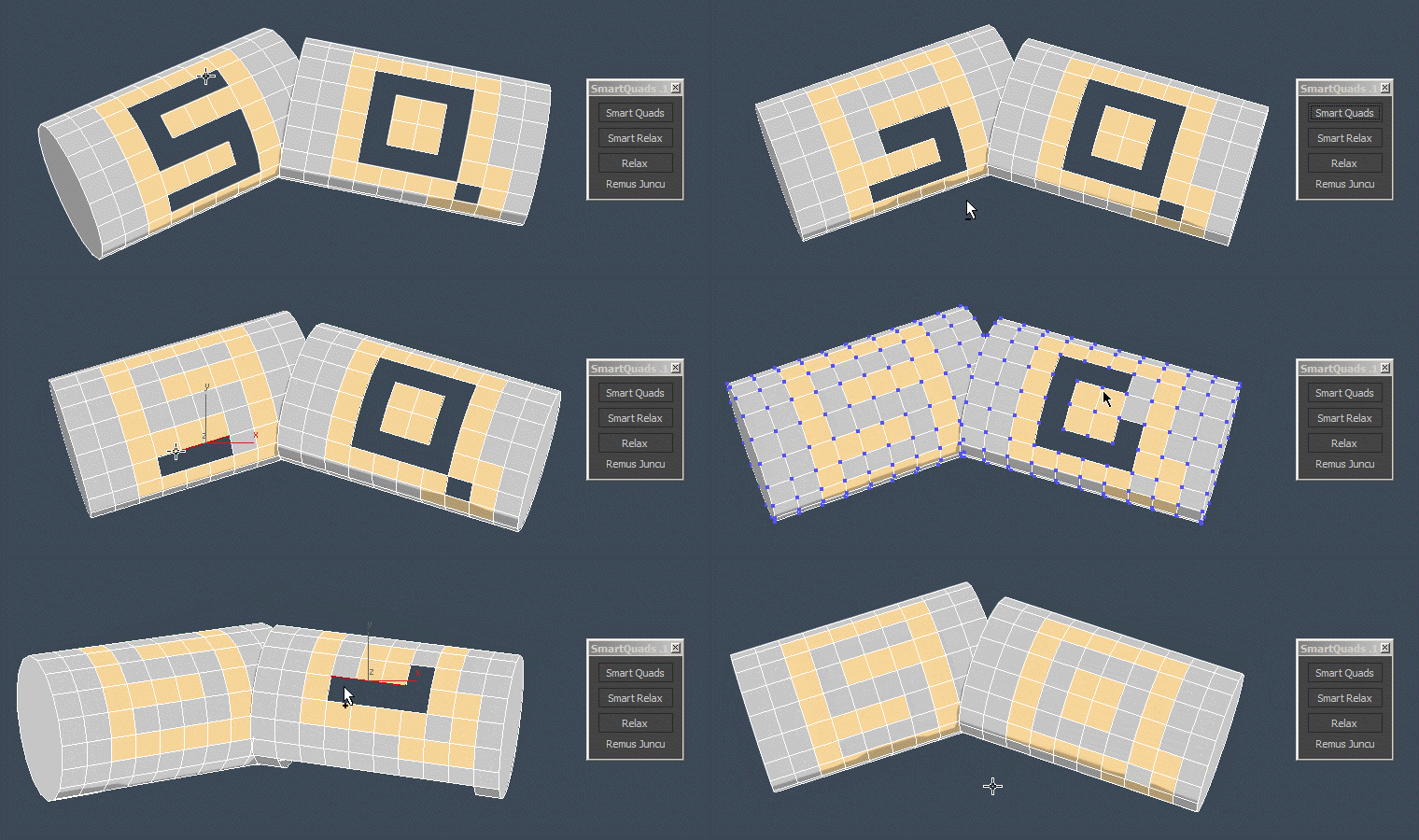
Smart Quads will help you on your everyday modeling task by making it more enjoyable.

Here are some of the benefits you get:

Poly Flow

22 votes

Poly Flow is a set of scripts designed to help the modeler with the everyday boring task of rearranging edges. It makes predictable changes to the topology giving you want you want.

resetObjState

19 votes

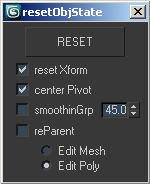
resetObjState

this script is used before to export scenes in any other format.

it unparents and reparents objects if necessary, collapse into mesh, center pivot, reset xform and, if you choice, reassign smoothing group (default with 45° threshold).

to assign a shortcut: "customize user interface" -> "mainUI" -> "compariello"

Unify / Flip normal polygons

85 votes

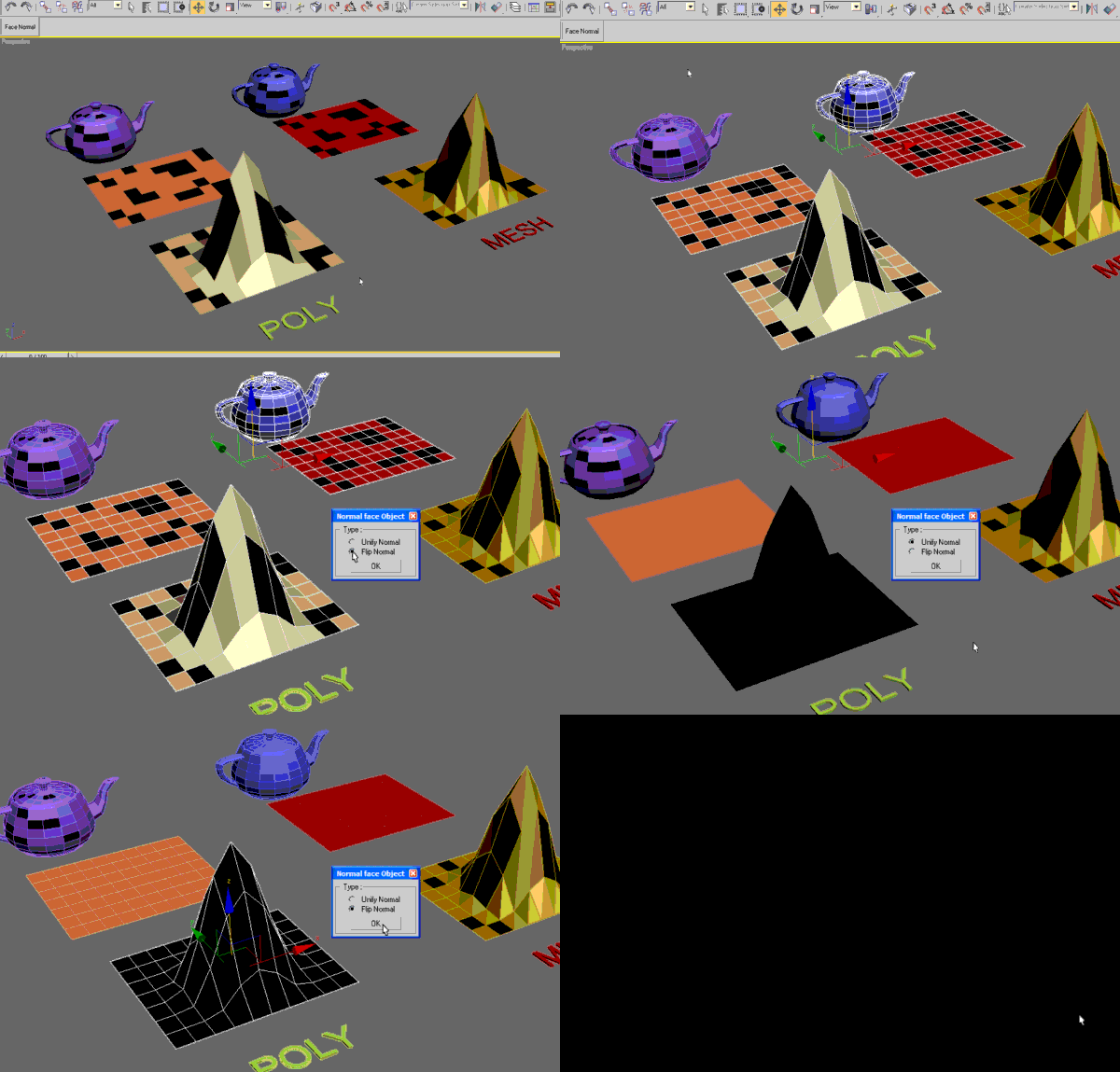
Use this script to make normal polygon of the objects.
Unify or flips all the faces of multiple selected objects with/without accses to SubObjects level.

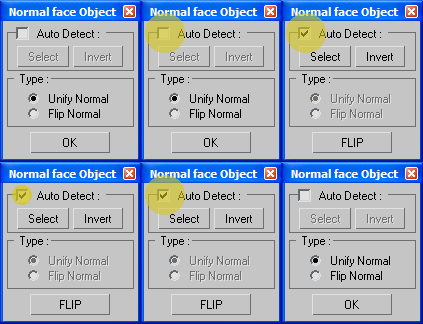
New UI

TurboReduce

49 votes

I renamed the script once again, you can find it here http://www.scriptspot.com/3ds-max/scripts/subdivision-reversion

TurboReduce will recreate the subdividion levels of an already subdivided mesh.

Super Detach

25 votes

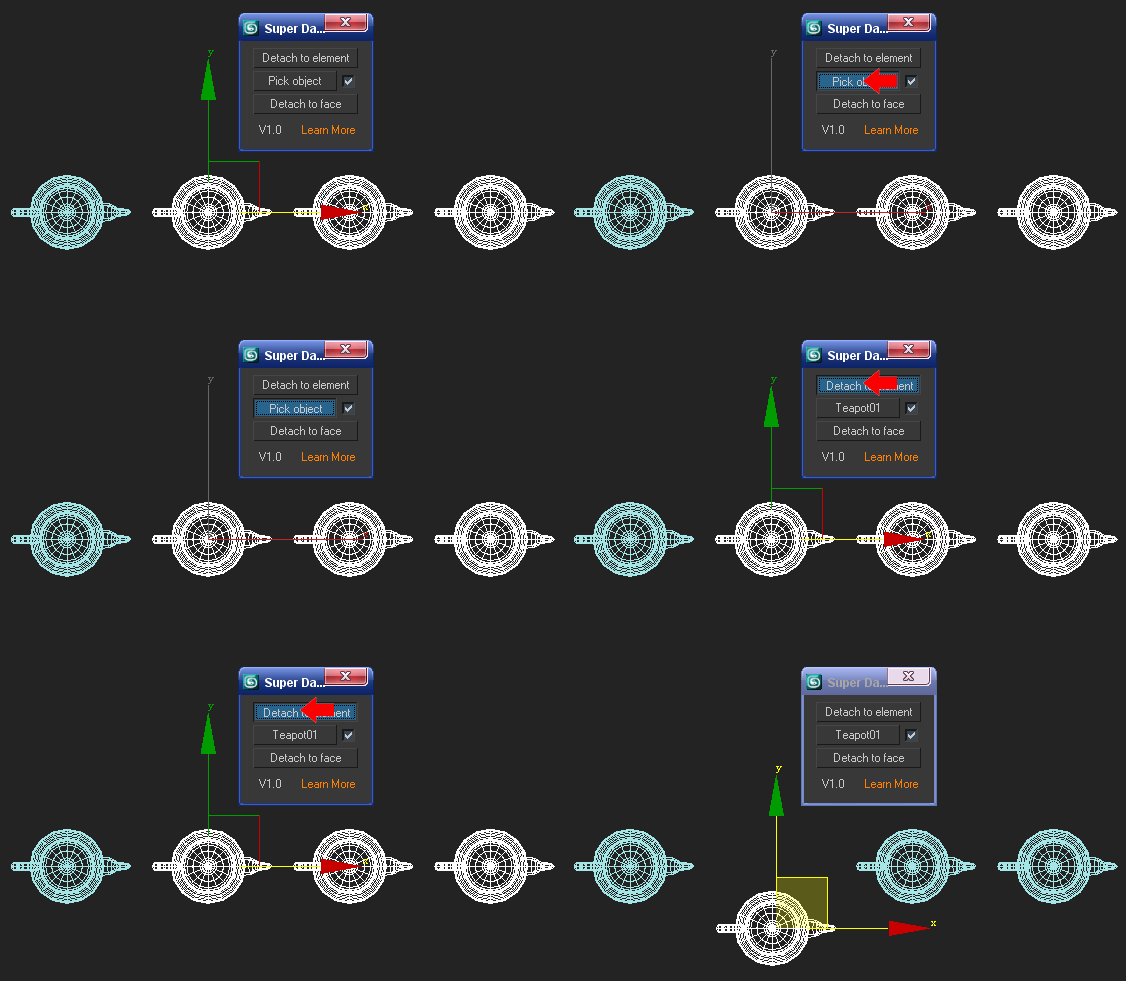
You may be used to detach poly or mesh to elements when modeling,so it is easy to detach each element of a polygen.But what about detach each part of a polygen as a reference to another polygen? For example: there is a teapot which is converted to poly or mesh, copy 3 new teapots and attach them as one,then press "Pick object" to pick the first teapot,and press "Detach to element" .What does it appear?

Syndicate content