3ds Max | MCG

Brick Wall Builder

8 votes

Brick Wall Builder is a scripted plugin created using 3ds max MCG and as the name tells it creates a various shapes of brick walls with huge amount of flexibility like you can choose multiple kinds of stones and apply a random materials to them in addition to changing the position,rotation and scale uniformly or randomly. It's as simple as just picking the shape and the brick and it will do the rest, and when you are done with distribution you like and thought of changing the shape length do worry also has the ability of maintaining the count and distribution while you are doing so. 

How to install: After downloading and unzipping the file go to Scripting menu and choose Install Max Creation Graph. after installing you will find it in command panel creation tab under VFXarabia category.

Please for more info check the tool videos or the tool page on my website: http://goo.gl/SsLwxK

Regards

Alaa Al Nahlawi

MCG RPMSpin

1 vote

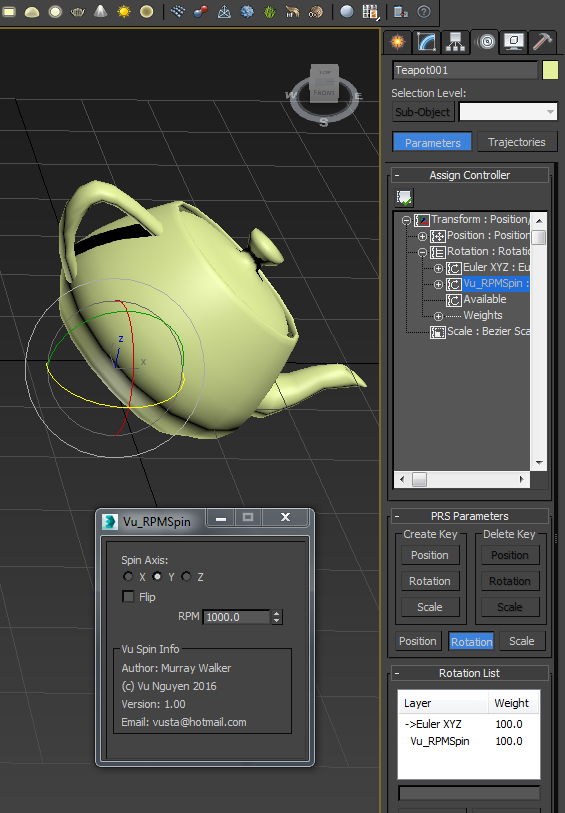
A user requested this...so here it is...simple RPM controller.

Note: it works in Rev Per Minute, so it does not matter if you work in NTSC, PAL or whatever...


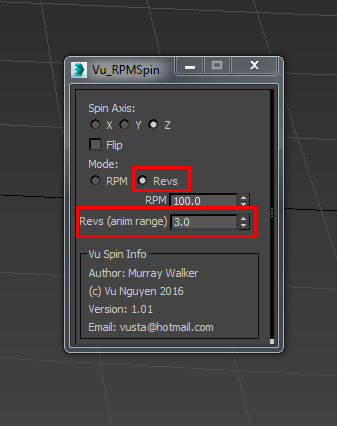
Ver 1.01: added Revs mode for the Revheads. This will spin your object N times for whatever the animation range is...Start time does not have to be at 0...

RPM Controller

0 votes

A RPM rotation contoller with affect multiplier.

MCG AniFake

0 votes

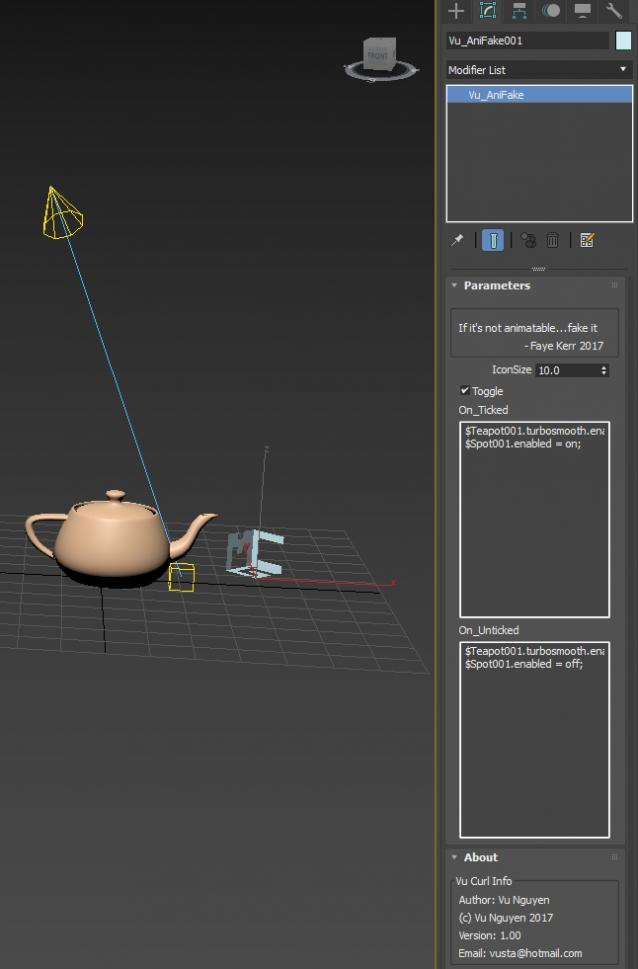
This might get you out of a tight spot when you HAVE to animate some property that's not animatable (usually On/Off), similar to my VisToCamMod...but this is more generalised.

Who knows, you could probably even use it as some sort of Pre-Render script...but I'm not a scripter so can't do too advanced explorations there....

MCG Animate Visible To Camera

1 vote

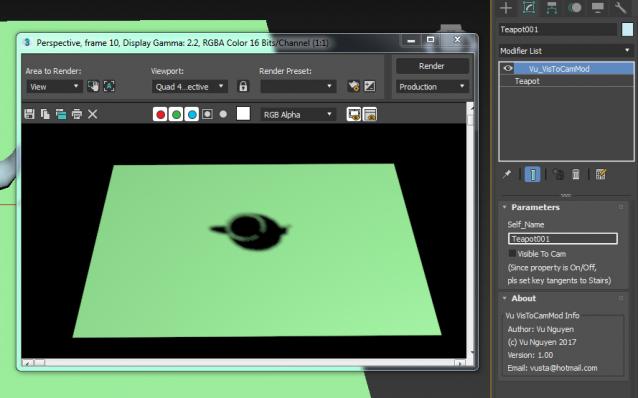
Since you can't animate the Visible To Camera property...(well not that I know of a way...) use this to 'control' it. Watch the vid.

Eureka !!!!!!!!!!!!!!!!!!!!!!!!!!! At last, an MCG modifier that modifies SELF NODE !!!! This may open a whole giant can of giant worms....

 I suggest you use the modifier version, VisToCamMod, IMO is the most userfriendly..

MCG Quad Angle Selector

0 votes

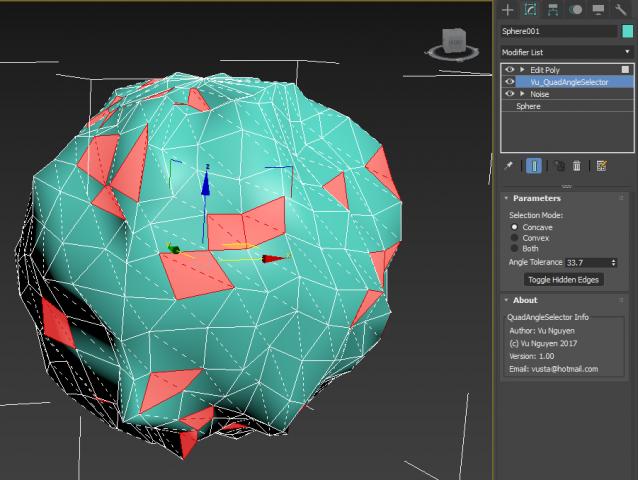
Tool to select quad faces where the angle of the 2 tris is more than Tolerance level. This is a SELECTOR only, what you do with the result is up to you, it does not auto-alter your geometry.

MCG Display Point Cloud

1 vote

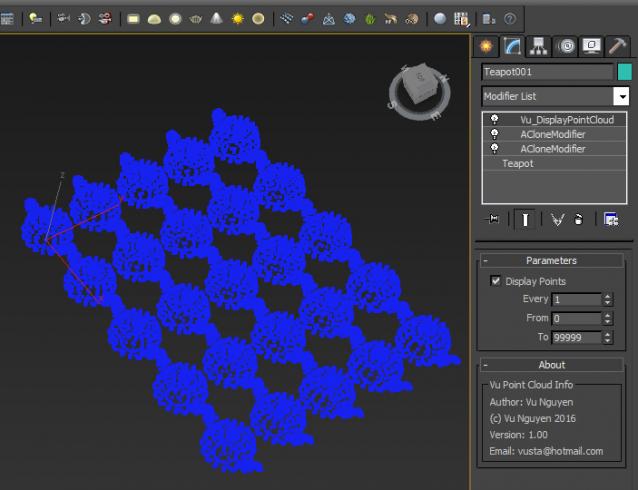
I doubt if this actually improves anything...but a user on FB asked for it maybe because of some display restriction that caps at some maximum number of faces that it can display...so he wanted point cloud representation instead.

Naturally, you'd probably want to turn this modifier off in Render and do NOT collapse this as you'll lose your geo and retain only the points !!!

MCG Normalise Spline

3 votes

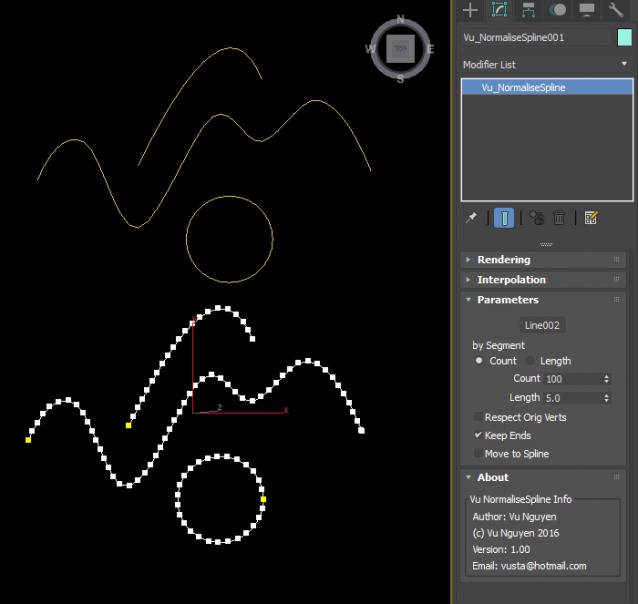
(The 'internal' compound you see there in the zip file is for ppl who wants to use this compound in their MCG, ie. you may create your own internal Spline rather than picking an external node)

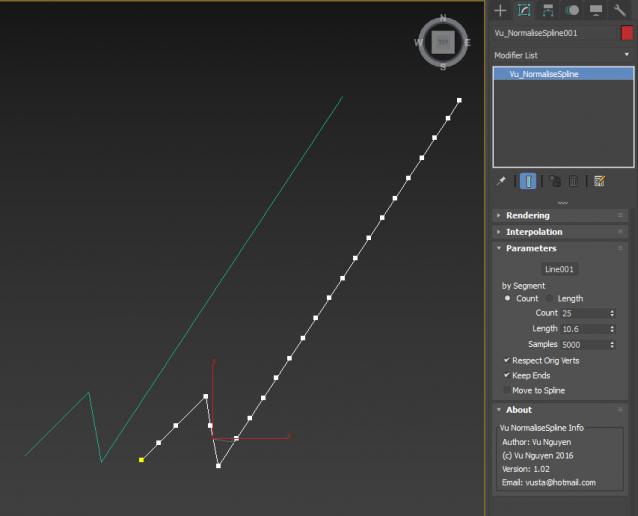
ver 1.02: exposed Samples parameter. When you have 'drastically' different seg lengths, you'll notice missing divisions at the end of the normalised spline, just crank up the Samples to correct this.

MCG Icon

0 votes

For anyone needing to create an icon for MCG Geometry object, just call the compound, the supplied tool is just for demo purposes.

MCG Rotating Piston

2 votes

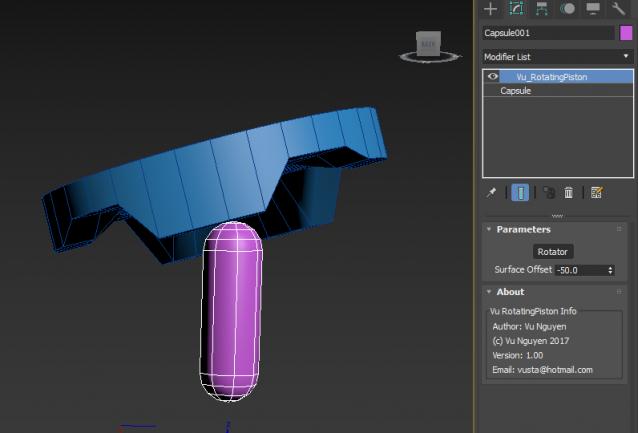
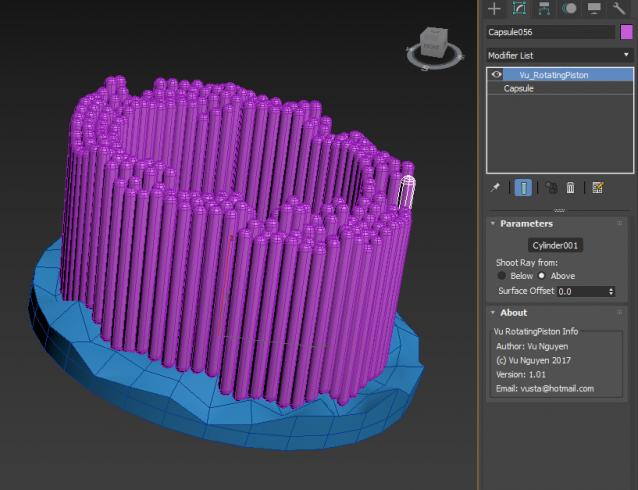
another one that needs video to be watched as a pic can't really illustrate...

Thread: http://forums.cgsociety.org/showthread.php?f=6&t=1434497

ver 1.01: choose to shoot ray for collision from Above or Below

Syndicate content