3ds Max | MCG

MCG SymmetryRadial

7 votes


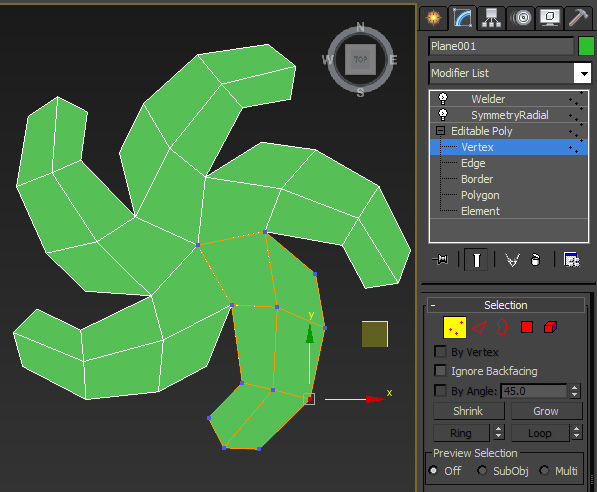
This modifier is to enable you to model with Radial Sym on like in Zbrush.

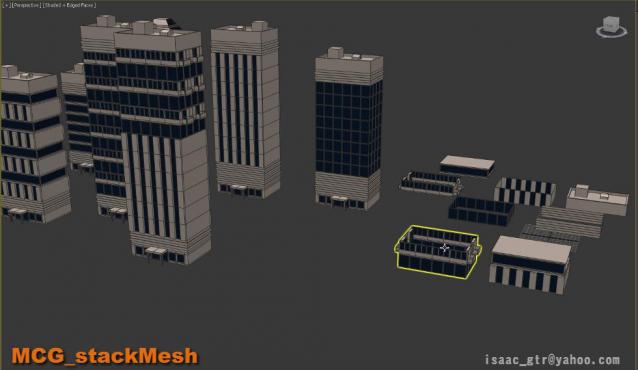
MCG - stackMesh

7 votes

stackMesh will add another mesh on top of current mesh by keep watching the height from bounding box. it can be use for anything but for this example you can see the idea for mix and match the building just buy stacking one onto another. as result we can create model in non destructive way. also the great thing in max modifier is it so simple to arrange the order .

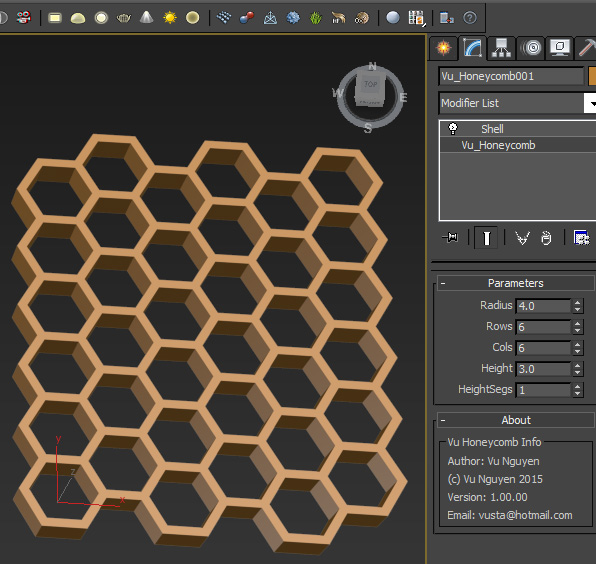
MCG Honeycomb

7 votes

This MCG creates a honeycomb structure.

Pretty sure you don't need a video for this one. It will appear in Create Panel, not Modifier.

Love bees people, without them who's gonna polinate your plants for you ?

VA CloneOnCurve

6 votes

An extended version of the (AClone on curve) modifier that ships with 3ds max, this one adds the ability to read multiple curves per shape and distribute the clones based on the size of the mesh.

Update 1.1:

The new update brings the ability to control the number of clones incrementally, and if you edited the first point in your shape you can control were the clones start to appear of finish.

Regards

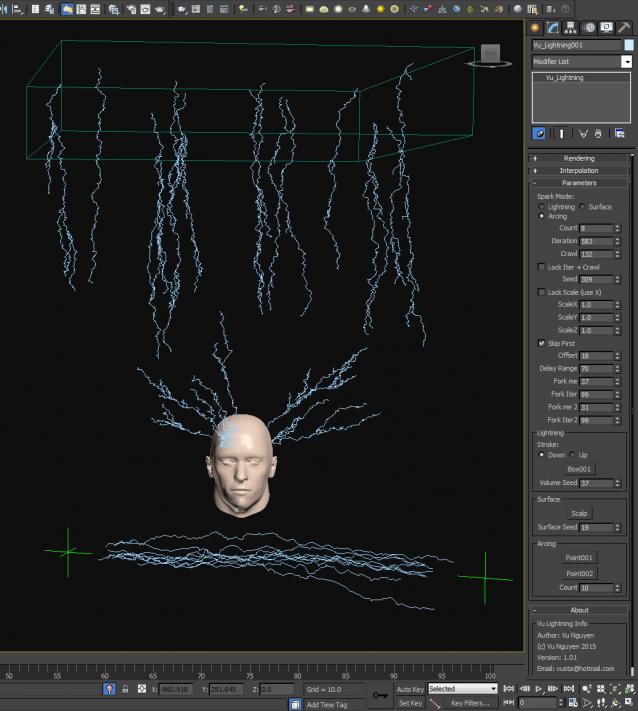
MCG Lightning

6 votes


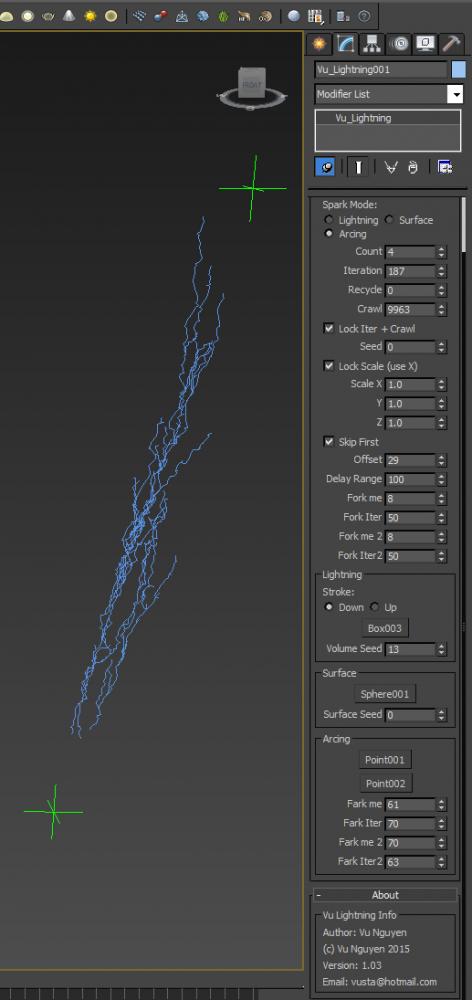
http://1drv.ms/1OkwWsL

...bring out the Dead

Ver 1.03: you got free Forking...but not for the Arcing mode. I was going to release a 'for sale' version with......Farking....but eh...I feel good with humanity today so everyone should get free Farking...

Also added Recycle option as your Lightning grows..it lags....so use Recycle to help...


MCG Clone Radial

6 votes

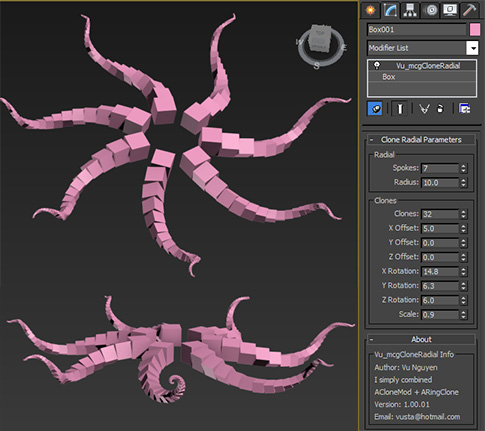
I simply combined ACloneModifier and ARingClone into one rather than having 2 mods in the stack.

SphereClone

6 votes

MCG Venetian Blind

6 votes


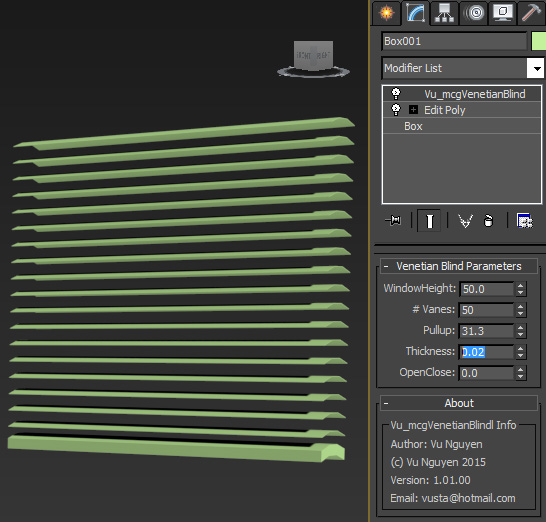
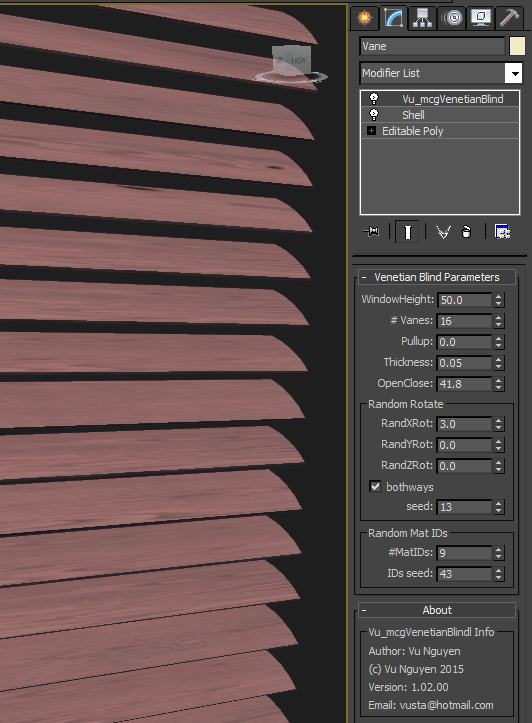
This MCG takes one vane, clone them evenly up to your window height. As you pullup the blind, the vanes move accordingly and naturally you can rotate the vanes to Open/Close positions. Too lazy to get around to doing a video...I think you get the idea.

MCG Spiderwebs

6 votes

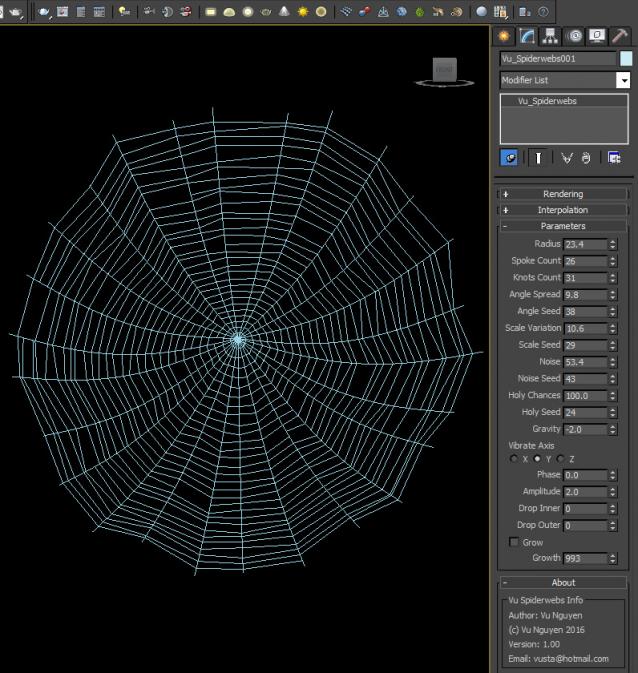
Creates simple spiderwebs with splines. Found in Create Panel>Shape>Vu


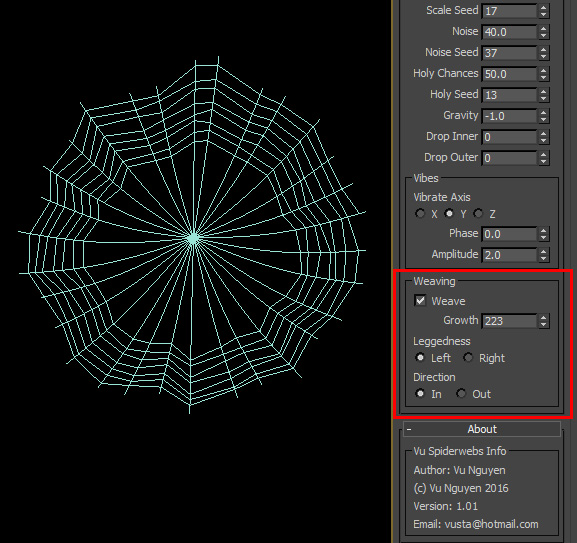
ver 1.01: added options to weaving.

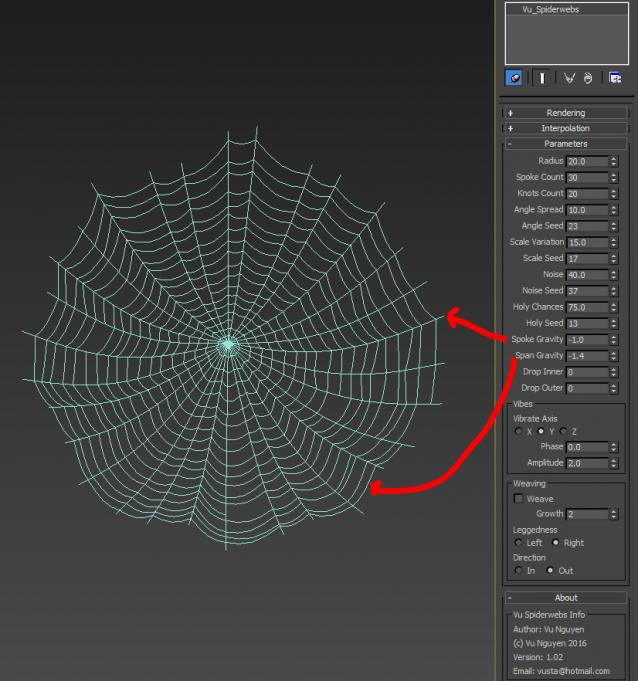
Ver 1.02: Added gravity control for Spans

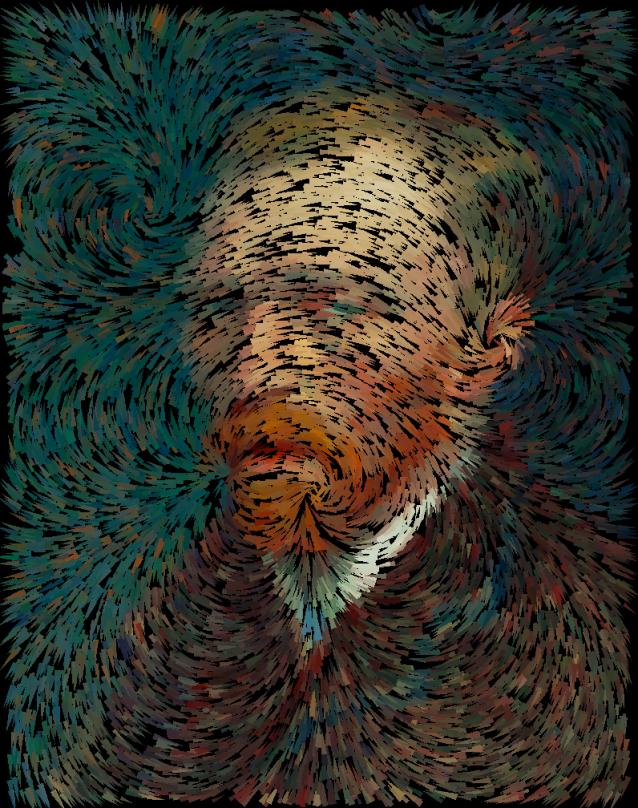
MCG Magnetic Filaments + DCP Van Gogh

6 votes

Extract DCP to: C:\Users\xxx\AppData\Local\Autodesk\3dsMax\2017 - 64bit\ENU\en-US\plugcfg\DataChannelPreset

After MCG installation, Filaments can be found in Create>Geo>Vu
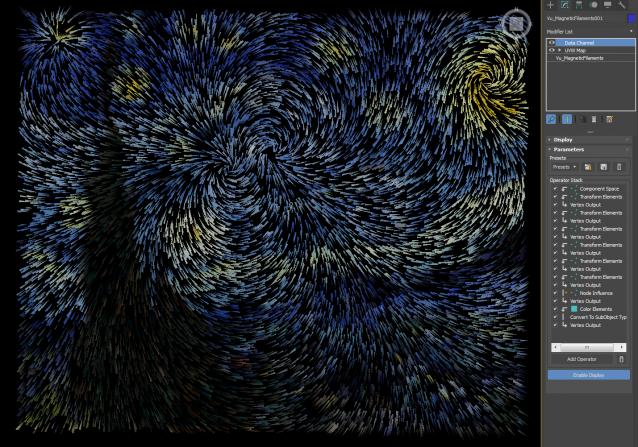
Added MCG Magnets Advanced: going where DCM couldn't...(if you got my zip file from OneDrive previously, please get latest from here now...it now has Offset so you can get the Swirl effect)

Syndicate content