3ds Max | All

Align Spline

3 votes

"Move the selected vertices to follow a spline.

  • Snap on shape : just snap each vertex to the closest position on the shape
  • Regular : equally repartition of the vertex on the shape
  • Move on sel center : the shape is moved to the center of the selection
  • This script works with closed or open shapes.
    This script works with polys and meshes"

    Align to Faces

    0 votes

    A 3ds Max Script for Aligning Selected Objects to Picked Object's Faces .
    for more details check the download link .

    Align to XYView

    3 votes

    v1.47 Added aligne just by axis X Y Z

    Align Tools

    15 votes


    This script has been in my toolbox for a long time, so I’ve taken it out, polished it up, and partnered it with a friend. There are probably other scripts out there that will do this for you but I hope you will find mine intuitive and easy to use.


    Align vertices to a mesh

    2 votes

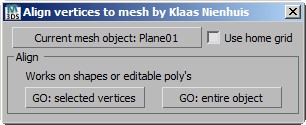
    Align vertices to meshes with this script. Aligning objects is pretty standard in 3dsMax, but if you want to align, or move, vertices to a mesh it starts to get messy. This script does exactly that for you. You can project vertices of a shape including bezier handles or vertices of a poly downwards on a mesh.

    Align | Orient

    7 votes

    "A combination of two scripts.
    Align. Alignes selected object to picked object.
    Orient. Orients the rotation of selected object to the picked object."

    Align2FrozenObject

    1 vote

    A small maxscript that makes it able to use the Align tool selecting frozen objects to align to.
    It unfreezes quickly the selection to adjust the alignement and freezes it immediately automatically back.

    Install Align2FrozenObject
    Step 1 :
    Drag and drop the Align2FrozenObject.mzp in your 3dsmax viewport

    Step2 :
    Add Icon in Toolbar :
    -Cutomize> Customize User Interface
    -Toolbars Tab > Category: Ced-Tools

    Aligned Box

    2 votes

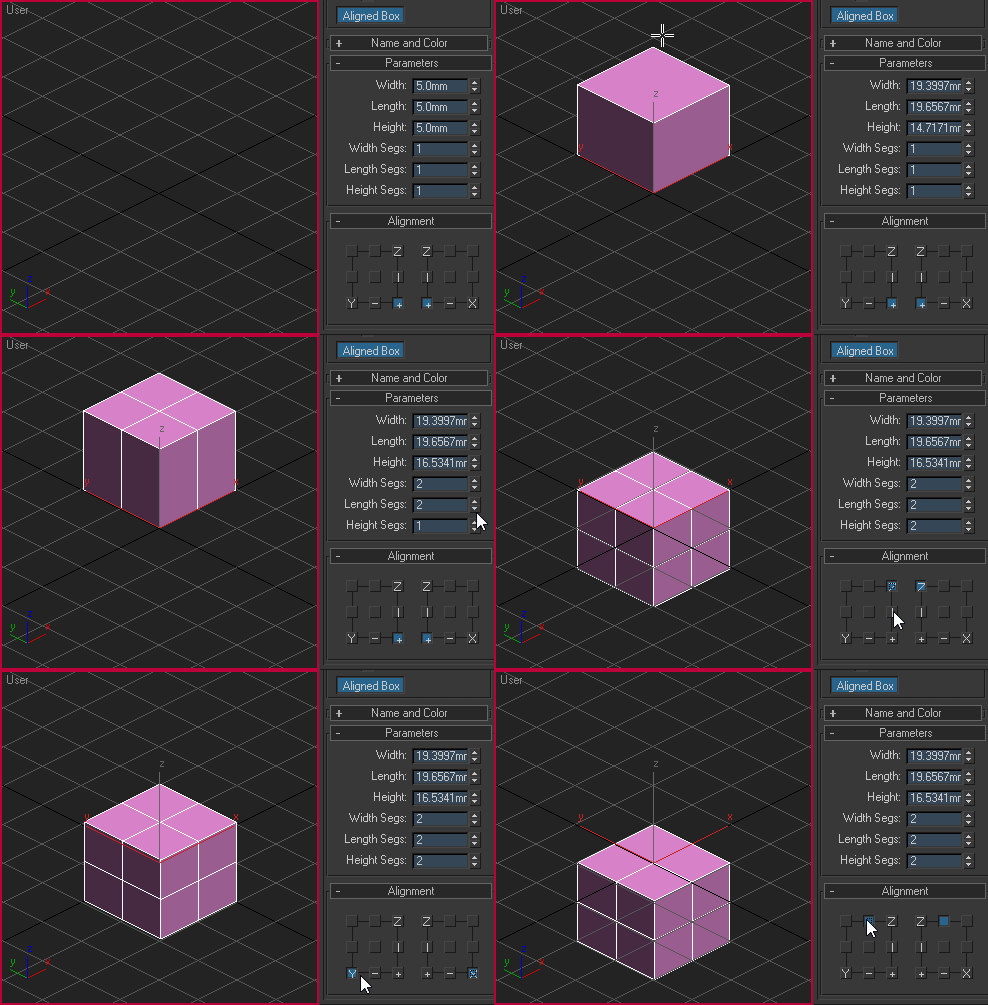
    Custom box primitive where you can choose where the pivot point will be located while creating the object. You can place the pivot point visually by picking the location on YZ and XZ plane:

    Aligned box

    Aligner

    7 votes

    Aligns one object to another. Similar to the Align tool in max - but optimized to allow a variety of aligns with the least number of mouse clicks necessary.

    Tutorial:

    AlignObject2slicePlane

    2 votes


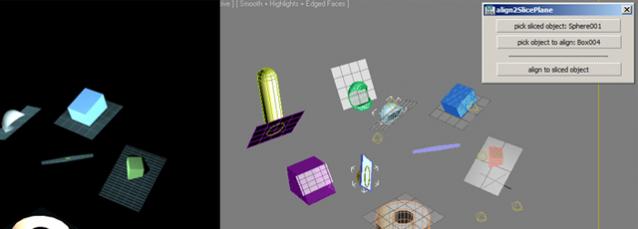
    this script lets you align an object to the sliceplane of an object with slice modifier.


    works on max design 2011 x64.

    Syndicate content