3ds Max | All

MCG PathConstraintAxis

3 votes

This MCG gets rid of the flipping problem as with the default Path Constraint. It also allows the constraint to be based on an axis of a controlling object.

Supports multi-spline path.

Installation:

https://knowledge.autodesk.com/support/3ds-max/learn-explore/caas/CloudH...

Then controller can be found in Motion Panel>Assign Controller

Ver 1.01: now includes Arc Length (Distance) mode

Simplified Net Render

15 votes

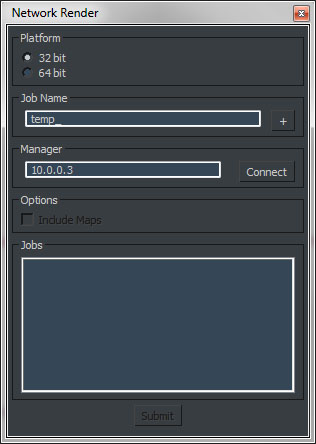
Simplified dialog to submit jobs to backbuner.

Shift Edge

0 votes

-Shift polygon edge arrange
-Invert edge visibility

Encrypter

4 votes


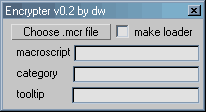
Little tool for easier encrypting of .mcr files.

Updates:
- err... well, now its actually works
- generates loader

G.I. Toggle

11 votes

A simple script for mental ray, which will give you a toggle for Global Illumination that you can have in a toolbar, quad or floater.

I created this as I found myself often turning GI on and off to test various assets in a scene in isolation.

MCG AutoRings

3 votes

Why AutoRings ? coz based on the Radius, Ring Width and Gap combo, this will automatically generate as many ring as would fit inside the main Radius. If Ring Width or Gap is too big...no probs, it will auto adjust itself...
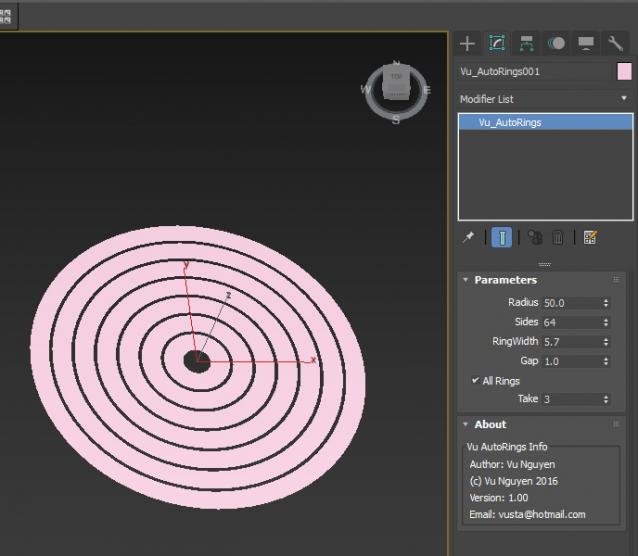
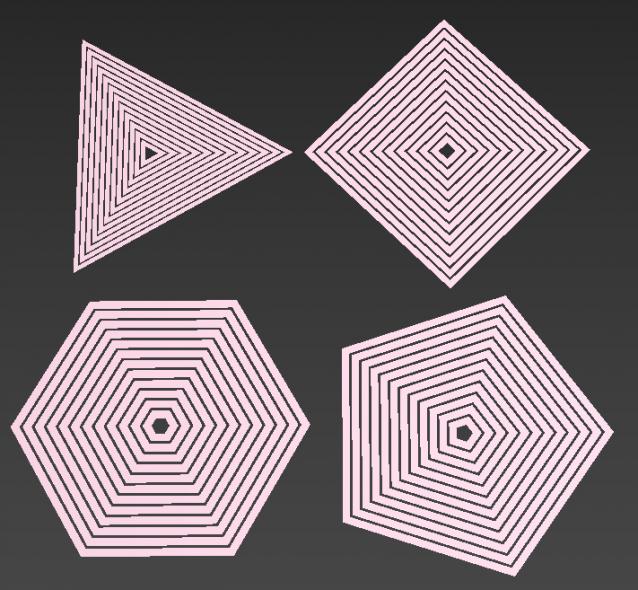
Ver 1.01: removed Gap restrictions..so Gap now can be as big as you like...

Ver 1.02: added Height Offset

noMissingUV

1 vote

Do you ever get the "Missing Map Coordinates" window popping up while you're trying to render?

We all do.

This script will add simple UV's to all Editable Poly and Editable Mesh objects that either lack UV's or have corrupted UV's.

Please, use caution when using this script. It may screw everything up. So, save a copy of your scene before use.

P Explosion Generator

8 votes

Generates explosions for all those things you feel like blowing up.

Taskkill 3dsmax.exe

0 votes

Unzip in any folder and just need to create a label in Desktop and assign a hotkey in it

XUI Floater

18 votes

A compacted floater that is useful when working in Expert mode in 3dsmax. I created this to just speed up my workflow. Lots of simple UI buttons and categories. Also right-click options to run more commands. Watch the simple video to understand the use and workflow.

Syndicate content