3ds Max | All

Bake-A-pi

14 votes


Heres a tool to make your 3D PieCharts for you. You've got as many slices as you like and random or specified colors. There are also some global parameters wich are preety self-explanatory.
have phun

Puzzle2D

2 votes

This MAXScript will help you to build puzzle of editable_spline objects in 3dsMax.


Fstorm camera from view

1 vote

f storm camera from view, creates fstorm camera, and a standard one from view then switches from standard camer to fstorm.. you can do this manually but we got scripts..

.mcr file, find under fstorm category add to toolbar or .ms file drag and drop onto max viewport, or open .ms file and drag drop the selected content onto the toolbar and it will create a button for you

Contrast Pro

2 votes

Contrast Pro is a modifier for 3ds Max that enhances the details of 3d models. It allows you to quickly add contrast to whole models or to highlight only some specific areas. Areas with large and small polygons can be set to receive the same amount of contrast with the "Uniform" option. Get it from https://mariussilaghi.com/products/contrast-pro

Geo Sphere

9 votes

Port of the C++ GeoSphere to a scripted plug-in.

Bitmap Transform Clone (3dsmax MCG)

4 votes

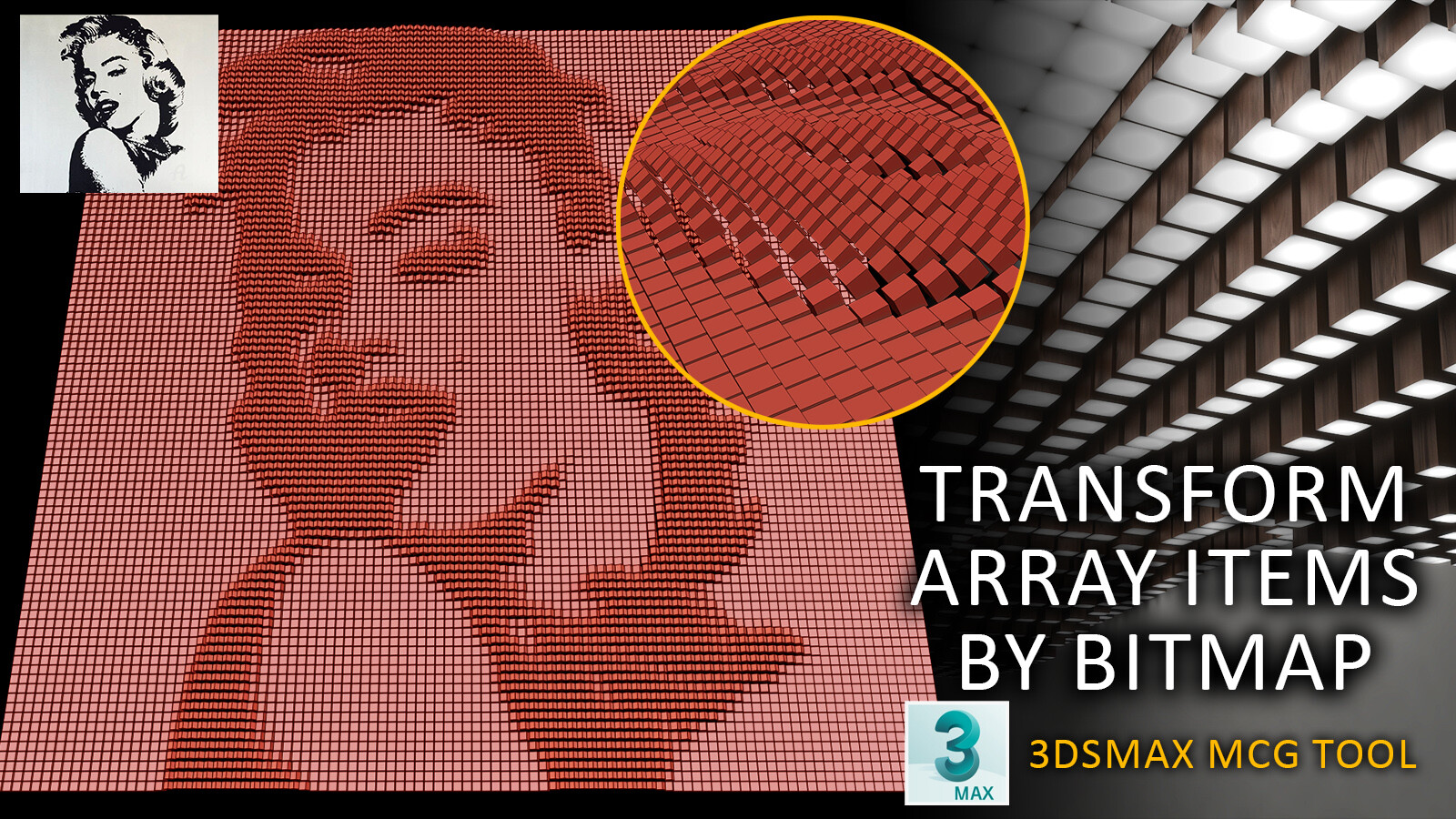
I made a tool for parametric modeling based on bitmap input by 3dsmax MCG graph This graph makes a 2d array from the mesh on top of the modifier stack in the XY plan and applies a grayscale bitmap to it and applies transfer setting to brighter areas of the bitmap given to it.

for better understanding see youtube video

ScriptSpot Search

14 votes

 Like 3ds Max InfoCenter but then you need to search for help in scriptspot.com

Switch light by volume

11 votes

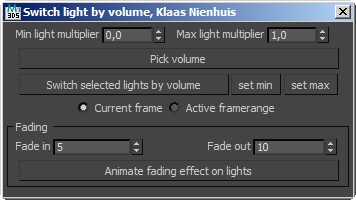
This script switches lights on and off whether they're inside or outside a mesh-volume. The main method is taken from cgtalk


You can also animate the lights

Flip Explicit Mesh Normals

2 votes

Made to flip imported CAD surfaces with flipped explicit normals. Works on a selection of any number of editable mesh objects. Fast and doesn't need modify panel to be active.

Pre-Render Script over network - Working method!

0 votes

For my specific reason I needed to send a render of a selected object. I've been trying unsuccessfully to send a job to render over the network using the "setRenderType #selected" active to render a selected item only.
(in combination with VRay's "renderers.current.imageSampler_renderMask_type = 2")

Problem is - once it gets to the network, my object is no longer selected.

So I delved into the Pre-Render script. However, even though I managed to create a small single-line script that selects my object and set it to run before the render (pre-render) - Max would constantly ignore it:

Syndicate content