3ds Max | All

ResetViewports

3 votes

Resets the viewports and frames all.

UI_ZoomSelected_To_Bottom_View.ms

3 votes

Use this script to switch to the Bottom view then zoom to the selected objects

Polyediting Macros

5 votes

Consists of several standard Editable Poly operation macros to be used in the quadmenu because discreet didnt made one. Put them into your quadmenu so if you often work in 'Expert Mode'.

  • Clear All Smoothing Groups
  • Collapse: collapses the selected verts - edges - or polys. Works just like the one in the command panel.
  • PixPatch AI

    0 votes

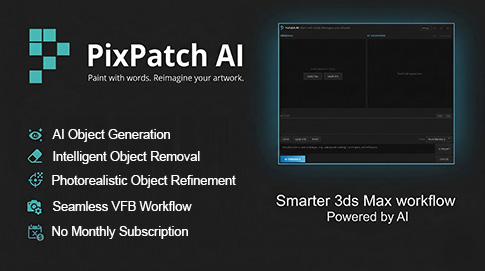
    PixPatch AI: Fix Renders Instantly inside 3ds Max

    Stop wasting precious time on minor re-renders or tedious Photoshop fixes.PixPatch AI connects 3ds Max directly to Google's world-class Gemini AI, allowing you to modify, enhance, and fix your renders in real-time without ever leaving your viewport. Whether you need to add people, swap materials, or fix a small glitch, PixPatch AI handles the heavy lifting directly from your Frame Buffer.

    CineMove

    0 votes

    Vetex Color to Color ID

    0 votes

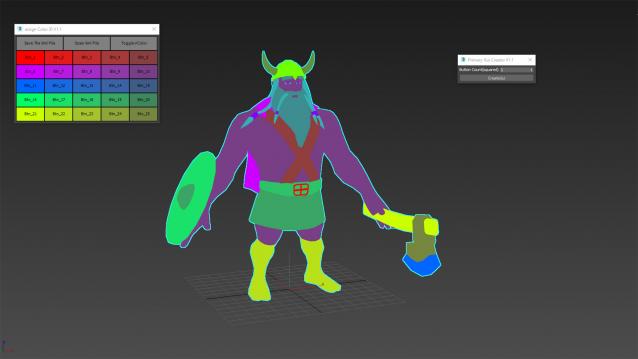
    Vertex Color To Color ID is a commercial script for generating vertex color based color ids for Substance Painter.

    Small

    3DS Max -Tip - Quickly Reposition The Pivot Location

    0 votes

    In this quick 3DS Max tutorial, we will see how to relocate the pivot point to some specific locations using the Transform Toolbox.

    ToggleVertexColours

    4 votes

    Toggles the vertex colours on/off for the selected objects.

    111_showMap_selected_toggle

    0 votes

    the script turns on/off the material display in viewport for selected objects.

    UI_Align_Pos_Y_Center_To_Center.ms

    2 votes

    Align Position Y of selection to target from Center to Center

    Syndicate content