3ds Max | Scripts

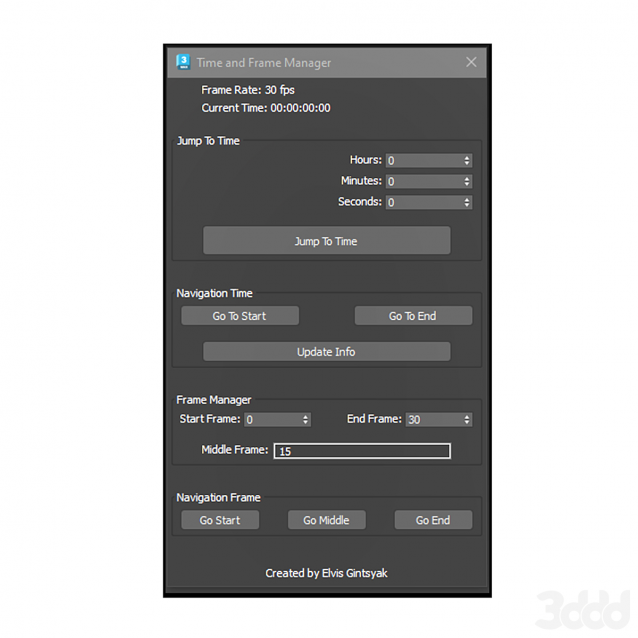
Time and Frame Manager

0 votes

Time and Frame Manager

Edge Loop Straighten with Constraints

4 votes

Edge Loop Straighten with Constraints works like this:
Selected one or more partial loop(s) of edges, run the script, and it will straighten all the verts between the end verts of the loop(s). What makes this script different from others of its kind is that it fully supports all three geometry constraint modes; edge, face, and normal constraints.

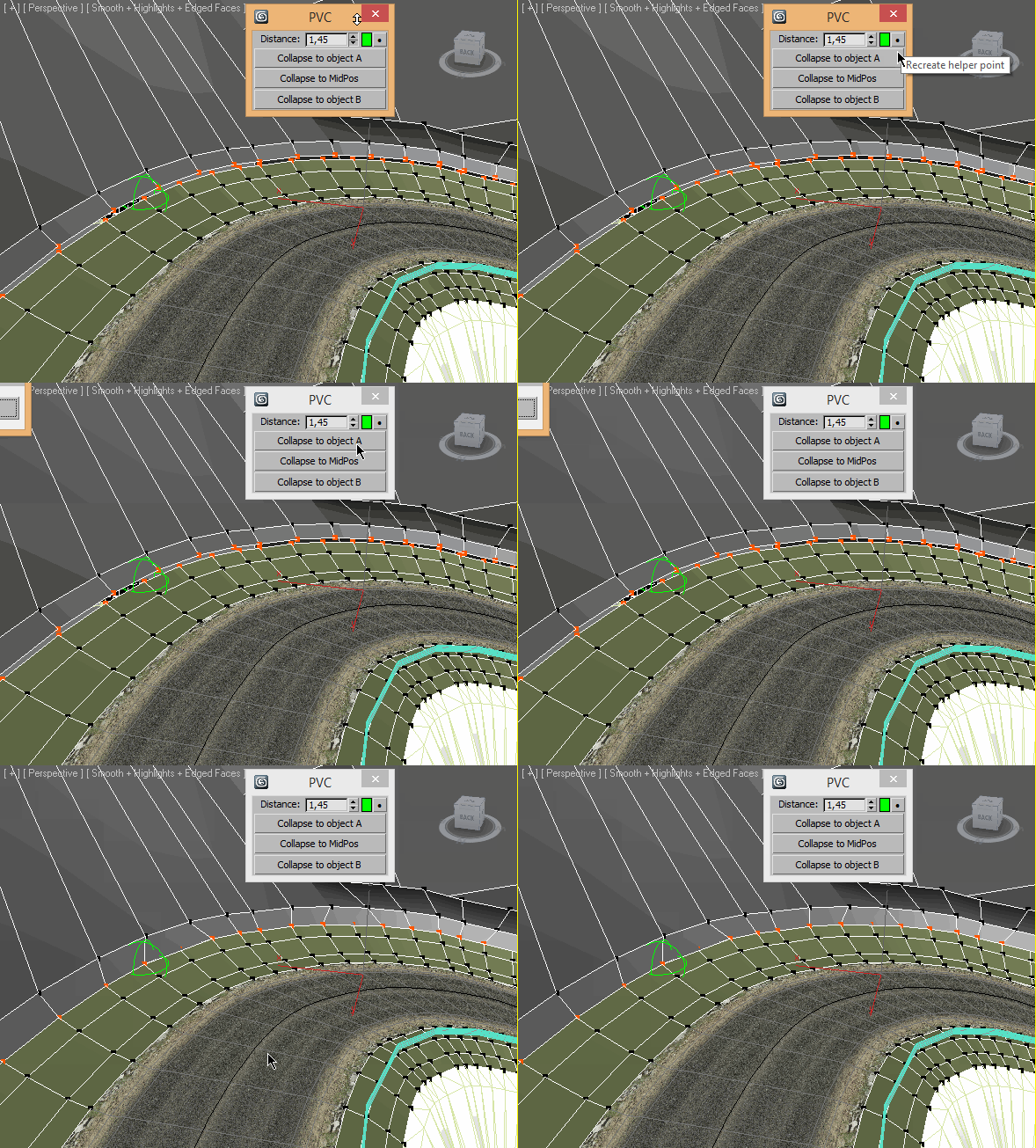
Pair Vertex Collapser

3 votes

SceneShutter

0 votes

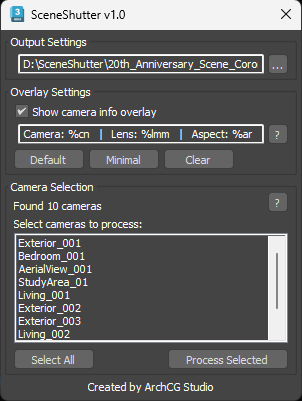
SceneShutter — Camera Viewport Export Tool for 3ds Max
Batch export clean, safe-frame camera previews with overlays and flexible aspect ratios — in seconds.

What is SceneShutter?
SceneShutter is a powerful yet lightweight tool for Autodesk 3ds Max that allows you to quickly export clean, safe-frame viewport previews from multiple cameras — without rendering.

Corona Render Elements Manager

4 votes

Overnight Batch Render

3 votes

SubSpline 3dsmax script - banner

Full rendering job while you sleep!


Description

Overnight Batch Render is a simple yet powerful batch rendering tool for 3dsMax, capable to process multiple scene files sequentially on a single computer.

miauu's Quick Spline Measure

0 votes

miauu's Quick Spline Measure allows you to quickly measure:

Fast Fencing

1 vote

Fast Fencing generates an architectural structure through a custom procedural mesh object, you can change parameters and watch the results in real time. It's an easy and intuitive way to create a fence at a simple level, its versatility allows you to create your own style, useful for the creation of urban backgrounds.

This script creates a FA_Fence object which works as any 3ds Max object: any deformer can be applied, renderable, can be converted to mesh etc ... ​

Wacom Holy Grail

3 votes

If you are like me and use a Wacom with 3ds max, you have definitely encountered this issue with selecting objects!

Scenario:
You select an object and it moves it!!!!!!!!!!!! this is no good!!

So what i wanted was to use Q to select an object, move it with W then go back to Q when deselected. So with some hardcore googling and experimenting i found a solution.

Behold the holy grail for all Wacom users!

Usage:
if max is opened, close it.
Copy the script to your scripts/startup folder
run max

or if max is opened.

Advanced Planar

0 votes

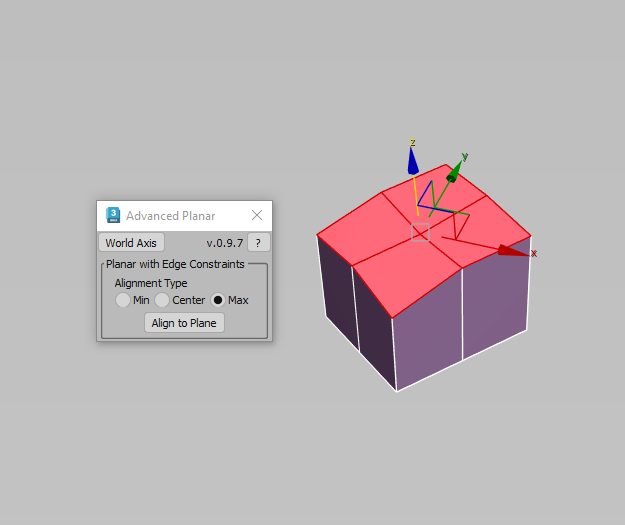
Description: This script makes sub-objects coplanar using Min, Center, and Max extremes, similar to what the standard Planar does, but much more flexible. The "Align To Axis" routine lets you align sub-objects by a specified world axis.

Syndicate content