3ds Max | Scripts

FumeFX Delete Undefined Light Entries

0 votes

There is an issue where if you delete a light that is assigned to a Fume Grid without first removing it from the Fume Grid, there will be an undefined entry in the lights.

This is really only noticeable via maxscript.

I created this script to delete all undefined entries in the light list for all the fumes in the scene.

Simply run the script and all the Fumes will be fixed.

-Paul

Swift-Switch (Includes V-Ray and Mental-Ray Presets)

76 votes

waRp UpTile

0 votes

This script is used in a specific workflow when exporting objects to Mari. It tiles up the UV patches (each row has 10 patches)

usage: In each UV patch there has to be unwrapped objects that have only one material assigned to them. And that material has to have "_tg" suffix in its name. When executing the script it automatically adds an unwrap uvw modifier, makes selectionSets based on those materials, and then tiles it up, and adds UDIM number (patch number from Mari) to each materials' name.

MPManager (Matte Pass Manager)

51 votes

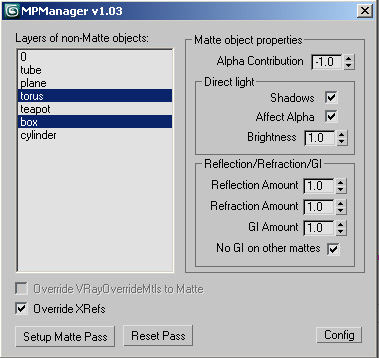
This script creates Matte Passes by layers, and works with xrefs!

Sweeper

5 votes

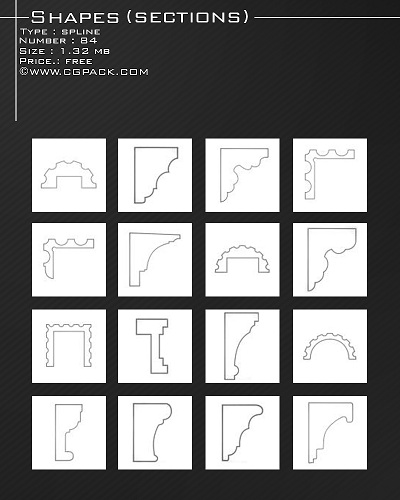
shapes

splineRig

62 votes

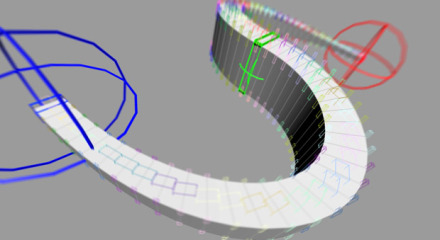
A spline based rig. An alternative approach to using PathDeform with more control over twist and scale.

1. Create a straight Spline - every vertex on that spline will be a helper to control the position
2. Run Script
3. Pick Spline
4. Adjust X Y Z to align the orientation of the box to your spline
5. Adjust width and length
6. Set twist helpers - this controls the amount of helpers to control twist and scale
7. Subdivisions - this controls the final resolution of your mesh
8. Press Go

Restore Imported Objects Wirecolor

1 vote

A little fix code for imported objects from AutoCAD. Inspired by this post
http://jamiecardoso-mentalray.blogspot.co.uk/2013/04/correcting-viewport... by Jamie Cardoso

Lazy Prosound

0 votes

Quick Open Prosound

Information Display

-10 votes

This tool displays information inside 3ds max in real time. Feel free to suggest any additional options you would like to see in this tool. I’m open to expanding upon this tool and adding addition information to be displayed. It works as the user changes the scene and display options.
Feel free to play around with it and let me know your thoughts.
I’ll be going into the code here soon and cleaning up the redundant stuff.

The tool currently displays the following:
Poly Count
Object Name
Object ID
Object’s Parent Name
Displays visible line connection to Parent

ImagePlane For 3ds Max 2014

3 votes

Script for help the position create of objects in your scenes. With possibility of background, foreground or multiple planes. For still image or sequence of image with or without alpha channel.

Syndicate content