3ds Max | Scripts

objectDropper

6 votes

Lets you drop objects onto another object. For example - will drop a bunch of rocks onto an uneven ground surface.

BlockRender

1 vote


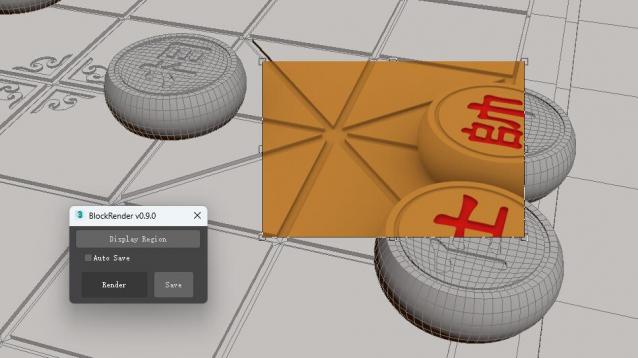
The BlockRender one click region rendering plug-in, allows you to customize region rendering and view the results directly in the viewport, and save the rendered image automatically or manually.


[Main Functions]

--Customize region rendering and view results directly in viewports

--Automatic and manual image saving

sorry!I don't know where the script of the plug-in is. It will be uploaded later.

Mapping Operations

1 vote

Mapping Operations is designed to help you apply various relational functions, by relating directly one set of user selected objects to another set as a mapping text file.

Hammer Skin Tool For 3ds Max

1 vote

Hammer Skin Tool for 3ds max

Macroscript is under "Savas" Category
Script works on selected vertices on skin modifier.
It does not work as expected on first couple of button clicks, But starts to work properly after third button click.

Paid one and free variants are the same. You can grab whichever you like.

Should work after Max 2019 update 2. Tested on Max 2022

Pixel Painter

4 votes

Paint and animate pixels on any grid.

Populate:Terrain

36 votes

Populate:Terrain assists in creating and optimizing terrain surfaces from contour lines or from existing meshes. The quad based output allows for easier later remodeling, for example using push/pull painting. The regular face size reduces rendering issues (GI, displacement) and you can use Turbosmooth on it.

Collapse To Morpher

0 votes

This script allows you to collapse changes to an object but maintain the morpher modifiers with its data intact.

Its idea is to activate every single target 100% ,copy the mesh ,collapse then finally add all targets again, it also work with progressive morph targets.

Works on single objects and only one morpher modifier.

Borrow Material

3 votes

With this little macroscript you can “borrow” material from any object in the scene and transfer to the current selection. It's an easy way to speed up your workflow.

Prune Scene (Cleaner/Antivirus)

11 votes

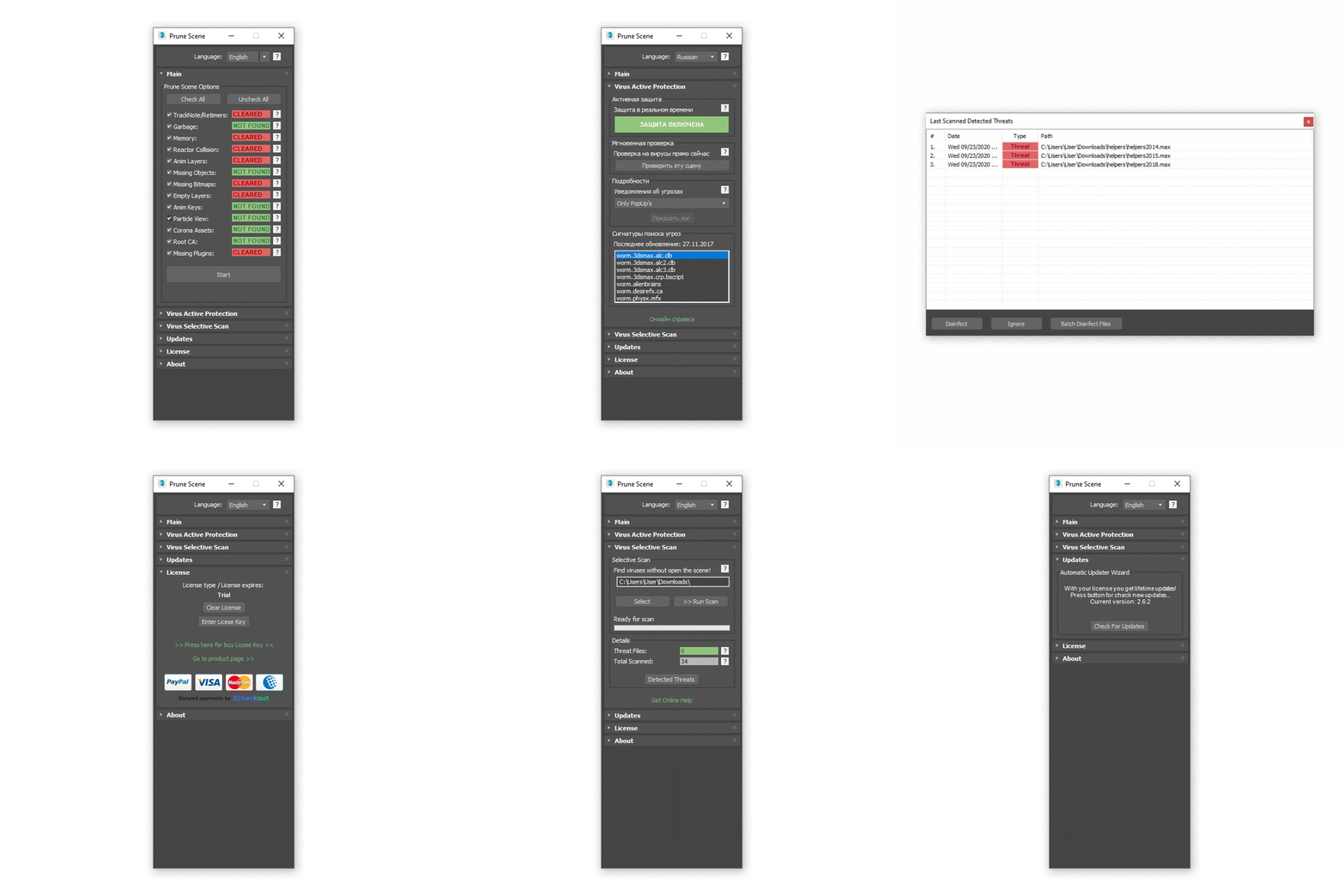
With Prune Scene you can clear your 3Ds Max scene from scripted viruses and accumulated garbage. This allows in some cases to greatly reduce the size and accelerate saving of scene.


More Info


Before usage read manual: Read Full Manual

Reindeer

1 vote

AnimaThings Presents Reindeer!

The node based Render Manager and Scene Automator for 3dsMax

Rendering in 3dsMax can be a bit of a pain. There’s so many things you need to remember to turn on, turn off, hide, unhide, set the correct render camera, timerange, resolution, rename the output and so on… Reindeer can automate all of that!

Syndicate content