3ds Max | Scripts

Loop Animation

1 vote

This Script is intended to loop keyframes, it locates the first and the last animation key of all selected objects, then all keys are copied and moved to the last key location, obviously your first key and last key needs to match for the animation to loop properly,
it works on position rotation and scaling.
the iteration parameter is the number of times you apply the script, it is an exponential factor, let say you have 50 keys, the first iteration would give you 100 frames, the second iteration 200 frames, the third 400 frames, etc...

Bulk UV Tiling Adjustment

0 votes

Bulk UV Tiling

Bulk UV Tiling

This is a small and simple script that bulk adjust UV tiling of all selected node in Slate Material Editor.


Issue

Import Illustrator Files

2 votes

This Script imports multiple Illustrator files in one click, it attaches splines and weld vertices. you can add an extrude modifier by Shift Clicking the button.

Make sure to save your .ai files to illustrator 8 as 3dsmax can't import more recent version of illustrator files.

Install by drag and dropping in the viewport, then go to customize, customize user interface, tool bar, category "SimonScripts", create a new toolbar if you haven't got one already, then drag "Import AI" inside the toolbar.

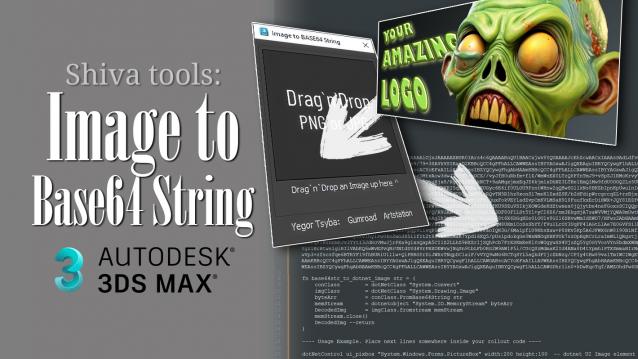
ShivaTools: Image to Base64 String

1 vote

If you're a 3ds Max scripter, you've probably wondered how to avoid dragging logos and icons as separate files and embed them directly into your script. So, I made a convenient Base64 encoder for Dotnet for myself and decided to share it with everyone.

COPYPRO

0 votes

I would like to offer you my new Maxscript, which helps copy objects from one file to another without the need to relink paths. The Maxscript works with Vray, Corona, and Fstorm. It has been tested on 3ds Max 2022 and 2024. If you find it useful, please buy me a coffee

miauu's Quick Spline Measure

0 votes

miauu's Quick Spline Measure allows you to quickly measure:

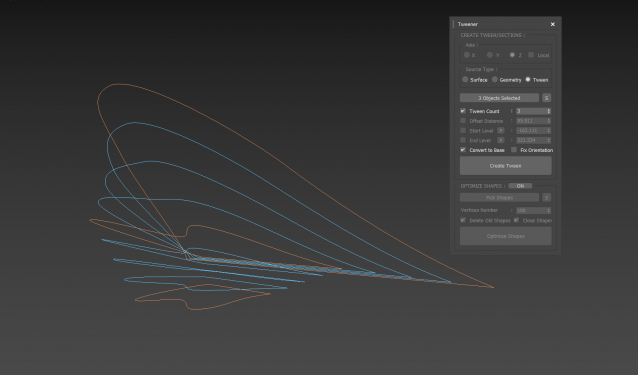
Tweener

0 votes

 3dsMax Script for Creating Tween Curves from Shapes or Surface and Creating Sections from Geometry.

Thanks to JokerMartini.

Biped 镜像工具-Biped Mirroring Tool

1 vote

Biped Mirroring Tool Guide

Introduction:

The Biped Mirroring Tool is a powerful utility designed for 3ds Max users to simplify the process of mirroring Biped characters. It enables users to quickly locate and select the Biped's root node by selecting any object within the character's hierarchy and automatically carries out the mirroring operation. Additionally, this tool intelligently handles Bipeds with a parent hierarchy, preserving the structural relationships and executing the mirroring correctly.

How to Run the Script:

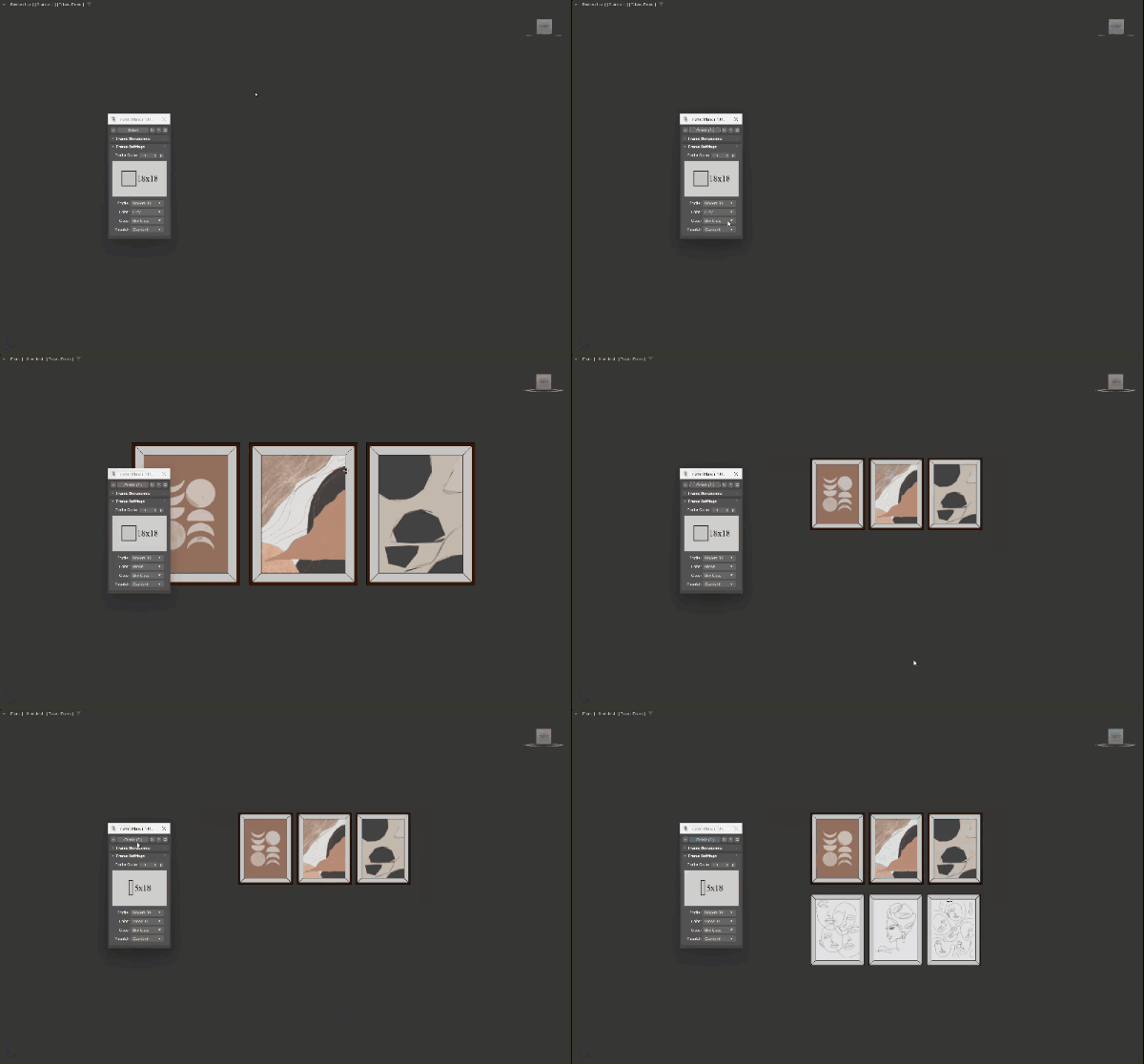
Frame Maker

3 votes

A tool used to quickly create picture frames from selected images, with the correct ratio according to the imported image file. It can be used to create multiple picture frames at the same time in just a few clicks, with many options in size, profile, colors and glass. Supports Corona, Vray and Standard materials. 

MAIN FEATURES

chesterfield generator

1 vote

Transform your mesh polygons into stunning Chesterfield patterns with just a few clicks! Our script takes mesh vertices and expertly deforms them to create the classic Chesterfield pattern that's both elegant and timeless.

With our user-friendly interface, you have two conversion modes to choose from. In the first mode, you can convert the entire picked mesh vertices (or sub-object selected vertices), perfect for creating complete Chesterfield patterns. In the second mode, you can selectively convert pre-selected vertices, ensuring they are arranged in a beautiful diamond formation.

Syndicate content