3ds Max | Scripts

ShellBake: Set Up Shells for Baking VRay Lightmaps

2 votes

To transfer maps from one type of material to another after a bake for game exporters that primarily look for Standard materials.

This is currently limited to just the diffuse map.

To use: Run the Macroscript and add ShellBake to a toolbar from the category: #_SP_BakeScripts

STEPAdjust

1 vote

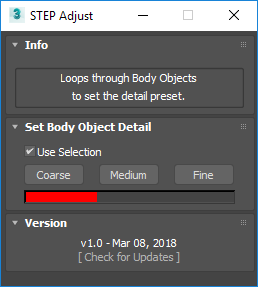
STEP Adjust loops through Body Objects, such as ones imported from STEP files, to quickly swap between the Coarse, Medium and Fine presets.

Select by list

1 vote

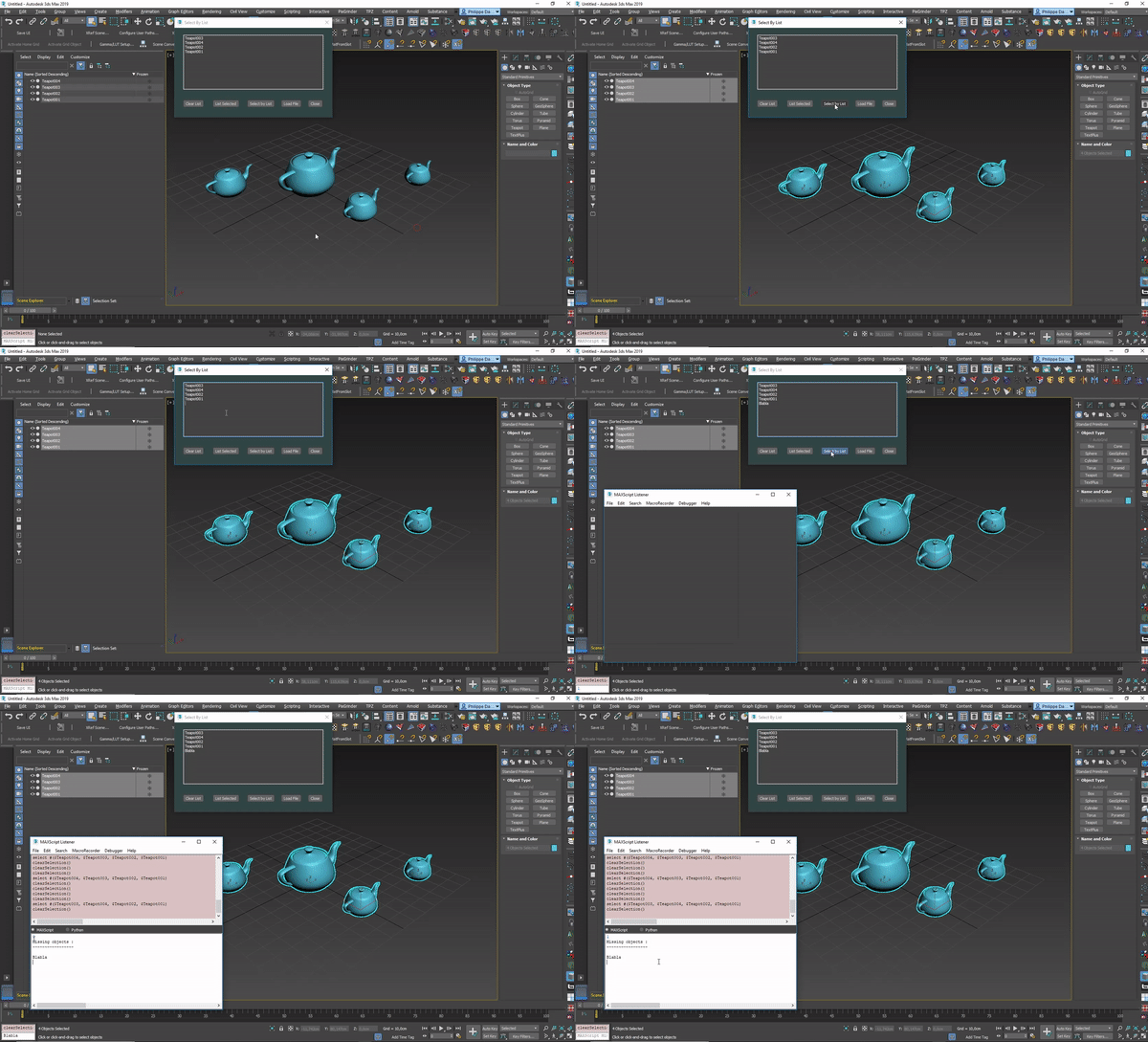
Small script I wrote to select objects easily by list of names.
Also reports missing objects.

To use this script, just drag&drop it in your 3dsmax window.
Or Menu : Maxscript -> run script -> pick the script file in the good directory.

Check this video for help:
https://vimeo.com/355444780

[ 3dsMax <> UVLayout ] UVPipe mod by miauu

11 votes

This script will allow you to send the selected objects to UVLayout and get them back.

This is useful when you wants to have more than one object in the same UV square.

All editable poly objects from the selection(selected objects or groups) will be sent to UVlayout.

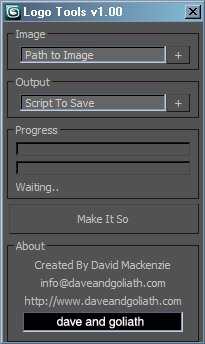
Logo Tools - Convert Bitmaps to Maxscript

38 votes

Logo Tools 1.00 Screen Capture

Max 2 Unity

1 vote

Max 2 Unity is a script I made to improve my workflow when creating game assets for Unity.
It allows me to quickly iterate on assets and easily change them without losing any Unity scene data.
Select the folder in your Unity project in which you want to put your meshes ( Ex : _Meshes )
and press export.
It will export FBX models according to the settings you've set, and when going back into Unity, Unity itself will reimport the meshes and apply the corresponding changes.

Max2Unity also correct the model orientation for unity import.

AfterFX Data Exporter

3 votes

3dsMax to After Exporter.

Generates a .jsx that must be run from AfterFX>File>Run script. Creates appropriately sized comp and layers.
Exports: Cameras, lights, and planes as AfterFX objects. All others as nulls.
Export size based on smallest HD screen/projector. Optional manual scaling.

Update 3.0.0: added support for Physical Cameras, Arnold Lights, 2k and 4k projectors.

Fountain Animation Tools (F-Tools)

215 votes


About FTools.script in English:
http://www.fountain-tools.com/en/service/ftools-script-info/

Manual in English:
http://www.fountain-tools.com/downloads/6

CRC - Car rig creator

47 votes

hi,
CRC is a free script for generating car rigs in few clicks.

- few clicks rig creation
- support uneven surface
- supports body, wheels, steering wheel and breaks animation
- i tried to make it as simple as possible

DCP SmoothSpline

2 votes

DCP to Smooth (closed) spline where Mesh/Turbosmooth gives you crap. Of course, it doesn't just work on splines, if you put an Extrude on the spline first, then add the DCP..it will still work

installation:

01) download my DataChannelPreset

02) put it in: C:\Users\xxx\AppData\Local\Autodesk\3dsMax\2017 - 64bit\ENU\en-US\plugcfg\DataChannelPresets

then follow video.

Syndicate content