3ds Max | Scripts

Render Elements to folders

1 vote

This script will place your Render Element files in named subfolders according to where the main pass is stored.

Example:

Render path is set to - c:\blabla\bla.png

There are 3 render elements set, like: specular, shadows, zdepth etc.

path for render elements will look like:

c:\blabla\specular\bla_specular.png
c:\blabla\shadows\bla_shadows.png
c:\blabla\zdetph\bla_zdepth.png

In v2.0 multiple render Elements error corrected.

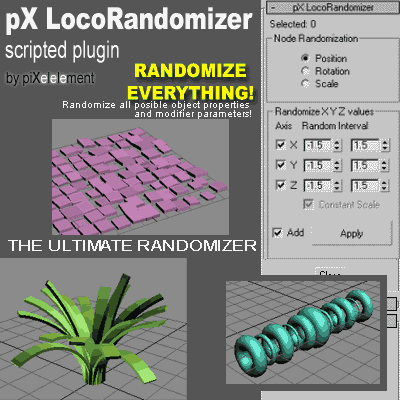
pX LocoRandomizer

41 votes

Randomize multiple object properties is something useful, but the randomizer I found in the internet they always randomize only position/rotation/scale.
Then I was working creating this plugin to randomize every property or parameter from multiple objects.


FumeFX Delete Undefined Light Entries

0 votes

There is an issue where if you delete a light that is assigned to a Fume Grid without first removing it from the Fume Grid, there will be an undefined entry in the lights.

This is really only noticeable via maxscript.

I created this script to delete all undefined entries in the light list for all the fumes in the scene.

Simply run the script and all the Fumes will be fixed.

-Paul

Swift-Switch (Includes V-Ray and Mental-Ray Presets)

76 votes

waRp UpTile

0 votes

This script is used in a specific workflow when exporting objects to Mari. It tiles up the UV patches (each row has 10 patches)

usage: In each UV patch there has to be unwrapped objects that have only one material assigned to them. And that material has to have "_tg" suffix in its name. When executing the script it automatically adds an unwrap uvw modifier, makes selectionSets based on those materials, and then tiles it up, and adds UDIM number (patch number from Mari) to each materials' name.

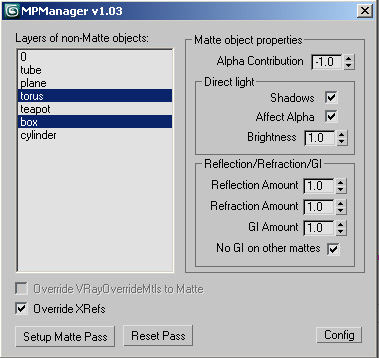
MPManager (Matte Pass Manager)

51 votes

This script creates Matte Passes by layers, and works with xrefs!

Sweeper

5 votes

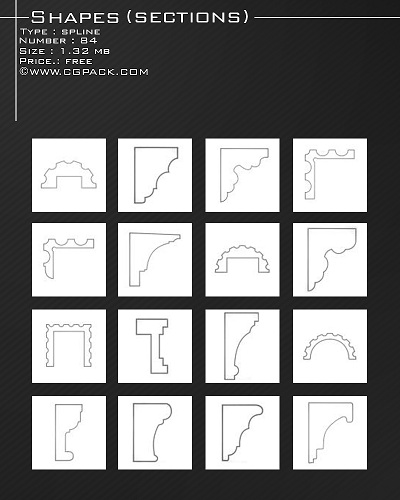
shapes

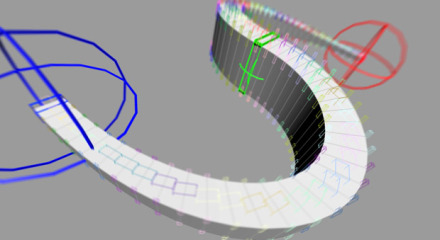
splineRig

62 votes

A spline based rig. An alternative approach to using PathDeform with more control over twist and scale.

1. Create a straight Spline - every vertex on that spline will be a helper to control the position
2. Run Script
3. Pick Spline
4. Adjust X Y Z to align the orientation of the box to your spline
5. Adjust width and length
6. Set twist helpers - this controls the amount of helpers to control twist and scale
7. Subdivisions - this controls the final resolution of your mesh
8. Press Go

Restore Imported Objects Wirecolor

1 vote

A little fix code for imported objects from AutoCAD. Inspired by this post
http://jamiecardoso-mentalray.blogspot.co.uk/2013/04/correcting-viewport... by Jamie Cardoso

Lazy Prosound

0 votes

Quick Open Prosound

Syndicate content