3ds Max | MCG

MCG Simple Braid

5 votes

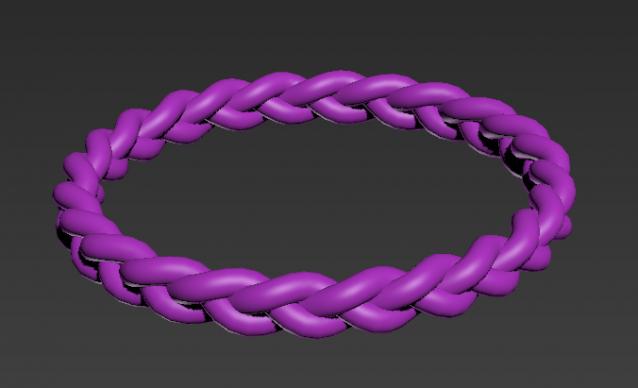
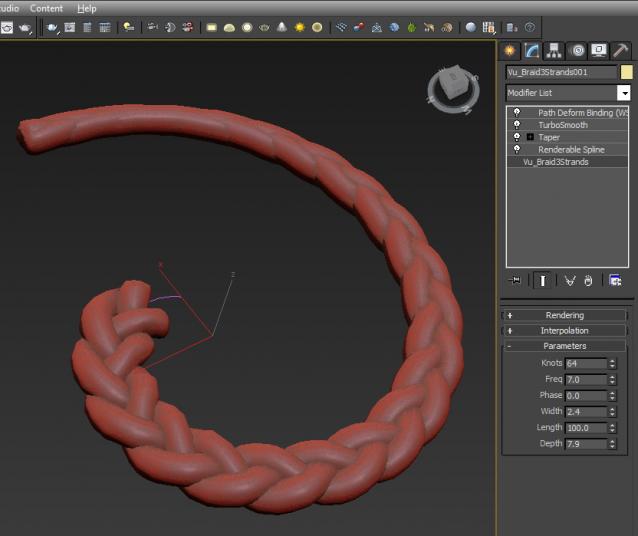
MCG to make simple 3 strand braid.

If you want to do the inverted braid (Dutch?)...simply use negative Frequencies...or if you want to bend it 360deg and weld the ends (with an edit spline), use a WHOLE number for Freq.

Pro version available..see link below..please note video is for Pro version.

MCG Randomize Elements

1 vote

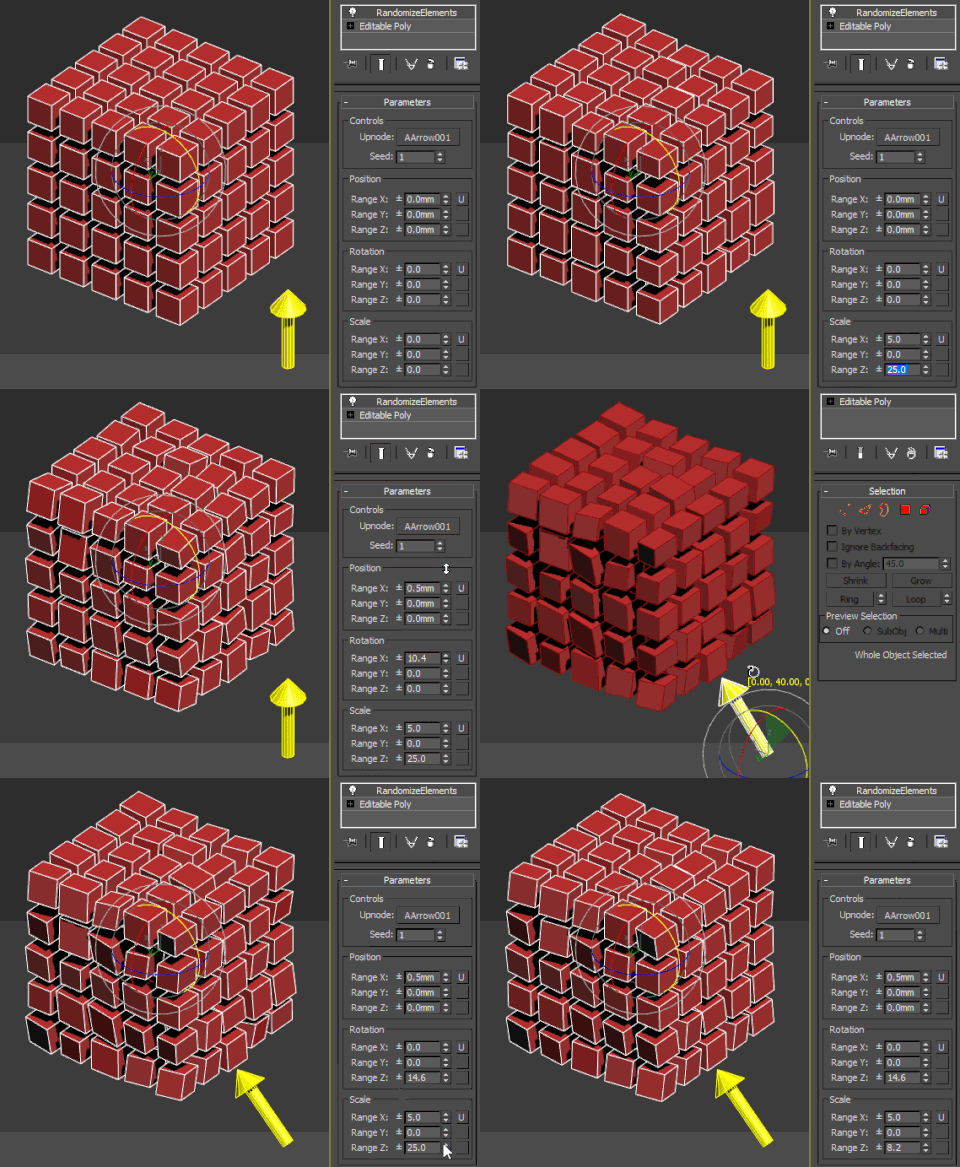
Pretty basic modifier to randomize mesh elements, the difference from the existing ones is the possibility to specify an upnode, which serves as a reference system for all the transformations. That means that XYZ rotation are then parallel with the object's axes, same with translation and scale.

MCG Sweep Scale

6 votes

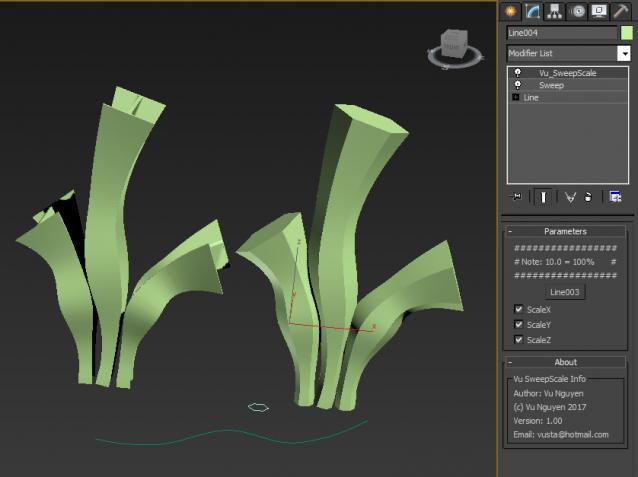
You can use a Sweep to loft on multi-curve spline....but you lose the Scale functionality of the normal Loft. Enter this....MCG Sweep Scale.

Installation:

https://knowledge.autodesk.com/support/3ds-max/learn-explore/caas/CloudH...

Then can be found in modifier list (naturally, you should add a Sweep first)


MCG Arches

3 votes

REQUIREMENTS: Max 2016 + SP3 +EXT1/2, Max 2017

Installation: Scripting, Install Max Creation Graph...

Creates various types of arches: Circular, Lancet, Trefoil, Ogee, Reverse Ogee, Inflexed and Horseshoe. Please note that I didn't follow any ancient building codec strictly to the letter...only that the curves are derived from perfect circular segments. Using the Curvature adjustment, you could get other arch types like Parabolic, Elliptical ...etc...

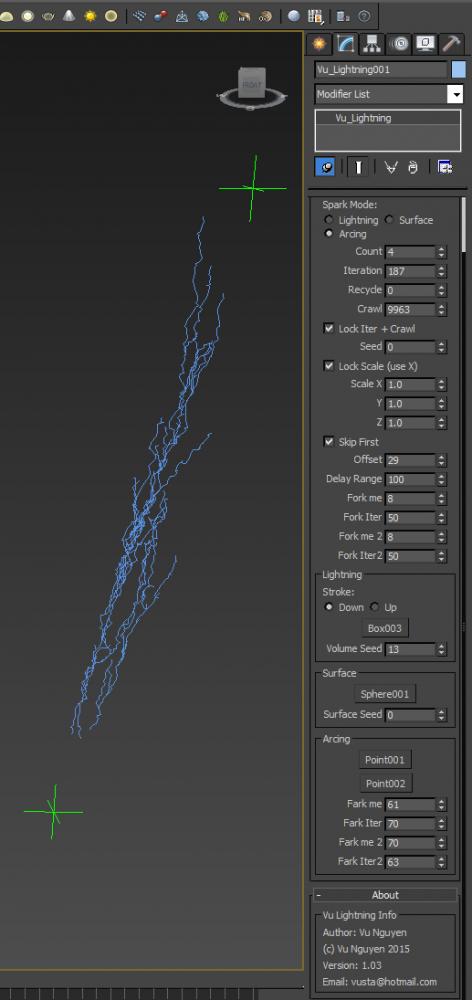
MCG Lightning

6 votes


http://1drv.ms/1OkwWsL

...bring out the Dead

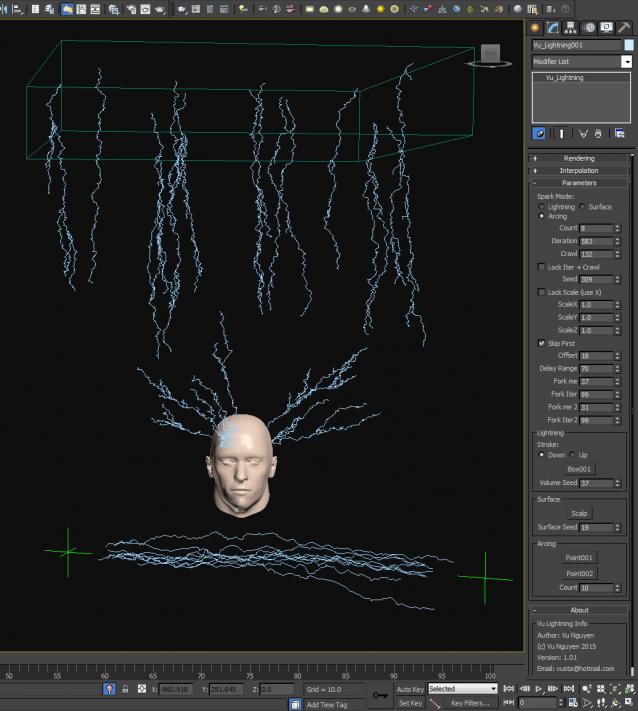
Ver 1.03: you got free Forking...but not for the Arcing mode. I was going to release a 'for sale' version with......Farking....but eh...I feel good with humanity today so everyone should get free Farking...

Also added Recycle option as your Lightning grows..it lags....so use Recycle to help...


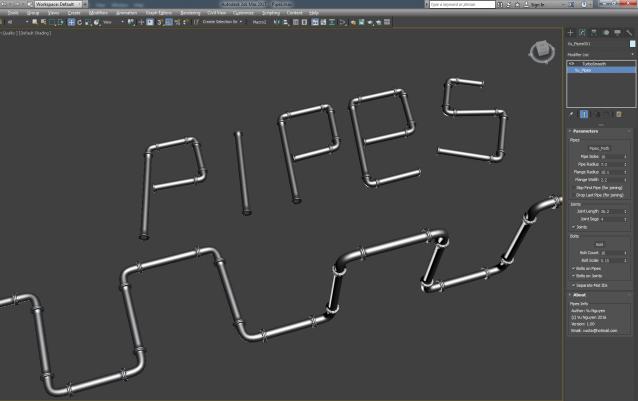
MCG Pipes

4 votes


Installation: Scripting, Install Max Creation Graph...

Creates industrial pipes on a spline path. $5 USD, you know the drill, email me, [email protected]

Works with multi-curves.

BBox

5 votes

A very simple and handy modifier that will turn you high dense mesh into a bounding box, which will save your life if you are dealing with thousands of clones like what happened with me when I was designing my MCG tool (Brick wall builder). So what you have do is just apply this modifier and activate it only in the viewport but in render time it's gonna use the original mesh ;)

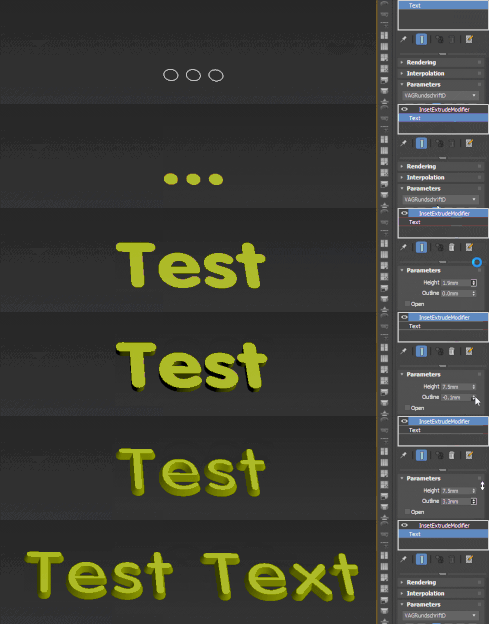
Inset/Bevel/Extrude Poly

7 votes

BevelPoly Compound enables you to extrude, outline and inset the provided Poly (TriMesh). It can keep or delete the original surface, which might be used to create only the border quadstrips. The package includes all the compunds it depends on and an example modifier shown in the gif:

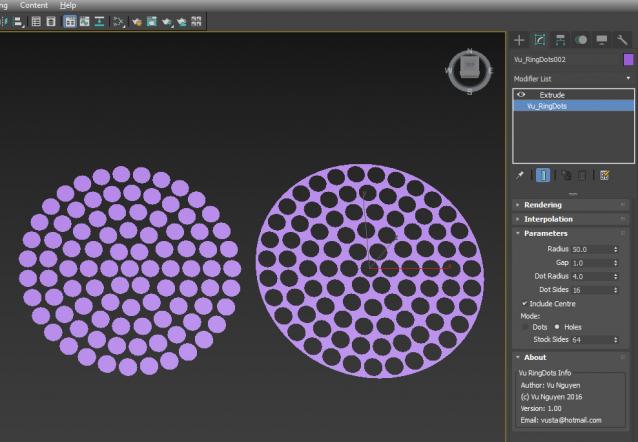
MCG Ring Dots aka Dot Matrix

9 votes


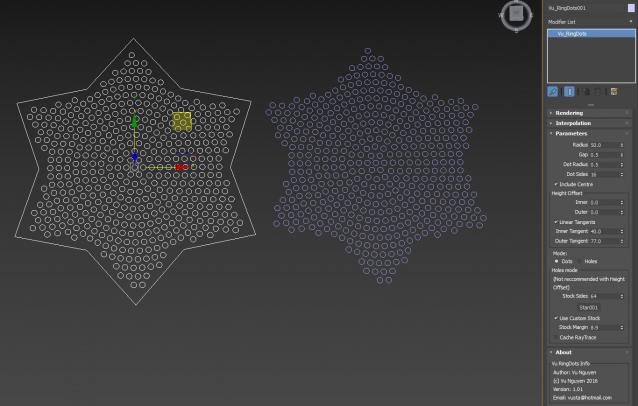
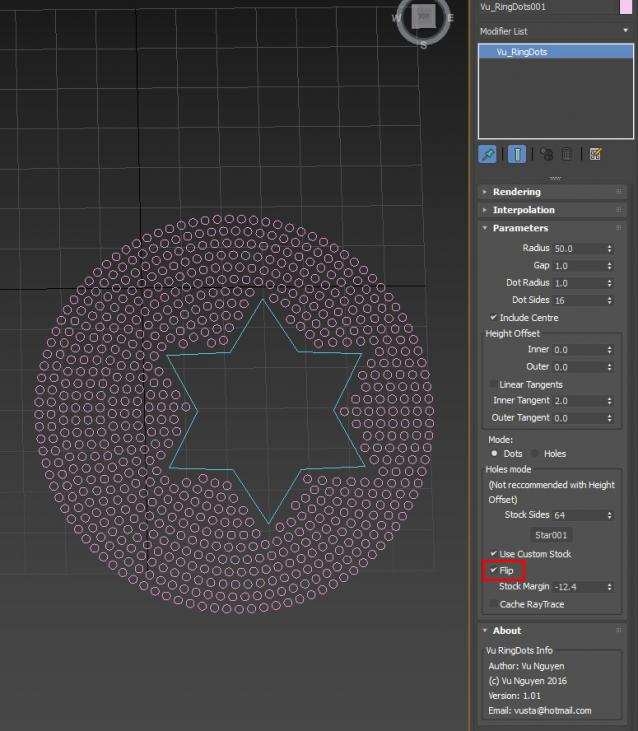
Creates rings of dots or holes...ie..can be used for speaker patterns, showerheads, brushheads...etc..

Ver 1.01: added Height Offset and ability to use Custom Closed Spline for Stock. This can be used in either Dots or Holes mode.

Populate Drop to Surface

0 votes

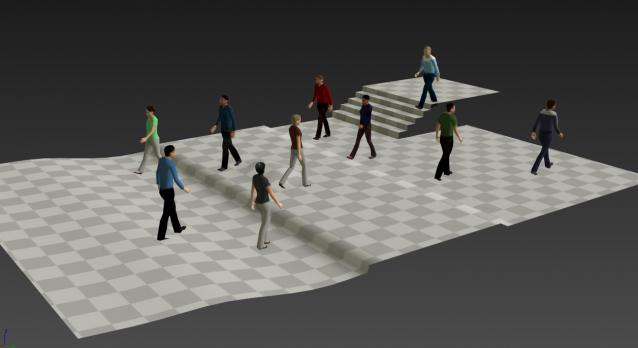
By default Populate doesn't allow you to have your characters walking on uneven surfaces. This MCG hacks a way to put them on any surface below. It's not perfect but it'll work for a lot of cases.

Syndicate content