3ds Max | MCG

Voluminance MCG

14 votes

Voluminance calculates the amount of light each vertex receives taking into account the distance traveled inside a mesh. A longer distance traveled inside means more of the light got absorbed resulting in a darker vertex color.

To view the result in the viewport enable the 'VertexColor channel display" in the object's properties dialog. For rendering you can you use the vertexcolor-map to drive material parameters.

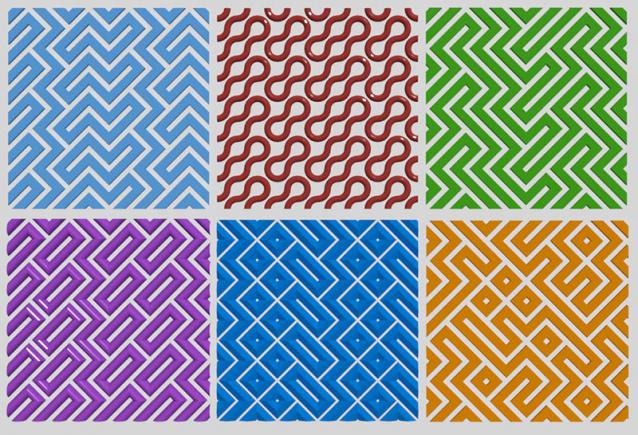
Wavy pattern

3 votes

Tool for creating patterned grids
Wavy pattern

MCG Rings

9 votes


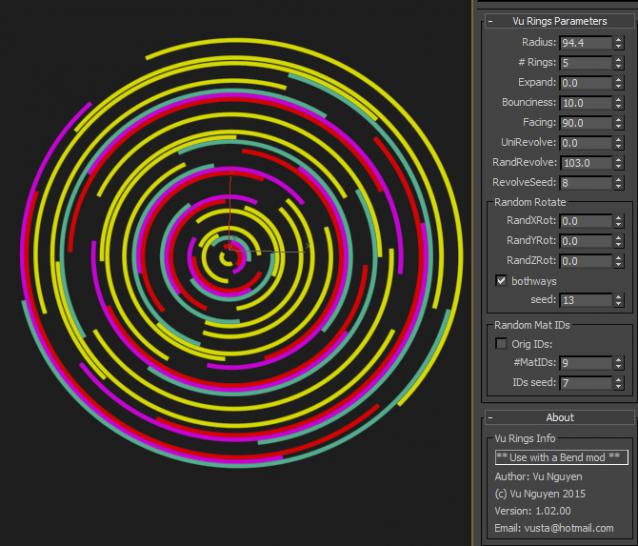
Rings for the mographers. Based on my VenetianBlind mcg, use this with a Bend to create rings of all sorts. Go nuts !!!

Combined with MultiSlicerRot


Ver 1.01.00:

  - Added Random X Offset so you can randomly move the strips sideways (this is the old 'RandRevolve')

BUR_SpinScatter

6 votes

SpinScatter

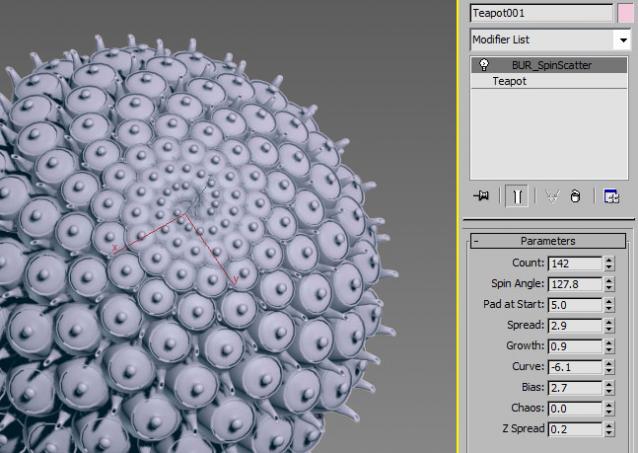
BUR_SpinScatter is an object clone modifier that creates clones of the underlying object using an offset value and a rotation angle to create naturalistic patterns i.e. sunflower, sea anemone, etc. You can push the tool pretty far to create a wide variety of effects and all of the settings can be animated.

The graph also contains notes on how everything works.


Package also contains three compounds:

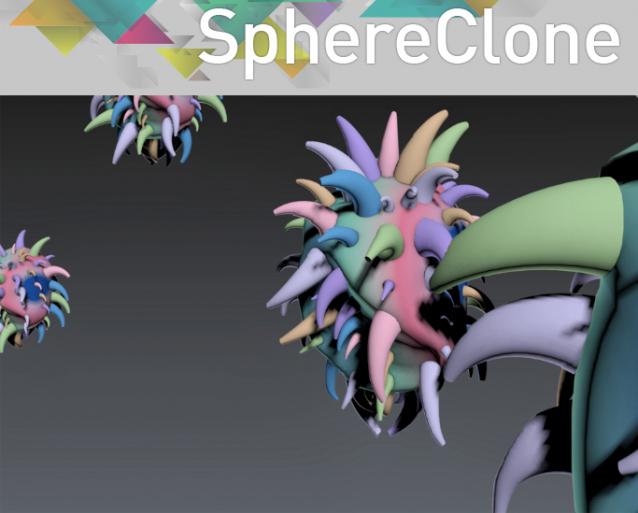
SphereClone

6 votes

MCG Arrange Objects

3 votes

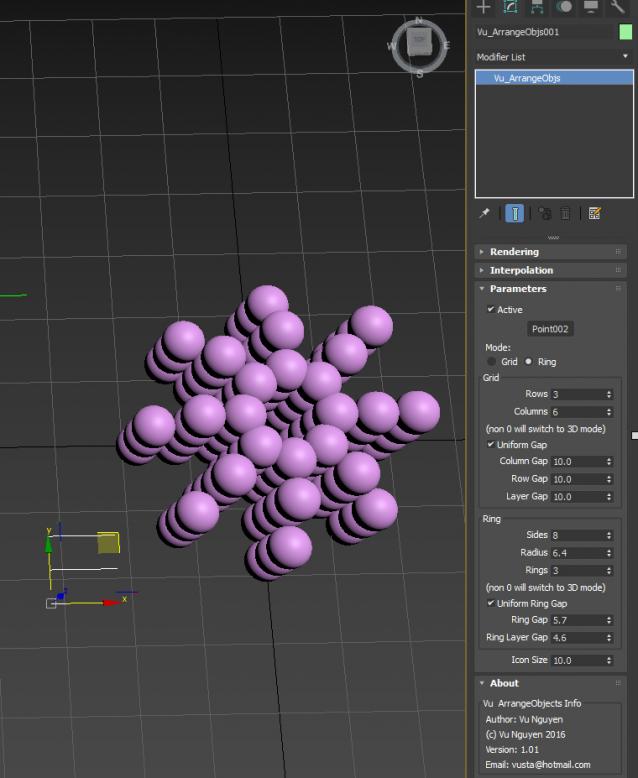
Arrange objects (any) into rows/cols/layers.
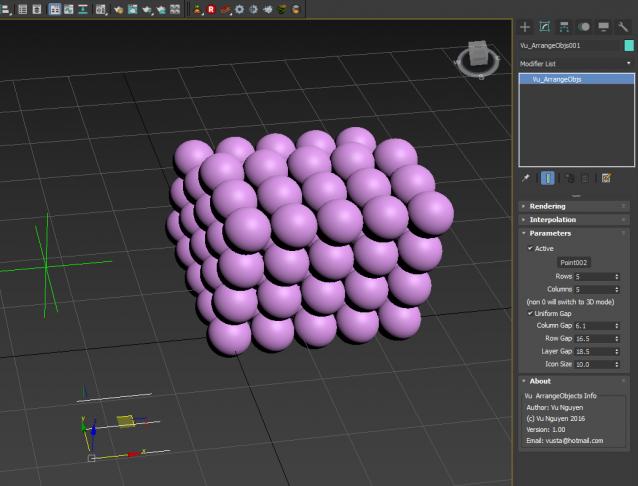
ver 1.01: added Ring arrangement
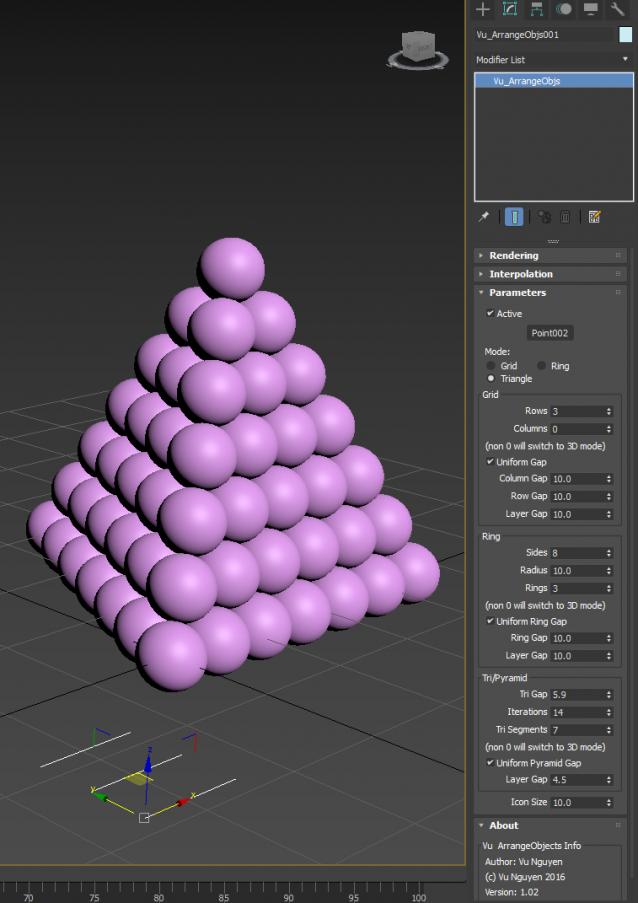
ver 1.02: added Triangle/Pyramid

Please be careful in this mode as 'leftovers' maybe in amongst your heap of objects, so it is best to deactivate, move all your objects away from Origin, then Reactivate and do another pattern.

MCG MorphToUV

4 votes

This MCG will morph your geometry to UV, much like in ZBrush. Please note this is a morpher not an unwrapper. You'll notice in the video that after I applied the mcg, the geo appears faceted. This is the 'ways' of MCGs, it breaks up the verts/normals. I didn't put an mcg Weld in there coz it's a bit slow and crash prone with high res geos. A Welder modifier is also slow. So the best solution I've found is to simply add an Edit Poly on top, select all verts and weld with a very small threshold, say 0.01, then also set your smooth groups here.

MCG Clonewolf

6 votes

another cloner ??? This Clonewolf allows both local rotation AND offset rotation to work at the same time !!! It also 'fits' the clones together using bbox instead of you manually fiddling around, it also allows mesh alignment for rotation so you don't have to fiddle with your object's subobj level.

MCG Wave Slates

5 votes

This MCG creates panels/slates based on sine wave.

Installation:

https://knowledge.autodesk.com/support/3ds-max/learn-explore/caas/CloudHelp/cloudhelp/2016/ENU/3DSMax/files/GUID-086875CC-4C32-4215-BFEC-2B356F9D2A53-htm.html

Then can be found in Create>Geometry>Vu

MCG Edge Length Display

2 votes

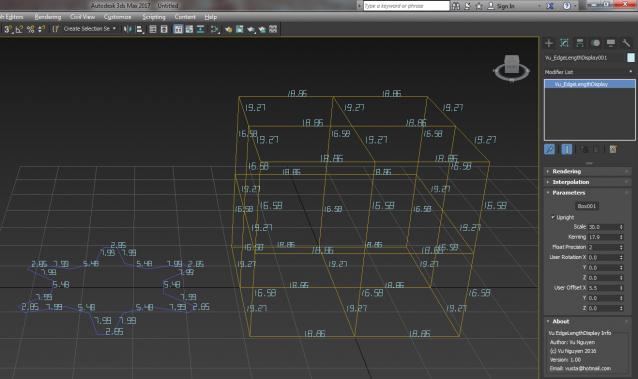
This MCG displays edge length of visible edges in your mesh. Will also work for spline, as in straight segments, ie. not the curve of a circle

ver 1.01: added unit display...with chicken foot symbol for feet...well it's my MCG and I can do whatever I want..

ver 1.02: added miles and kms

Syndicate content