3ds Max | All

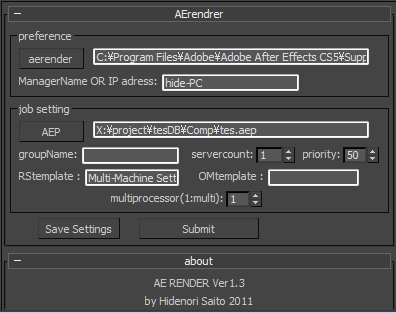
aerender

14 votes

aerender is a script which sends AE job from 3dsmax.

Installation

  • Download installation file
  • UNZIP " 3dsmaxROOT to root folder of 3ds max " Start 3ds max
  • Go to Customize>Customize User Interface>Toolbars> Category "HideScripts">Action "aerender"
  • Drop Toolbar

Before a rendering

Affect Pivot

10 votes

This script simulate's Maya's 'Affect Pivot' tool and prompts the user to create a new pivot point for the selected object.

Affect Pivot and Center Pivot

28 votes

This script contains an Affect Pivot - and a Center Pivot. It works similar to Maya's Affect Pivot. You need to assign it to a hotkey - or put it in a Quad Menu.
Once you have executed Affect Pivot - click anywhere you want the pivot point to be located. TIP: Works great with snaps. Center Pivot does just that. It also works with multiple selections.

Affinity Priority Switch

2 votes

This simple switch can decrease/increase Affinity for 1 thread. Also it changes priority to low/normal.

To install just drag-n-drop into 3dsMax viewport. Then look at the NikScripts category -> Priority switch.

Checked state of button on toolbar means - low priority, thread 0 disabled.

Unchecked state - normal priority and all threads enabled.

After Effects animated position exporter

37 votes

This script allows the user to bring 3D positions from 3DS Max to After effects, both static and animated. This is intended to be used for compositing footage or other 2d elements into your 3D scene in After Effects.

After Effects transforms exporter

7 votes

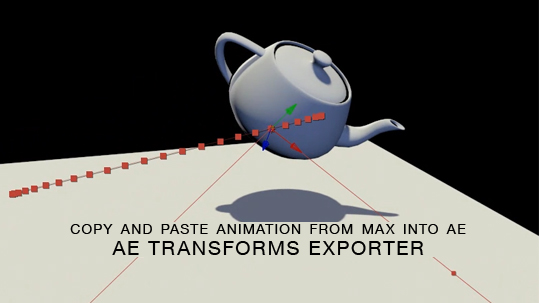
Here is a free tool for copying animation from 3ds Max into After Effects via the clipboard, and the native AE clipboard data. You will be able to copy and paste keyframe data for position, rotation and scale from 3ds Max onto objects in AE.

AfterEffects Keyframe Exporter

9 votes

A small tool to export keyframes to after effects. cam be used to export cameras and all other animation or static position. works with all kinds of animation (constrained, parented...).

this is my first script here. so feel free to post comments and suggest improvements.

UPDATED. working... again...

AfterFX Data Exporter

3 votes

3dsMax to After Exporter.

Generates a .jsx that must be run from AfterFX>File>Run script. Creates appropriately sized comp and layers.
Exports: Cameras, lights, and planes as AfterFX objects. All others as nulls.
Export size based on smallest HD screen/projector. Optional manual scaling.

Update 3.0.0: added support for Physical Cameras, Arnold Lights, 2k and 4k projectors.

AirFoil Object

7 votes

Creates a Rigwave object with an airfoil section.

AIScript - Face

2 votes

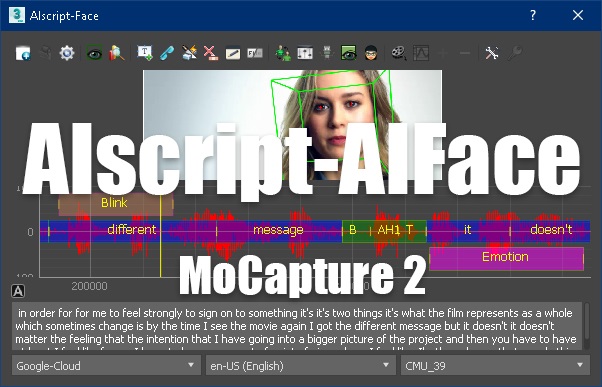
Is a smart tool to automatically animate a character's face with tracking of the eyes and head position of the character.


Syndicate content