3ds Max | All

Cleaning PhysX Menu Duplicates

13 votes

If you customize your UI a bit and have installed the "3dsMax 2011 Subscription Advantage Pack" or the NVidia PhysX utility for 3dsMax, you should notice that it adds menus to the Customize Dialog every time you run 3dsMax. In a month or so, you will probably have to scroll over a thousand duplicates in the Customize Menus Dialog.

I had a quick look in the PhysX MaxScript files, but I don't want to mess with it. Instead, I made this simple script, that will remove all PhysX menus when 3dsMax shuts down. Don't worry, they'll be added again next time you start.

Rigging_Paste_Biped_or_Envelope_or_Mirror_Paste.ms

3 votes

This script will either (based on the object selected and its' subobject mode) paste a biped posture opposite or paste a skin envelope or mirror paste a skin envelope.

Select objects by wirecolor

0 votes

A macroscript tool for selecting objects based on their wireframe color. This macro needs to be loaded as a quad menu item. Unzip the macro and place it in your macroscripts folder (typically: C:\Program Files\Autodesk\3ds Max XXXX\UI\MacroScripts). You'll find the macro under "DAS Tools" when you go to "Customize\Customize User Interface\Quads\Category: All Commands". The macro is called "Select By Color". Place the macro in any right-click quad. If you are not familiar with loading macroscripts see the max help regarding Customizing the User Interface.

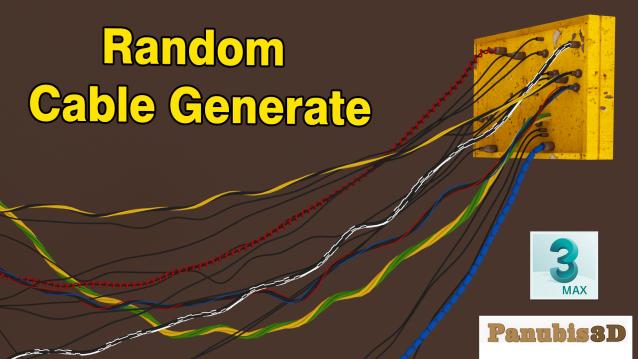
Random Cable Generate Script for 3DsMax

1 vote

Random Cable Generate

Face-to-Face Cable Generate

Between 2 targets

  • Main Cable
  • Cable Connect
  • 5 different Cable Type
  • 5 different Cable
  • Head Type
  • Warped Cable

3dsmax 2019 - 2023

Notes modifier

6 votes

A modifier that does nothing to the object but just holds a piece of text with it.
Think 'post-it notes'.

splineToMXS

10 votes

"This script allows to convert any selected Spline object(s) to MAXScript code that will recreate them.

SpringLink

3 votes

Lets the user link rigid objects to a hierarchy using Spring (Flex-based) Links.

PureShot

21 votes

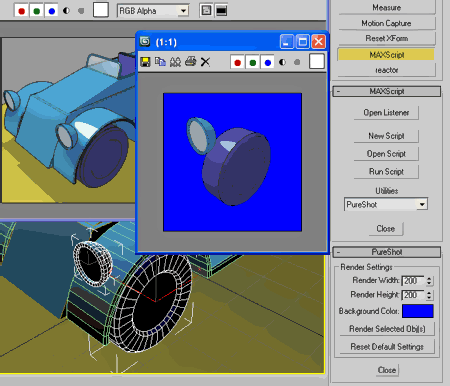
Quick render selected object(s) on pure background color
without mess renderer settings & while keep last rendered VFB intact.

PureShot

MCG Icicles

1 vote

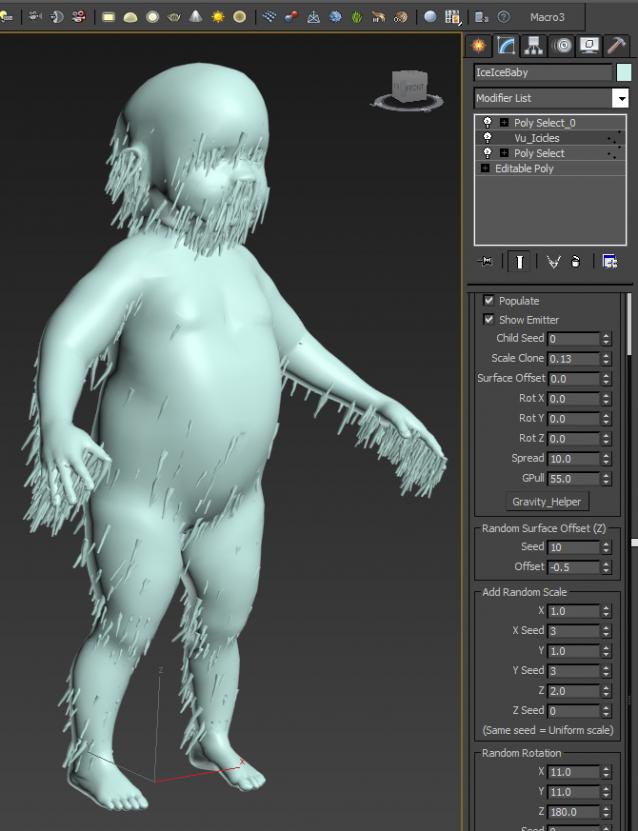
This is a variant of the the CloneOnVerts but will affect only faces/verts that are facing somewhat down. It is quite rudimentary and due to performance issues with MCG right now...it remains...rudimentary. However, I see this is just a stepping stone for later on...

zsLightingTools

3 votes

A little lighting-helper...

- rollout "On/Off"

  • MULTIPLIER: set the global multiplier to apply with the buttons below
  • ISOLATE: turn selected lights on, all others off
  • ON / OFF: turn selected/all lights on/off
  • SET MULTIPLIER: apply the global multiplier to the current values of selected/all lights

- rollout "Properties"

Syndicate content