3ds Max | All

Scripted Geometry

0 votes

The actual script is a developed version of the one that you can find in the maxscript help file, Practical Examples: "Create Scripted Geometry Plug-in"

this one has two additional features:

1-it has a height property for the inner part
2-it has a limit property that you can use to limit the radial creation between 0 and 180 degrees

note: after installing you can go to create panel, geometry, standard primitives

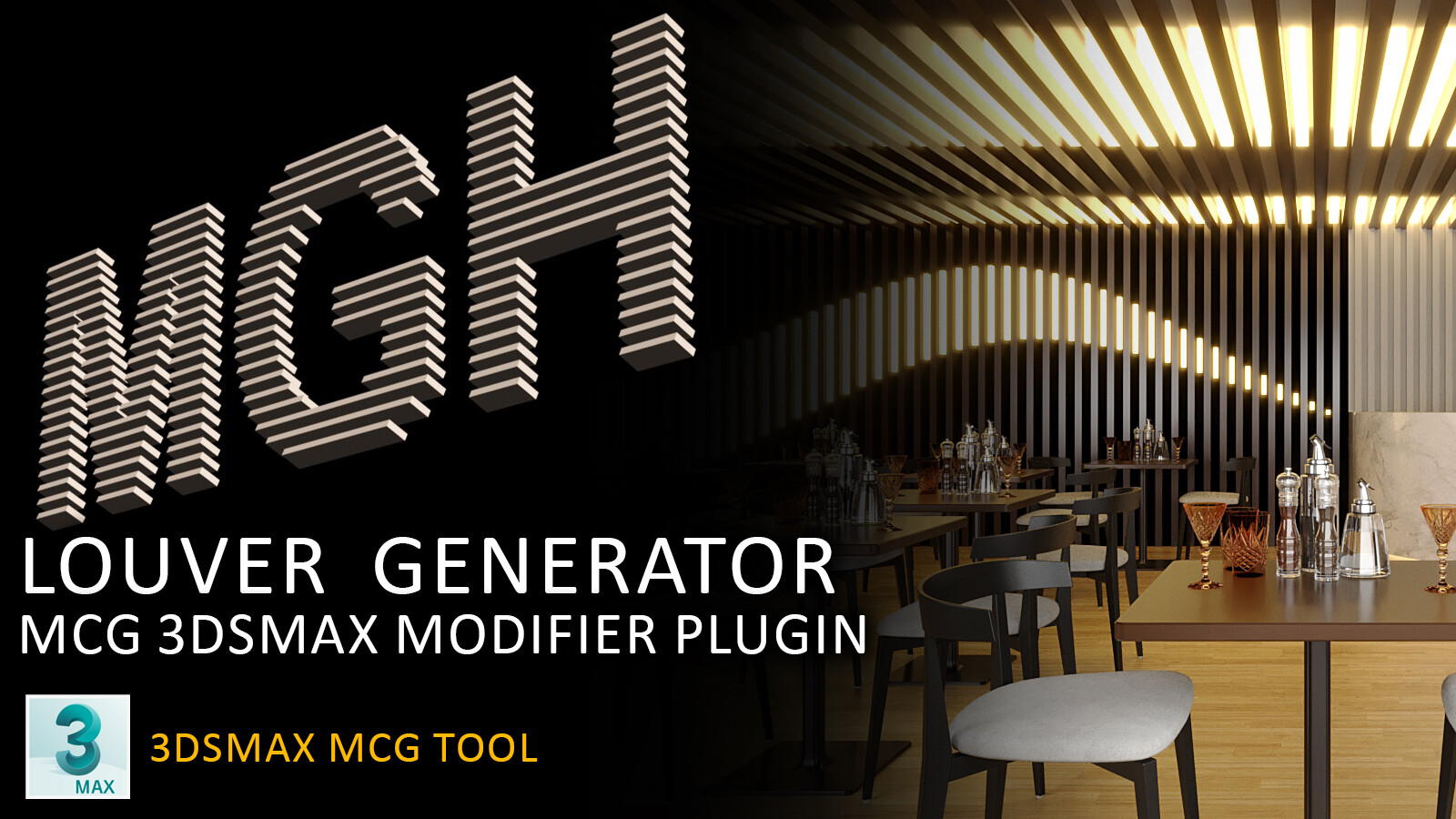
louver generator

3 votes

this is a free tool that can be a good time saver for your modeling workflow

for installation go to 3dsmax menu > Scripting> Install Max Creation Graph (.mcg) Package > select MGH louver generator_v0.0.325.mcg file then "MGH louver generator" will be available in your modifier list

try to use the last version of program (native version: 2022)

ID Birlestirici (ID Combiner)

0 votes

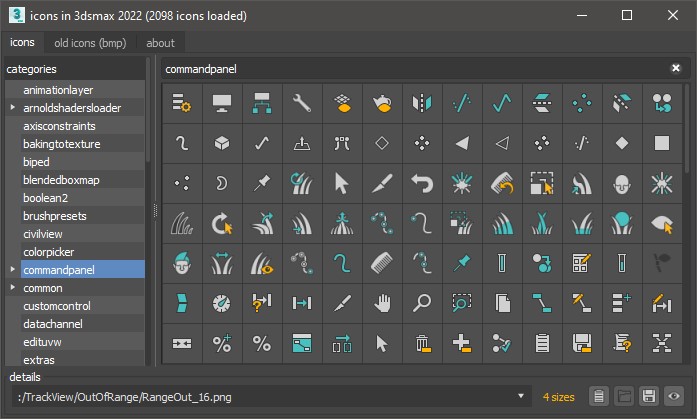
icon viewer

8 votes

tool to view all icons in 3ds max

Import 3DS Sequence

3 votes

Imports a set of sequentially numbered 3DS files - creating an animated mesh in MAX.

Fix wiring

2 votes

simple Scipt for manage wiring
--detect wiring on selection and open wiring dialogs
--detect broken wiring .
--detect wiring between 2 objects
--fast wiring between 2 objects

issues:
max only limit wiring dialogs to 7 only.

try it and have fun :)

Skin Radius Fix

7 votes

A simple little one that sets the inner and outer radius of a skin envelope to a fixed size. Easier than doing it by hand if you've a lot of bones.

UVW to Editable Splines

15 votes

Just a simple script that duplicates what you see in UVW editor in to Max viewport (editable Spline), usefull for ai exports for example.

LoftSnapShot

5 votes

Creates a Section Shape along the Loft Path and lets you snapshot any number of spline cross-sections. The Loft must be created using the Path->Shape method.

TronoTools: Out Of Range Type Handler

1 vote

Quick tool for handling Out of Range Type animation.

This tool lets you select multiple objects of all kinds and set or disable their out of range type (ORT). You can select to only affect the position, rotation, scale or modifier/custom attribute tracks as you want. If you need support for materials or similar the code should be easy to read and modifiy for any coder. Or just let me know and I might implement it ;)

Syndicate content