3ds Max | All

xNormal remote control

2 votes

With script acts as a remote control for xNormal from 3ds Max. You can bake a a maps from models in Max with xNormal without leaving the program.

Currently this script does not support all options of xNormal, but you can bake the most important maps. The script will copy the generated maps into the same folder where your current Max file is located.

Installation:
- Copy the files into your Maxscript-startup folder
- change line 54 to the path of your xNormal installation
- restart Max
- you can find the script in "Customize User Interface" under "Candygun / xNormal"

Usage:

Clever Move

3 votes

This script cycles through the coordinate system of the move tool. Press once for 'View' - again for 'Local' and once more for 'Parent'. Each press advances a coordinate system. Best when mapped to the 'W' key - replacing the standard 'Move' Tool.

Camera Map/Render calculator

3 votes

"This helps you calculate the settings for camera. and ouput size changes. (For when you need an exact pixel match.) It is assumed that you want to match the output of the two cameras. In PhotoShop. use 'canvas size' to expand or crop an image. Keep centered."

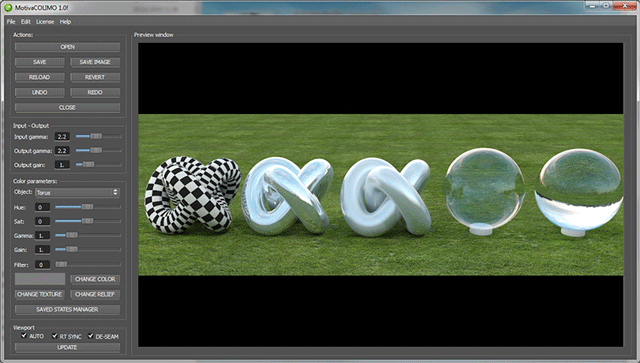
Motiva COLIMO 1.0! for windows now shipping with the beta price until Dec. 25

28 votes

I'm glad to announce that COLIMO 1.0! RC1 (finished but manual still needs a review) has been released.

Thanks to all the Luxology staff is a must since they kindly have help us to bring this app to Modo 501 using the new SDK.

The current price 79€ will be kept until Christmas day. In that date the final 1.0! will be released and the price will be raised to 139€. We've delay this release date to offer the modo 501 customers the change of get it at beta price for some days.

ShellBake: Set Up Shells for Baking VRay Lightmaps

2 votes

To transfer maps from one type of material to another after a bake for game exporters that primarily look for Standard materials.

This is currently limited to just the diffuse map.

To use: Run the Macroscript and add ShellBake to a toolbar from the category: #_SP_BakeScripts

Scene Bracket

13 votes

SceneBracket simply allows you to set up a pair of frame tags that store the current time frame you are working in. If you need to move the timeslider range to see some other animation keys, you simply press the set button to return to the stored range. This is an invaluable time saver in animation production as ranges change for each shot in a length of scene audio.

Restore Imported Objects Wirecolor

1 vote

A little fix code for imported objects from AutoCAD. Inspired by this post
http://jamiecardoso-mentalray.blogspot.co.uk/2013/04/correcting-viewport... by Jamie Cardoso

Brake

7 votes

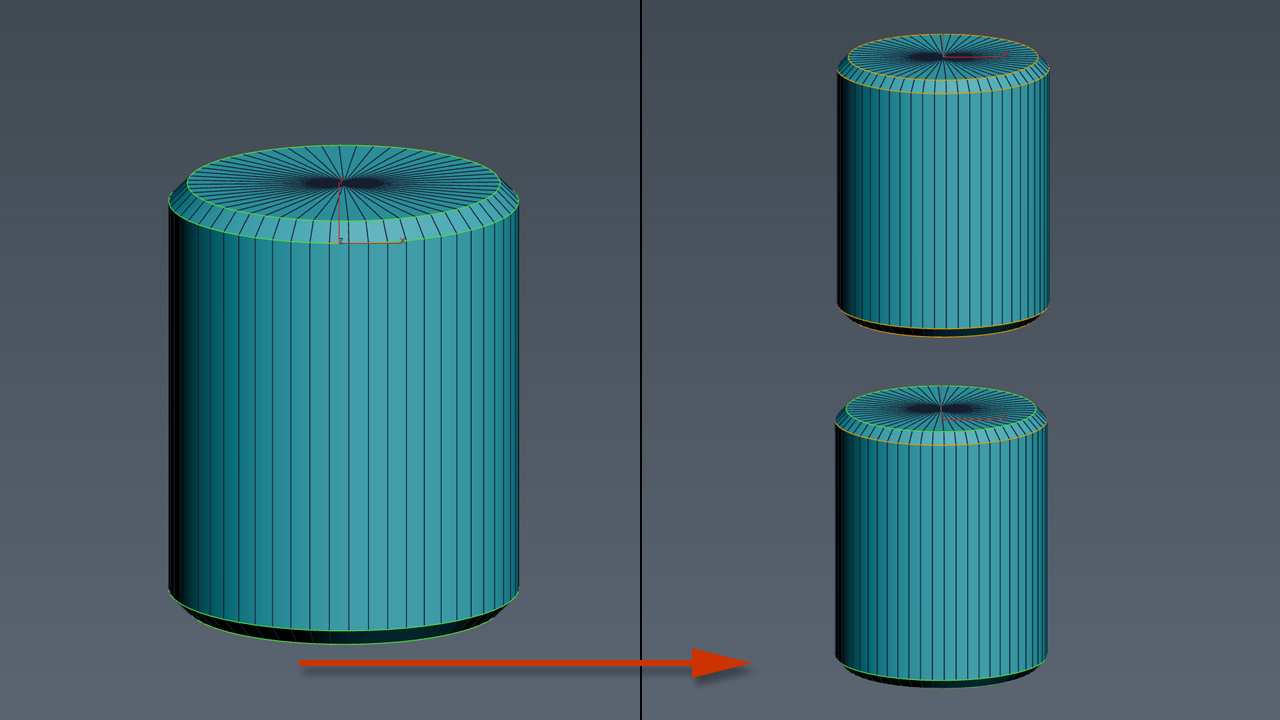
A script for 'breaking' edges. Work only on editable poly. Select some edges end then push the brake button. It will make some holes on the edges. There are options to define the min and max range for the random function for the depth and the base of the holes and the position of the hole on the edge.

Hard Edges Selection (maxscript pack)

2 votes


Hard Edges Selection maxscript pack is couple of maxscript which allows select Hard Edges in Editable Poly object or in Edit Poly modifier in 3ds Max. Hard edges – this is edges between smoothing groups. You can see it if you check Display Hard Edges parameter in Editable/Edit Poly.
Script pack contains scripts:

MCG StoreMorphs

2 votes

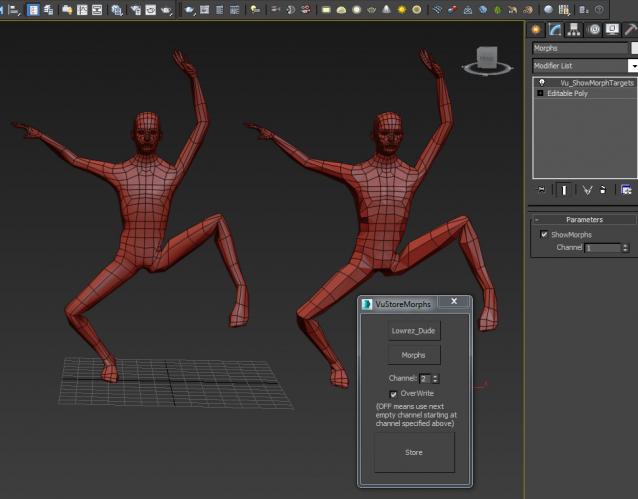
I honestly don't know how useful this is going to be...but someone might find a use for it. This MCG/script stores the topology of your object in the UV channels of a copy of said object..ie. morph targets. It is a bit clunky as I have to use maxscript to force the MCG to take effect immediately (ie. collapsing the MCG modifier). The only realistic use I see for this is doing a bunch of facial morphs...storing them, then later go back and pick the best few out of them.

Syndicate content