3ds Max | All

Video Tutorials Photo Studio Pro V6+

0 votes

Hi Guys + Girls,

Videotutorials: http://www.infinity-vision.de/software/photo-studio/video-tutorials/

Photo Studio Pro V6+ Video Tutorial: "Beginn Part I".
My english is poor, so is this video without sound. I hope it help to understand the first steps: "create a dataset", "realtime exposure" etc..

miauu's Tab Panel

1 vote


miauu's Tab Panel allows you to organize all of your toolbars into tabs.

What you can do:

Bulk Edit lighting and material script

1 vote

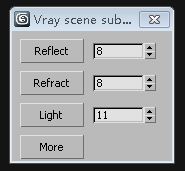
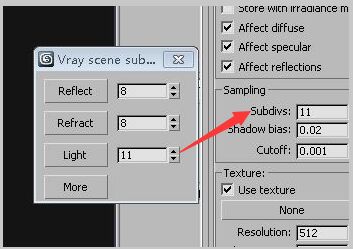
Vray scene subdivs settings2

Vray scene subdivs settings

Instructions:

Create_Point_at_Midpoint_of_Ray_Through_Object.ms

9 votes

Use this script to pick a point on the surface of a mesh then place a point helper at the halfway point between the point you pick and the back of the mesh.

Particle Flow Auto Cache

0 votes

Script to make a cache automatically on all PFlow systems

Facial Motion Capture Stabilizer

6 votes

The script stabilizes (moves transformation information of the head from) facial motion capture points.
Run the script.
Select at least three points in the forehead.
Select all the points except reference (parent) point of the data.
That's all.

VrayOverScan

0 votes

Ever had to change your renderwidth but keep the same renderheight?
When changing only the with you know everything changes.

What if this wasn't necessary true?

Now you can change your renderwidth only without changing everything else!

AND THAT IN YOUR VRAYPHYSICAL CAMERA!

Methode based on a post by peter guthry (based on a methode by VisualEyesMedia)

Just drag and drop in your viewport and work your magic...

MCG BlastSphereMe

1 vote

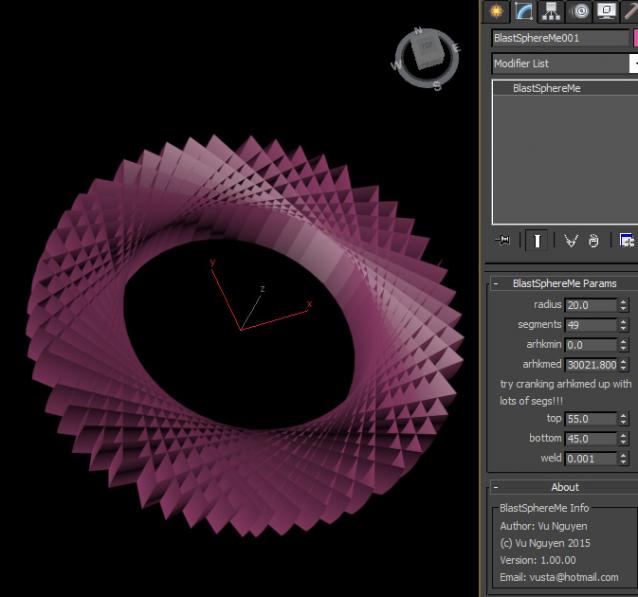
These are a few mods to the building blocks of MCG Sample Pack for noobs learning, poking around.

I made these mods because the supplied utils create lots of unwelded geometries and if you use these as the building blocks for bigger and better things...well you'd want them done right in the first place (please, I'm not trying to piss anyone at AD off...just learning/poking and helping out).

Snap Tools

1 vote

"Adds 2 actions to the customize menu so you can bind them to a key or put them in a quad:

  • Cycle snap mode (skips 2D by default - can be adjusted)
  • Open Snaps dialog
  • "

    sc_ToggleSnaps

    4 votes

    Toggles through different snap modes.

    Syndicate content