3ds Max | All

RGB Split

6 votes

"In Photoshop same effect could be achieved after moving channels separately with move tool - but in 3ds max You don't have move tool - don't You.
Example Images: Before - After"

LightUtilities

7 votes

"A whole bunch of useful utilities relating to lights - including a lightboy type floater - utilities for turning your scene lights on and off en masse - removing unnecesary attenuation range clutter - and a viewer to let you view the influence of a particular light.

RemoveModifier

5 votes

Any selected objects will have their modifier stacks checked - and any modifier that you specify in there will be deleted. Current Modifers: Meshsmooth - UVW Mapping - Bend and extrude.

Inheritance_Scale_X_On.ms

9 votes

Enable X Scale Inheritance for the selected objects

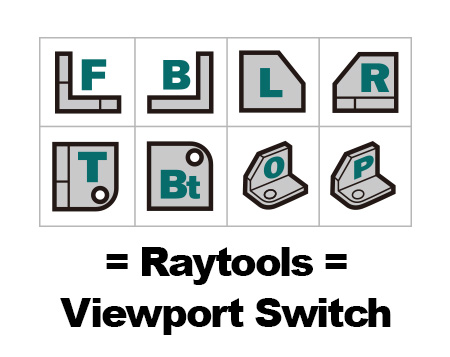
[Raytools] Viewport switch

2 votes

I am a UG user When I changing viewport in 3Ds Max is not very convenient. It made me remind UG viewport function. So I made this.

Installation and user guide video for China user:

https://v.youku.com/v_show/id_XNDE2OTQ5MDM4OA==.html?spm=a2hzp.8244740.0.0

AnimViz

3 votes

Creates snapshots over a given time of the selected object. Similiar to the Snapshot Function in max - but a little bit handier ;) Great for getting an overall view of your animation

KillMaterial

3 votes

Simply removes all materials from your selected objects.

materialSelected

8 votes

This script will bring up the material editor - with ALL selected objects material placed in it for you. Just select your objects - and run. The material defaults to gray defaults first. If no objects are selected then the material editor is reset to defaults.

MorpherMan

3 votes

Util for keying and adjusting morpher animations - as well as copying morpher animation from one morpher to another. Updated to allow for better 3ds max 4 support

XRefUpdate

6 votes

Refreshes scene xrefs.

Syndicate content