3ds Max | All

Pick'N'Put

6 votes

Browse images and assign directly to objects as textures (a la DUP's Drag&Drop)

Toggle_ShowFrozenInGray.ms

7 votes

Toggle ShowFrozenInGray for selected object(s) on/off

3DS Max - RailClone - How To Distribute groups

0 votes

In this tutorial, we will learn how to distribute groups using RailClone.
I'm using RailClone 5.2.8, and this tip here will not work in the old versions like the 3 series.

FigModeHotKey_Setup.ms

3 votes

This script is to change the registered biped for the FigModeHotKey_Toggle script.

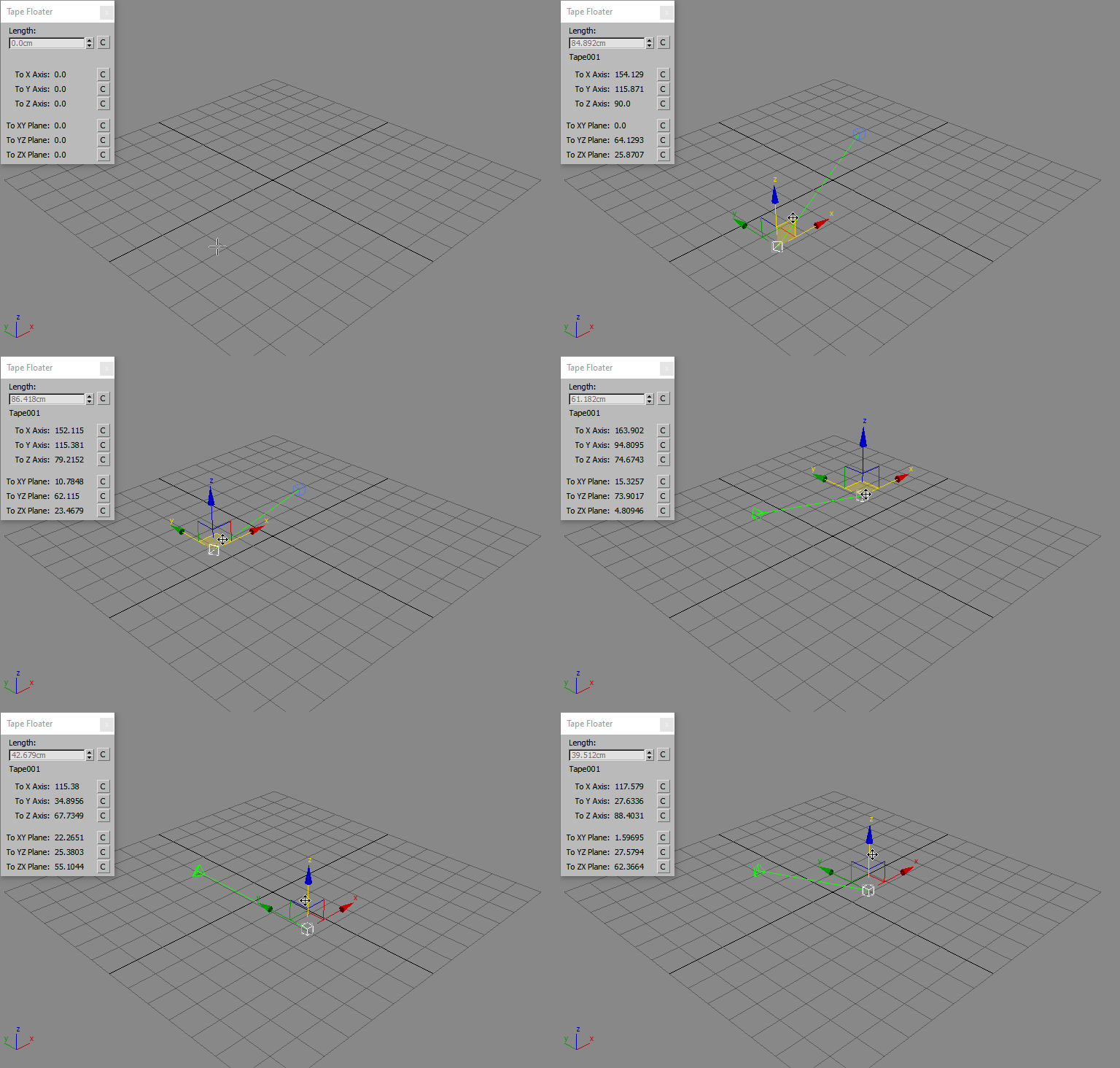
Tape Floater

3 votes

Tape Floater is a Free Script that creates a floater window for the 3ds Max Tape Measures Helper and displays the updated values while you drag either the tape object or the target.

TrackviewReady

6 votes

Similar to Trackview selected - except also only shows animated tracks and it's already unrolled.

Obj Sketch

3 votes

Draw directly onto the texture of an object in the view port. Unfortunately the refreshing of a max texture is Painfully slow - so it's only real use is to roughly mark out areas on a mesh.

UI_ZoomSelected_To_Front_View.ms

2 votes

Use this script to switch to the Front view then zoom to the selected objects

GLB2OBJ

2 votes

This is a small application to convert glb to obj
extract the zip file anywhere. launch glb2obj.exe file, choose one or multiple files ,then an output folder and press "Convert Files".
to import objs into 3dsmax you should use my script "ImportObj" http://www.scriptspot.com/3ds-max/scripts/importobj ,It will import PBR materials and handle multiple parts objects.

Update 1.1: Added glTF support,a better texture file naming for PBR textures,and a new UI.

Decrease_SoftSelectFalloff_1.ms

4 votes

This script will decrease the falloff for the soft selection by 1.0

Syndicate content