3ds Max | All

QuickMaterial

2 votes

Just a quick 1 button solution for getting some commonly used materials (well - material I use commonly) without the need for a default material library - like an all black material - all white - face mapped smoke - etc.

3DS Max - Spline Chamfer Modifier

0 votes

When you add fillets and chamfers to your 2D shapes, then add modifiers and start modeling, if suddenly you decide to adjust these fillets and chamfers it will be a problem. In this video, we will learn how to keep things parametric by using the Spline Chamfer modifier. This modifier also works on Sub-Object selections as you will see in this video. You will learn all the modifier's parameters.

LockUnlock_Position_Lock_Z_Toggle.ms

4 votes

Toggle Z Position Lock for the selected objects

UI_Align_Rotation_XZ.ms

4 votes

Align Position Rotation and Scale of selection to target from Center to Center

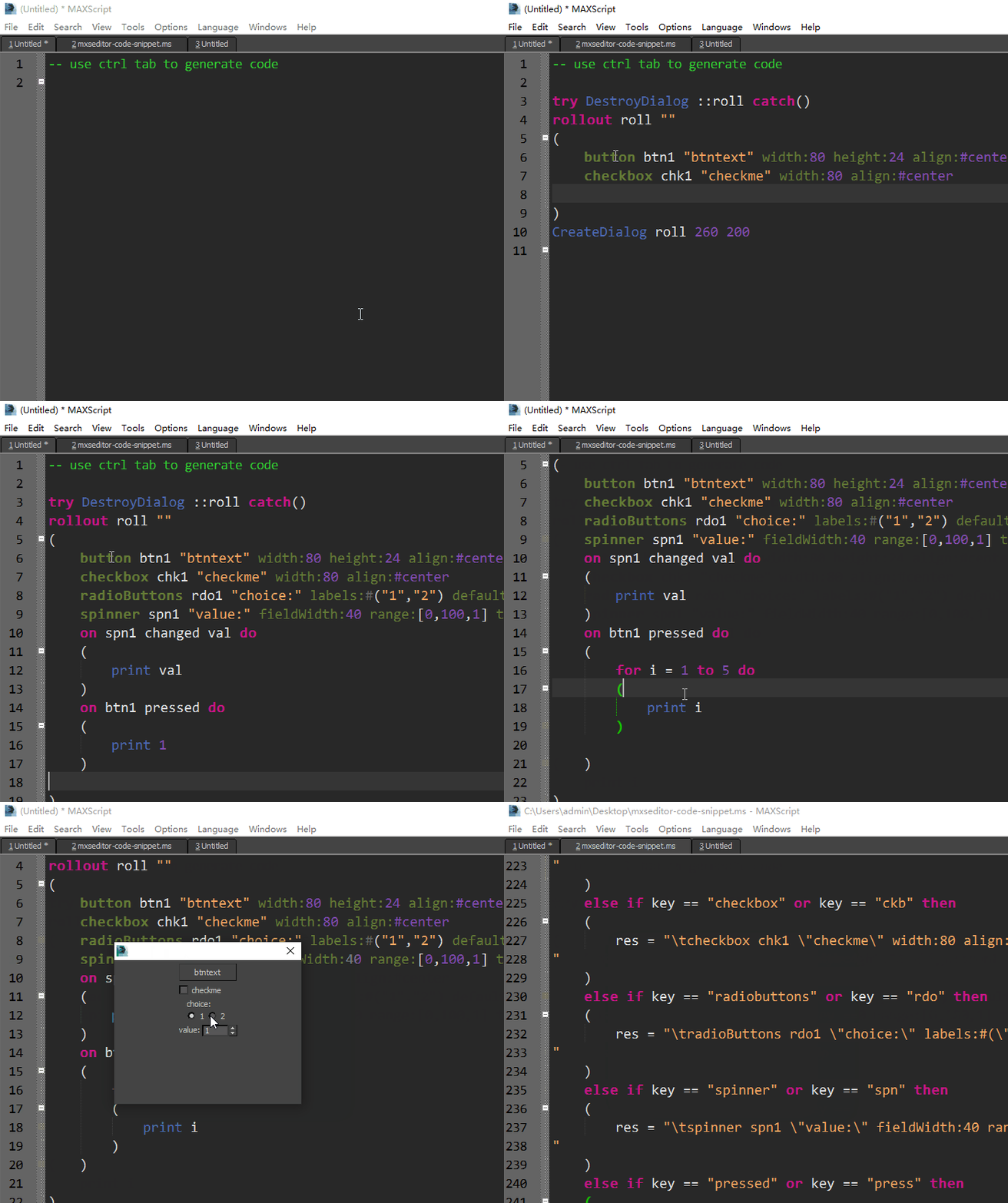
mxseditor code snippet generator

2 votes

I am very happy to use the tab-tab function of Visual Studio
So I used mxseditor_calltips and mxseditor to make a code snippet generator

UI_Align_Position_XZ_Choose_Type.ms

6 votes

Align Position Rotation and Scale of selection to target from Center to Center

3DS Max - [Quick Tip] - Relocate The Pivot Point Without The Hierarchy Panel

0 votes

In this quick tip tutorial, we will learn how to change the position of the pivot point without going to the Hierarchy Panel.

Object_Collapse_To_Poly_At_Origin.ms

0 votes

This script is based on a script by Remi McGill from Blur Studio.This version will preserve all the states of the original object.

SquareTextureCheck

1 vote

Checks all materials in the scene and reports any that do not have square textures(to the power of 2).

LockUnlock_Position_Z_UnLock.ms

1 vote

Disable Z Position Lock for the selected objects

Syndicate content